AppRecs review analysis
AppRecs rating 5.0. Trustworthiness 0 out of 100. Review manipulation risk 0 out of 100. Based on a review sample analyzed.
★★★★★
5.0
AppRecs Rating
Ratings breakdown
5 star
100%
4 star
0%
3 star
0%
2 star
0%
1 star
0%
What to know
✓
High user satisfaction
100% of sampled ratings are 5 stars
About Chronographer
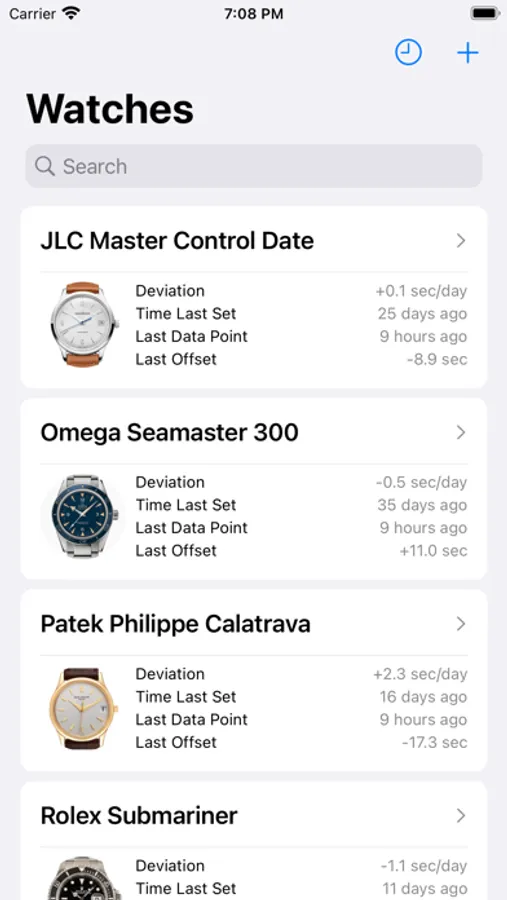
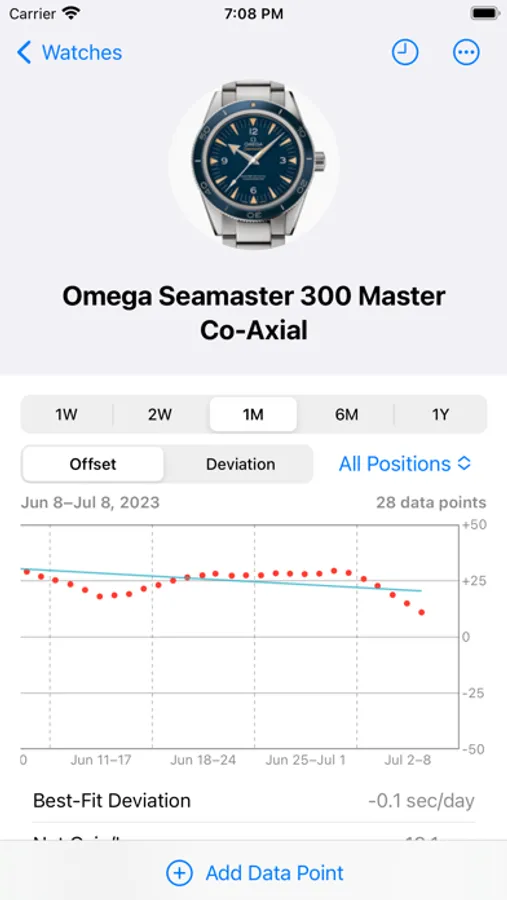
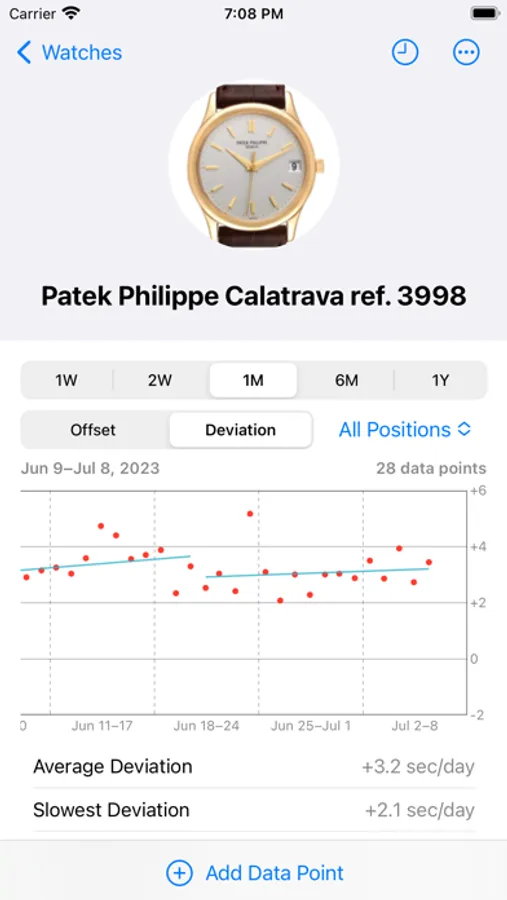
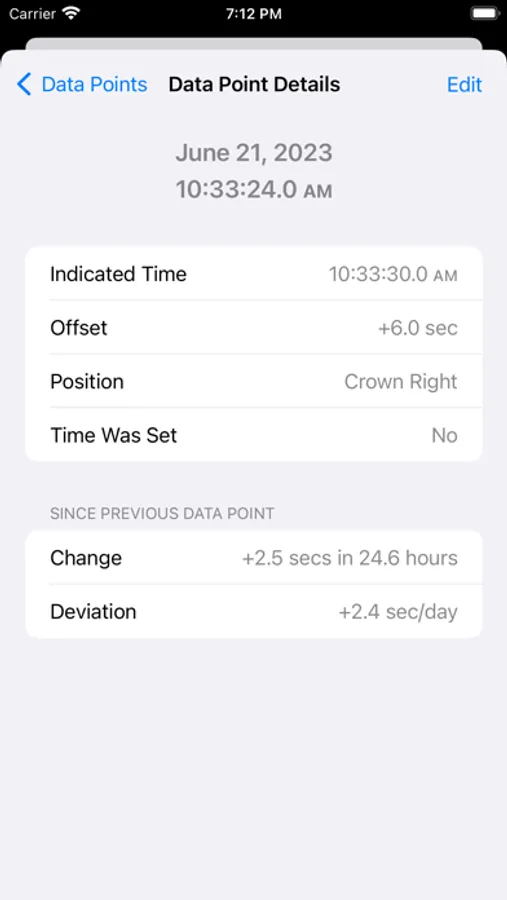
Use Chronographer to periodically collect data points comparing a watch’s time to the current correct time. Chronographer stores this information and uses it to create charts that help you visualize your watches’ performance over time. It also calculates detailed metrics about each watch’s overall accuracy. Chronographer tracks offsets (the difference from the correct time) and deviation (how many seconds a watch gains or loses per day). Graphs show individual data points and best-fit trend lines over timespans ranging from a week to a year. Histograms provide insight into how various offset and deviation values are distributed.
Chronographer calculates the following metrics:
• Average Offset
• Max. Positive Offset
• Max. Negative Offset
• Last Offset
• Net Gain/Loss
• Best-Fit Deviation
• Average Deviation
• Fastest Deviation
• Slowest Deviation
• Last Deviation
• Deviation Variance
• Best-Fit Deviation Drift
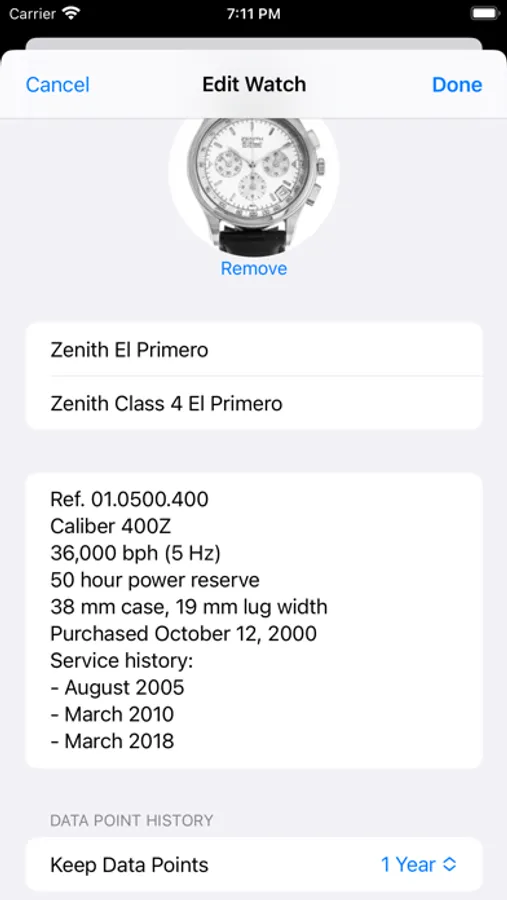
Chronographer can store information about your whole watch collection. Give each watch a name and, optionally, a longer description. You can select a picture from your Photos library and add additional notes, such as the watch’s specifications, purchase details, and service history. All information can be stored in iCloud and automatically synchronized between your devices.
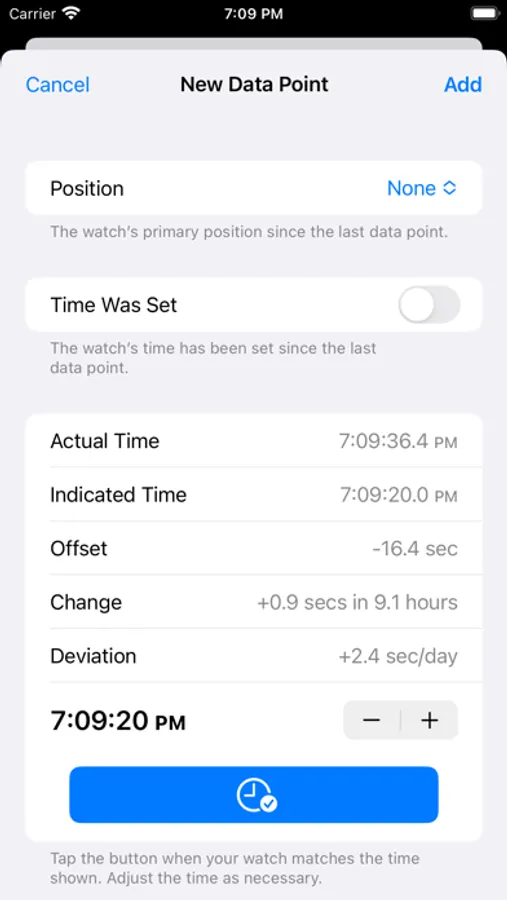
You can use Chronographer to track positional variation. Whenever you record a data point, you can include the position (dial up, crown up, etc.) that the watch was stored in. Then, you can restrict the charts and metrics to specific positions and compare the results.
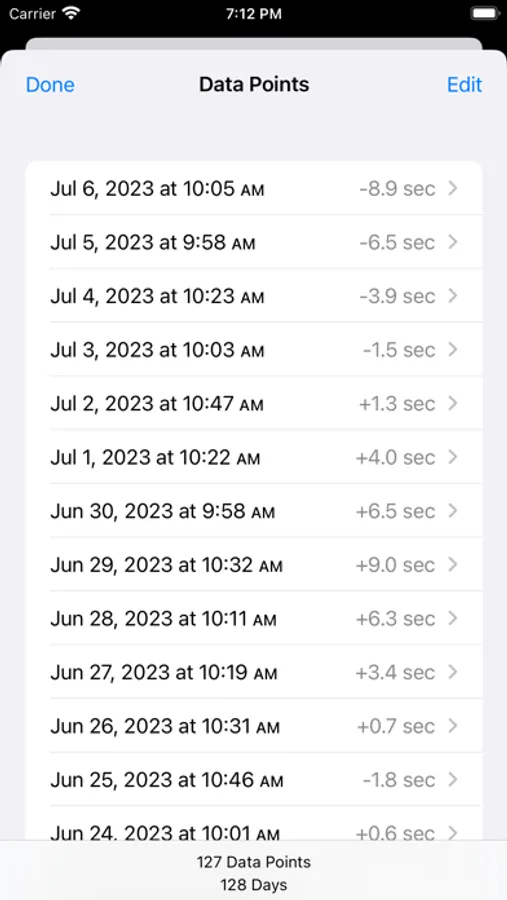
For best results, collect a data point for each of your watches every day or two.
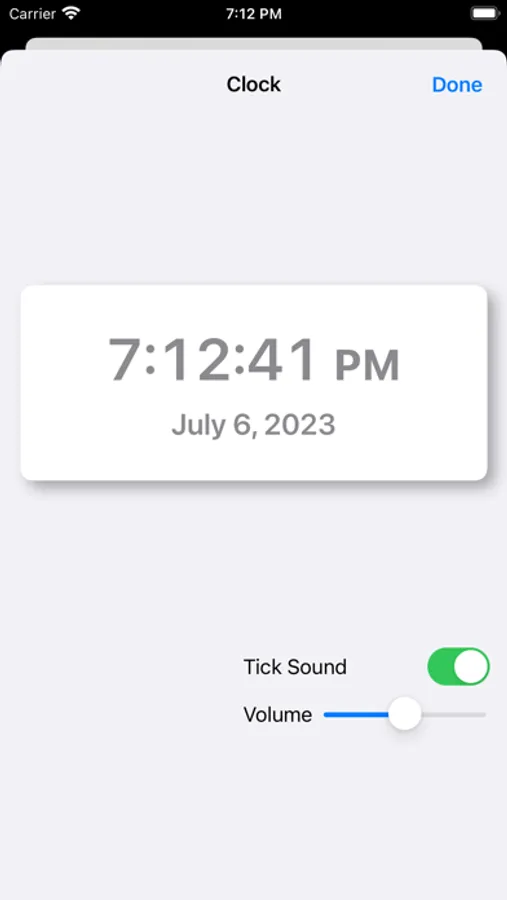
Chronographer includes a large digital clock to help when you set your watches.
You can export your watch data to local storage or to iCloud Drive. This is useful for backups and to share your data.
For more information, including a detailed user’s guide, see https://www.rmfrance.net/chronographer
Chronographer Screenshots
Tap to Rate:
Reviews for Chronographer
/\ndroid's 8etter
Very handy app
This app excels at two things: 1. Tracking the offset / accuracy of your mechanical watch, 2. Helping you to easily set your watch. As far as tracking the accuracy of your watch, I really like the ‘time was set’ option so that you don’t have to start a new timing run just because you update the time of the watch. As for setting the time, I really like the atomic clock with the loud ticks and beep at the top of the minute, and find it to be a very thoughtful feature. I recently regulated my Seiko automatic watch using TG, and it's very satisfying to be able to see the fruits of my effort using this app. Big thanks to the developer.