AppRecs review analysis
AppRecs rating 2.1. Trustworthiness 65 out of 100. Review manipulation risk 28 out of 100. Based on a review sample analyzed.
★★☆☆☆
2.1
AppRecs Rating
Ratings breakdown
5 star
25%
4 star
0%
3 star
0%
2 star
13%
1 star
63%
What to know
✓
Low review manipulation risk
28% review manipulation risk
⚠
Mixed user feedback
Average 2.1★ rating suggests room for improvement
About ClassWiz Calc App QR
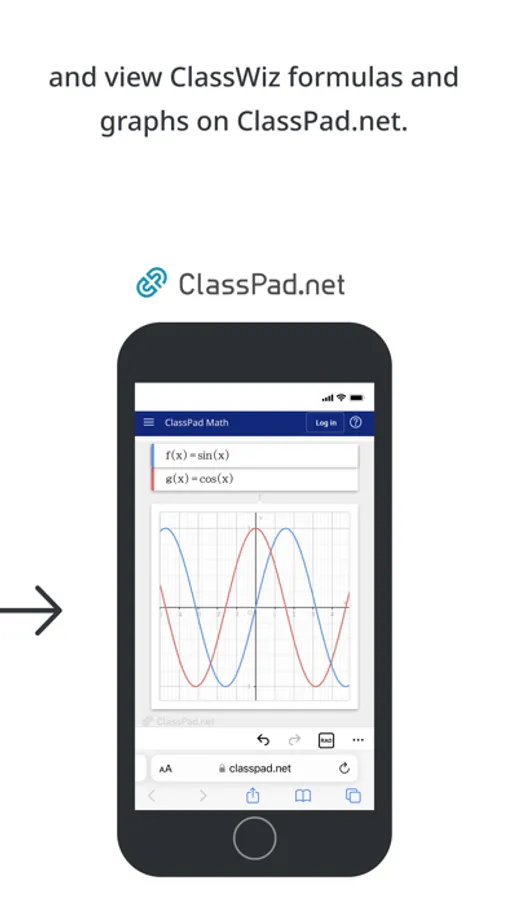
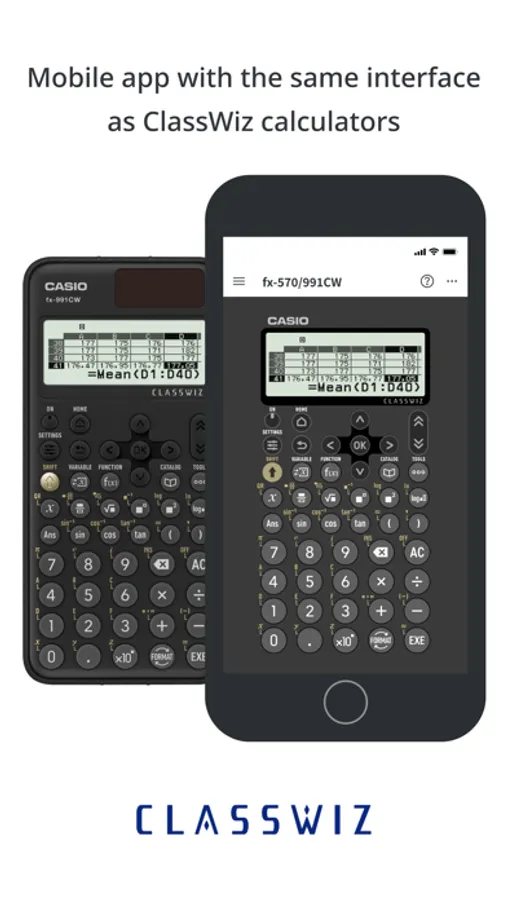
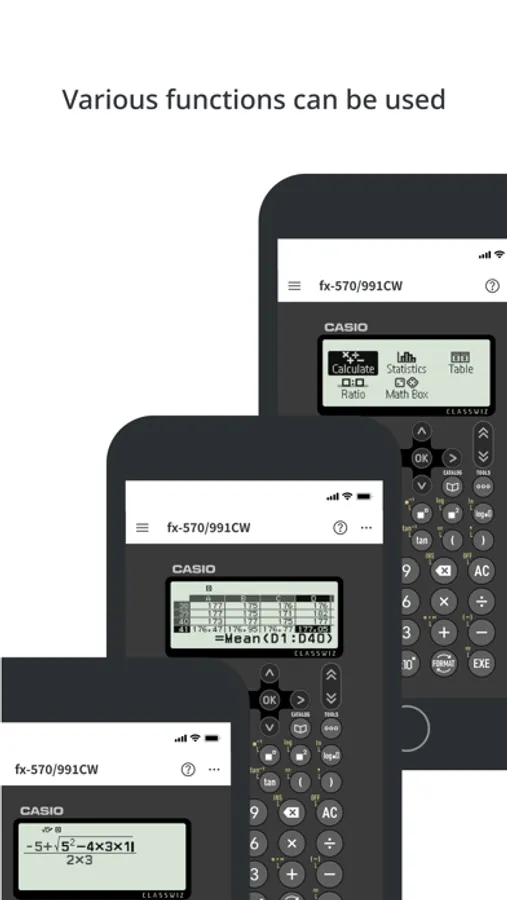
Users can use a wide range of ClassWiz functions with ease, including statistical calculations, spreadsheets, matrix calculations and graph display through connectivity with Casio's ClassPad.net online service.
■ Various calculations can be performed.
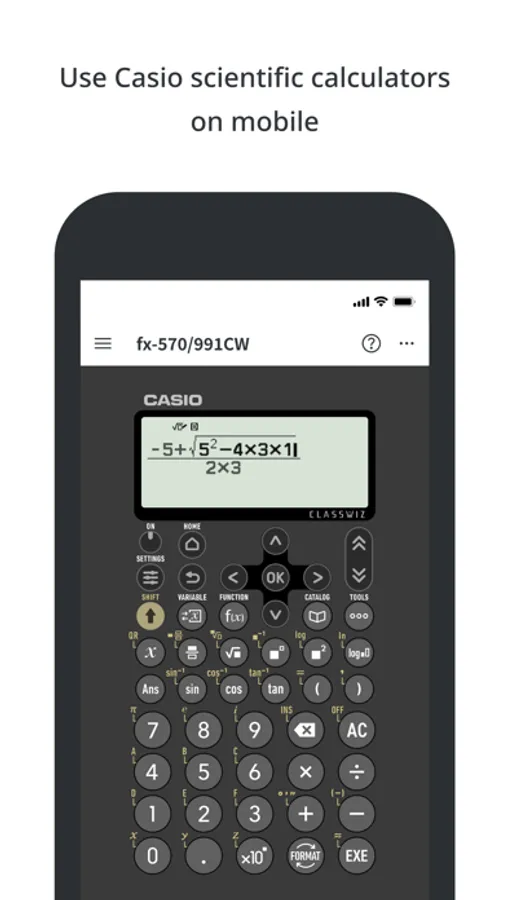
Fractions, trigonometric functions, logarithmic functions and other calculations can be performed simply by inputting as shown in the textbook.
Statistical calculations, spreadsheets and matrix calculations can be operated using the intuitive UI.
■ Works just like a physical product
The app is operated in the same way as Casio’s physical ClassWiz scientific calculators.
■ ClassWiz QR code reading function for connectivity to online services
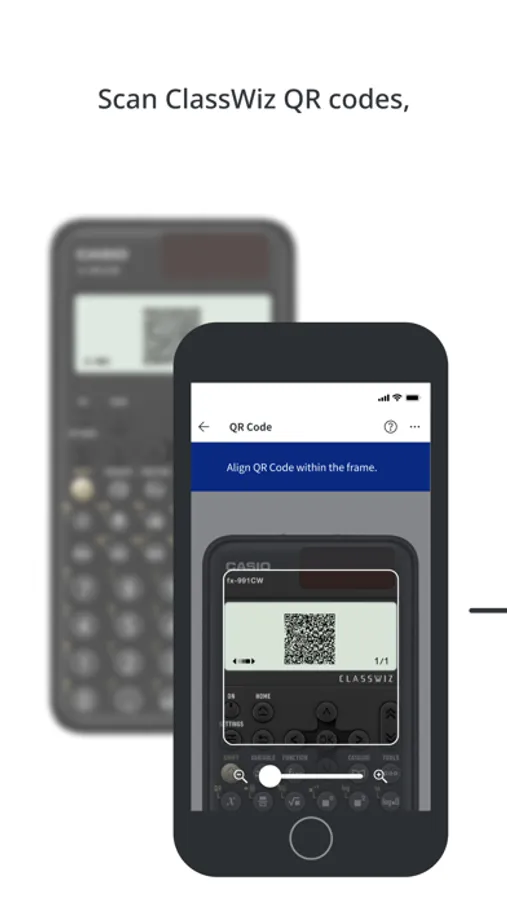
Users can scan the QR code on a physical ClassWiz scientific calculator to display ClassWiz formulas and graphs through Casio's online service ClassPad.net and to access online instruction manuals.
■ Available models:
fx-570/fx-991CW
fx-82/fx-85/fx-350CW
fx-570/fx-991EX
fx-82/fx-350EX
fx-570/fx-991AR X
See the website for details.
https://edu.casio.com/app/classwiz/license_qr/en
● Note
The following operating system (OS) versions are recommended when using the ClassWiz Calc App QR.
Correct operation cannot be guaranteed with OS versions other than those listed below.
Supported OS versions:
iOS 15 or later
Supported languages
English
*1 Even when used with a supported OS version, there may be cases in which the app does not function or display correctly due to factors such as device software updates or device display specifications.
*2 The ClassWiz Calc App QR is intended for use on iPhones and iPads.
*3 Correct operation cannot be guaranteed on other devices, including feature phones (flip phones).
*4 QR Code is a registered trademark of DENSO WAVE INCORPORATED in Japan and in other countries.
ClassWiz Calc App QR Screenshots

Tap to Rate:
Reviews for ClassWiz Calc App QR
Samus1202
No me deja ingresar mi licencia
Yo tengo una licencia y no puedo utilizar las herramientas de la aplicación por que no me da la opción de ingresar licencia, cuando toco alguna función solo dice “adquiera una licencia” la cuál ya tengo pero desde la interfaz no permite iniciar sesión.
Not sure right now
App crashes
I just got a 991 EX plus ClassWiz calculator. Thing works great. I’ve had a 115 ES plus before so it’s a bit of an upgrade. When I learned about the QR code feature, I immediately wanted to try it. However, when I tried it with this app, it doesn’t work. App just keeps crashing. Over and over. As soon as you click on the QR code button. I hope they fix it soon. I will change my rating if they do.