
AppRecs review analysis
AppRecs rating 4.0. Trustworthiness 77 out of 100. Review manipulation risk 26 out of 100. Based on a review sample analyzed.
★★★★☆
4.0
AppRecs Rating
Ratings breakdown
5 star
58%
4 star
0%
3 star
8%
2 star
8%
1 star
25%
What to know
✓
Low review manipulation risk
26% review manipulation risk
✓
Credible reviews
77% trustworthiness score from analyzed reviews
About Perception: Dashcam Manager
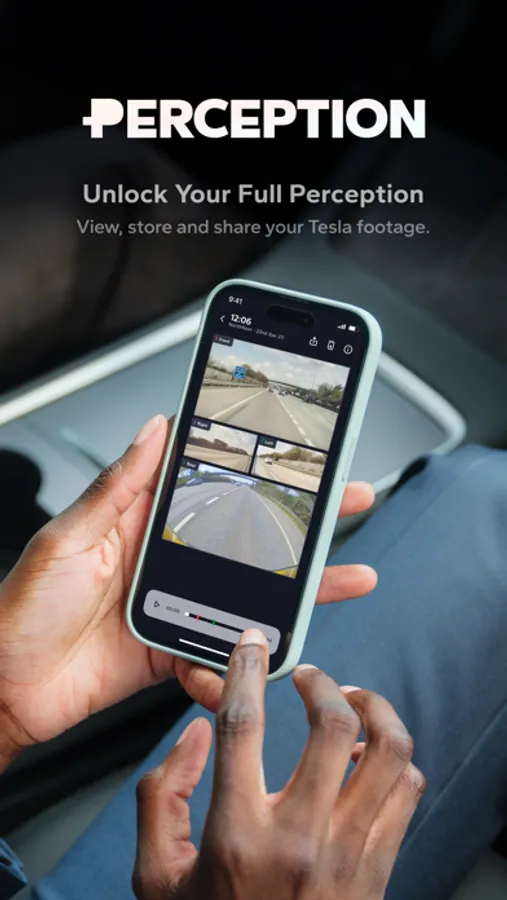
Effortlessly view, manage, trim, and share your TeslaCam & Sentry Mode footage & telemetry. Fast multi-angle playback, powerful tools - and your footage stays on your devices.
Exclusive to Perception:
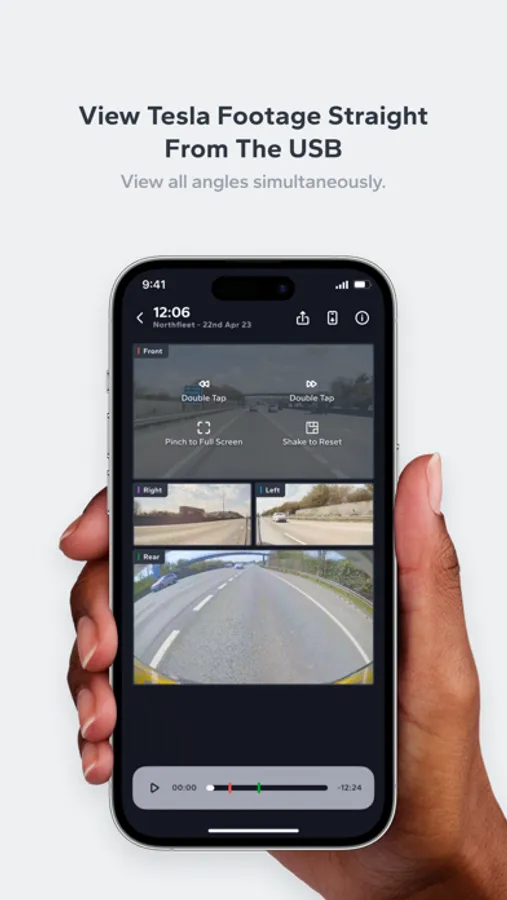
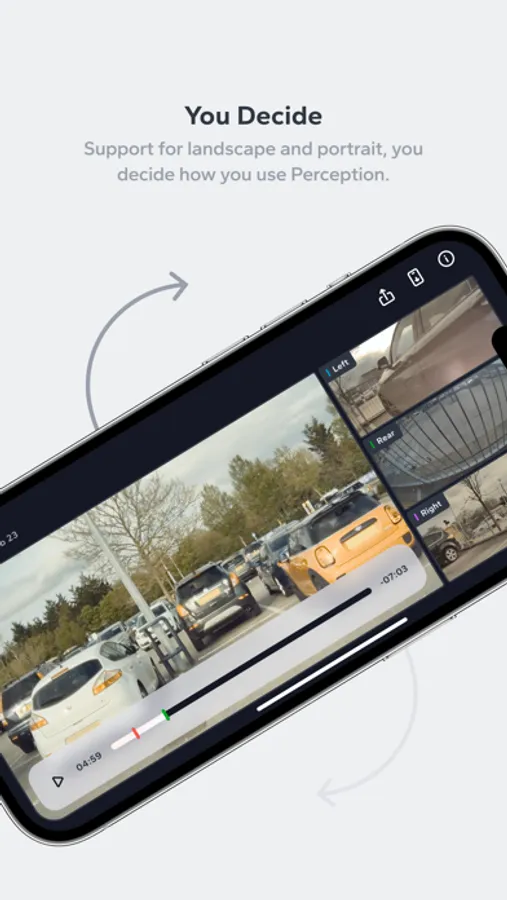
• Watch all angles at the same time with our multi-camera view (including support for B Pillar cameras!)
• View telemetry data from your TeslaCam event - including speed, steering angles, pedal presses, gears & self-driving states
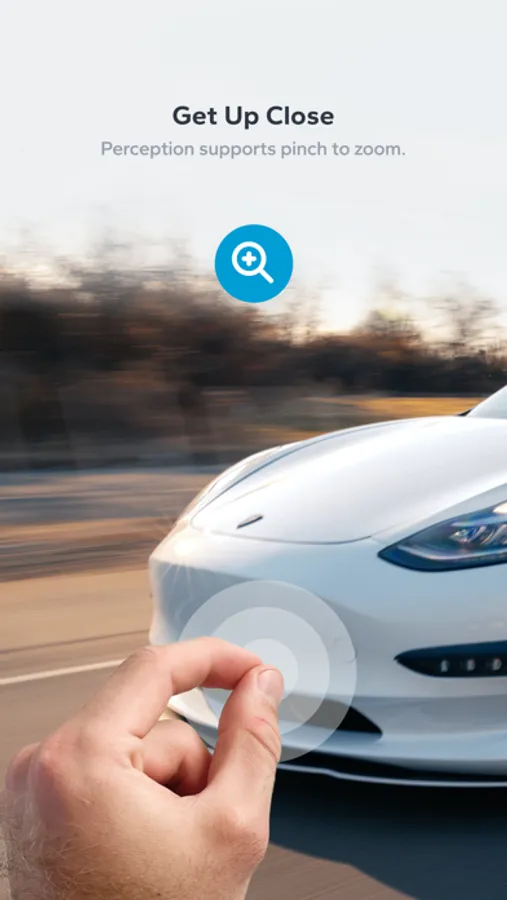
• Edit events with trim and zoom, and manage clips to keep only what matters
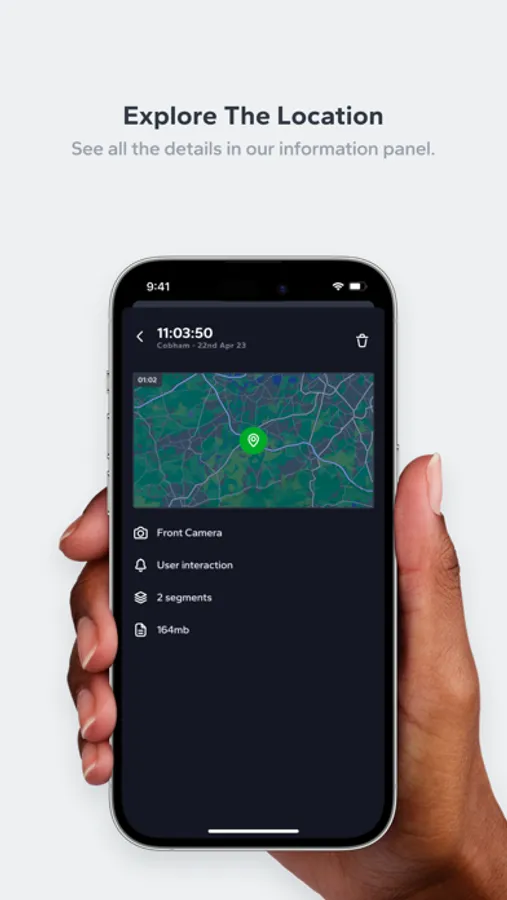
• See where events happened on Perception's World Map
• Seamlessly import any event you want - no need to import the entire drive!
• Search events by location & event type
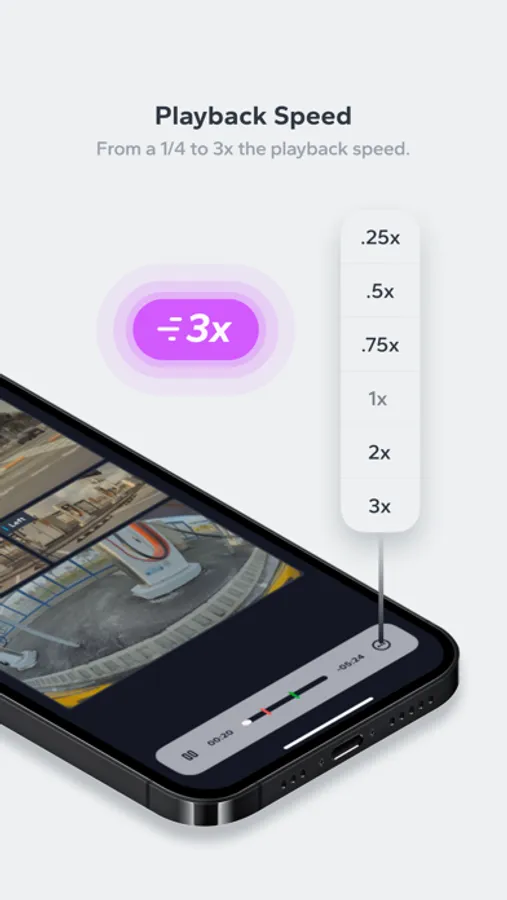
• Scrub smoothly, with 0.25x to 5x playback speeds
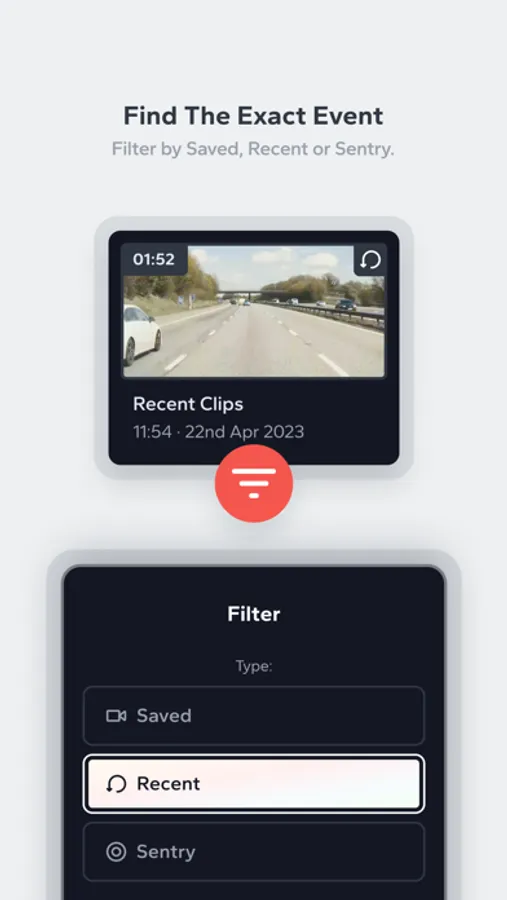
• Easily manage events with intuitive filtering & deletion
• Import from non-USB drive sources - like TeslaUSB, NAS drives & iCloud / other cloud storage sources
Perception’s Promise:
• We offer the highest quality TeslaCam experience on iOS / iPadOS / macOS - you just need your TeslaCam events!
• Your feedback and wishes granted - we prioritise our feature development based on your requests, and we deal with issues quickly
• Your data is yours - we never take your event data, it stays on your devices only
• We keep Perception up-to-date with new TeslaCam functionality, and have made regular updates since 2023.
What Tesla Owners Are Saying:
5* “…Video playback is fast, and the app allows you to switch between different camera angles effortlessly. The ability to quickly scrub through footage and pinpoint specific events saves a lot of time. Additionally, the app supports high-quality video playback and doesn’t compromise on clarity. I also appreciated the option to export clips or save them for later viewing. Key feature is ability to decide resolution for export in grid mode and also able to select the section to crop out…”
Perception Premium - Export & Save:
Try Perception for 14 days for free: no sign-up, no commitment, no purchase required.
Your trial starts automatically when you add your first event.
Premium unlocks:
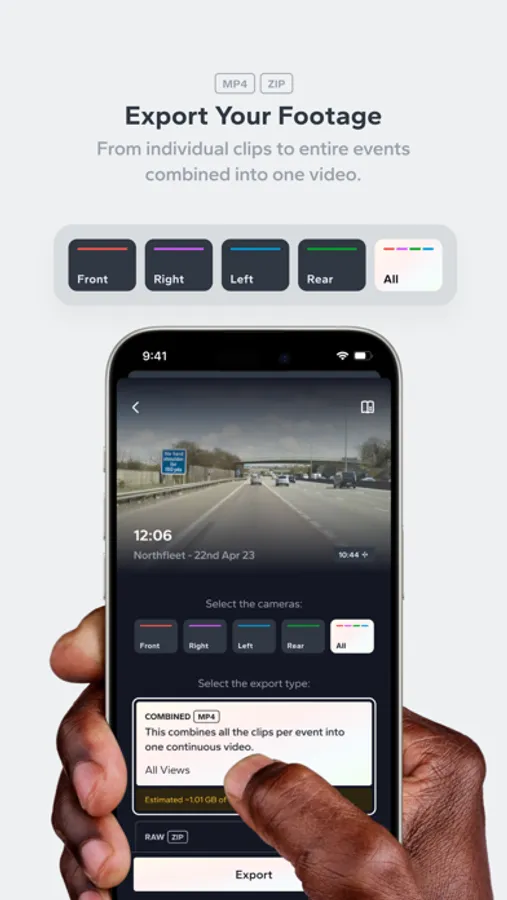
• All export features (including Grid Export, social-friendly formats, and RAW options)
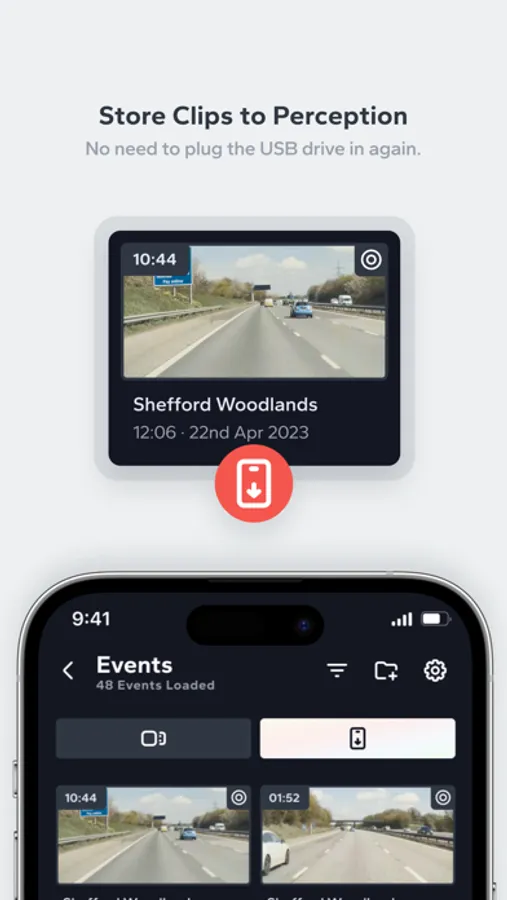
• Save clips on-device for anytime access without plugging in your USB
• More pro tools for sharing and archiving your footage
After 14 days, Perception Premium is required to use all functionality.
One-time purchases or subscriptions available - your kind support makes future updates possible and funds our team!
Important to know:
• USB adapter may be required (some iPhone/iPad setups need an adapter with power input).
• If importing from iCloud, download the event locally first.
• Certain features require car firmware updates / specific car models.
Learn more: https://perception.vision
Download Perception Today & Take Control of Your Footage
—————————————————————————
Disclaimer: All product and company names are trademarks of their respective holders. Their use does not imply any affiliation with or endorsement by them. We are not part of or endorsed by Tesla Inc.
Subscription disclaimer: A purchase will be applied to your iTunes account on confirmation. Subscriptions will automatically renew unless canceled within 24 hours before the end of the current period. You can cancel anytime from your iTunes account settings. You can manage your subscription in Settings within Perception. Any unused portion of a free trial will be forfeited if you purchase a subscription. For more information, see https://perception.vision.
Terms of use: https://www.apple.com/legal/internet-services/itunes/dev/stdeula/
Perception: Dashcam Manager Screenshots
Tap to Rate:
Reviews for Perception: Dashcam Manager
Smak42
Lies about having a trial
App claims to have 14 days trial. In reality, no features work in the “trial” and require immediate subscription. Author seems to be confused about the meaning of “trial” vs “free version”. Basic functions like trimming don’t work (“You can't trim short events” - a minute long video). Weird and confusing UI with constant pop-ups.
Gizmotoy
Misleading premium description
In the slideshow that shows you what you get for subscribing to premium, it shows the ability to export to a Combined Grid view. I subscribed explicitly for this feature. The problem is that it doesn’t exist. Once you subscribe, in the Help you can see that this is a feature they might deliver in the future (it says it will be delivered in 2024, but it’s currently April 2025).