OneKeePass - Password Manager
Jeyasankar Thenmani
3.7 ★
11 ratings
Free
AppRecs review analysis
AppRecs rating 3.7. Trustworthiness 78 out of 100. Review manipulation risk 20 out of 100. Based on a review sample analyzed.
★★★☆☆
3.7
AppRecs Rating
Ratings breakdown
5 star
64%
4 star
0%
3 star
0%
2 star
18%
1 star
18%
What to know
✓
Low review manipulation risk
20% review manipulation risk
✓
Credible reviews
78% trustworthiness score from analyzed reviews
✓
Good user ratings
64% positive sampled reviews
About OneKeePass - Password Manager
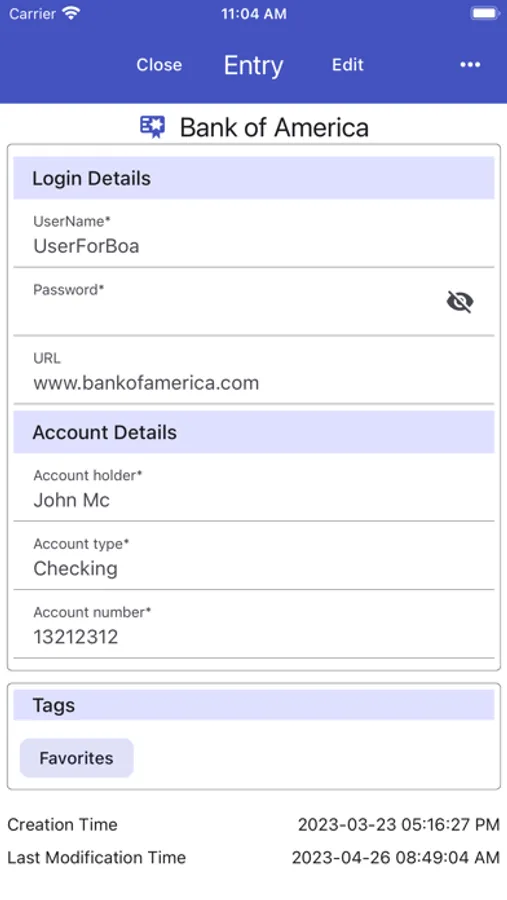
By using the most recent encryption standards your data and passwords are always secure. OneKeePass not only takes care of your passwords; it keeps all your credit cards, driving licenses, membership cards, passport details and identities secure.
Features
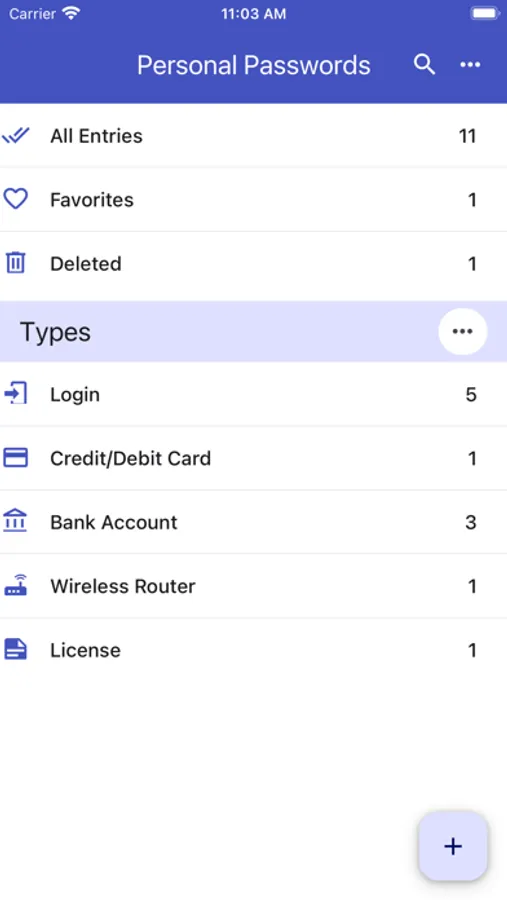
Entries are grouped as Types or Categories or the standard Group tree
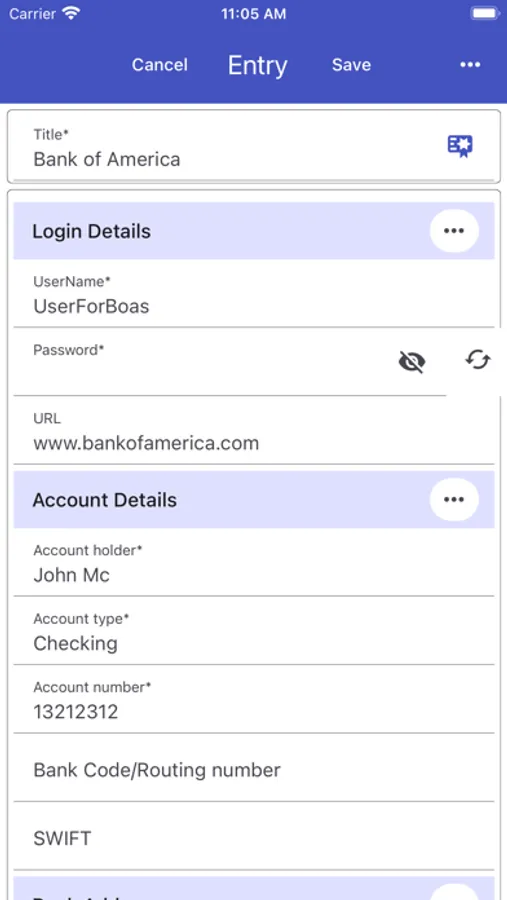
Any number of custom fields can be added
Custom fields can be organized as sections
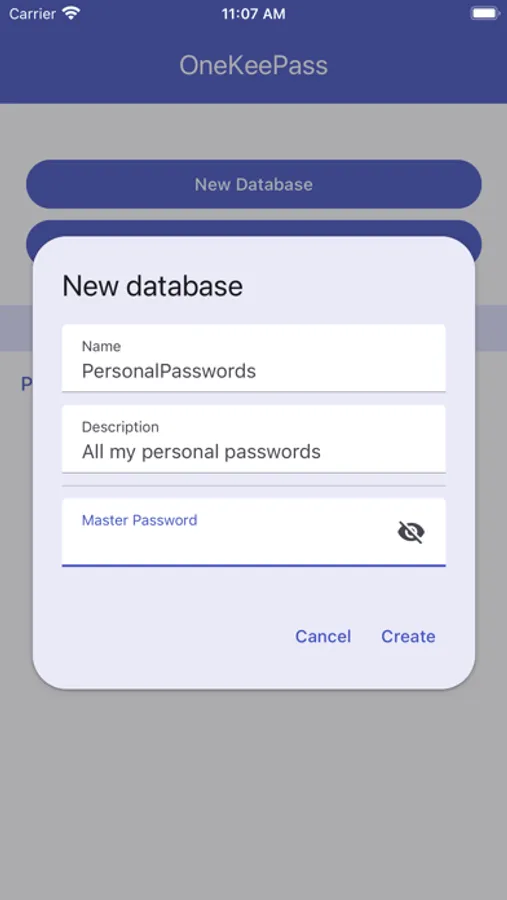
Any number of databases/vaults can be created and used - Separate your personal, family and work data in different databases.
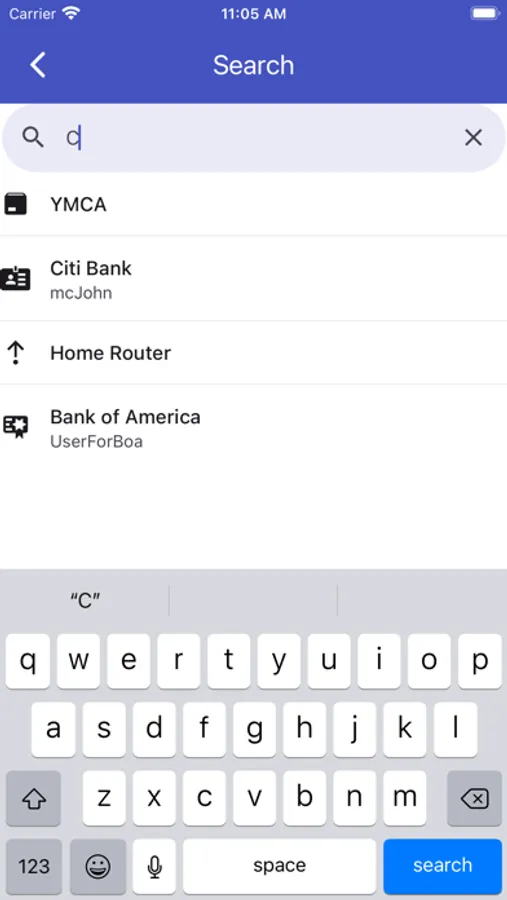
Search for entries
Generate new strong passwords
Fully offline
Recycle bin to restore or permanently erase all deleted passwords
History of each entry
Multi-language support
AutoFill supported
Time based One-Time Passwords (TOTP) can added and used
Supports Light or Dark Theme
Database quick opening using FaceID
Native SFTP/WebDav connection
Child database opening support
App protection with PIN lock
Merging of databases
Moving an entry or a group from one group to another
OneKeePass is open source and ad-free.
Please check the development status of the next updates: https://github.com/OneKeePass/mobile.
Send issues to: https://github.com/OneKeePass/mobile/issues
OneKeePass - Password Manager Screenshots

Tap to Rate:
Reviews for OneKeePass - Password Manager
Forgmorg
Can’t open DB
Can’t open existing DB because only supports argon 2 kdf algorithm
gorbaged
THE BEST Keypass Database App for mobile devices
Having used this only for IOS, my review is little skewed but this is far superior to Strongbox. I don’t know how much longer I will use an iPhone but I wanted the flexibility in case I switch to Android. Based on the reviews, I suspect it works equally as well. Of course, now there are rumblings that the mobile phones we know and love will be obsolete within the next ten years so the flexibility between platforms may be moot.