AppRecs review analysis
AppRecs rating 2.3. Trustworthiness 55 out of 100. Review manipulation risk 28 out of 100. Based on a review sample analyzed.
★★☆☆☆
2.3
AppRecs Rating
Ratings breakdown
5 star
50%
4 star
0%
3 star
0%
2 star
0%
1 star
50%
About SynQR
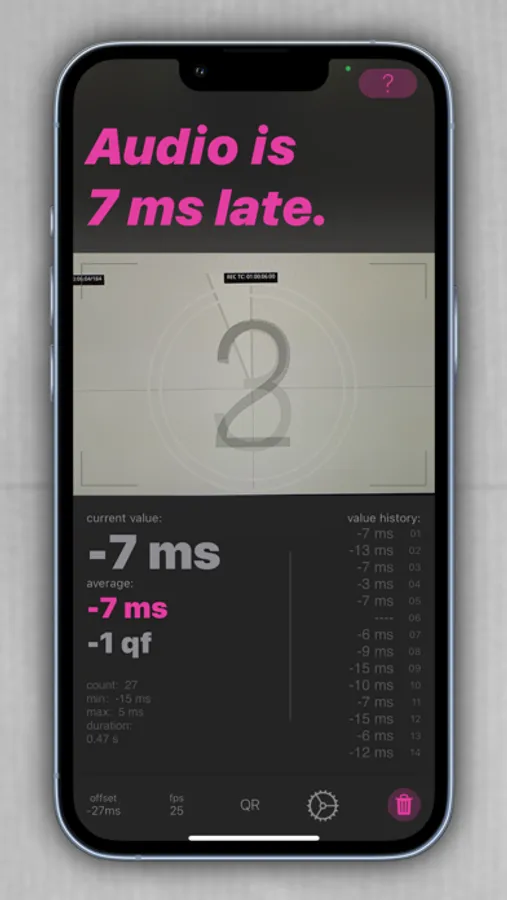
In DAWs and NLEs, audio and video are processed on separate hardware. This often leads to latencies that result in synchronization issues. Additionally, different video codecs can introduce varying offsets too. SynQR is a tool that accurately measures these offsets and displays them in real-time. Armed with this information, you can easily adjust your setup to achieve perfect synchronization.
SynQR uses classic film leaders or special test videos for measurement, which can be downloaded at https://synqr.app/downloads.
Whether you're using popular editing programs like Pro Tools, Adobe Premiere, Blackmagic Resolve, AVID Media Composer, Final Cut X, Nuendo, or Studio One, the offset information provided by SyncQR helps you make the necessary adjustments and optimally synchronize your audio and video signals.
Who is SynQR for?
• Sound Designers, Sound Editors, and Re-recording Mixers
• Film and Video Editors
• Cinema Operators
• Home Theater Enthusiasts
SynQR Screenshots
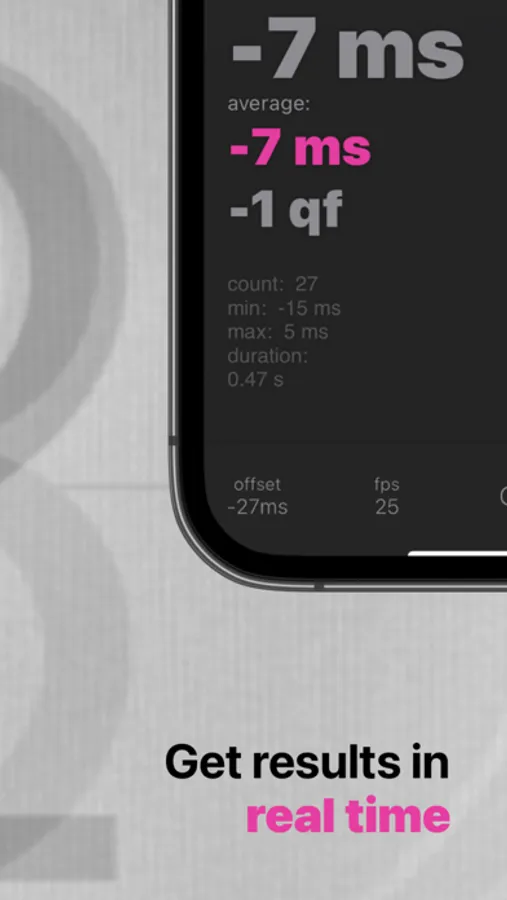
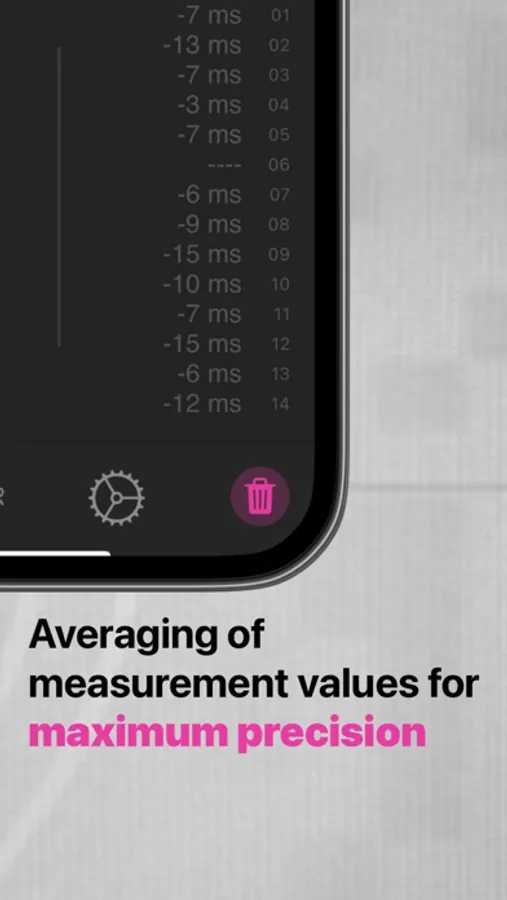
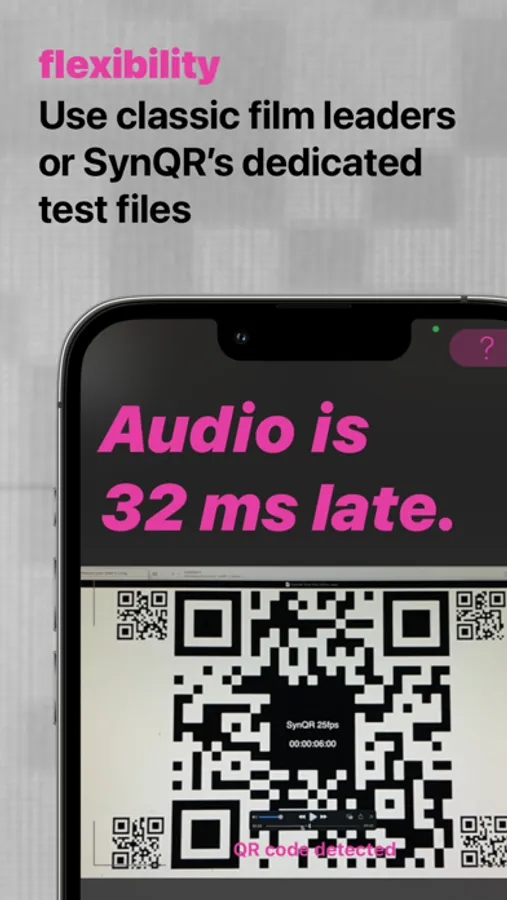
Tap to Rate:
Reviews for SynQR
MotoChooch
IN SYNC!
Using an AppleTV 4K connected to a Denon X2700H hooked up to a Sony Bravia 9 the lip sync is off so much by default. Auto lip-sync on the Denon was tried in combination with Auto Sync on the TV but the lips were off so much when watching movies and tv shows. Even wireless audio sync on the AppleTV was off. I tried a competing app but it wasn’t great because it left a lot of room for error. This app though got it DEAD ON and I’m so glad I found it! Thank you so much for the amazing tool!
simon.sf
Useless
Stuck on "Trying to detect QR code". Unusable