
Tiger Data Backup + Transfer
Shanghai Yixuan Network Technology Co., Ltd.
4.7 ★
29 ratings
Free
AppRecs review analysis
AppRecs rating 4.3. Trustworthiness 78 out of 100. Review manipulation risk 25 out of 100. Based on a review sample analyzed.
★★★★☆
4.3
AppRecs Rating
Ratings breakdown
5 star
90%
4 star
3%
3 star
0%
2 star
0%
1 star
7%
What to know
✓
Low review manipulation risk
25% review manipulation risk
✓
Credible reviews
78% trustworthiness score from analyzed reviews
✓
High user satisfaction
90% of sampled ratings are 5 stars
About Tiger Data Backup + Transfer
Key Features:
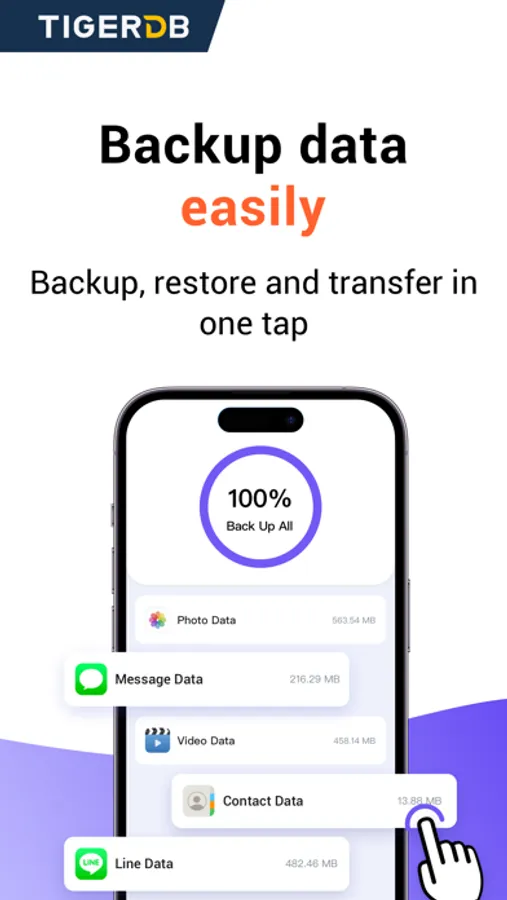
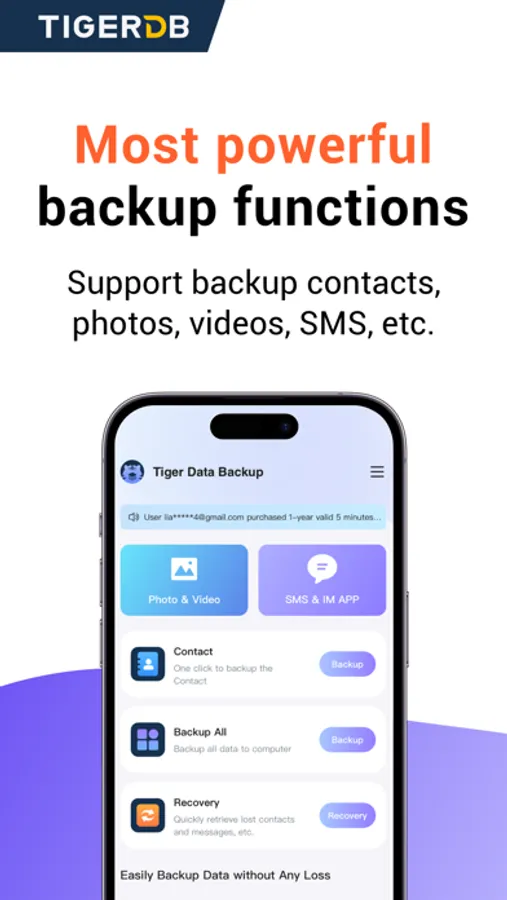
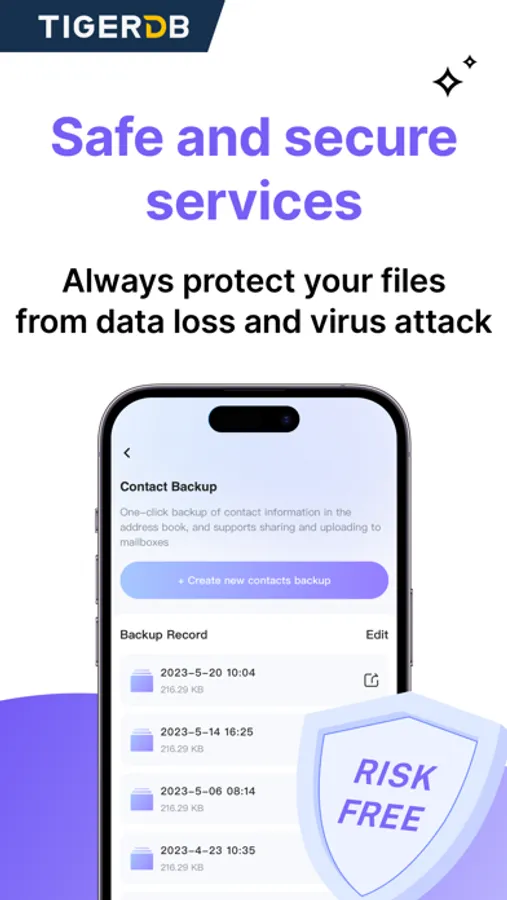
•One-Click Backup: Instantly back up all your messages, contacts, photos, videos, and notes with a single tap.
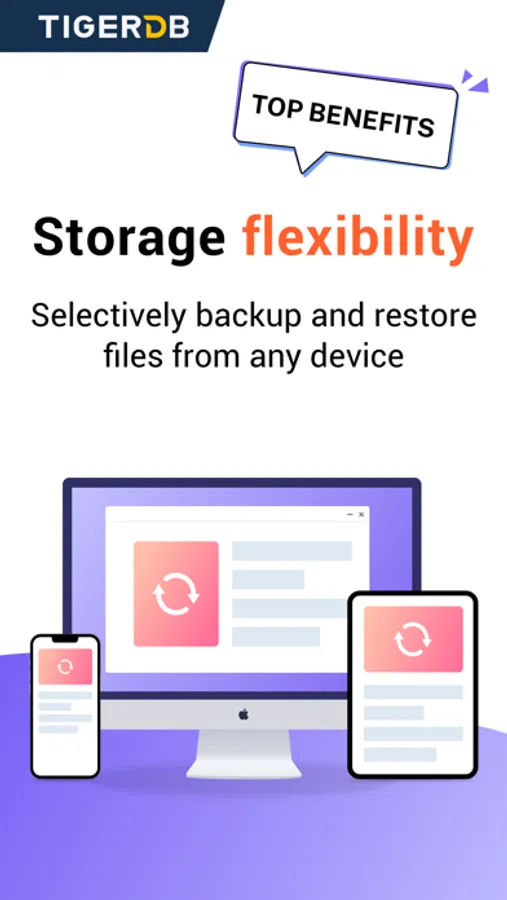
•Cross-Device Syncing: Keep your data in sync across all your connected devices seamlessly.
•Selective File Preview: Preview your backup data and choose what to save, optimizing time and storage.
•Gallery View for Easy Browsing: Enjoy a user-friendly gallery view for quick access to your pictures and videos.
•Export Chat Records: Save your chat histories in HTML, PDF, or CSV-XLS formats.
•Ad-Free Experience: Focus on your data without distractions.
Effortless Data Transfer
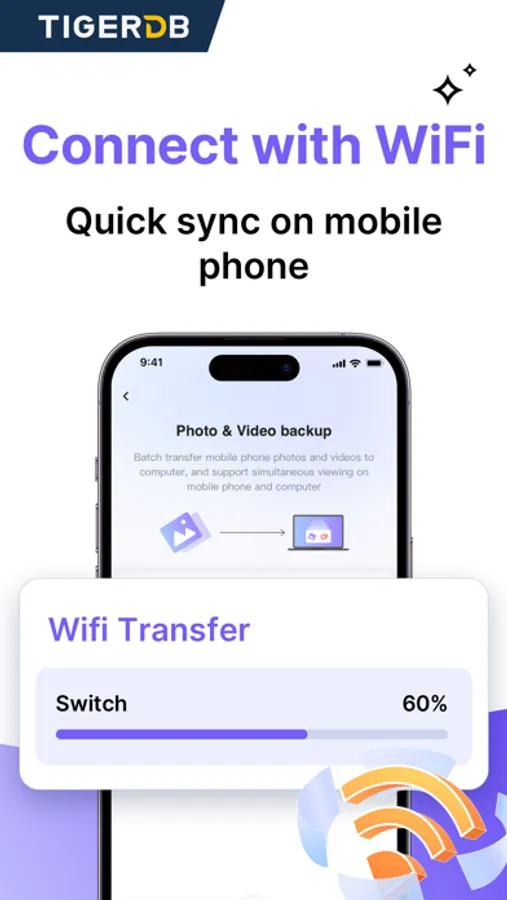
Transferring social app data has never been easier! With Tiger Data Backup, you can move all your data between iOS, Mac, and Windows platforms with just one click—no technical skills required.
Simplified Backup Management
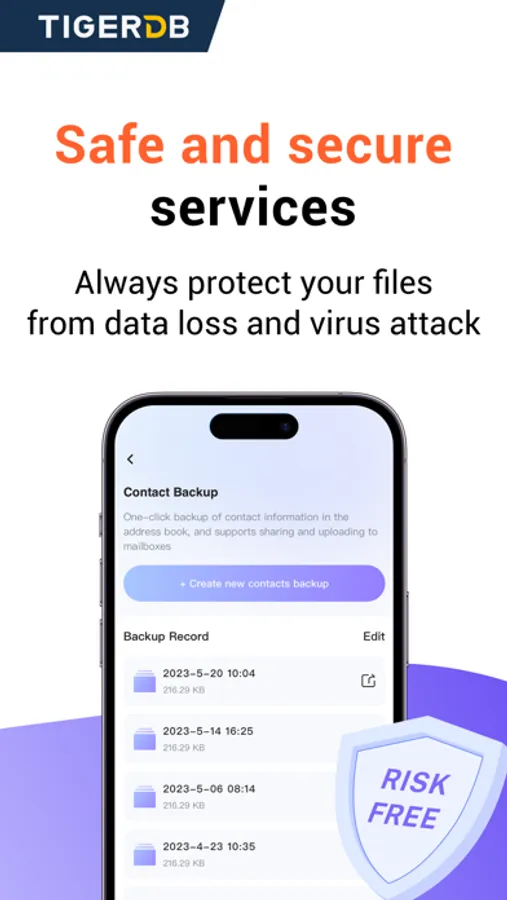
Our intuitive naming function helps you easily filter and locate backups, even among large amounts of data.
Easy Steps to Backup:
1. Connect your device with a USB cable.
2. Download and launch Tiger Data Backup.
3. Click “Backup your iPhone” and select “Selected apps for backup.”
4. Choose the data types you want to back up and click “Back Up.”
5. Wait for the process to complete and check your backup results.
We Value Your Feedback!
Try Tiger Data Backup today and experience the peace of mind that comes with secure data management. For any questions or support, reach out to us at: support@tigerdr.com.
Tiger Data Backup + Transfer Screenshots
Tap to Rate:
Reviews for Tiger Data Backup + Transfer
Jtttt33
Scam!
They charged me 3 times for the same thing and then didn’t even give me access to what they charged me for!!!! This is ridiculous and I can’t get ahold of them to get this resolved. They took $60!
Charles M Baines
Backup all my data
I have a new phone, so I need to copy my data. It helps me to transfer all my photos and videos. Very nice!