
AppRecs review analysis
AppRecs rating 2.0. Trustworthiness 69 out of 100. Review manipulation risk 26 out of 100. Based on a review sample analyzed.
★★☆☆☆
2.0
AppRecs Rating
Ratings breakdown
5 star
18%
4 star
6%
3 star
0%
2 star
6%
1 star
71%
What to know
✓
Low review manipulation risk
26% review manipulation risk
⚠
Mixed user feedback
Average 1.9★ rating suggests room for improvement
About BST11 Mobile
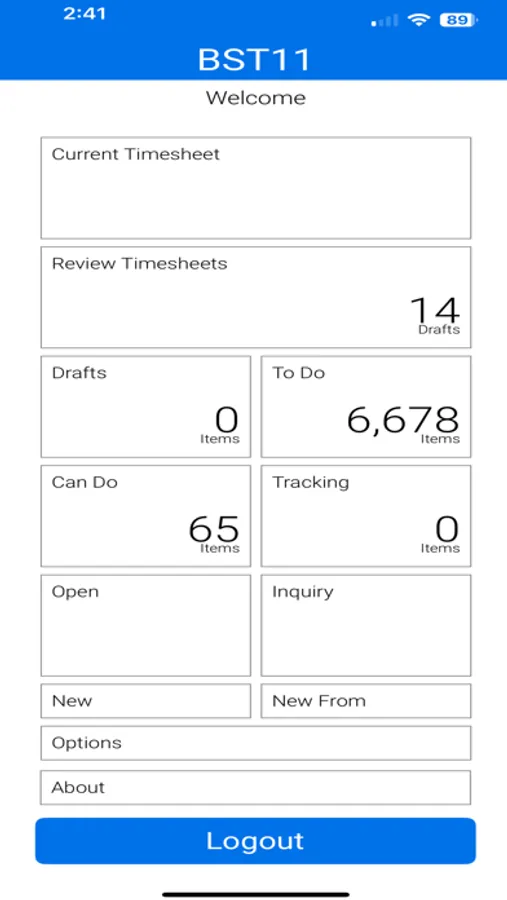
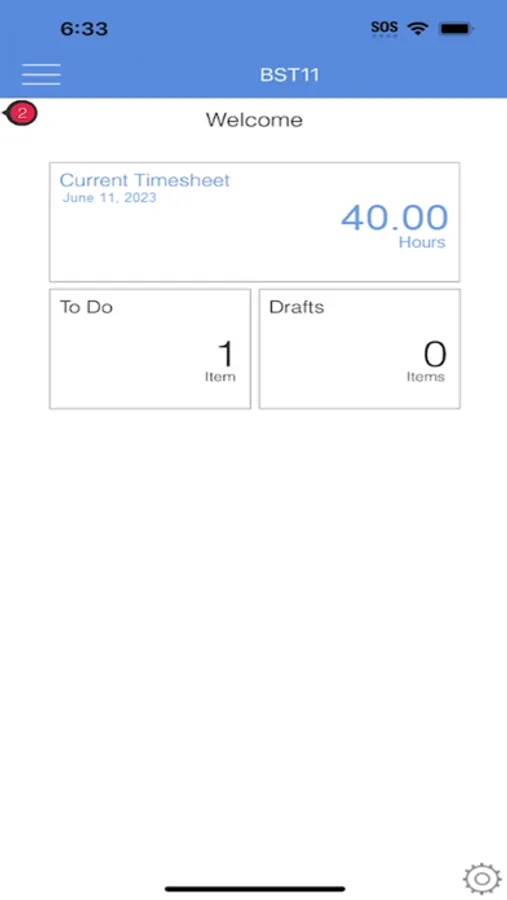
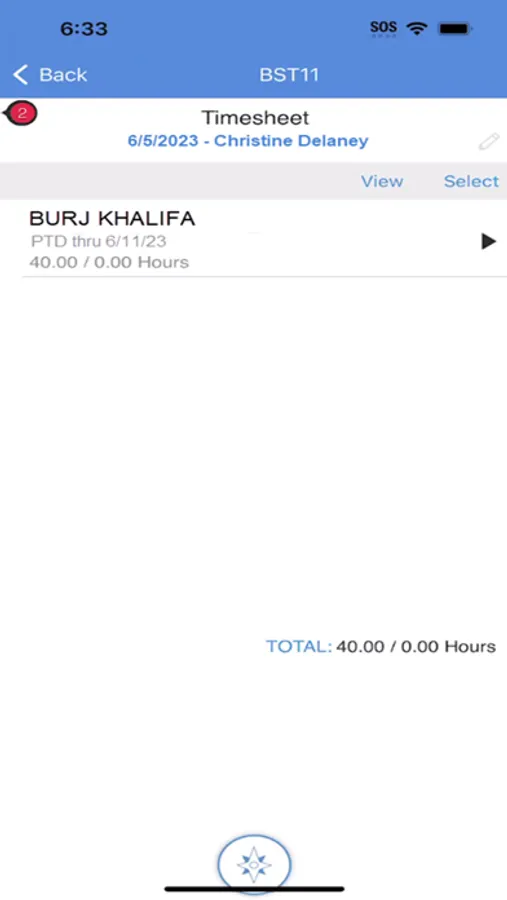
Design professionals are often on the move pursuing new work, meeting with clients, or delivering a project. You can take the power of BST11 with you wherever your job takes you. BST11 Mobile Timesheet allows user to easily complete, sign, and review timesheets directly from their mobile devices.
Features include:
-Access your firm’s BST11 data to complete and sign timesheets
-Quickly load project tasks from your previous timesheet or current assignments
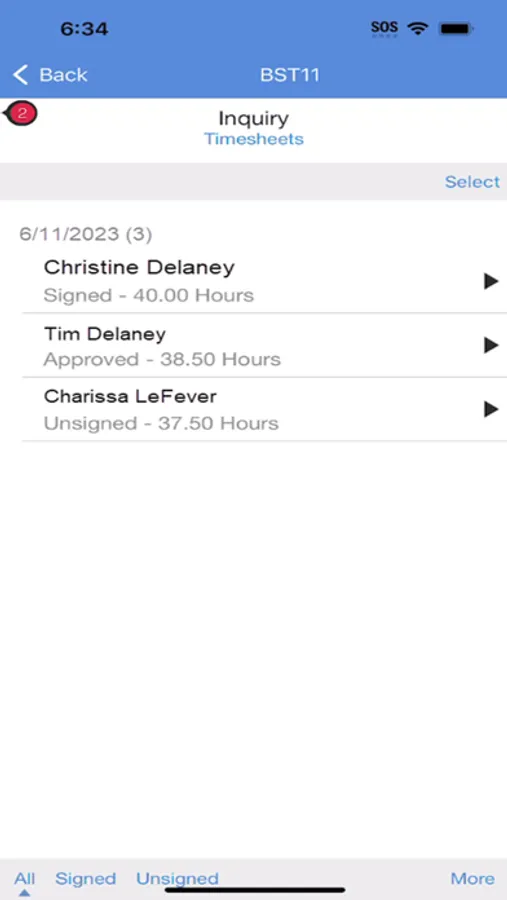
-Easily view timesheet data by task or by day, with the ability to enter time across multiple tasks or days
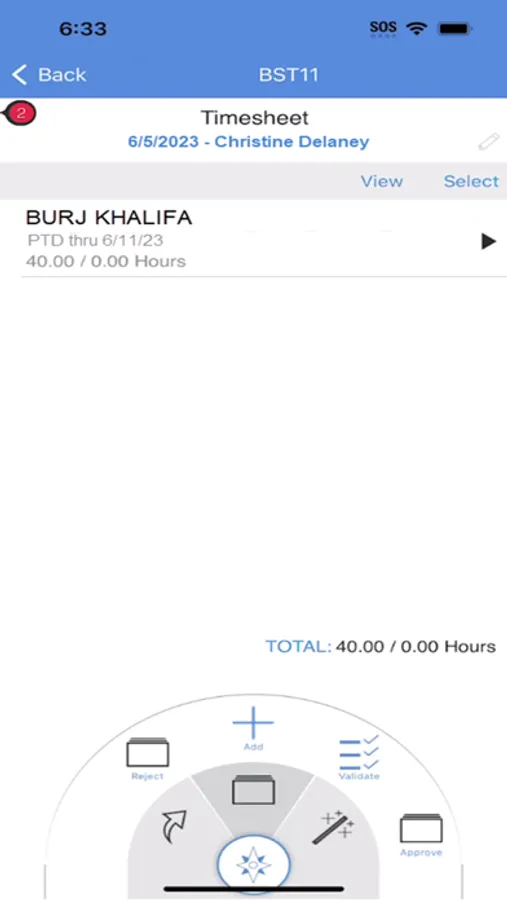
-Graphical display of timesheet utilization and direct access to timesheet attachments
-Supervisor access to review and approve timesheets
To use BST11 Mobile Timesheet:
-A BST11 user license is required
-The BST11 Mobile server must be installed by your BST11 System Administrator
-BST11 Mobile Timesheet must be configured with the unique URL of your BST11 Mobile server
BST Global provides integrated business management software solutions for the world’s leading architects, engineers, and environmental consultants. More than 100,000 professionals across six continents and 65 countries rely on BST solutions each day to manage their projects, resources, finances, and client relationships.
Features include:
-Access your firm’s BST11 data to complete and sign timesheets
-Quickly load project tasks from your previous timesheet or current assignments
-Easily view timesheet data by task or by day, with the ability to enter time across multiple tasks or days
-Graphical display of timesheet utilization and direct access to timesheet attachments
-Supervisor access to review and approve timesheets
To use BST11 Mobile Timesheet:
-A BST11 user license is required
-The BST11 Mobile server must be installed by your BST11 System Administrator
-BST11 Mobile Timesheet must be configured with the unique URL of your BST11 Mobile server
BST Global provides integrated business management software solutions for the world’s leading architects, engineers, and environmental consultants. More than 100,000 professionals across six continents and 65 countries rely on BST solutions each day to manage their projects, resources, finances, and client relationships.
BST11 Mobile Screenshots
Tap to Rate:
Reviews for BST11 Mobile
Bagel_Crumb
Not user friendly
The dial for entering time is terrible. App is not easy to navigate.
one4thegipper
Garbage update
Haven’t been able to run this app after countless installs - would give it zero stars if that was an option