AppRecs review analysis
AppRecs rating 2.3. Trustworthiness 65 out of 100. Review manipulation risk 31 out of 100. Based on a review sample analyzed.
★★☆☆☆
2.3
AppRecs Rating
Ratings breakdown
5 star
0%
4 star
0%
3 star
0%
2 star
100%
1 star
0%
What to know
⚠
Mixed user feedback
Average 2.3★ rating suggests room for improvement
About BeagleEngrave
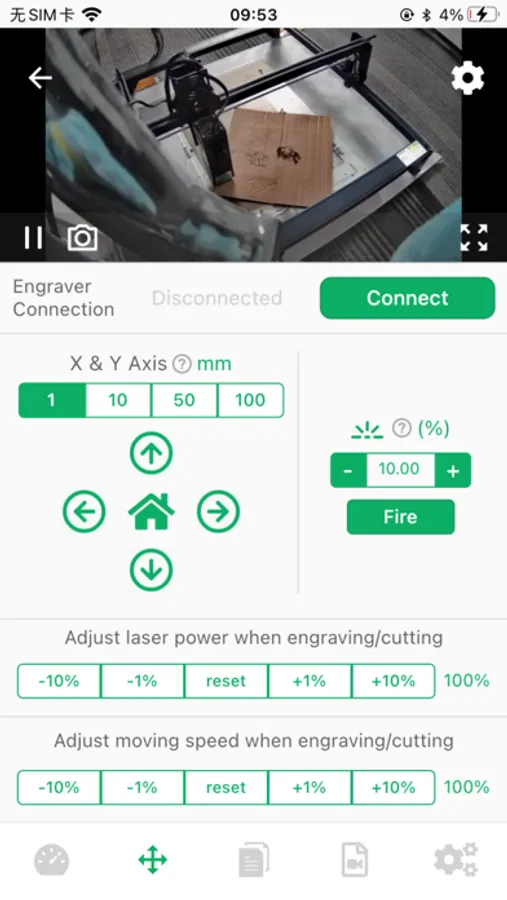
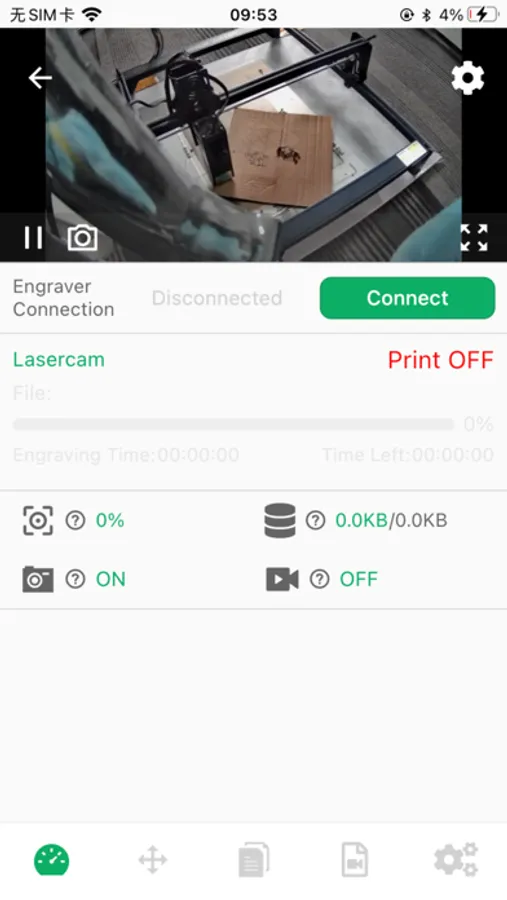
- Watch the real-time videos of engraving/cutting at HD / SD resolution
- Capture the images of your laser engraver automatically when in engraving/cutting
- Connect / Disconnect your laser engraver
- Upload the gcode or GRBL files for direct printing
- Check the engraving/cutting process by percentage and left time
- Pause/Stop the engraving/cutting
- Fire the laser engraver to alignment the engraving/cutting job on material
- Move the X/Y axis by millimeter units
- Adjust the moving speed of X/Y axis or laser power ratio during the engraving/cutting
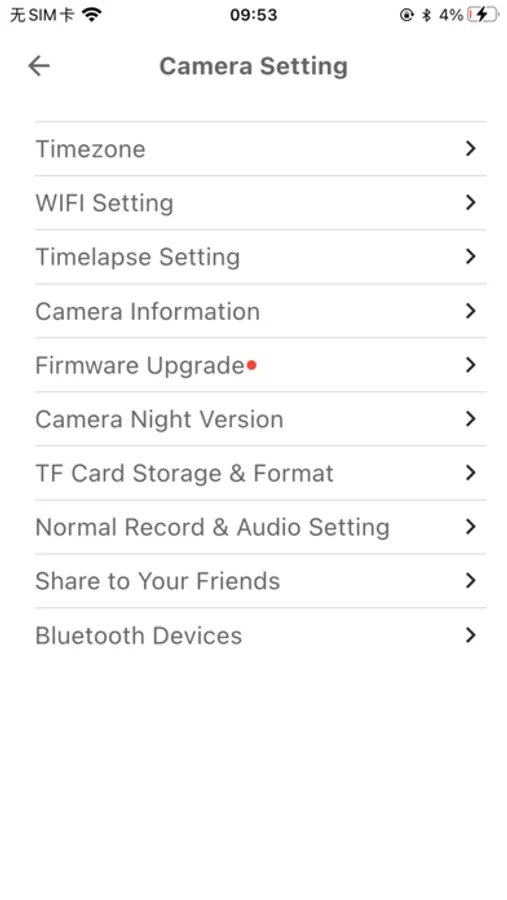
- Download and playback the time-lapse videos to your mobile phone
- Support multiple Lasercam cameras and laser engravers for multiple management
- Online upgrade of the firmware of the Lasercam camera
- Wireless extends the Lasercam camera for smart kits
BeagleEngrave Screenshots
Tap to Rate:
Reviews for BeagleEngrave
Aaronski 1916
Worked for a little while
The Mintion camera worked great for three months. The camera itself still works. But I can’t update overlay in Lightburn. I reset the camera (I did this a number of times and tried to reconnect via the QR code in the app, but it won’t take a picture, which seems to be the problem, so no connection with WiFi. I can hear clicking inside; I think it’s electronic. As I mentioned, it shows as live feed in the camera control of Lightburn, but I can’t calibrate the camera nor update overlay. The mount itself is very sturdy. Further, the feature that allows laser control through the Beagle app doesn’t work with the Creality Falcon 2, as it has no port. I think the problem is that it’s not just a camera, but has all the other features. In other words, it tries to do too much.