
In this productivity app, you set timers for focused work sessions and track your progress with visual heatmaps. Includes task management, app blocking, and session analytics features.
AppRecs review analysis
AppRecs rating 4.7. Trustworthiness 70 out of 100. Review manipulation risk 32 out of 100. Based on a review sample analyzed.
★★★★☆
4.7
AppRecs Rating
Ratings breakdown
5 star
80%
4 star
16%
3 star
2%
2 star
1%
1 star
2%
What to know
✓
Credible reviews
70% trustworthiness score from analyzed reviews
✓
High user satisfaction
80% of sampled ratings are 5 stars
✓
Authentic reviews
Natural distribution, no red flags
About Study Timer - Lumy
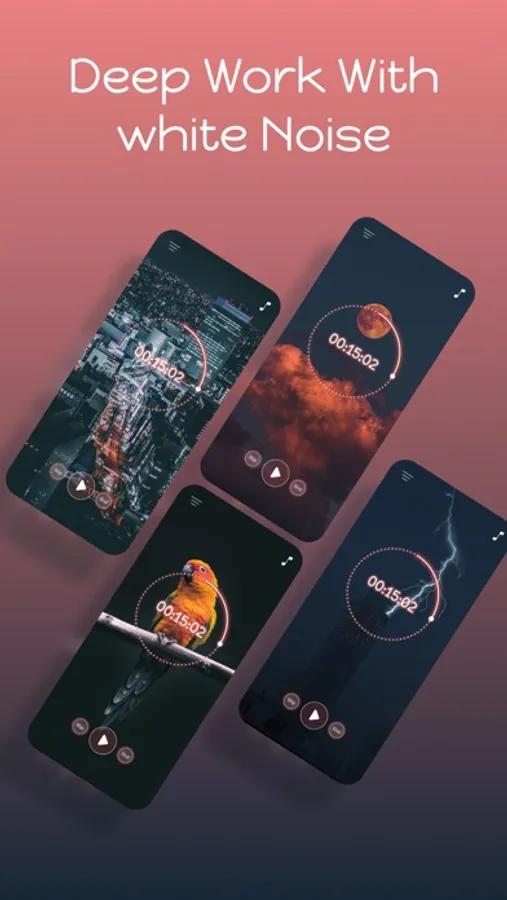
Lumy helps build deep-focus habits. Work in short, effective sprints, keep your task list tidy, and watch your consistency grow with a beautiful heatmap. App Blocking keeps distractions away so you can finish more with less stress.
How it works
- Pick a task and a session length (e.g., 25 minutes)
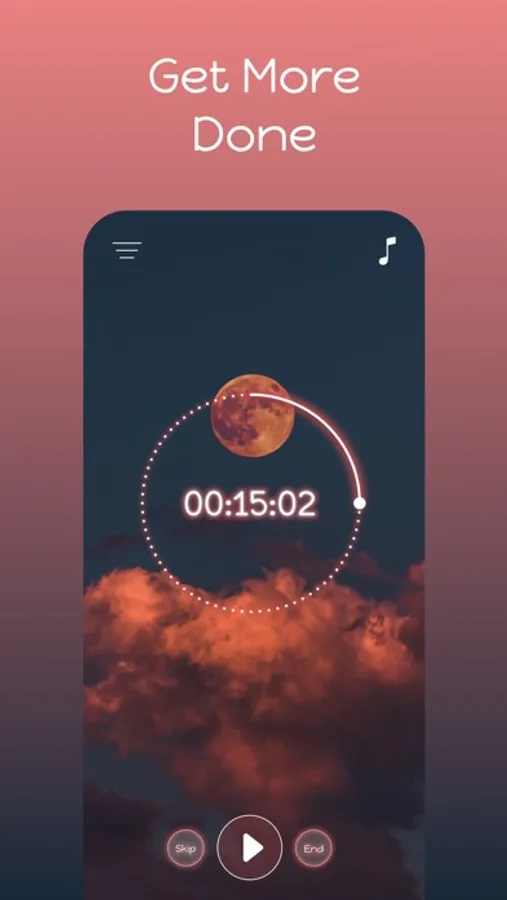
- Focus until the timer ends, then take a short break
- Repeat for 4 rounds, then enjoy a longer break
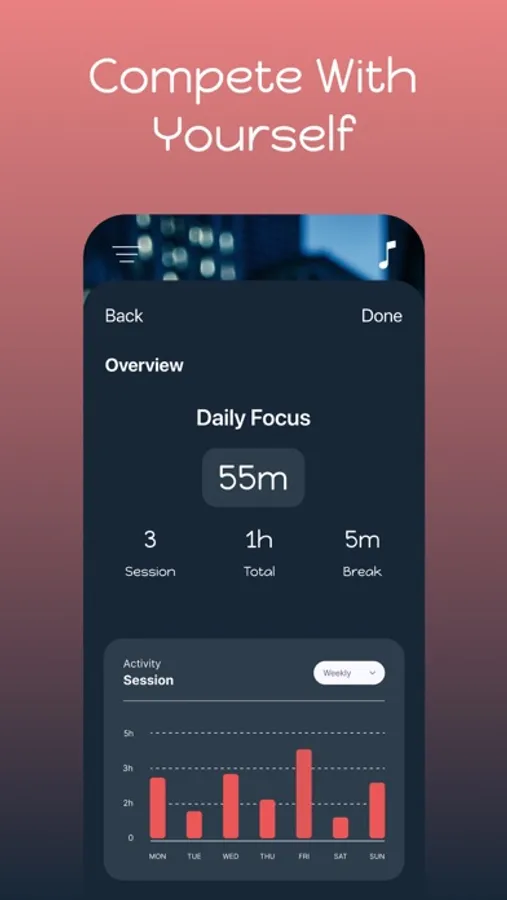
- Check the Heatmap to see productive hours and weekly streaks
Why it works
- Short, focused sprints reduce procrastination
- Single-tasking cuts context switching
- Visual progress builds momentum and habits
Key features
- Clean Pomodoro timer with smooth animations
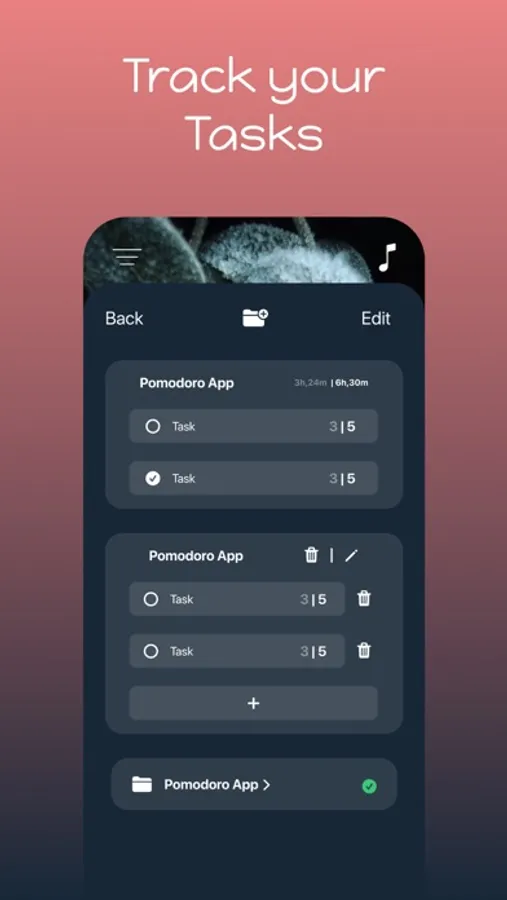
- Quick task capture and lightweight task manager
- Heatmap: see productive hours, streaks, and trends
- Tips to prepare your workspace and minimize distractions
- Strict Mode: block distracting apps/sites using Screen Time
- Widgets and Live Activities for glanceable progress
- Gentle sound cues (start, break, finish)
- Onboarding that sets your session time, category, and goals
Strict Mode (Screen Time)
- One-tap app/site blocking during focus sessions
- Clear status and quick controls
- Respects iOS privacy and system permissions
Free vs Pro
- Free: full timer, up to 3 tasks, 3 Strict Mode activations, 3 timer starts
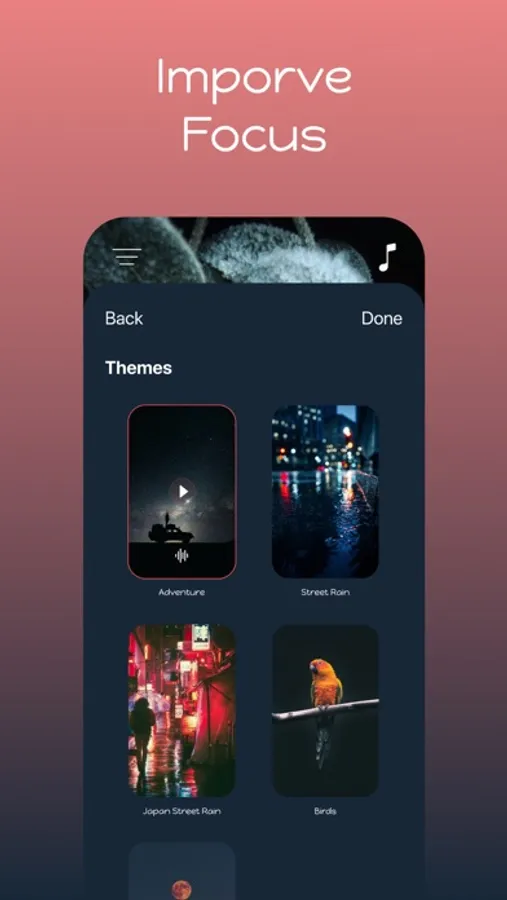
- Pro: unlimited tasks, unlimited Strict Mode, advanced reports and heatmap details, custom session presets, themes, and more
- Lumy Pro available as an auto-renewing subscription; manage anytime in Settings
Privacy
- No tracking. Data stays on your device unless you choose to sync via iCloud.
Perfect for
- Students, developers, writers, designers, and anyone who wants fewer distractions and more done.
Privacy Policy: https://lumy-app.com/privacy
Terms Of Use: https://lumy-app.com/terms
How it works
- Pick a task and a session length (e.g., 25 minutes)
- Focus until the timer ends, then take a short break
- Repeat for 4 rounds, then enjoy a longer break
- Check the Heatmap to see productive hours and weekly streaks
Why it works
- Short, focused sprints reduce procrastination
- Single-tasking cuts context switching
- Visual progress builds momentum and habits
Key features
- Clean Pomodoro timer with smooth animations
- Quick task capture and lightweight task manager
- Heatmap: see productive hours, streaks, and trends
- Tips to prepare your workspace and minimize distractions
- Strict Mode: block distracting apps/sites using Screen Time
- Widgets and Live Activities for glanceable progress
- Gentle sound cues (start, break, finish)
- Onboarding that sets your session time, category, and goals
Strict Mode (Screen Time)
- One-tap app/site blocking during focus sessions
- Clear status and quick controls
- Respects iOS privacy and system permissions
Free vs Pro
- Free: full timer, up to 3 tasks, 3 Strict Mode activations, 3 timer starts
- Pro: unlimited tasks, unlimited Strict Mode, advanced reports and heatmap details, custom session presets, themes, and more
- Lumy Pro available as an auto-renewing subscription; manage anytime in Settings
Privacy
- No tracking. Data stays on your device unless you choose to sync via iCloud.
Perfect for
- Students, developers, writers, designers, and anyone who wants fewer distractions and more done.
Privacy Policy: https://lumy-app.com/privacy
Terms Of Use: https://lumy-app.com/terms
Study Timer - Lumy Screenshots
Tap to Rate:
Reviews for Study Timer - Lumy
specialappssk
Thanks for the update
I like the update with the gentle sound of a clock ticking for background noise, very nice!
ADNAN22SA
Excellent
Excellent