
AppRecs review analysis
AppRecs rating 4.2. Trustworthiness 82 out of 100. Review manipulation risk 21 out of 100. Based on a review sample analyzed.
★★★★☆
4.2
AppRecs Rating
Ratings breakdown
5 star
89%
4 star
0%
3 star
0%
2 star
0%
1 star
11%
What to know
✓
Low review manipulation risk
21% review manipulation risk
✓
Credible reviews
82% trustworthiness score from analyzed reviews
✓
High user satisfaction
89% of sampled ratings are 5 stars
About Quix Videos
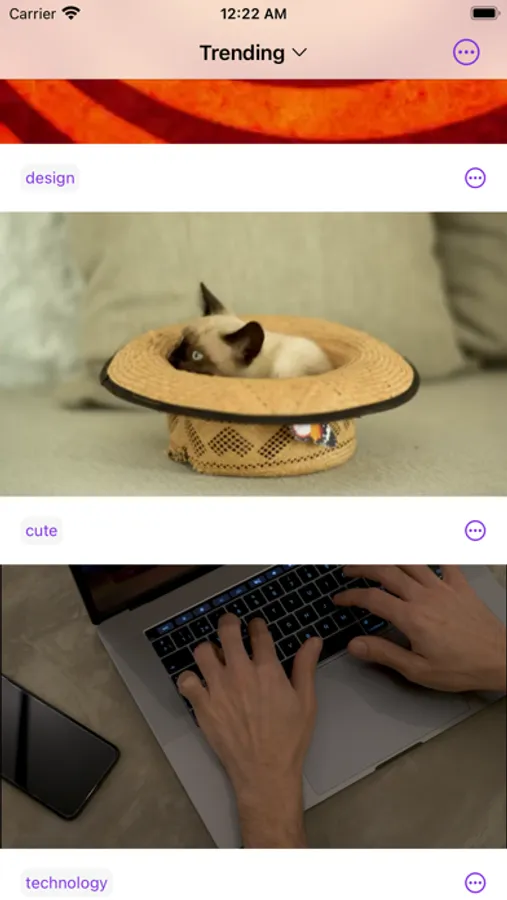
Effortlessly navigate through videos using intuitive gesture-based scrubbing. Swipe and slide with precision to seamlessly explore every frame, making it a breeze to find your favorite moments.
Indulge in uninterrupted entertainment with our Autoplay feature. Sit back and let Quix queue up your next video automatically, ensuring a seamless viewing experience from start to finish.
Experience the joy of seamless repetition with Looping. Loop your favorite videos, loops, or mesmerizing scenes, and relish in endless enjoyment with just a tap.
Quix prioritizes your content security and privacy. Host your own videos on your personal server and enjoy peace of mind, knowing that your valuable content is safeguarded. Take full control of your security by managing your own video hosting solution.
Get inspired by exploring our example server, showcasing the possibilities of Quix. Visit our GitHub repository at https://github.com/twodayslate/quix-example-server for an interactive demonstration.
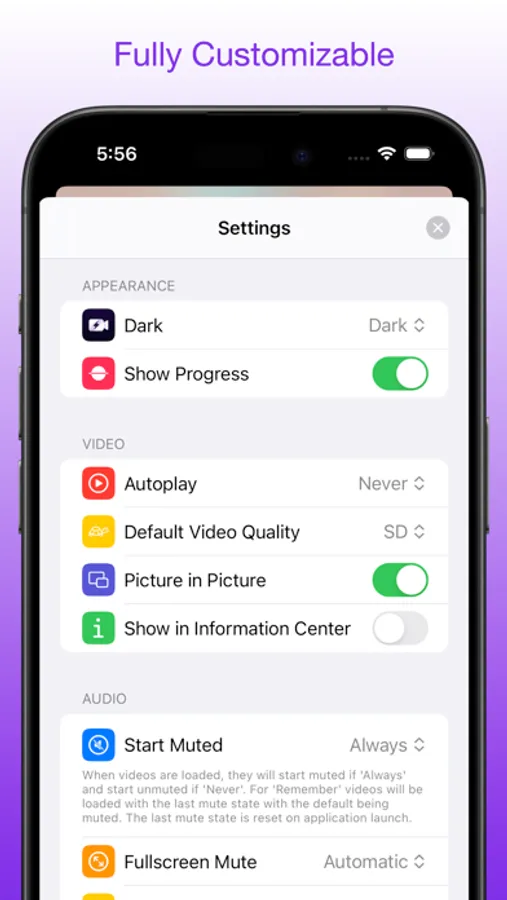
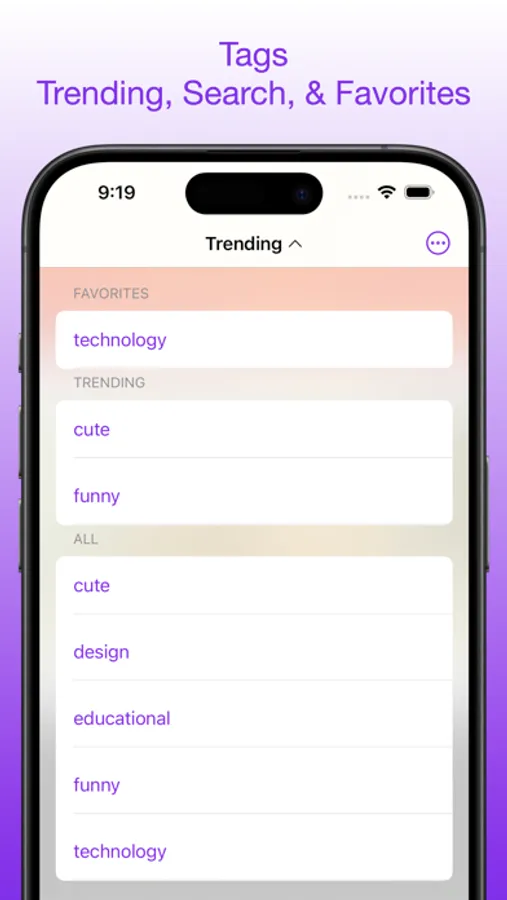
Unleash your creativity by creating your own server and seamlessly browse your videos natively within the app. Take charge of your video hosting and enjoy a fully customizable and tailored viewing experience.
Upgrade to Quix today and revolutionize your video consumption. Discover a new level of interactivity, security, and convenience all within one powerful video viewer.
Note: This application requires a remote host. An example host is provided in the application. For customer servers or assistance, please reach out to support! By using this application you acknowledge the use of third party resources and maintain responsibility of their use.
Quix Videos Screenshots
Tap to Rate:
Reviews for Quix Videos
J4750N
Help‽?? Please and thank you, from a user.
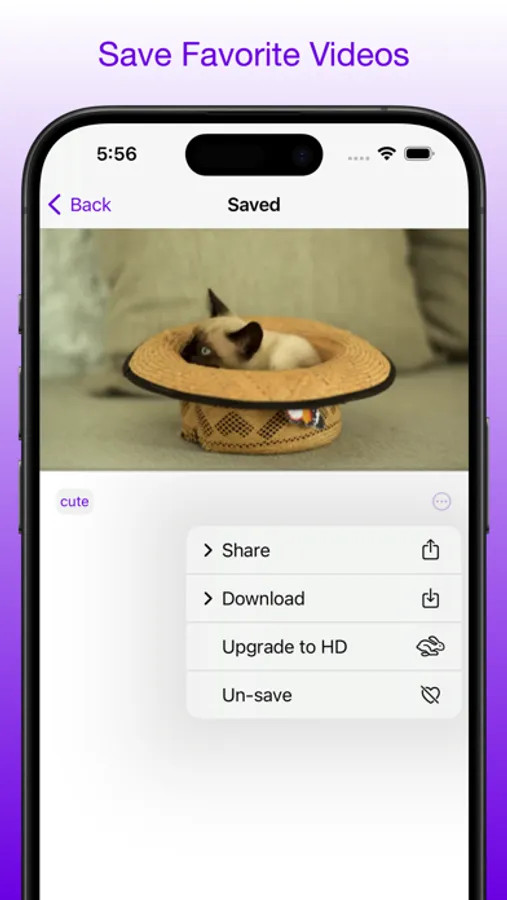
I need help learning how to download the content onto my device for some reason it’s not working and I have tried to even use my desktop to download it straight to my hard drive but everything seems to not download what so ever and I would love a walk through and or a tutorial if anyone has any suggestions or tips please feel free to give me a email at 4twitteronly321@gmail Thank you in advance to anyone able to help at all
Brandonb822
Every feature is locked behind paywall
Dont even bother