Screen Mirroring App: TV Cast
DREAMTEAM APPS sp. z o.o.
4.6 ★
190 ratings
Free
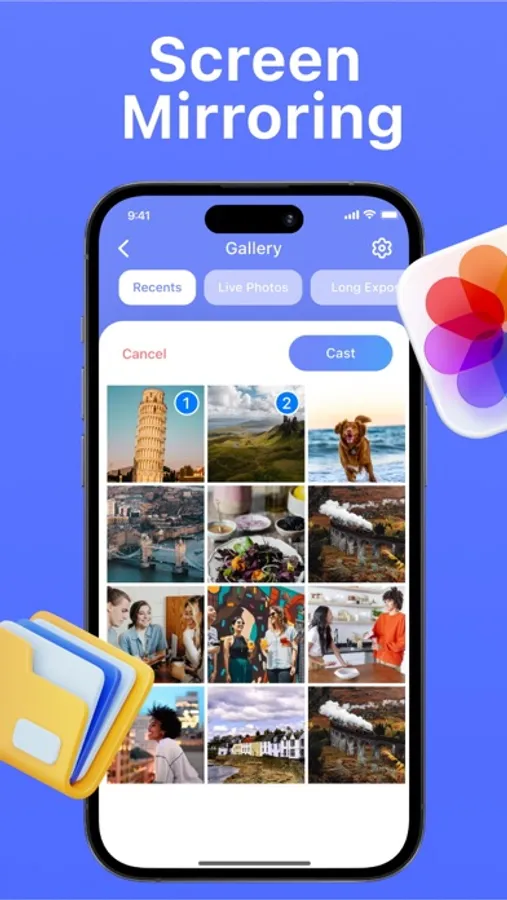
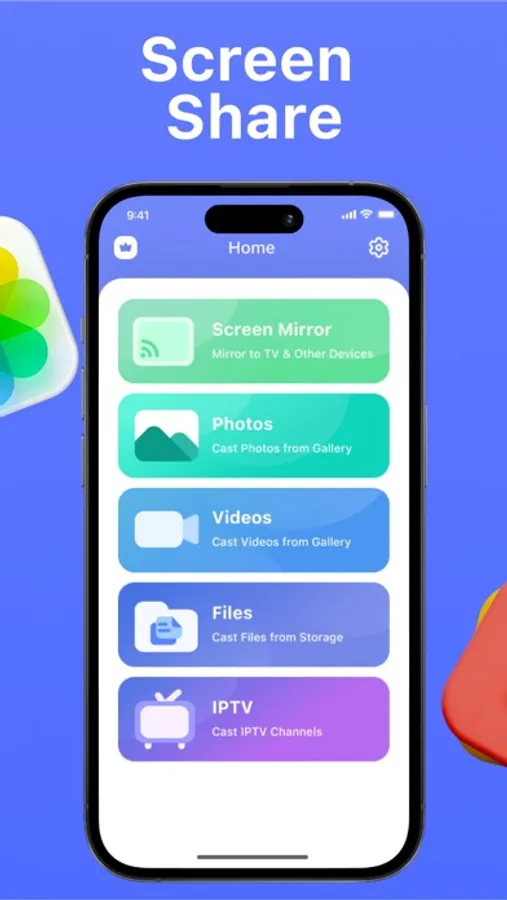
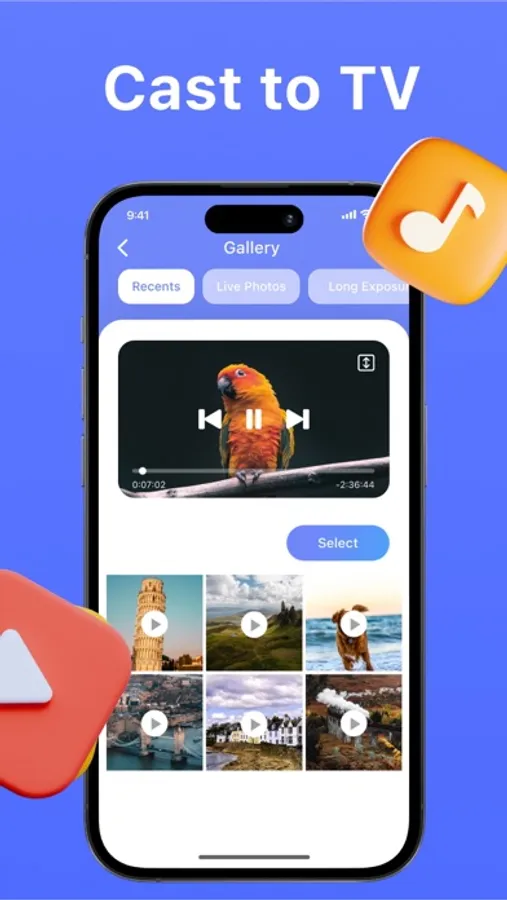
With this screen mirroring app, you can cast content from your mobile phone to a TV or compatible device and navigate through your multimedia files. Includes device selection, connection management, and support for various media types.
AppRecs review analysis
AppRecs rating 4.3. Trustworthiness 78 out of 100. Review manipulation risk 28 out of 100. Based on a review sample analyzed.
★★★★☆
4.3
AppRecs Rating
Ratings breakdown
5 star
89%
4 star
2%
3 star
1%
2 star
1%
1 star
7%
What to know
✓
Low review manipulation risk
28% review manipulation risk
✓
Credible reviews
78% trustworthiness score from analyzed reviews
✓
High user satisfaction
89% of sampled ratings are 5 stars
About Screen Mirroring App: TV Cast
To use the application, you just need to install it on your mobile phone and launch it. After that, if a compatible device is connected, you can select the desired device from the list and start casting your mobile phone screen. You will be able to view everything you see on your mobile device on the big screen, including movies, photos, games, presentations, videos and other multimedia content.
Thanks to our application, you can easily share your content with friends and family, watching movies, presentations together, or simply showing your best photos on the big screen.
Subscription details
In order to use the app, you need to purchase an auto-renewable subscription. 3-day free trial period is provided for weekly subscription. Payment will be charged to iTunes Account at confirmation of purchase. Subscription automatically renews unless auto-renew is turned off at least 24-hours before the end of the current period. The cost depends on the selected plan. Account will be charged for renewal within 24-hours prior to the end of the current period, and identify the cost of the renewal. Subscriptions may be managed by the user and auto-renewal may be turned off by going to the user's Account Settings after purchase. Any unused portion of a free trial period, if offered, will be forfeited when the user purchases a subscription to that publication, where applicable.
Terms Of Use: https://dreamteam-apps.pl/term_of_use.txt
Privacy Policy: https://dreamteam-apps.pl/privacy_policy.txt
Screen Mirroring App: TV Cast Screenshots
Tap to Rate:
Reviews for Screen Mirroring App: TV Cast
Cgirl333
Don’t get,
No support and don’t know how to cancel. App doesn’t work at all no mater what I try. Just waisted money on the annual subscription. I feel scammed.
B.ruce.wrs
Cozy connection
I can’t believe I ever lived without this app! Watching movies and sharing photos on the big screen has never been easier. It’s perfect for creating those cozy, shared moments with loved ones.