In this app, users can create, import, edit, and export 3D models with various tools and primitive shapes. Includes support for multiple file formats, modeling gizmos, mesh operations, and precise transformations.
AppRecs review analysis
AppRecs rating 4.6. Trustworthiness 77 out of 100. Review manipulation risk 20 out of 100. Based on a review sample analyzed.
★★★★☆
4.6
AppRecs Rating
Ratings breakdown
5 star
58%
4 star
17%
3 star
14%
2 star
7%
1 star
4%
What to know
✓
Low review manipulation risk
20% review manipulation risk
✓
Credible reviews
77% trustworthiness score from analyzed reviews
✓
High user satisfaction
75% of sampled ratings are 4+ stars (4.2★ average)
About Valence 3D
CREATE, IMPORT, EDIT & EXPORT 3D MODELS
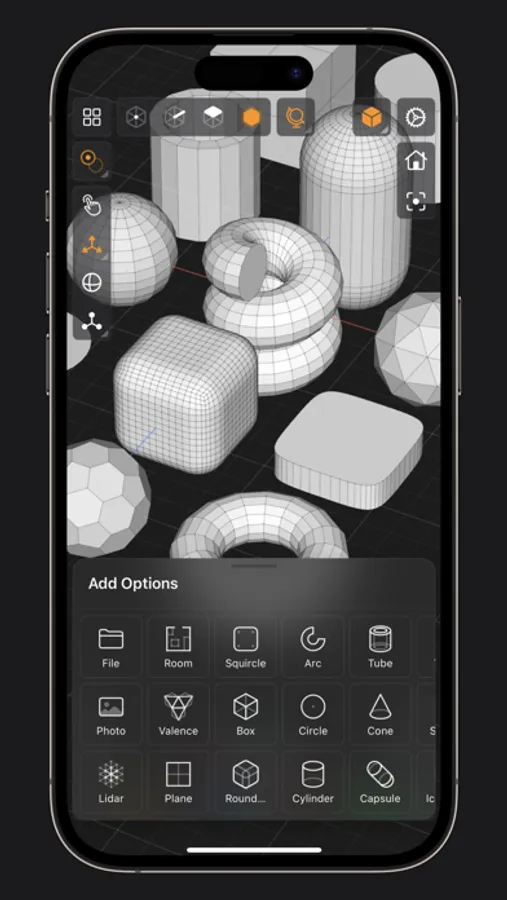
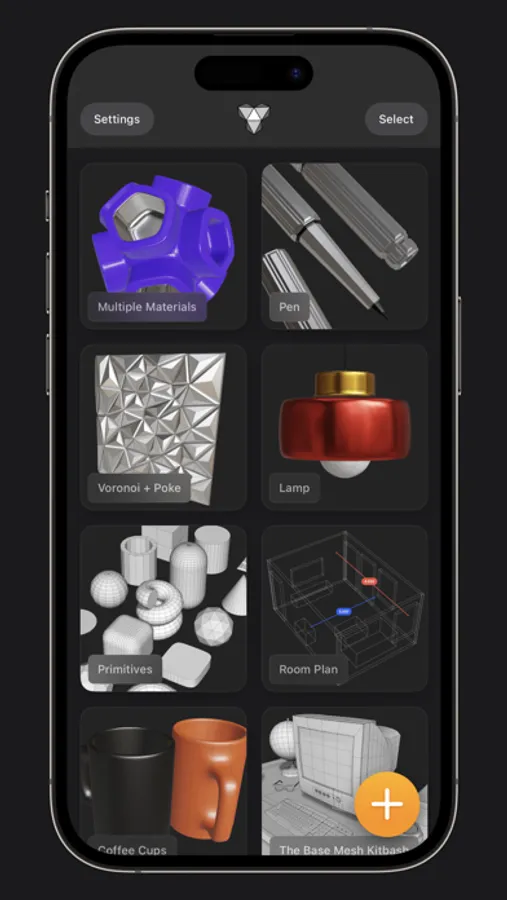
• 25 primitive shapes are built-in & ready to help you start modeling: plane, box, sphere, squircle, rounded box, arc, circle, cylinder, tube, cone, capsule, torus, icosphere, pipe, revolve, helix, voronoi, text, super shape, noise surfaces, torus knot, faceted gem & tube.
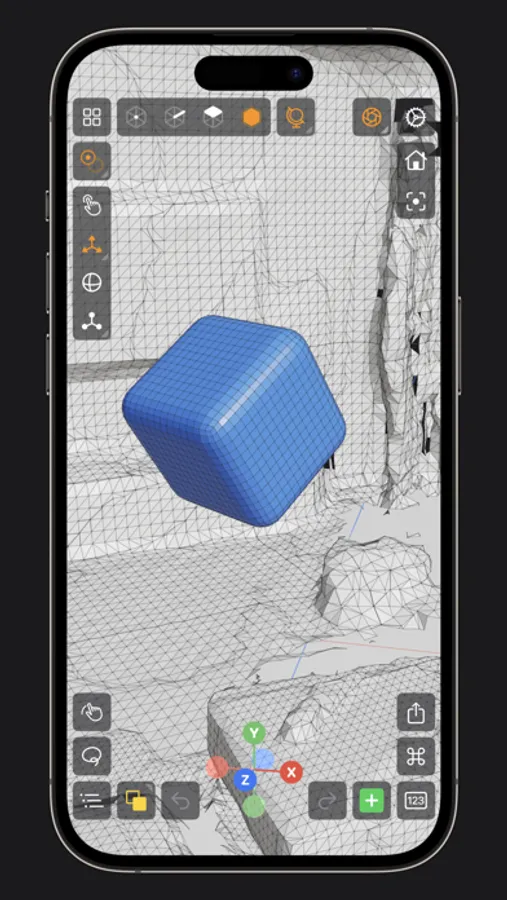
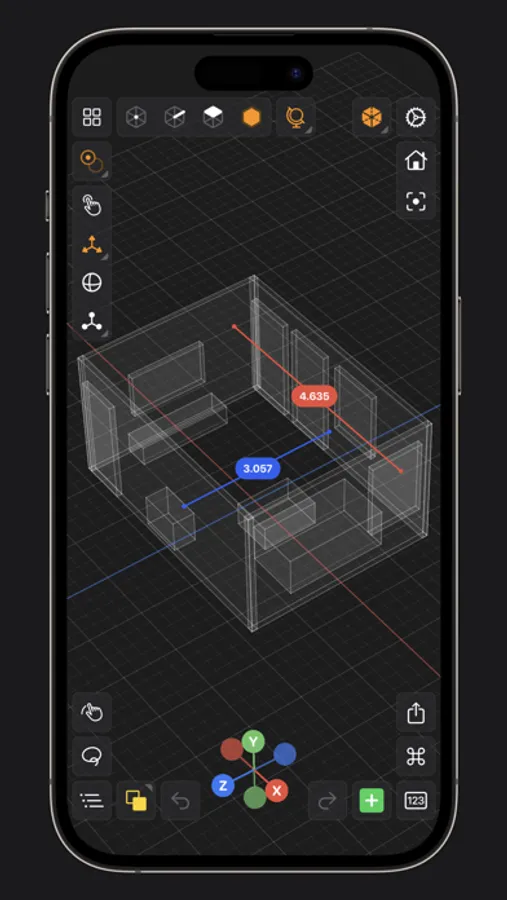
• Import existing models, reference images, lidar scans and room plans
• Imports: OBJ, STL, USD, USDZ
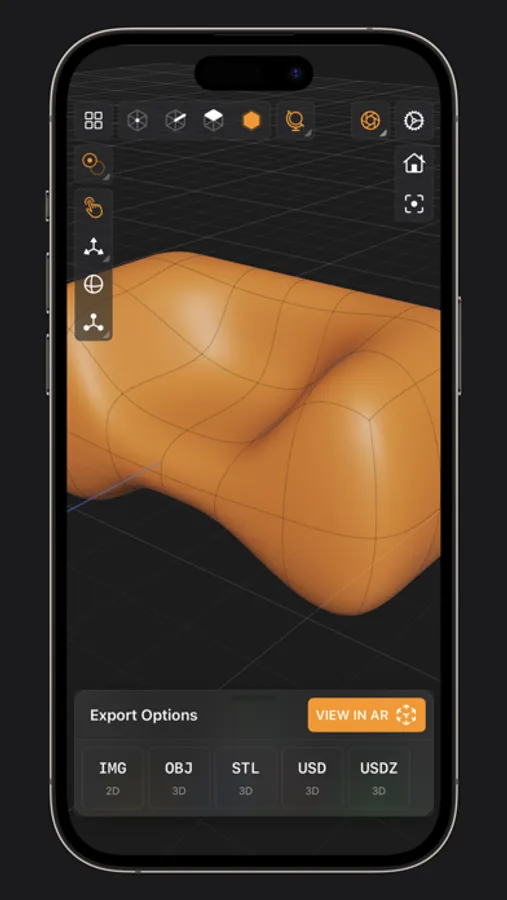
• Exports: PNG, SVG, OBJ, STL, USD, USDZ, GLTF, GLB
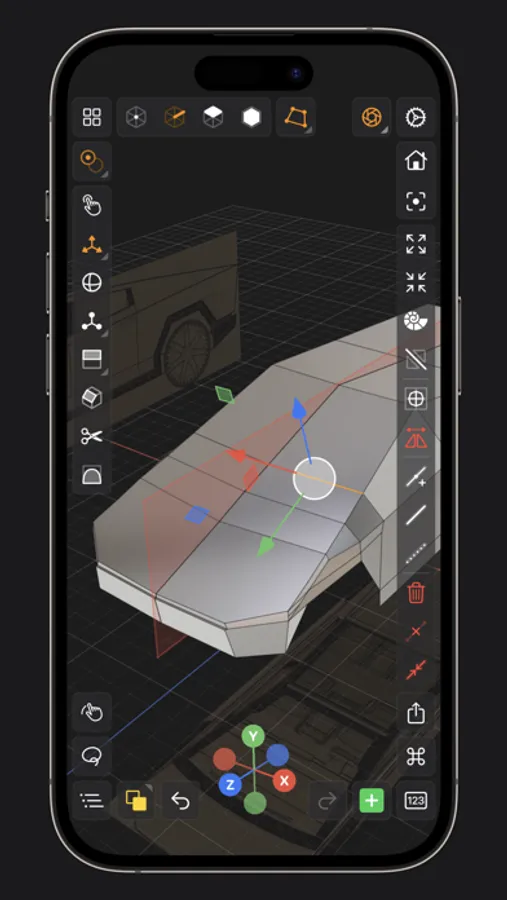
• Knife tool to create complex and detailed geometry
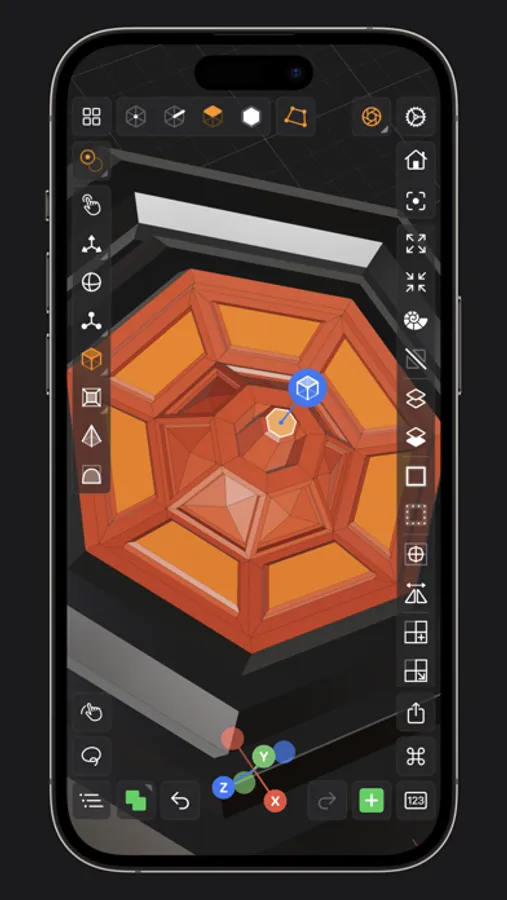
• Move, Rotate, & Scale gizmos make it easy to transform nodes, faces, edges & vertices
• Powerful modeling gizmos for extruding, insetting, beveling, poking, creasing & cutting
• Multiple selection & automatic loop selection help accelerate your modeling
• Tap on one of the gizmo handles to bring up an input field for precise transformations & mesh operations
• Robust snapping & alignment commands
• Selection operations: grow, shrink, select shell & deselect
• Mesh operations: duplicate, instance, set / center pivot, trim by plane, boolean, apply transform & subdivide
• Face operations: separate, combine, bridge, extract, poke, collapse, delete, dissolve, harden & soften
• Edge operations: extrude, insert vertex, collapse, dissolve, bridge, harden & soften
• Vertex operations: insert edge, dissolve, delete & merge
• Non-destructive & configurable mesh modifiers: mirror & subdivision
• Apply complex transformations using different gizmo pivot points & orientations
EASILY NAVIGATE & STAY IN FLOW WHILE DESIGNING
• Carefully crafted & fully optimized for iPhone & iPad
• Designed to minimize cognitive overload by only showing tools & commands that are contextually relevant
• Easily navigate to any part of your model by dragging and pinching: two finger pinch to zoom and roll, and one finger drag to rotate
• Pop into the standard orthographic views by tapping one of the handles of the orientation gizmo
• Use two & three finger tap gestures to undo & redo
• Select components by dragging or using the rectangular selection mode
• Your work is saved automatically every two minutes and every time you go back to the gallery
• Get an overview of your scene’s structure from the Outliner
• Long press on a node in the Outliner to easily rename, duplicate, instance, delete, parent & reorder any object in your scene
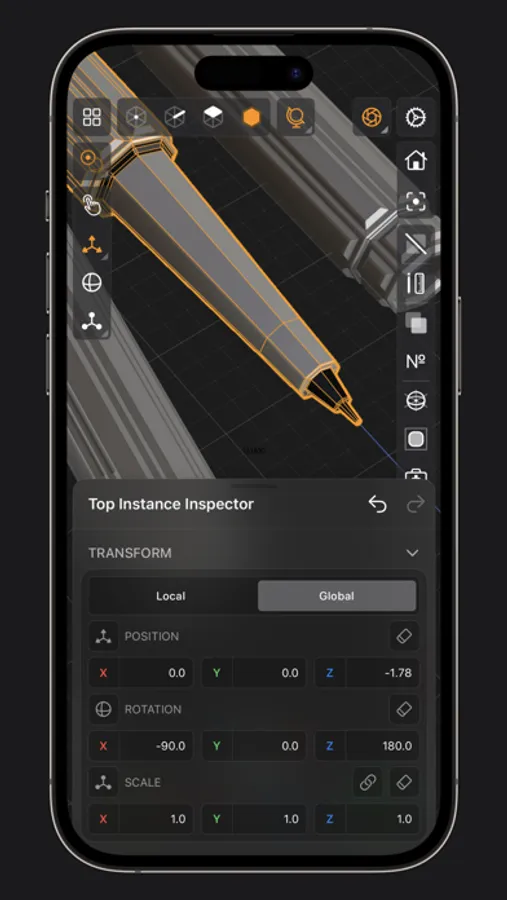
• Precisely adjust any node’s position, rotation & scale with the Inspector
• Adjust material properties, display & modifier options with the Inspector
STAY ORGANIZED ACROSS ALL YOUR DEVICES
• Preview, share, duplicate, delete & rename your models from the gallery
• iCloud syncing keeps all your models up to date, private & accessible across all your devices
PREVIEW, MEASURE, & RENDER YOUR CREATIONS
• 6 powerful rendering modes: Matcap, Modeling, Wireframe, Physically Based, X-Ray & Path Traced
• Export renders in any aspect ratio & scale
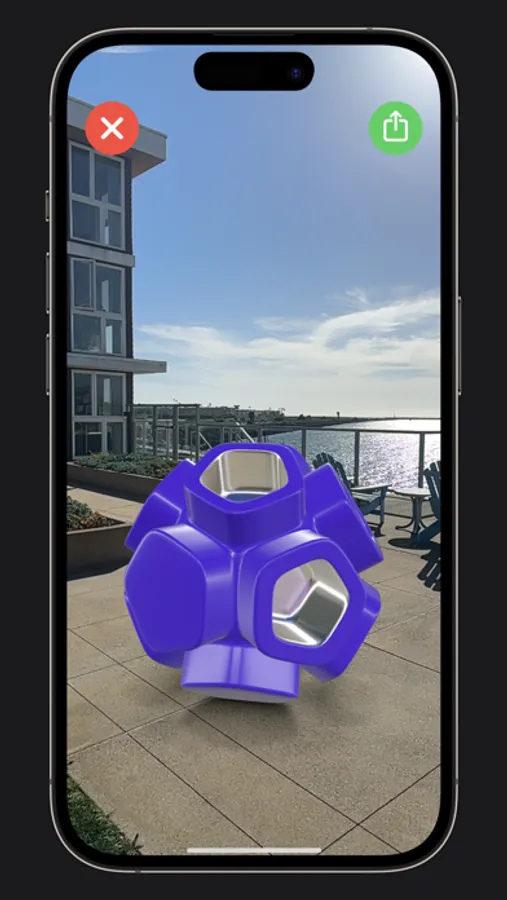
• Preview your model in AR in two taps
• Export your scene as a USDZ & be confident it’ll look consistent on all Apple devices
• Tweak your model’s material & see changes in real-time
• Tweak-able scene settings: camera field of view, background type, blurriness, intensity & rotation
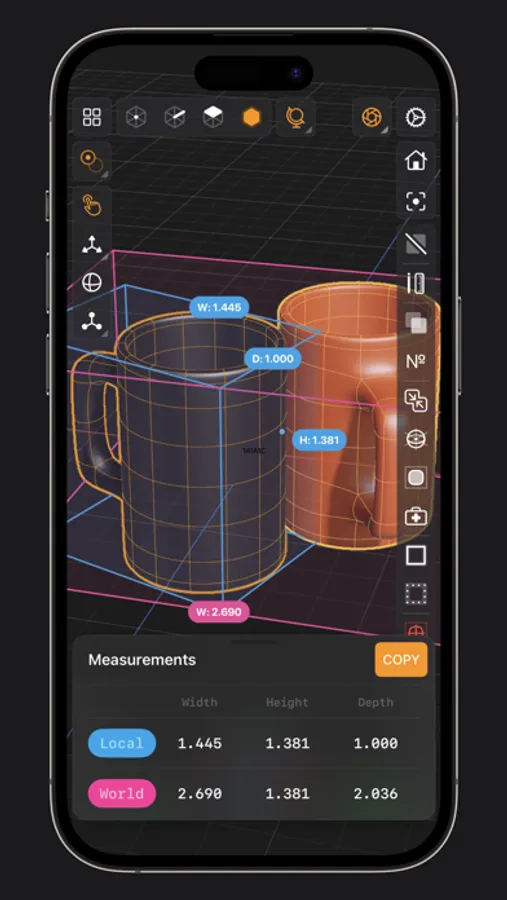
• Get model measurements in one click
• Add persistent dimensions between any two surfaces in your scene
PURCHASE & COMPATIBILITY
• One time purchase unlocks both iPhone & iPad versions
• Apple Pencil supported on select iPads
• 120 FPS supported on devices with ProMotion displays
• Path Tracing is supported on iPads with M series chips & iPhones with A15 Bionic & later
• Lidar Scan & Room Plan is supported on devices with a lidar sensor
Valence 3D Screenshots
Tap to Rate:
Reviews for Valence 3D
kluke3
Don’t Waste Your Money
I’ve paid for this app. very early on, when it first came out, or nearly so. It wasn’t a great app., but I figured it would greatly improve. Sadly, this is not the case. As the app. stands today, it should be free. The interface is clunky and there is a major flaw that I have seen from early on. For some reason, when a file is saved, then reopened later, it sometimes reverts back to a primitive. I think a square. Even the built in designs do this. I have tried reinstalling the app., but the same thing happens. Valence 3D is the only app. I have file “corruption” issues with. Very disappointing. I originally paid for this, since it seemed to have more primitives, than Nomad Sculpt had. I planned on using it for the purpose of starting with a primitive in Valence, then working on it to a certain point, before moving it to Nomad for detailed work. Since Valence doesn’t work, I now use Autodesk Tinkercad for this purpose. I used this app. way before Valence was created, but Valence seemed to have a future, where the editing workflow would have been better. Since this major flaw with Valence, I have ditched it for Tinkercad long ago, but would try Valence every now and then to see if it satisfactorily improved and hoped it would become an awesome app. that I would use frequently. I’m giving up today and uninstalling.
xnut22
This app is great
I’ve had so much fun on this app making little projects Feature requests: 2. Make the render fast