With this app, you can create large posters, banners, or wall art by tiling images or PDFs using your home printer. Includes layout options, image import, resizing, text addition, and export features.
AppRecs review analysis
AppRecs rating 4.4. Trustworthiness 80 out of 100. Review manipulation risk 20 out of 100. Based on a review sample analyzed.
★★★★☆
4.4
AppRecs Rating
Ratings breakdown
5 star
86%
4 star
7%
3 star
2%
2 star
1%
1 star
5%
What to know
✓
Low review manipulation risk
20% review manipulation risk
✓
Credible reviews
80% trustworthiness score from analyzed reviews
✓
High user satisfaction
86% of sampled ratings are 5 stars
About Docuslice - Poster Printing
Want to create massive posters, banners, or wall art without a giant printer?
Docuslice lets you turn any image or PDF into a stunning, multi-page masterpiece using your regular home printer! Tiled printing is easier than ever — simply print image on multiple pages and assemble them into one giant poster.
Here’s how it works:
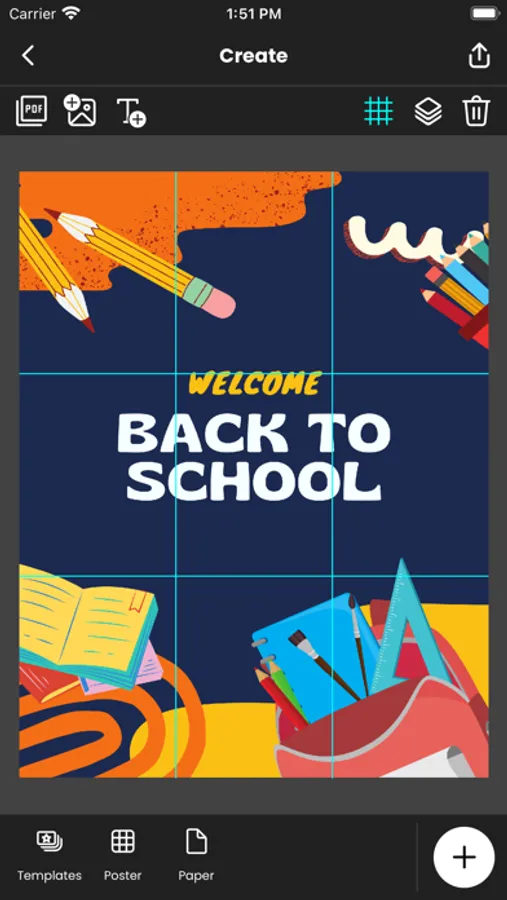
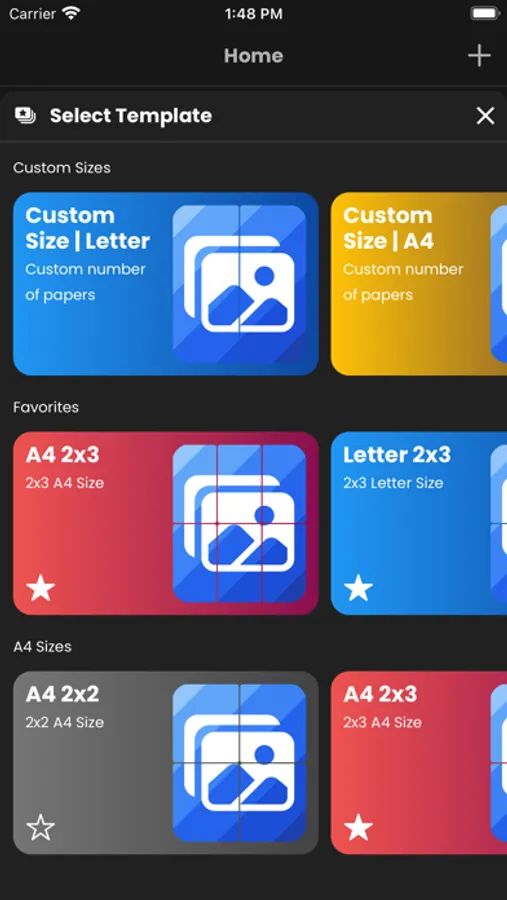
- Choose your layout:
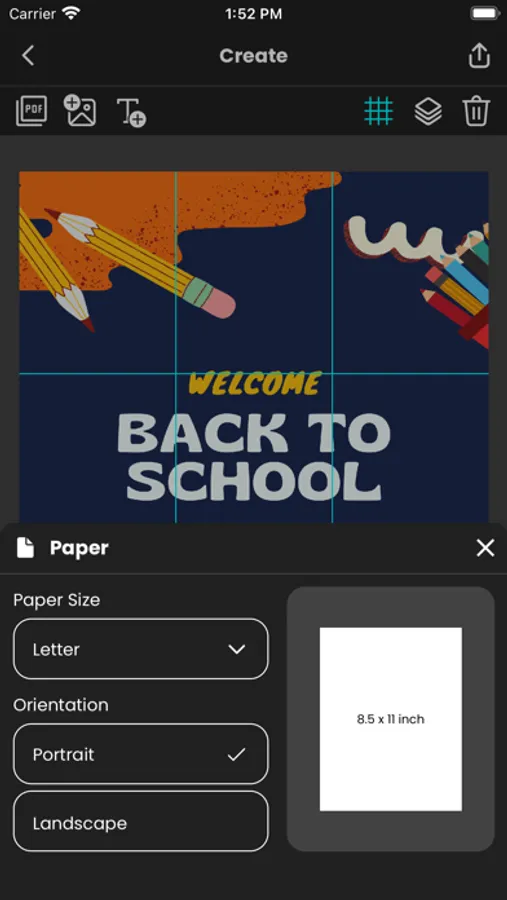
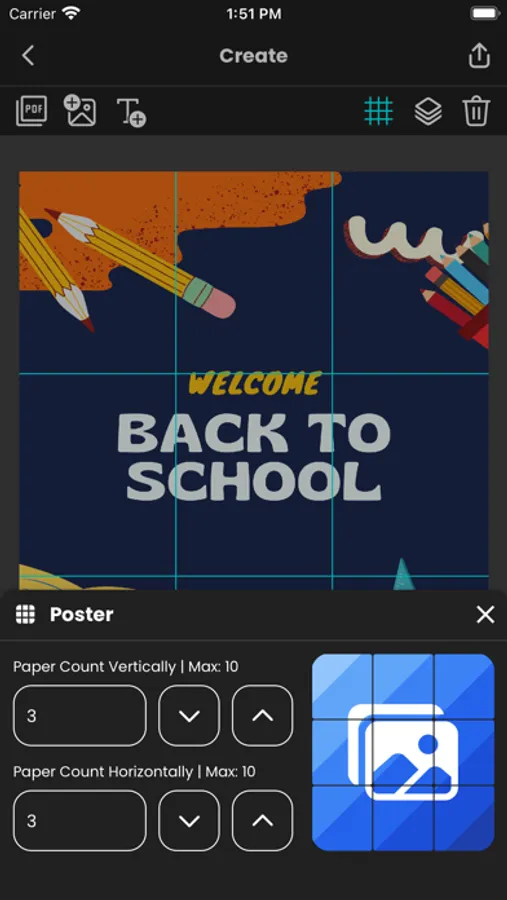
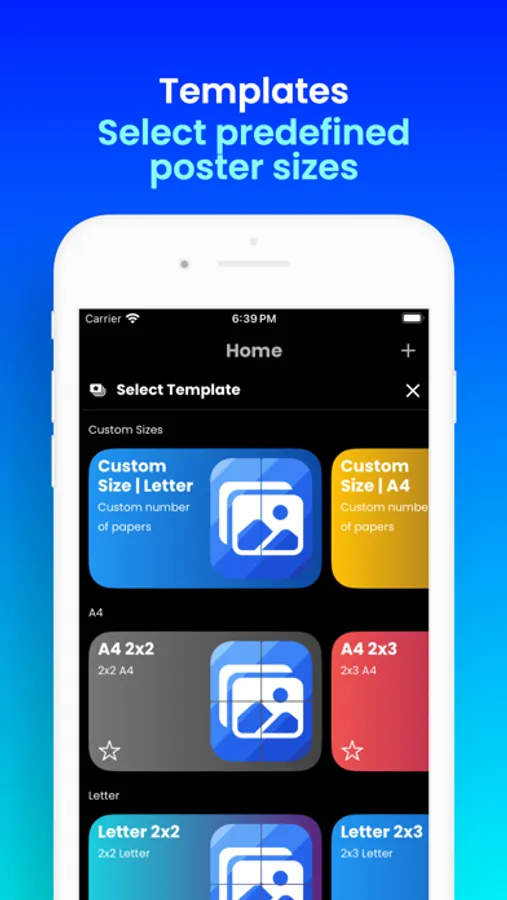
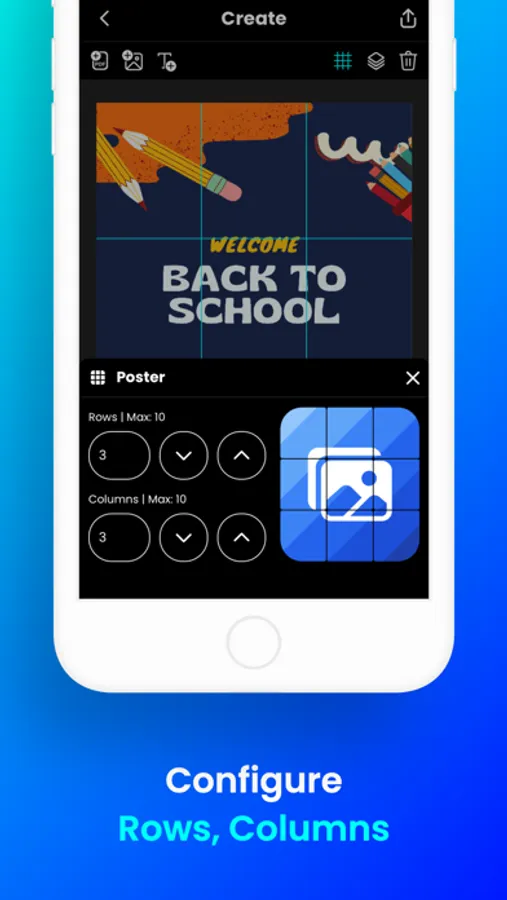
- Grid Mode – set poster size using rows and columns (fixed number of papers).
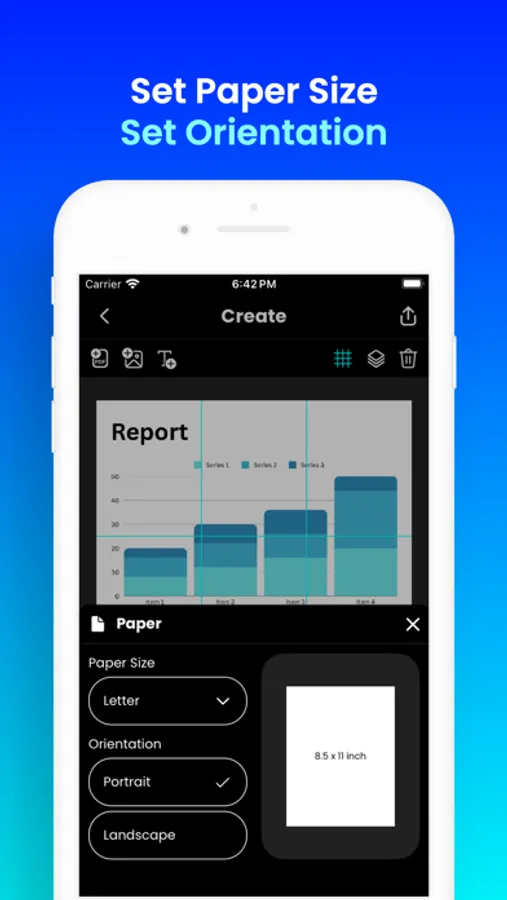
- Size Mode – set exact width and height for your poster.
- Import any image or PDF.
- Customize it to perfection: Resize and add text with ease.
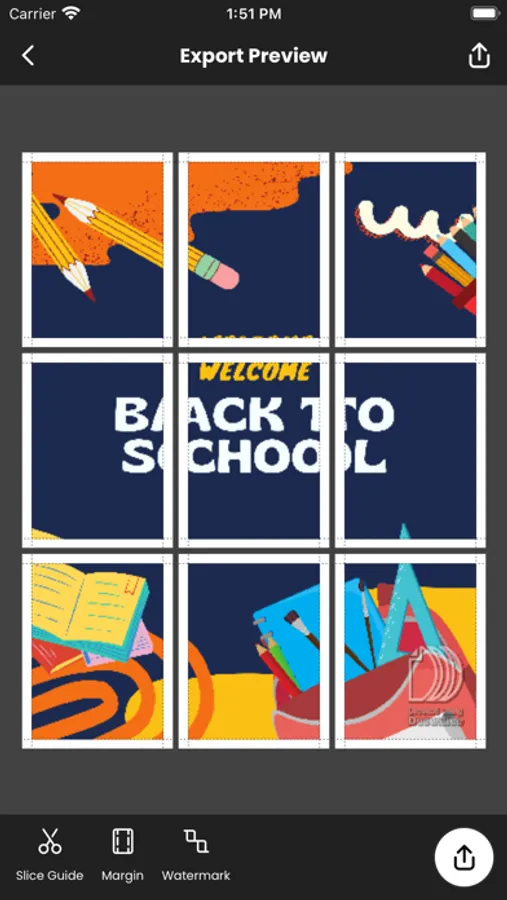
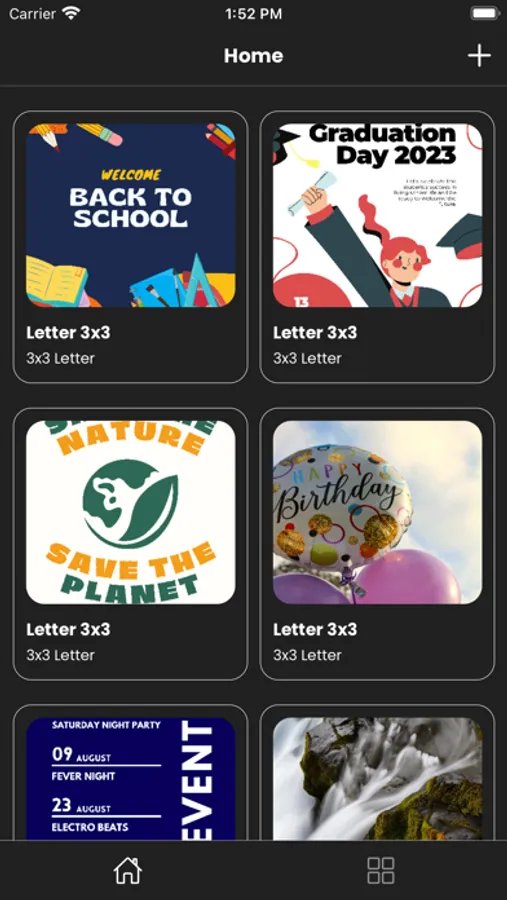
- Docuslice magically slices your design into printable tiles.
- Export tiles as PDF or images for flexible printing.
- Print directly to your home printer or send to print shops if you don’t have one.
Perfect for:
- Eye-catching event posters (birthdays, holidays, etc.)
- Educational charts, decorations, and classroom posters
- Unique wall art for your home or office
- Campaign posters that make a statement
- Large banners for any occasion
- Activism and protest posters
Docuslice is:
- FREE to download and use
- Incredibly easy to learn
- Compatible with any image or PDF
- Exportable as PDF or images
- Lets you print image on multiple pages for any size
- Cost-efficient – no need for large format printers
- Eco-friendly – save resources by using your home printer
Ready to unleash your creativity and print giant posters with ease?
Download Docuslice today!
Docuslice lets you turn any image or PDF into a stunning, multi-page masterpiece using your regular home printer! Tiled printing is easier than ever — simply print image on multiple pages and assemble them into one giant poster.
Here’s how it works:
- Choose your layout:
- Grid Mode – set poster size using rows and columns (fixed number of papers).
- Size Mode – set exact width and height for your poster.
- Import any image or PDF.
- Customize it to perfection: Resize and add text with ease.
- Docuslice magically slices your design into printable tiles.
- Export tiles as PDF or images for flexible printing.
- Print directly to your home printer or send to print shops if you don’t have one.
Perfect for:
- Eye-catching event posters (birthdays, holidays, etc.)
- Educational charts, decorations, and classroom posters
- Unique wall art for your home or office
- Campaign posters that make a statement
- Large banners for any occasion
- Activism and protest posters
Docuslice is:
- FREE to download and use
- Incredibly easy to learn
- Compatible with any image or PDF
- Exportable as PDF or images
- Lets you print image on multiple pages for any size
- Cost-efficient – no need for large format printers
- Eco-friendly – save resources by using your home printer
Ready to unleash your creativity and print giant posters with ease?
Download Docuslice today!
Docuslice - Poster Printing Screenshots
Tap to Rate:
Reviews for Docuslice - Poster Printing
lookbejkeenkd
Me encanta
Amo esta app es súper fácil de usar
Jackieeee128
amazing thank you 👨🦲🙏
amazing thank you 👨🦲🙏