Infinite Zoom Art - Canvas Max
Appycron Interactive e.K.
4.4 ★
3K ratings
Free
In this drawing app, you can sketch, illustrate, and design on an infinite canvas with zoom capabilities. Includes vector tools, layer management, and autosave features.
AppRecs review analysis
AppRecs rating 4.2. Trustworthiness 77 out of 100. Review manipulation risk 25 out of 100. Based on a review sample analyzed.
★★★★☆
4.2
AppRecs Rating
Ratings breakdown
5 star
73%
4 star
11%
3 star
6%
2 star
2%
1 star
8%
What to know
✓
Low review manipulation risk
25% review manipulation risk
✓
Credible reviews
77% trustworthiness score from analyzed reviews
⚠
Pricing complaints
Many low ratings mention paywalls or pricing
About Infinite Zoom Art - Canvas Max
Document Editor Features:
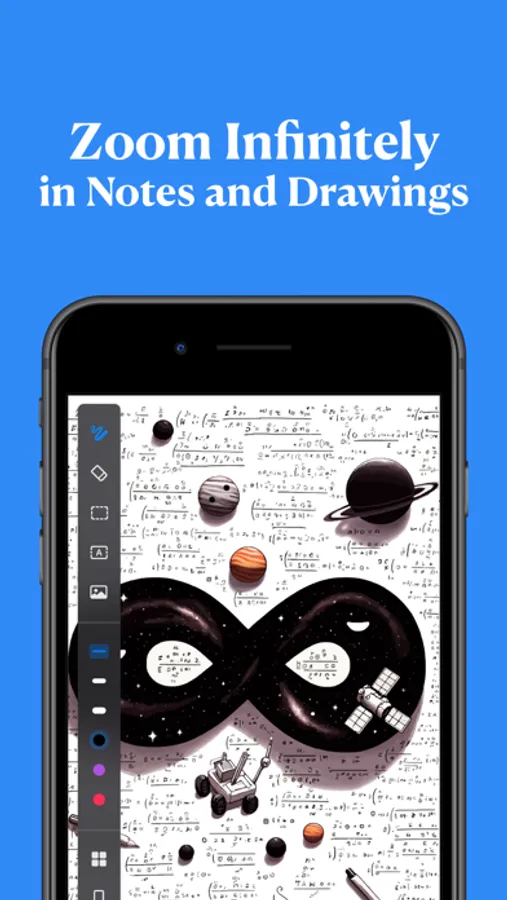
-Infinite Scroll & Zoom: Dive deep and explore without boundaries.
-Precision Vector Drawing: Create crisp, flawless designs regardless of zoom level.
-Eraser & Lasso Tools: Refine and perfect your artwork with precision.
-Dynamic Text Integration: Not just drawings – even your text is vector-based!
-Image Insertion: Seamlessly incorporate photos into your canvas.
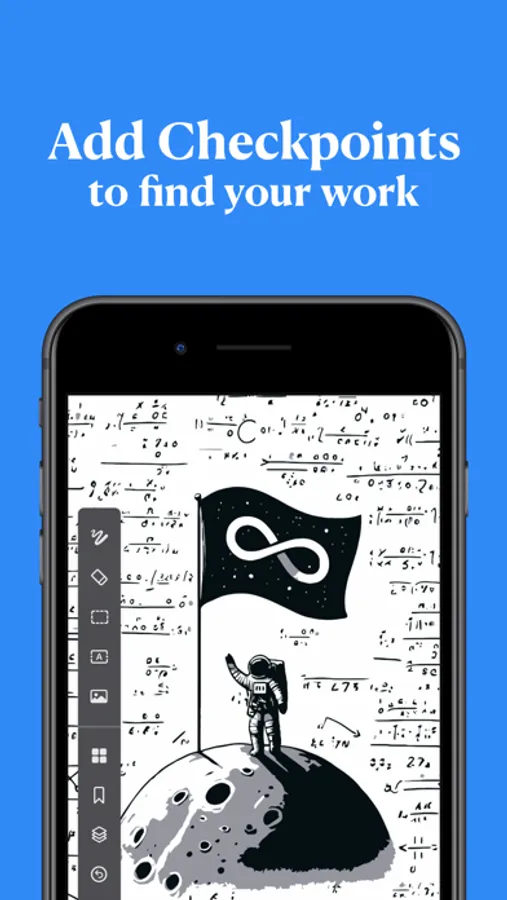
-Drawing Checkpoints: Easily bookmark and revisit specific areas.
-Layered Creation: Manage multiple layers for complex designs.
-Undo/Redo: Effortlessly correct mistakes with handy undo and redo buttons.
-Smart Autosave: Never lose your progress with our intelligent autosave feature.
Filesystem Features:
-Document & Folder Management: Organize your creations with ease.
-Comprehensive File Options: Copy, delete, share, and export in a snap.
-Flexible Storage Solutions: Choose between iCloud and local storage options.
Terms of Use: https://www.apple.com/legal/internet-services/itunes/dev/stdeula/
Infinite Zoom Art - Canvas Max Screenshots
Tap to Rate:
Reviews for Infinite Zoom Art - Canvas Max
羊羊的爸爸888
I HATE YOU SO MUCH!!!!
WHEN I SPENT I WHOLE YEAR DRAWING ON DOME REALLY CUTE CAPYBARAS,FRUITS, CANDY, AND A LOT MORE STUFF, YOU ADDED LAYERS AND I TESTED IT OUT AND IT DELETED EVERYTHING!!!!!!! ALL MY HARD WORK, GONE!!! I HATE YOU GUYS!!!!!!
Zooms in infinitely
App is great
It says infinite and it actually zooms in infinitely. I’ve tried it out and my first time doing it i almost lost track of my drawings