AppRecs review analysis
AppRecs rating 3.9. Trustworthiness 76 out of 100. Review manipulation risk 22 out of 100. Based on a review sample analyzed.
★★★☆☆
3.9
AppRecs Rating
Ratings breakdown
5 star
67%
4 star
0%
3 star
8%
2 star
8%
1 star
17%
What to know
✓
Low review manipulation risk
22% review manipulation risk
✓
Credible reviews
76% trustworthiness score from analyzed reviews
✓
Good user ratings
67% positive sampled reviews
About Charli Charging
Now with tap-and-go charging!
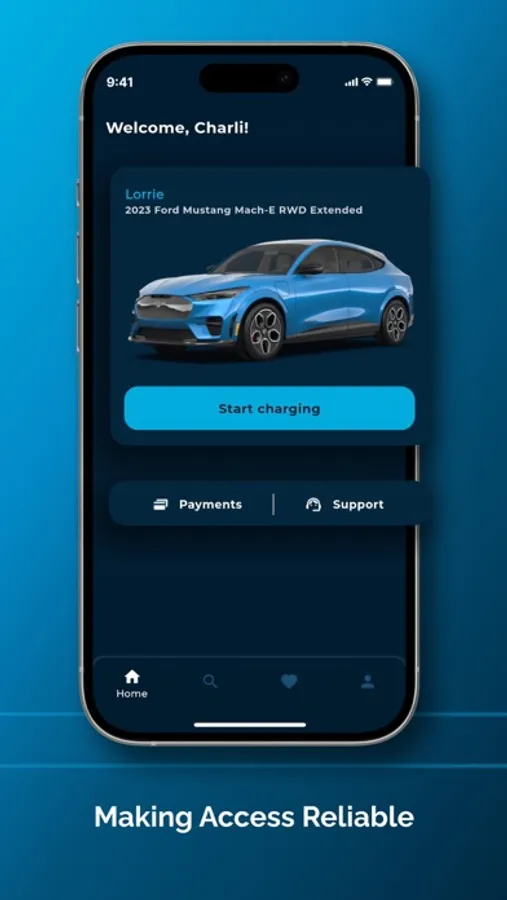
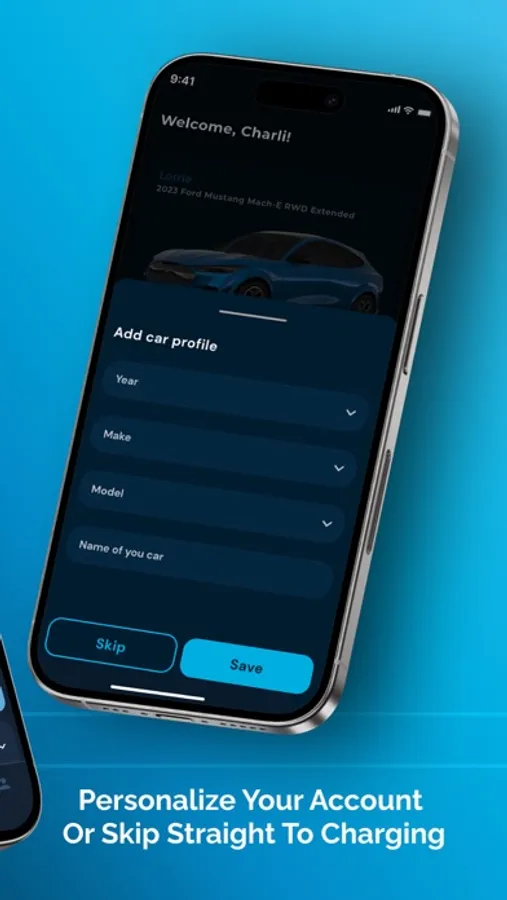
Personalize your account or skip straight to charging; no account creation required!
- Streamlined payment options via Apple Pay and Google Pay
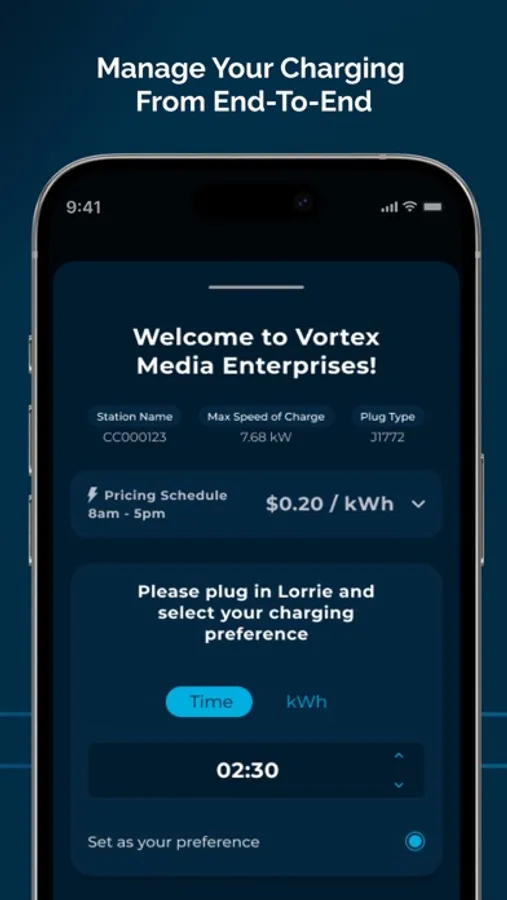
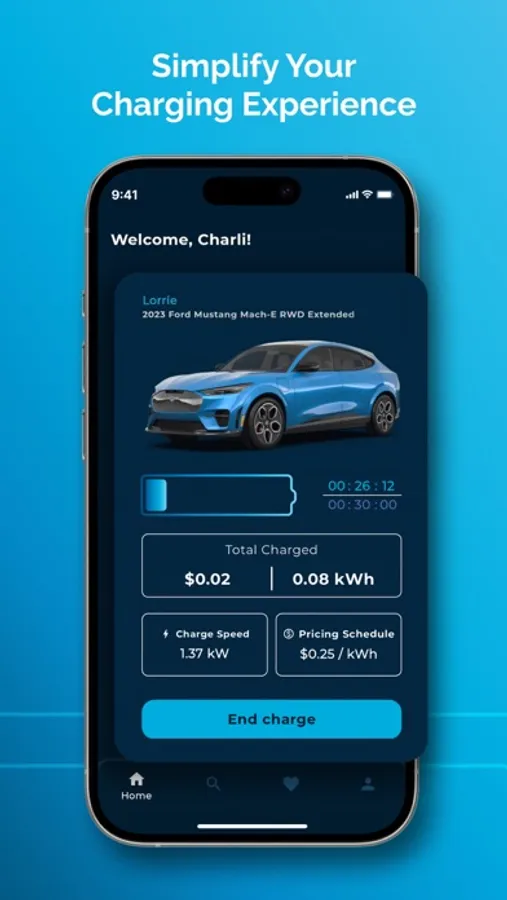
- Minute-by-minute updates of your charging session progress (Cost, kWh, and Charge Speed)
- Detailed receipts that are easily shareable for expense tracking
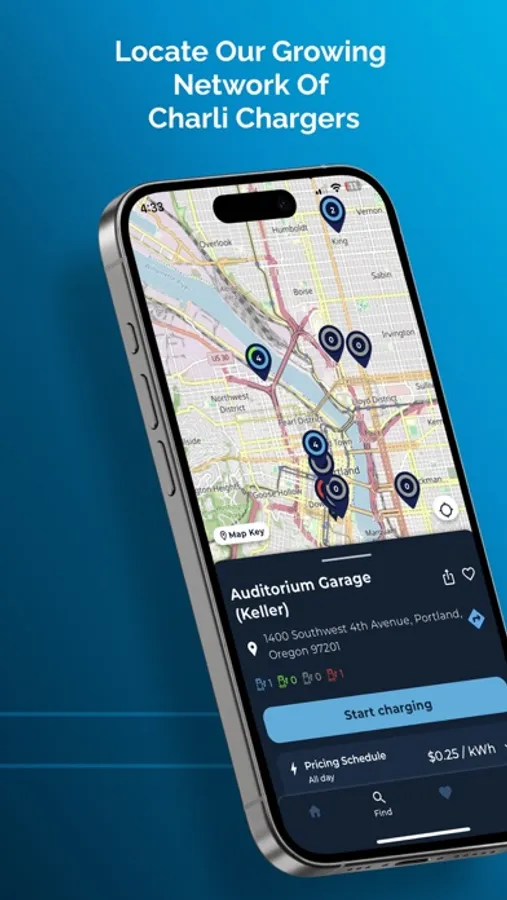
- Plus find other Charli Chargers in our Find tab, and their real-time availability!
Charli Charging is committed to providing the best possible experience for our users, while always maintaining the highest levels of security and privacy.
HOW TO START A CHARGE
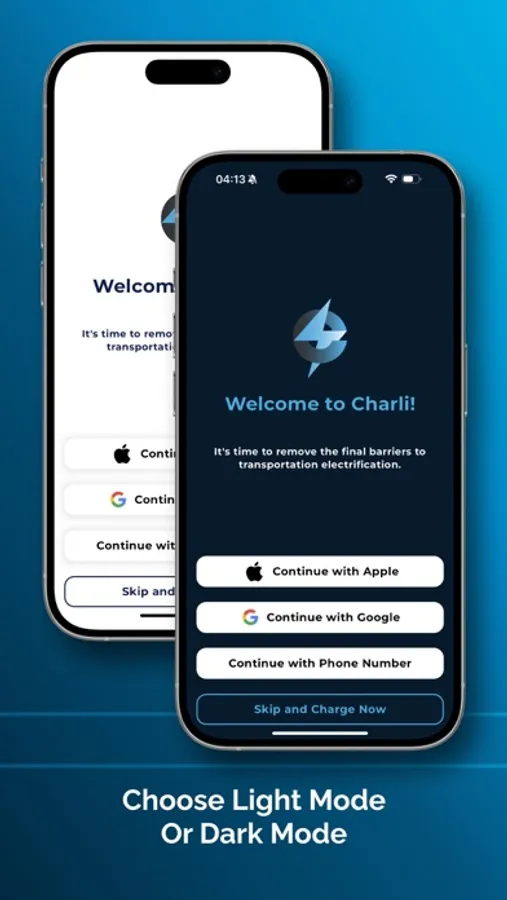
1. Download the Charli Charging App. Choose one of our easy and password free sign-up methods, or you can think about making an account later and select “Skip and Charge Now.”
2. On the home screen, tap the “Start Charging” button.
3. Tap your phone on the “NFC” spot (must be within an inch) or open the QR code scanner on the screen and scan the QR Code on your station. Once you’ve successfully scanned your station, you should see information about the station and location including pricing details.
4. Plug-In!
5. Be sure to confirm your session length, and payment method. Done!
During your session, feel free to come back to the home screen for minute-by-minute updates! End your charge at any time by selecting the “End Charge” button.
Thank you for charging with Charli!
Charli Charging, Inc. | support@charlicharging.com | Learn more at www.charlicharging.com.
Personalize your account or skip straight to charging; no account creation required!
- Streamlined payment options via Apple Pay and Google Pay
- Minute-by-minute updates of your charging session progress (Cost, kWh, and Charge Speed)
- Detailed receipts that are easily shareable for expense tracking
- Plus find other Charli Chargers in our Find tab, and their real-time availability!
Charli Charging is committed to providing the best possible experience for our users, while always maintaining the highest levels of security and privacy.
HOW TO START A CHARGE
1. Download the Charli Charging App. Choose one of our easy and password free sign-up methods, or you can think about making an account later and select “Skip and Charge Now.”
2. On the home screen, tap the “Start Charging” button.
3. Tap your phone on the “NFC” spot (must be within an inch) or open the QR code scanner on the screen and scan the QR Code on your station. Once you’ve successfully scanned your station, you should see information about the station and location including pricing details.
4. Plug-In!
5. Be sure to confirm your session length, and payment method. Done!
During your session, feel free to come back to the home screen for minute-by-minute updates! End your charge at any time by selecting the “End Charge” button.
Thank you for charging with Charli!
Charli Charging, Inc. | support@charlicharging.com | Learn more at www.charlicharging.com.
Charli Charging Screenshots
Tap to Rate:
Reviews for Charli Charging
Fhoogcdsjkngg
Best customer service EVER
I’m a complete novice and these folks were so kind & helpful. Super intuitive app.
Moonknight13
Doesn't work at all
The app can't start charging and the support never replies