
AppRecs review analysis
AppRecs rating 4.6. Trustworthiness 77 out of 100. Review manipulation risk 26 out of 100. Based on a review sample analyzed.
★★★★☆
4.6
AppRecs Rating
Ratings breakdown
5 star
80%
4 star
0%
3 star
20%
2 star
0%
1 star
0%
What to know
✓
Low review manipulation risk
26% review manipulation risk
✓
Credible reviews
77% trustworthiness score from analyzed reviews
✓
High user satisfaction
80% of sampled ratings are 5 stars
About FSWidgets Navigator
It supports most popular simulators like MSFS2024, MSFS2020, FSX, P3D, FS9, X-Plane & Aerofly FS.
Our free FSWidgets Connect service provides connectivity for the flight simulator (download from fswidgets.com)
FSWidgets Navigator Features:
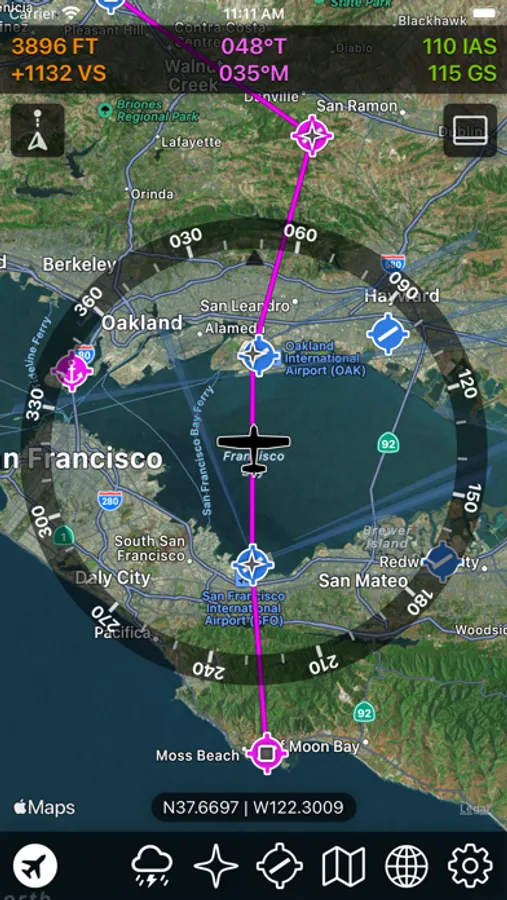
* Universal app, for iPhone, iPad and Mac (M1 + Ventura or later)
* Built with the native Apple Maps SDK
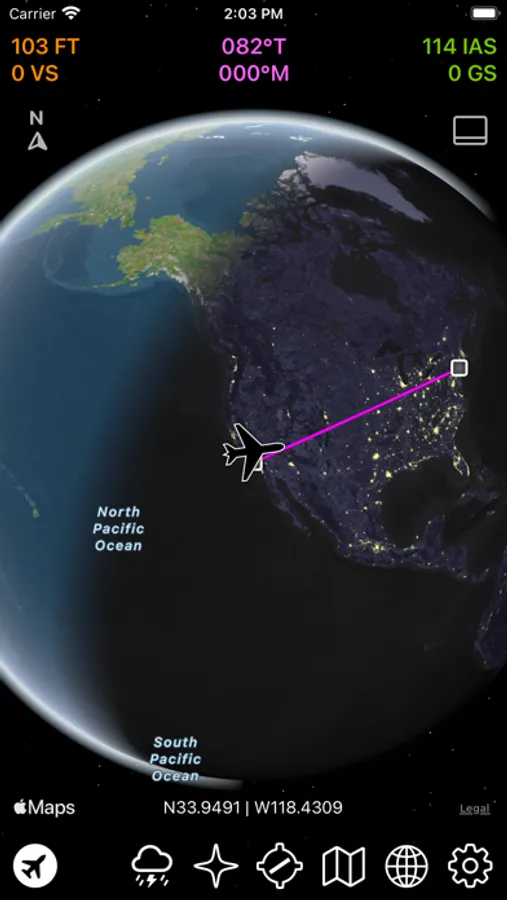
* Stunning full screen, edge-to-edge map display
* Split screen on iPad supported
* Fully dark-mode compliant
* Native Apple base maps with sharp vector graphics
* Ultra smooth manual panning & zooming
* Supports manual map rotation
* Track-up or North-up map orientation options
* Compass rose supports true or magnetic indication
* Jet, prop or helicopter aircraft icon options
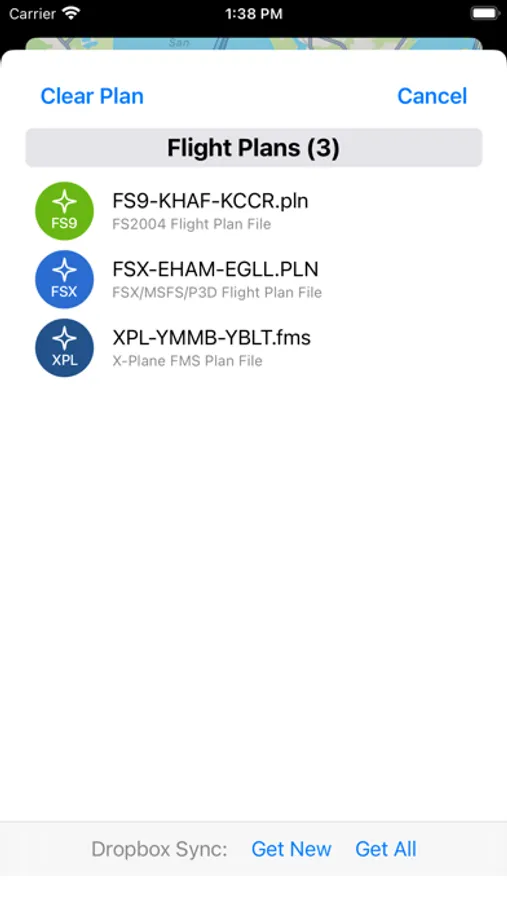
* Native MSFS, P3D, FSX, FS9 & X-Plane flight plan file support
* Great Circle projection option for flight plan
* Dropbox option for transferring flight plans to the device
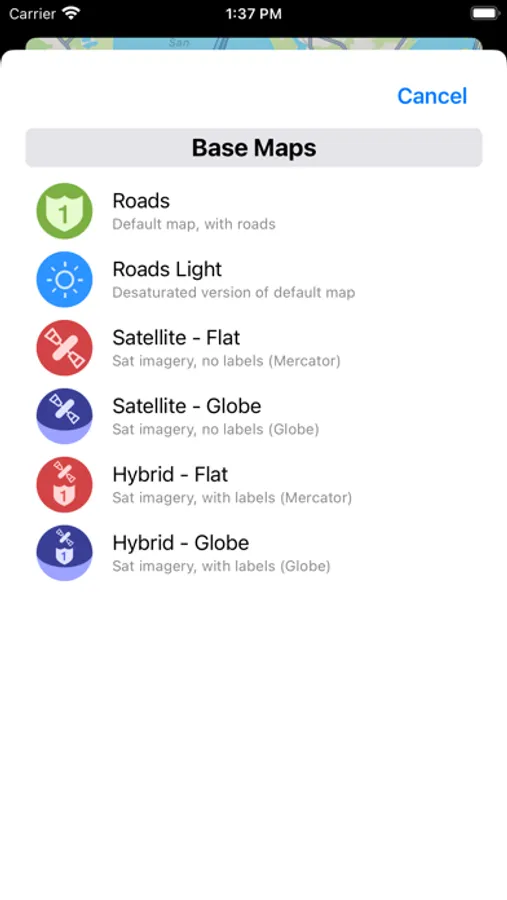
* Includes all Apple Maps styles - Roads, Roads Light, Sat & Hybrid
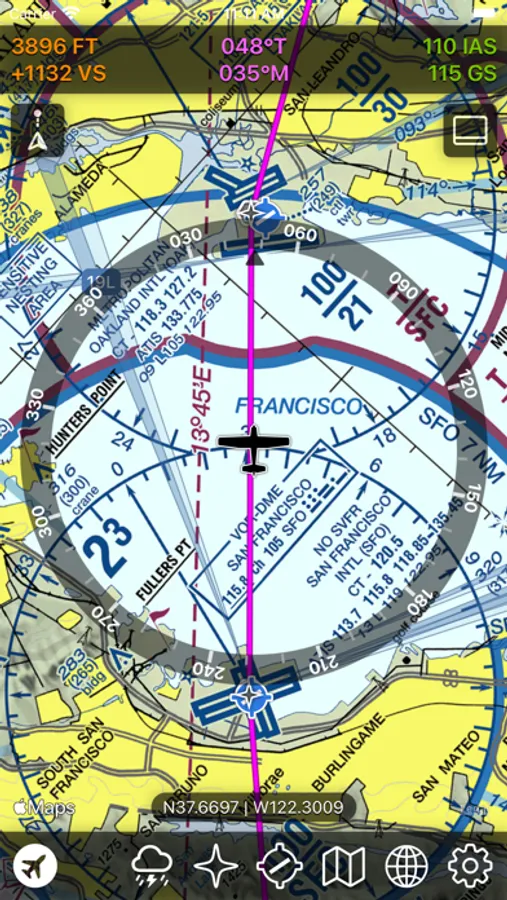
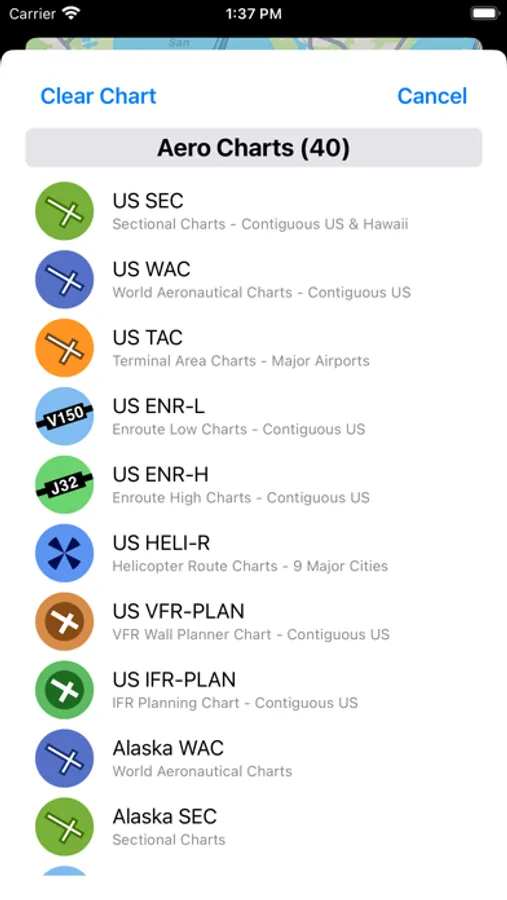
* Includes over 40 Aero Chart overlays
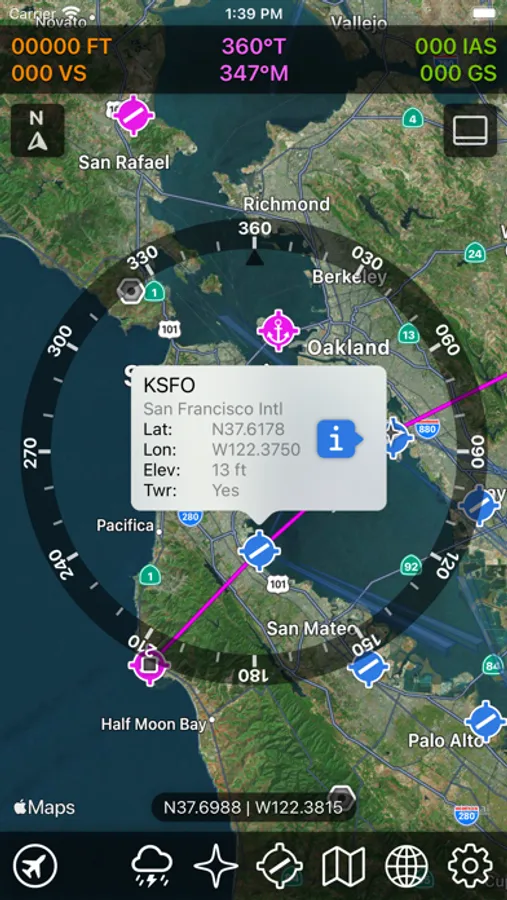
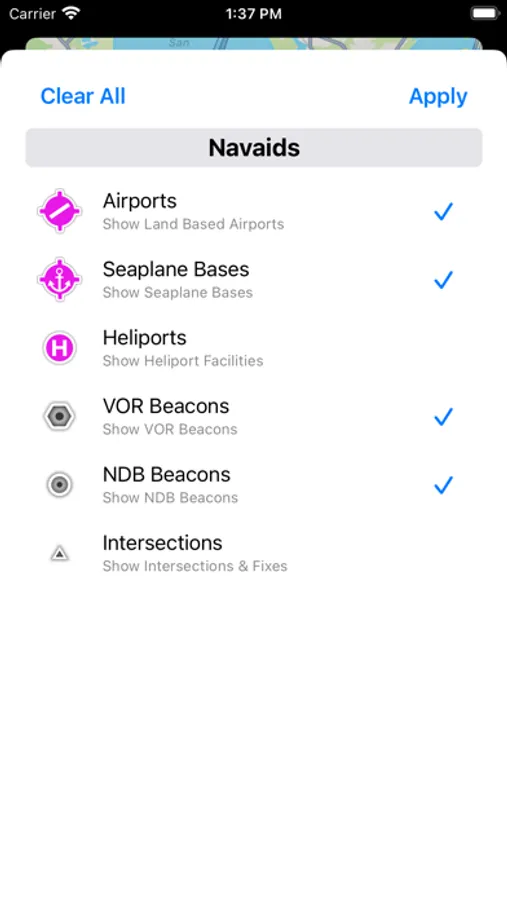
* Worldwide Nav Data icons (airport, ILS, VOR, NDB, fix)
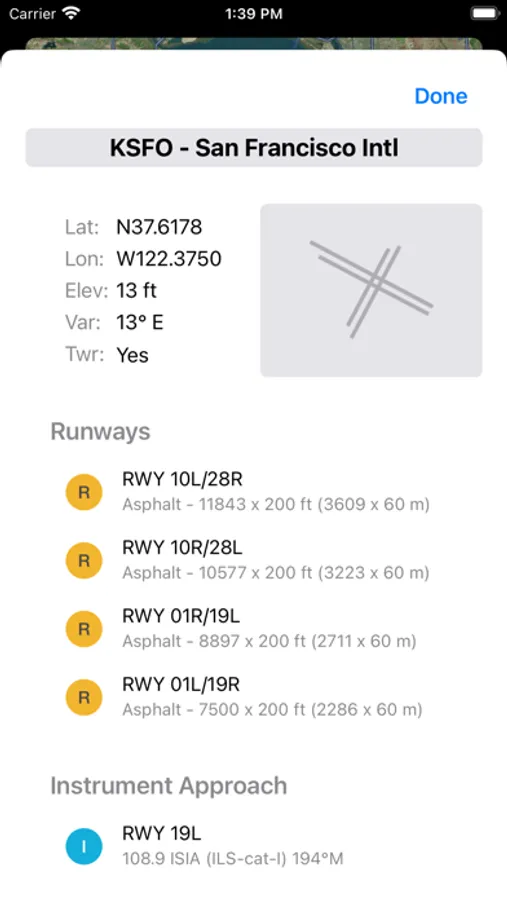
* Detailed info for airports (runways, frequencies, lighting)
* US Terminal Procedures (IAP/SID/STAR/Airport Diagrams)
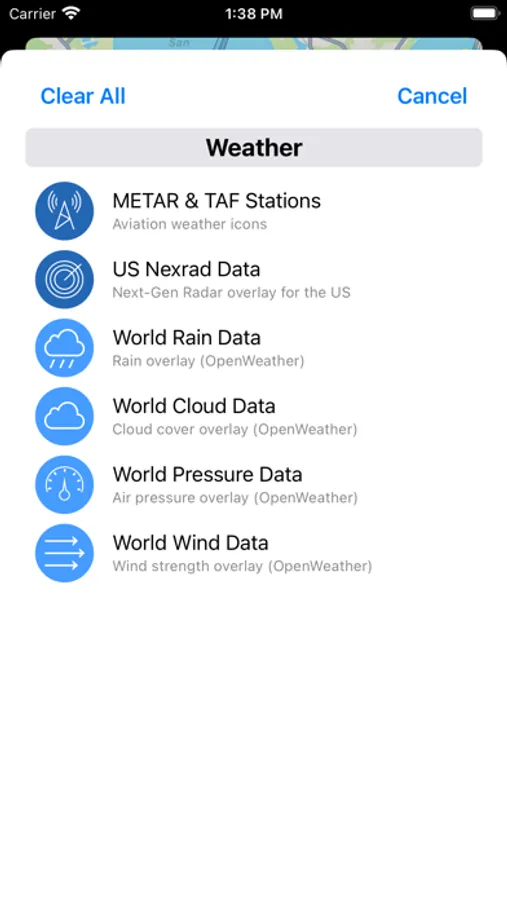
* Worldwide weather icons (METAR/TAF)
* US NEXRAD precipitation data
* World rain, cloud, pressure and wind data
FSWidgets Navigator Screenshots
Tap to Rate:
Reviews for FSWidgets Navigator
Redcritter
Sad
So no longer flying real and was looking for a nice alternative to ForeFlight. So sad that this program doesn’t have a way to share between its different apps without a lot of Manuel work to move files in Dropbox (my least favorite file sharing site). In the end I just wasted more money. Basic ForeFlight at about a hundred a year is so much better. Keeping real sim real and having to pause a flight to change a flight plan is not very realistic!!!
RobertG102
Great add on for any flight sim!
Love having this running on my iPad when flying. Super easy to use and really enhances overall experience. Also love their PC version of their moving map as well. Best part is the ongoing support that you get.