About TuaGom Cute Rabbit Pack#2
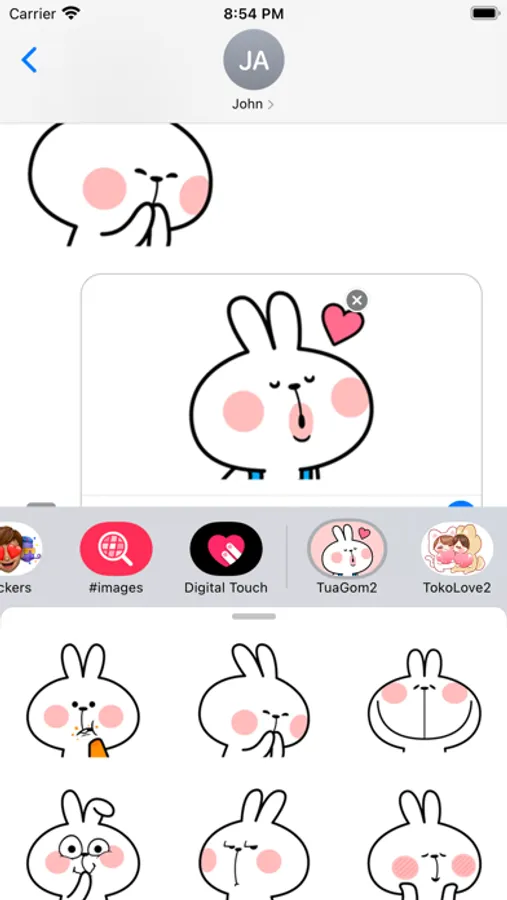
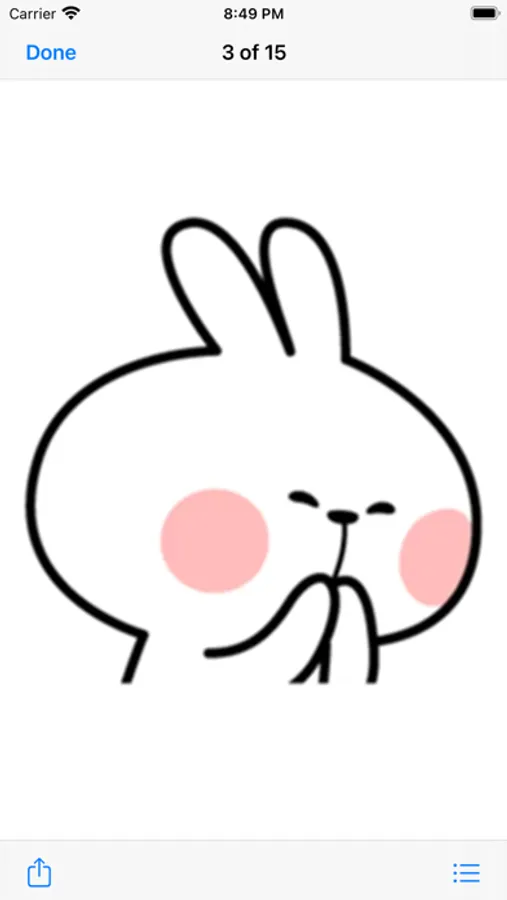
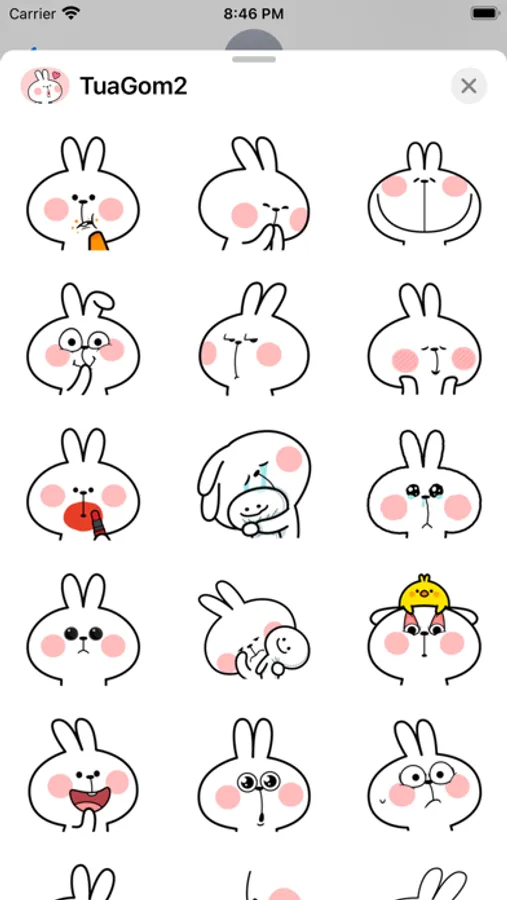
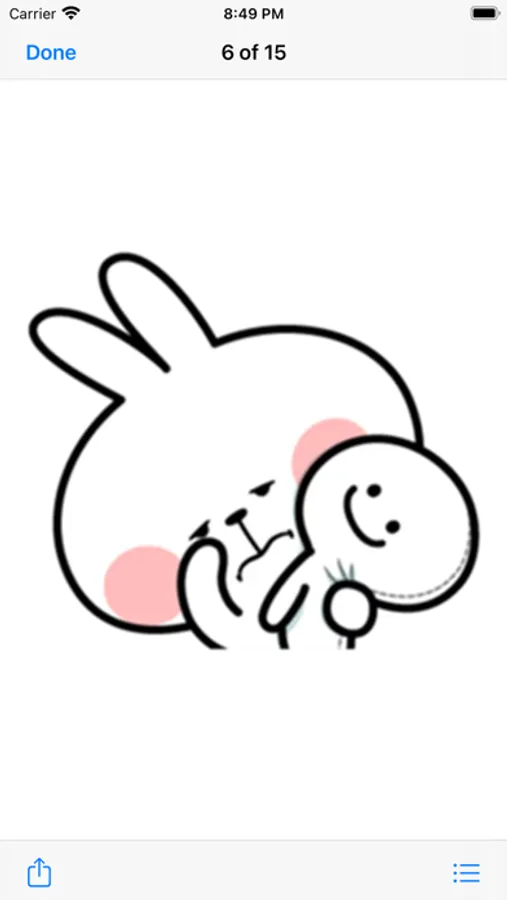
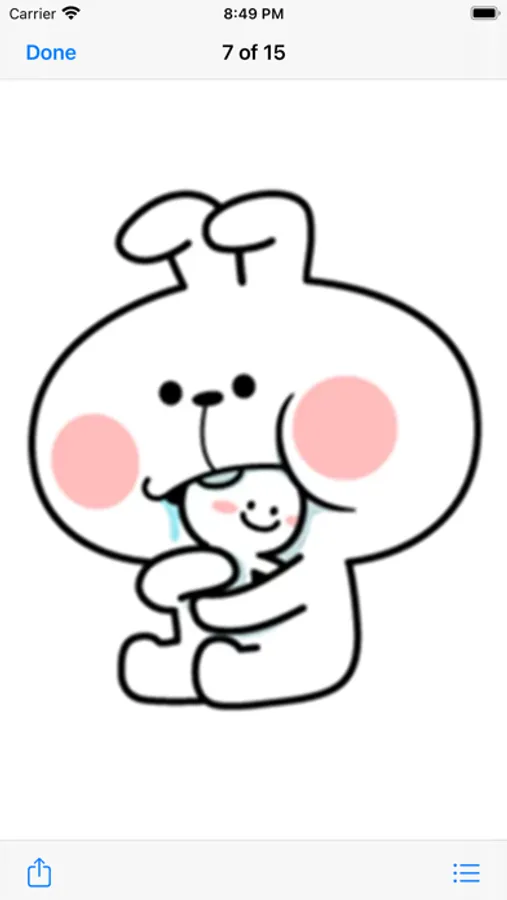
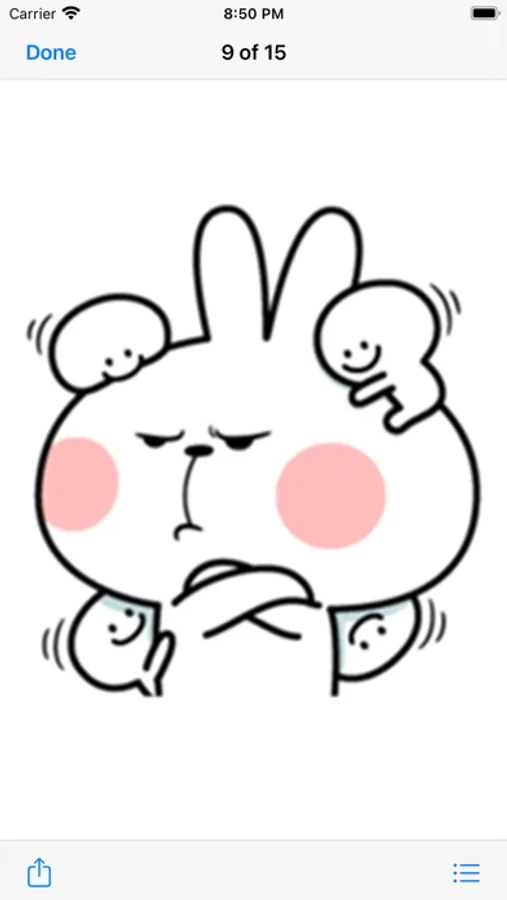
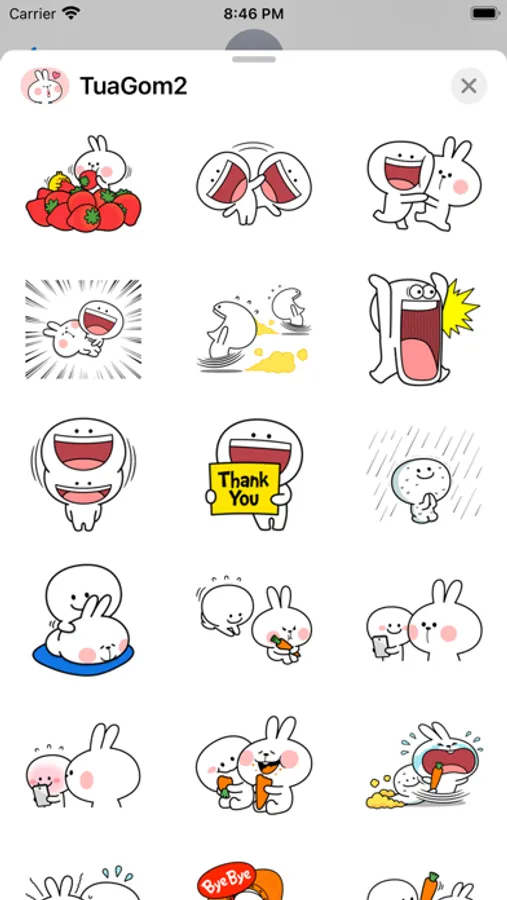
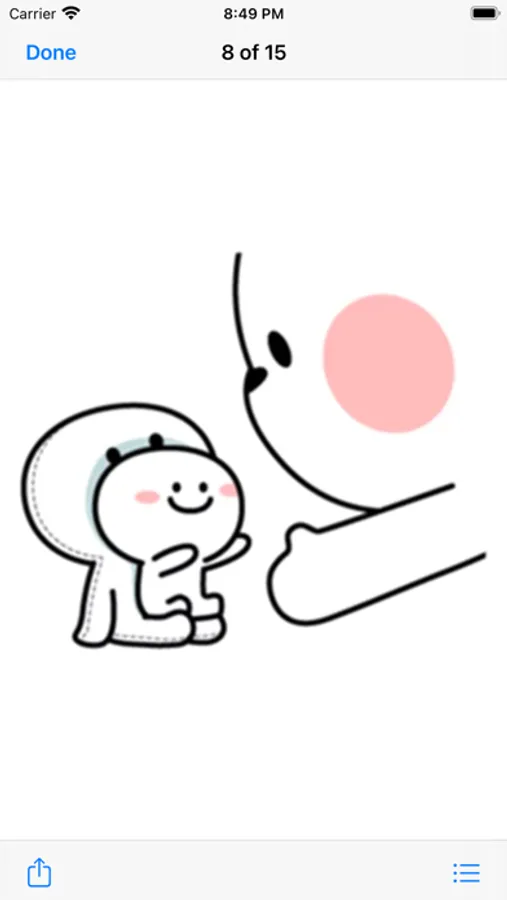
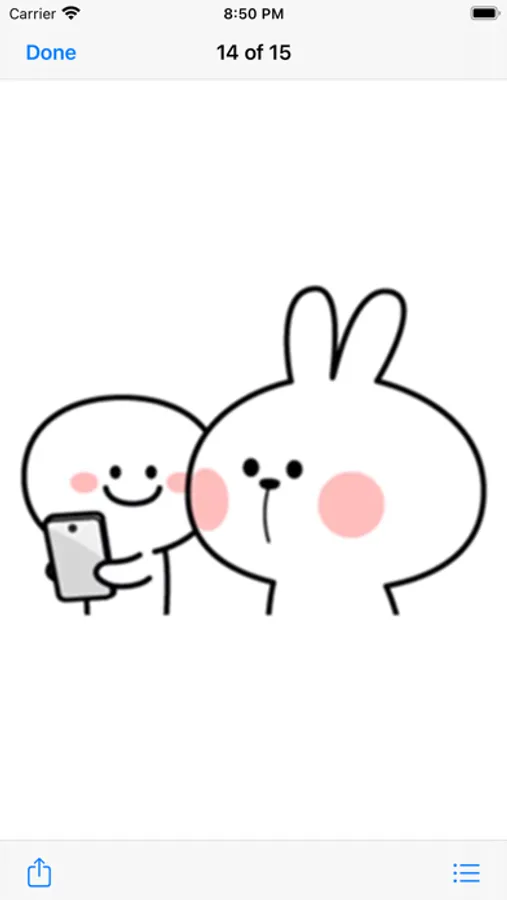
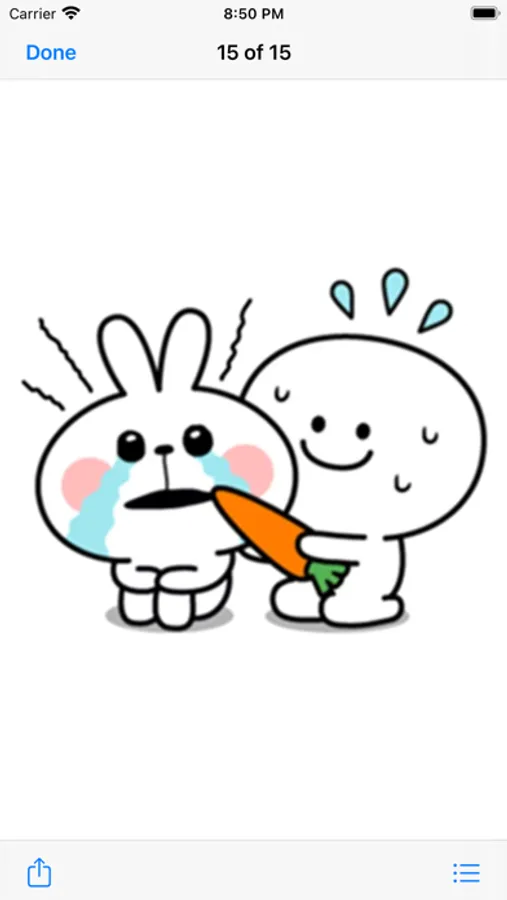
This is TuaGom Cute Rabbit Pack#2 with 117 new amazing stickers for your conversations.
Make your conversations even more cutter. Don't let that special person in your life stay without knowing your feelings, the day is today the moment is now! Express your feelings with these amazing stickers!
You can send these stickers as individual messages or drag and dropped onto existing Messages. CUSTOMISE your photos with stickers in chat.
Feedback: feedbackmegacarrotapps@yahoo.com
How to Use and Install:
-To access iMessage apps, compose a new iMessage to a friend.
-Tap the App Store icon alongside the compose field.
-Tap the lower left corner along with camera to open the app drawer.
- Select your's Stickers app .
- Just with a single tap send stickers.
How to remove sticker packs from iMessage:
1. Open the iMessages app on your iPhone.
2. Scroll right on the list of apps above the keyboard till you see the More … button.
3. Scroll down and find the sticker pack you want to remove.
4. Delete App: swipe left on the sticker pack and Delete it
5. Tap the Edit button on the top-left.
6. Now you can reorder the sticker packs
Make your conversations even more cutter. Don't let that special person in your life stay without knowing your feelings, the day is today the moment is now! Express your feelings with these amazing stickers!
You can send these stickers as individual messages or drag and dropped onto existing Messages. CUSTOMISE your photos with stickers in chat.
Feedback: feedbackmegacarrotapps@yahoo.com
How to Use and Install:
-To access iMessage apps, compose a new iMessage to a friend.
-Tap the App Store icon alongside the compose field.
-Tap the lower left corner along with camera to open the app drawer.
- Select your's Stickers app .
- Just with a single tap send stickers.
How to remove sticker packs from iMessage:
1. Open the iMessages app on your iPhone.
2. Scroll right on the list of apps above the keyboard till you see the More … button.
3. Scroll down and find the sticker pack you want to remove.
4. Delete App: swipe left on the sticker pack and Delete it
5. Tap the Edit button on the top-left.
6. Now you can reorder the sticker packs
TuaGom Cute Rabbit Pack#2 Screenshots
Tap to Rate: