
About Minesweeper Keyboard
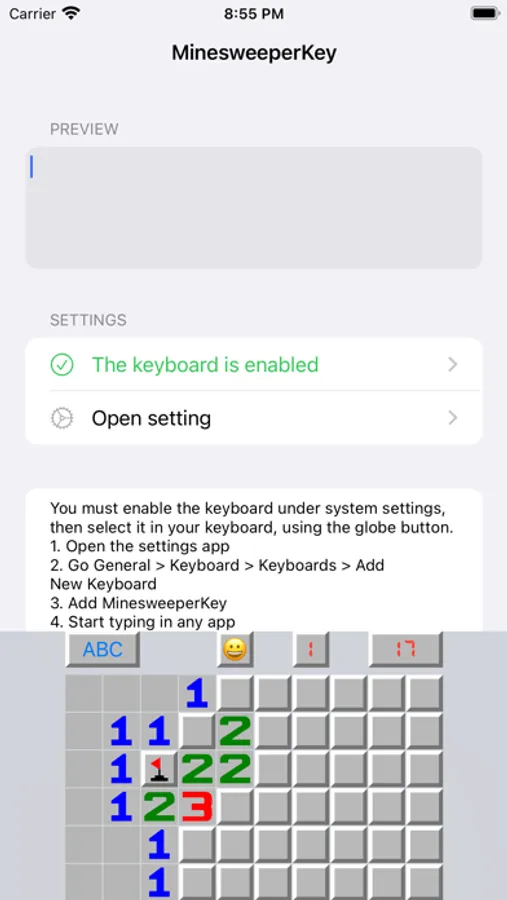
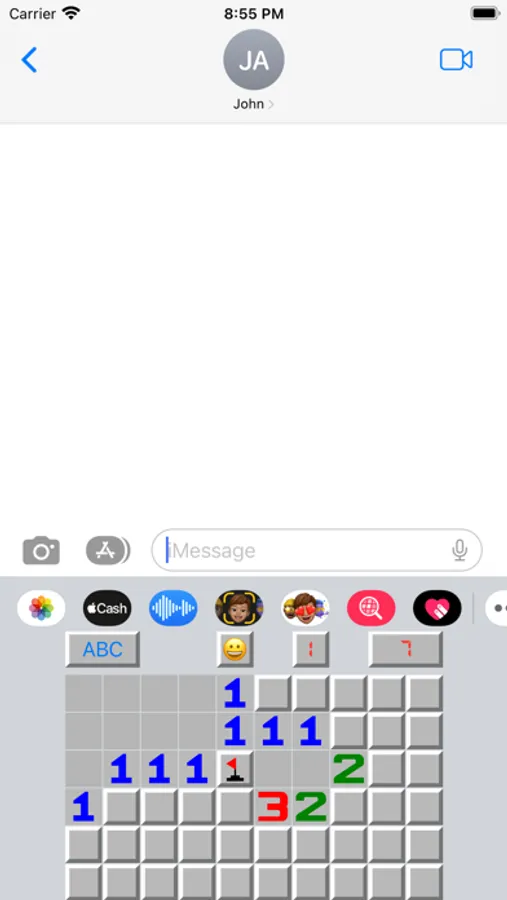
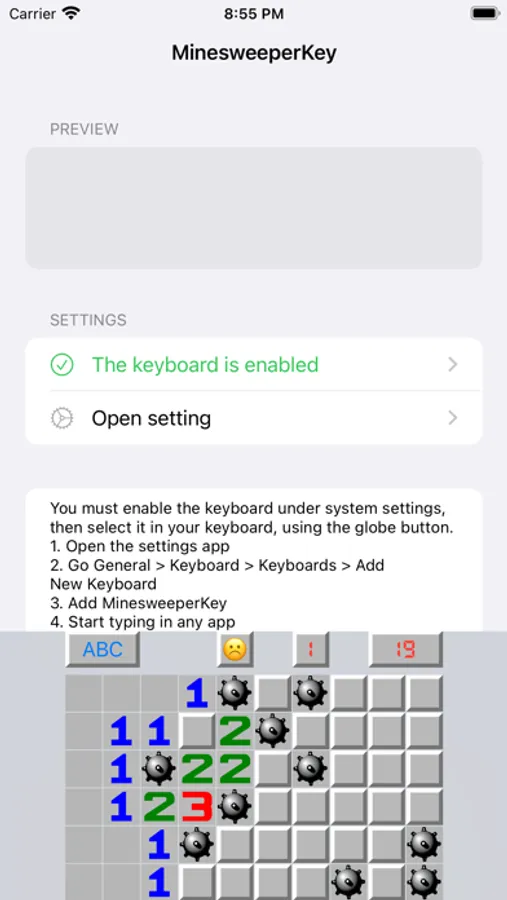
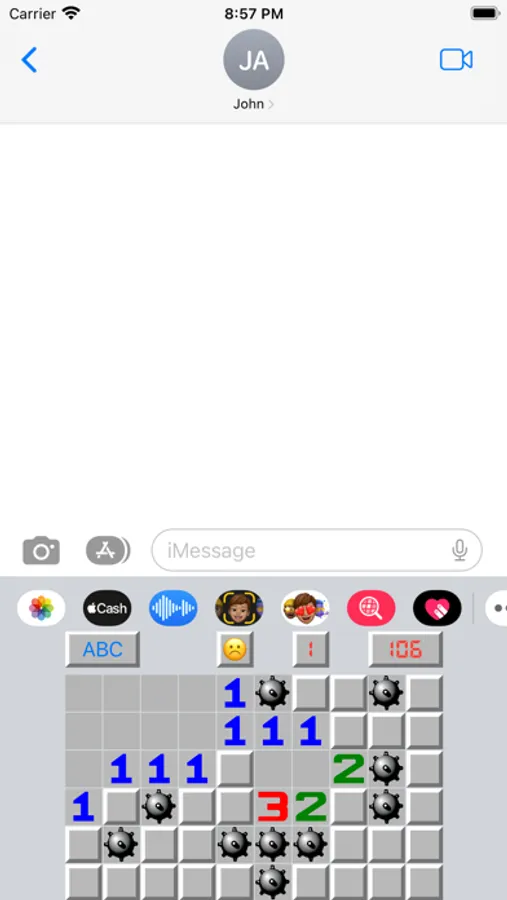
Use game Minesweeper directly on keyboard anywhere, anytime
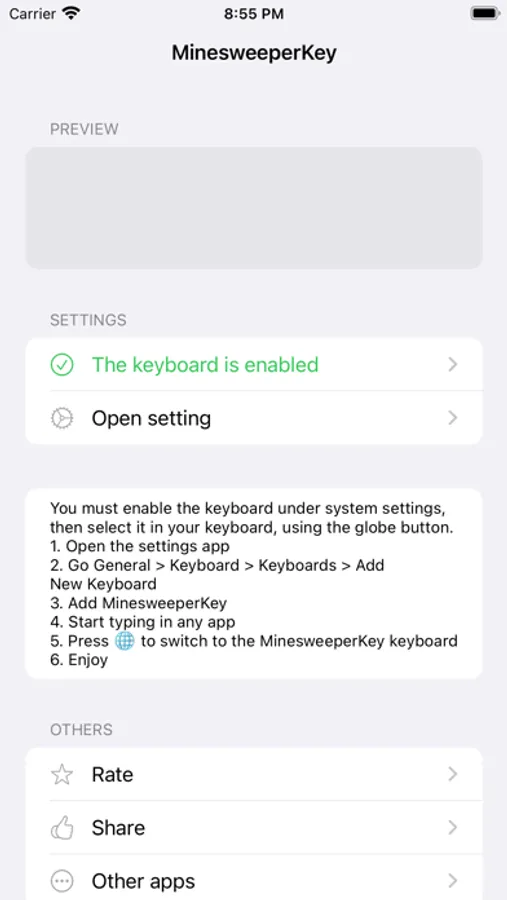
You must enable the keyboard under system settings, then select it in your keyboard, using the globe button.
1. Open the settings app
2. Go General > Keyboard > Keyboards > Add New Keyboard
3. Add MinesweeperKey
4. Start typing in any app
5. Press "globe" icon to switch to the MinesweeperKey keyboard
6. Enjoy
You must enable the keyboard under system settings, then select it in your keyboard, using the globe button.
1. Open the settings app
2. Go General > Keyboard > Keyboards > Add New Keyboard
3. Add MinesweeperKey
4. Start typing in any app
5. Press "globe" icon to switch to the MinesweeperKey keyboard
6. Enjoy
Minesweeper Keyboard Screenshots
Tap to Rate: