AppRecs review analysis
AppRecs rating 5.0. Trustworthiness 0 out of 100. Review manipulation risk 0 out of 100. Based on a review sample analyzed.
★★★★★
5.0
AppRecs Rating
Ratings breakdown
5 star
100%
4 star
0%
3 star
0%
2 star
0%
1 star
0%
What to know
✓
High user satisfaction
100% of sampled ratings are 5 stars
About ToneShaper
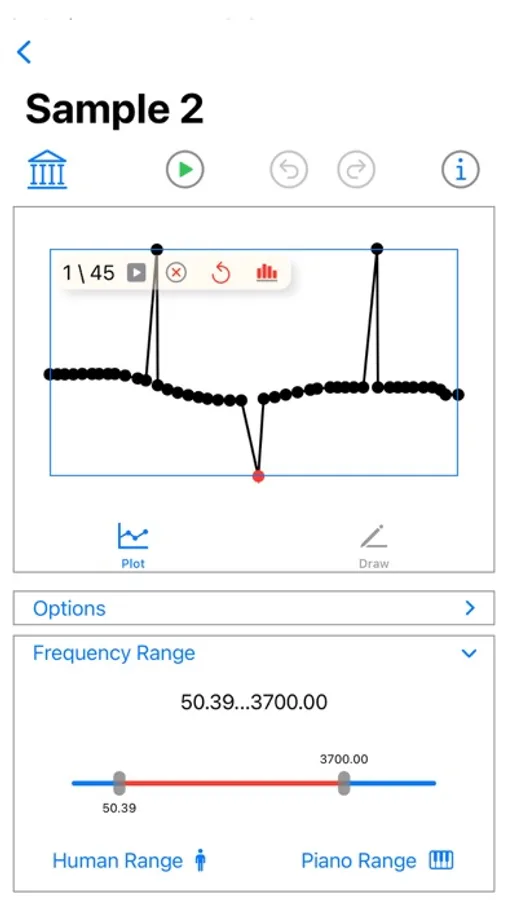
Create cycles with tone shapes of smoothly varying frequency by plotting frequency at specific times.
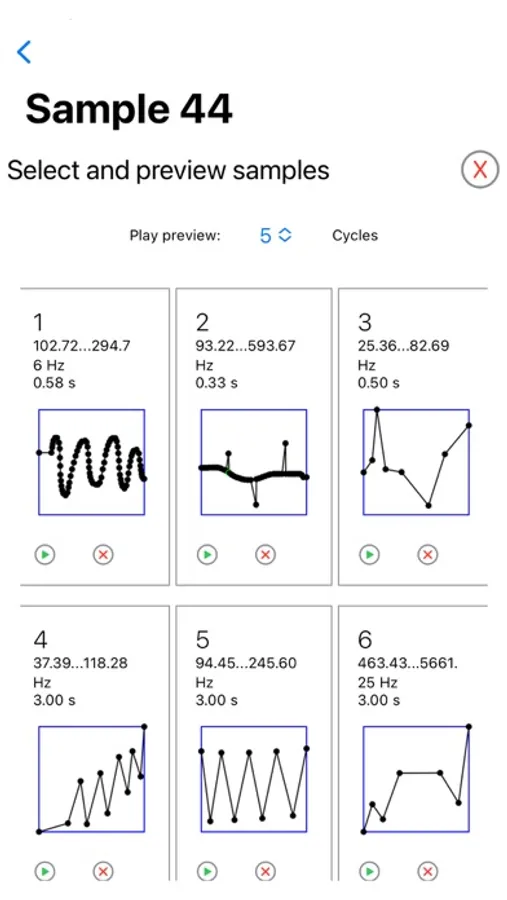
Tap the library button to pick from a selection of sample tone shapes to get started.
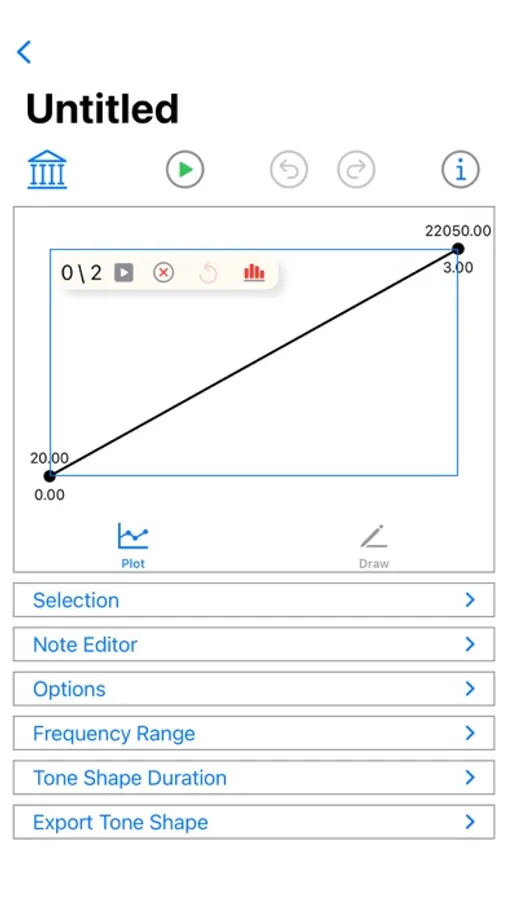
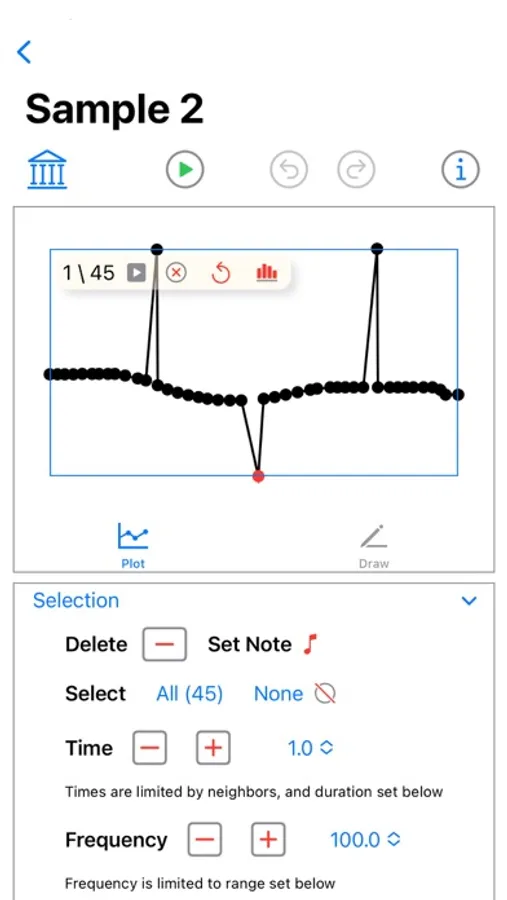
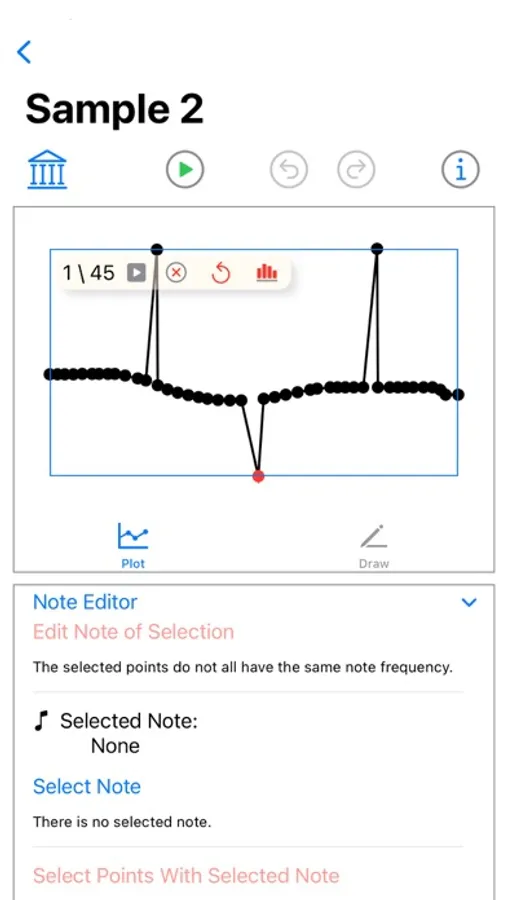
Tap in the plot view to add points with coordinates (frequency, time). Drag to move points, but limited by the neighbors time.
Alternatively, drag in the draw tab to add points, then apply them to set the points in the plot view.
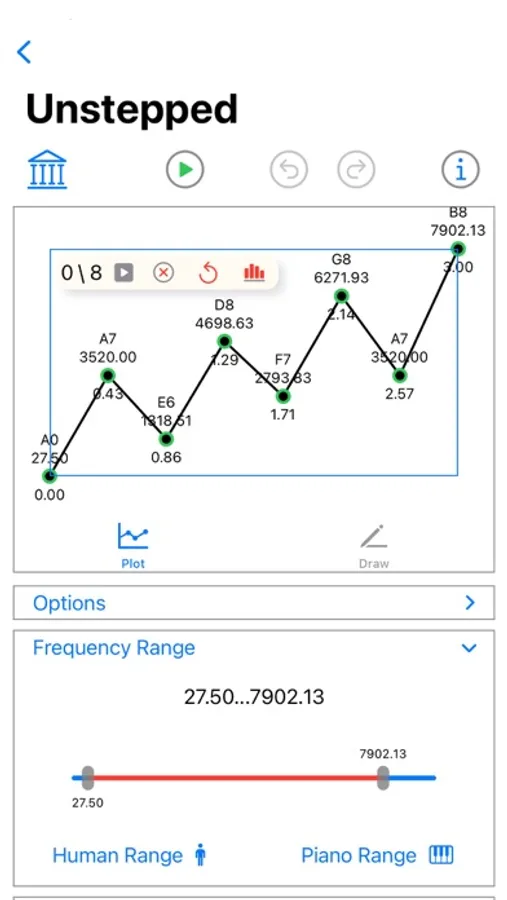
Adjust the frequency range slider to limit the bandwidth.
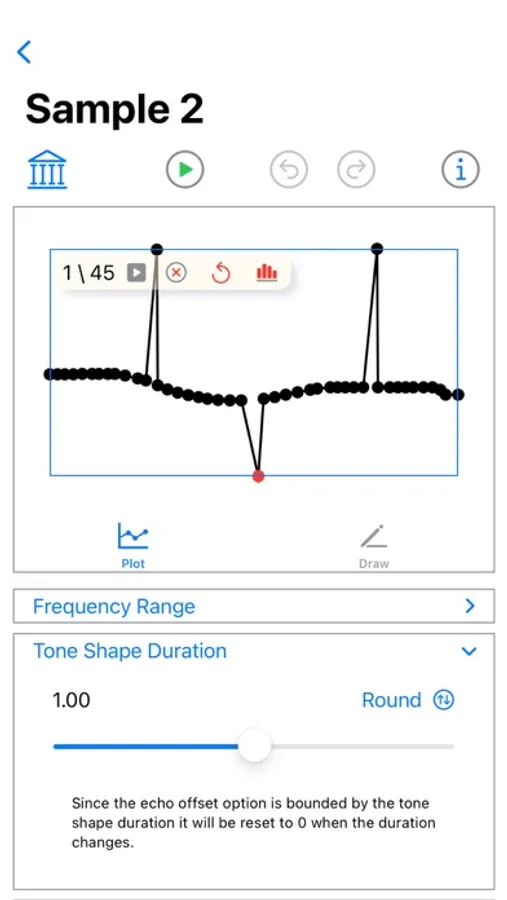
Adjust the duration slider to specify the cycle period.
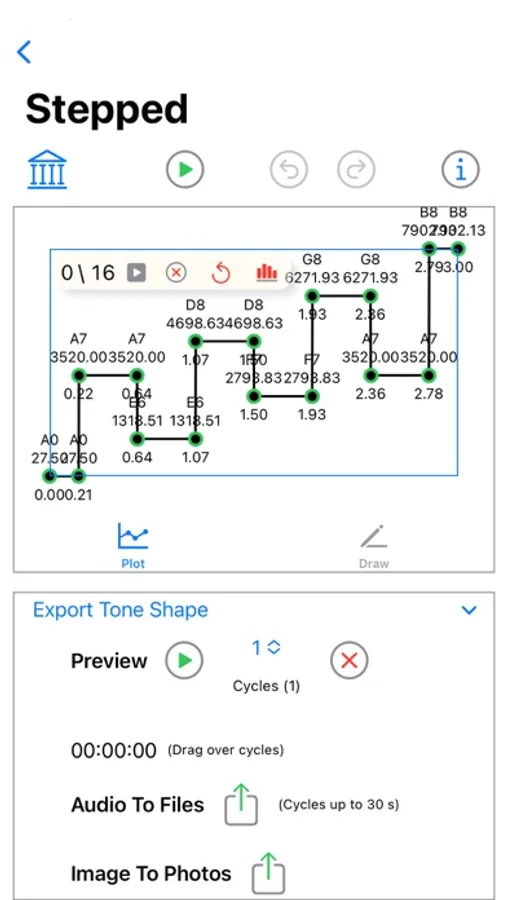
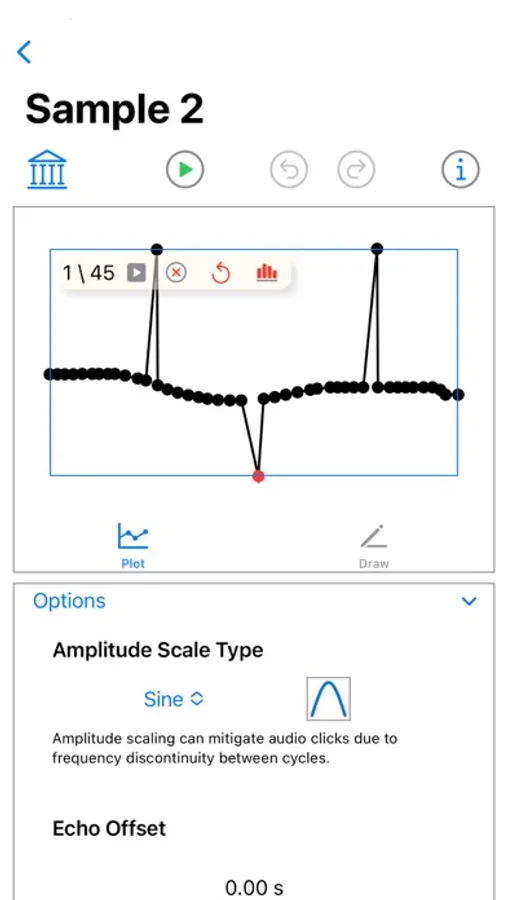
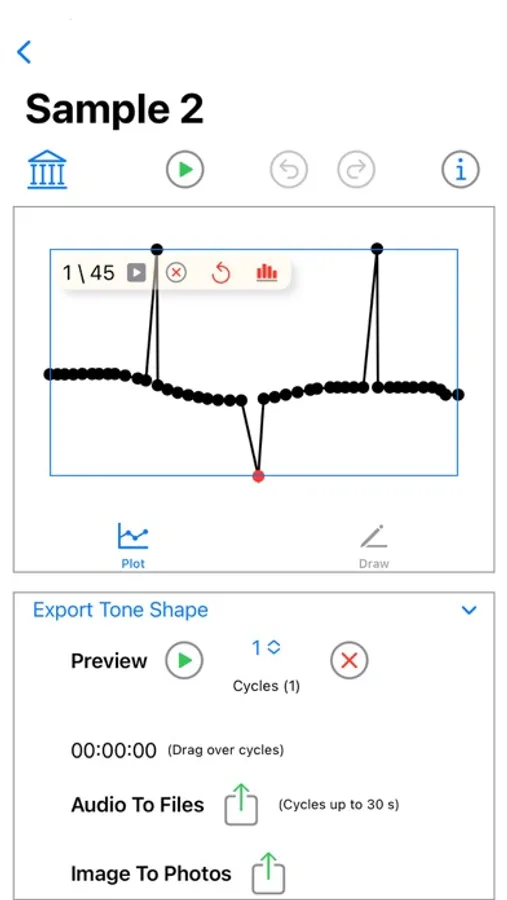
Finally, in the export view you can save the audio to a WAV file with a chosen number of cycles. The duration of the audio is limited by the maximum duration, which therefore also limits the number of cycles in the audio file.
Tap the library button to pick from a selection of sample tone shapes to get started.
Tap in the plot view to add points with coordinates (frequency, time). Drag to move points, but limited by the neighbors time.
Alternatively, drag in the draw tab to add points, then apply them to set the points in the plot view.
Adjust the frequency range slider to limit the bandwidth.
Adjust the duration slider to specify the cycle period.
Finally, in the export view you can save the audio to a WAV file with a chosen number of cycles. The duration of the audio is limited by the maximum duration, which therefore also limits the number of cycles in the audio file.
ToneShaper Screenshots
Tap to Rate:
Reviews for ToneShaper
B-Bop ENe
Is Super Awesome, but one problem
The only problem I have it that I can’t use on my iPhone 16 Pro Max (the latest iPhone model) with the current software IOS version. It only opens to a blank page. The main reason I gave 5 stars is because this app works on my old iPhone 12 Pro Max, and has become essential to me. I love this app, it’s one of a kind for IOS. Especially since Web browser site SheetsofSound is no more. Please fix it to work for iPhone 16 Pro Max.