
AppRecs review analysis
AppRecs rating 4.2. Trustworthiness 80 out of 100. Review manipulation risk 28 out of 100. Based on a review sample analyzed.
★★★★☆
4.2
AppRecs Rating
Ratings breakdown
5 star
80%
4 star
0%
3 star
0%
2 star
0%
1 star
20%
What to know
✓
Low review manipulation risk
28% review manipulation risk
✓
Credible reviews
80% trustworthiness score from analyzed reviews
✓
High user satisfaction
80% of sampled ratings are 4+ stars (4.2★ average)
About IA ScoreFeed
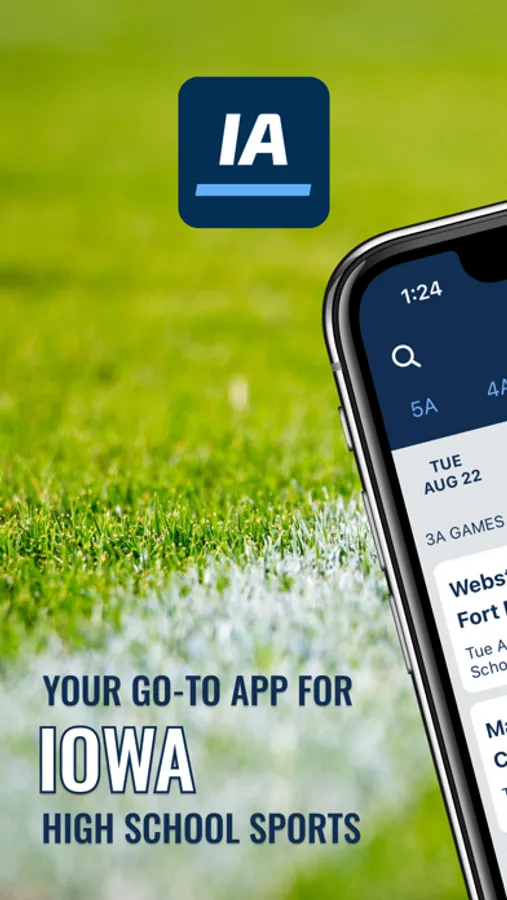
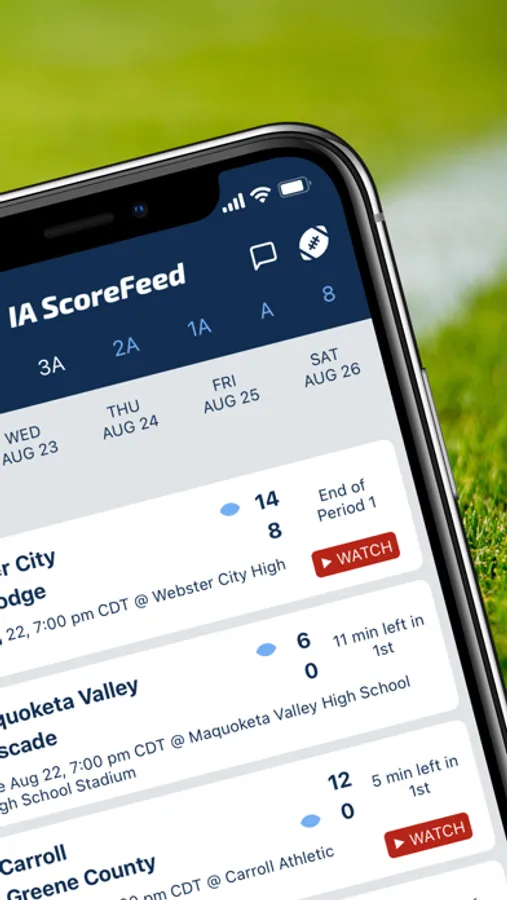
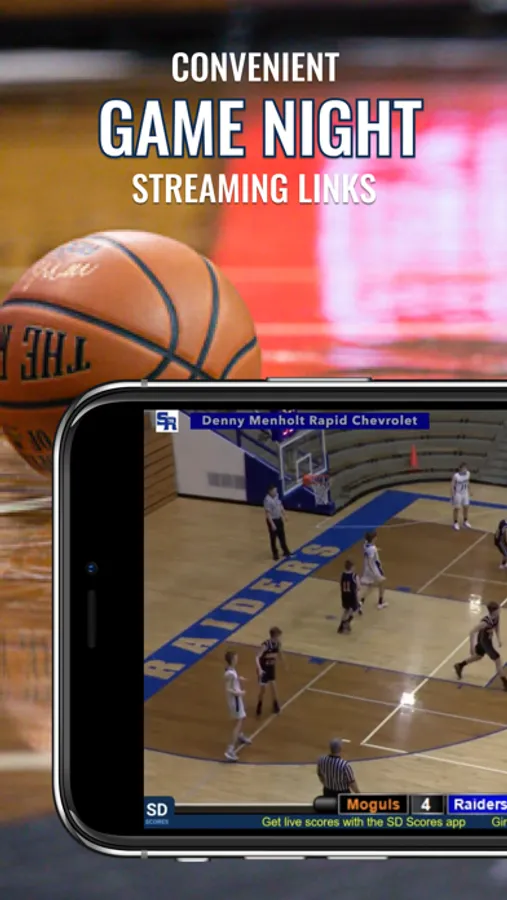
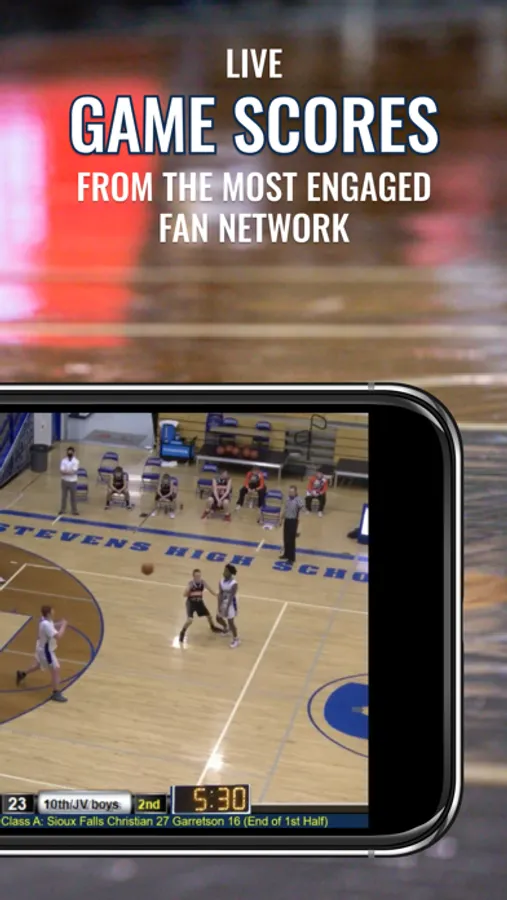
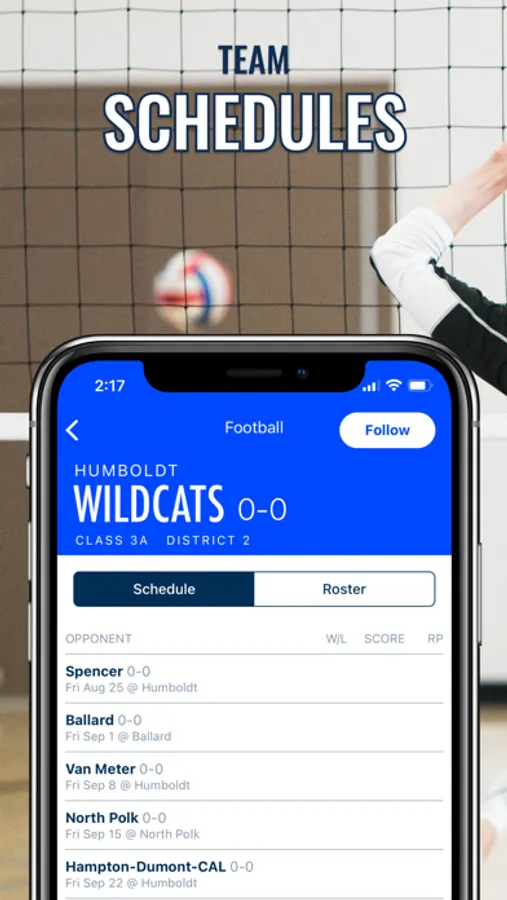
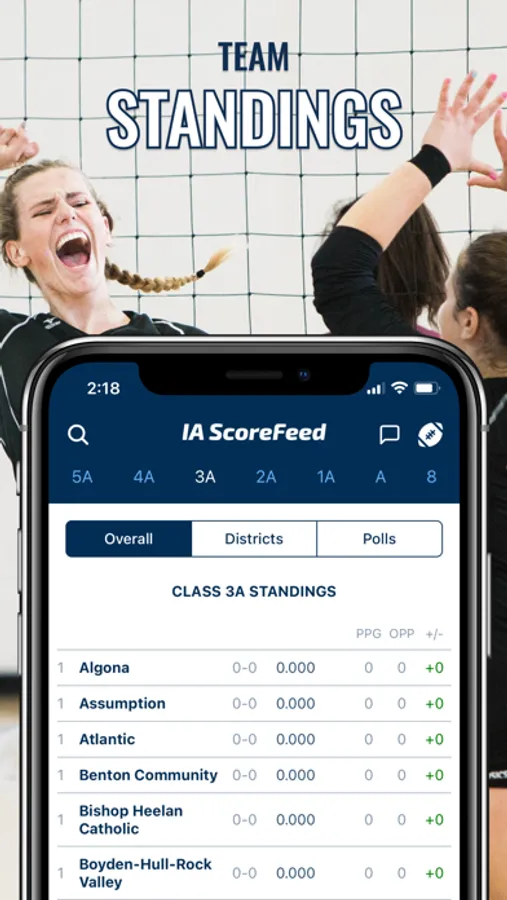
Get live scores and streaming links on game days, as well as game previews, team standings, schedules, rosters, and more!
Covers all varsity teams for Iowa high school football, boys basketball, and girls basketball.
IA ScoreFeed Screenshots
Tap to Rate:
Reviews for IA ScoreFeed
Sleep Terror
Disappointing!
When initially opening this app, the setup process asks for you to pick a favorite school to follow, then your first name, last name, email, and then phone number, because… you know… all of that is obviously necessary to see high school sports scores. Right…? Anyway, after entering first name, last name, and email, you get a screen that says “Enter your phone number so that we can verify you,” a field in which you can enter your number, and a “Send verification code” button below that. After entering your phone number and pressing “Send verification code,” the button grays out for a moment, returns to normal, and then nothing happens. It’s worth noting that it’s a confirmation CODE they’re sending, as opposed to an email verification LINK. If it were a link, then the fact that the setup process in the app doesn’t advance to another screen wouldn’t necessarily be an issue, as clicking on that link in the email you receive would take you into the app as being verified. However, it’s a CODE. So, even if they sent the code to my number (which they didn’t), it wouldn’t matter, as the app never advances to a screen/prompt that requests the confirmation and allows you to enter it! Quite disappointing. 😕 For the record, this occurred on an iPhone 16 Pro Max that is connected to a network with 1Gbps speed. After the app initially failed the setup process stated above, the phone’s connection was switched to cellular data, at which point the setup was retried, but failed again. The app was then deleted, and the phone received a hard reset. After powering back on and connecting to the 1Gbps network again, the app was redownloaded, and the setup was attempted again. It failed for the third time.
LockDudeee
More people should use this app
Clean UI, simple, no unnecessary bells and whistles. Overall good app. Go hawks