Noteshelf 3: AI Digital Notes
Fluid Touch Pte. Ltd.
4.6 ★
4K ratings
Free
In this notes app, you can create handwritten notes, annotate PDFs, and record audio notes. Includes handwriting recognition, customizable tools, and templates.
AppRecs review analysis
AppRecs rating 4.4. Trustworthiness 82 out of 100. Review manipulation risk 21 out of 100. Based on a review sample analyzed.
★★★★☆
4.4
AppRecs Rating
Ratings breakdown
5 star
84%
4 star
8%
3 star
2%
2 star
2%
1 star
5%
What to know
✓
Low review manipulation risk
21% review manipulation risk
⚠
Ad complaints
Many low ratings mention excessive ads
⚠
Pricing complaints
Many low ratings mention paywalls or pricing
About Noteshelf 3: AI Digital Notes
Noteshelf 3 is the preferred note-taking app for students, teachers, professionals, artists & bullet journal enthusiasts worldwide, to create and organize digital notes.
PERSONALIZE YOUR NOTE-TAKING EXPERIENCE
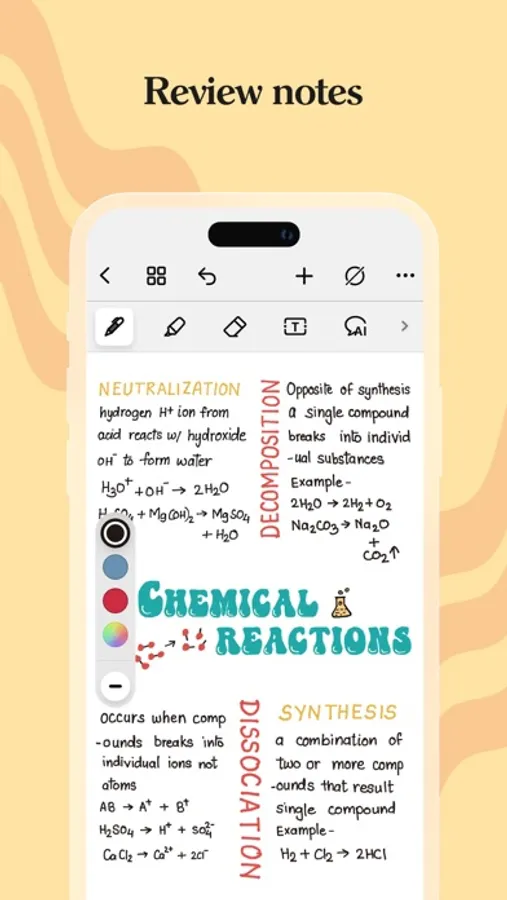
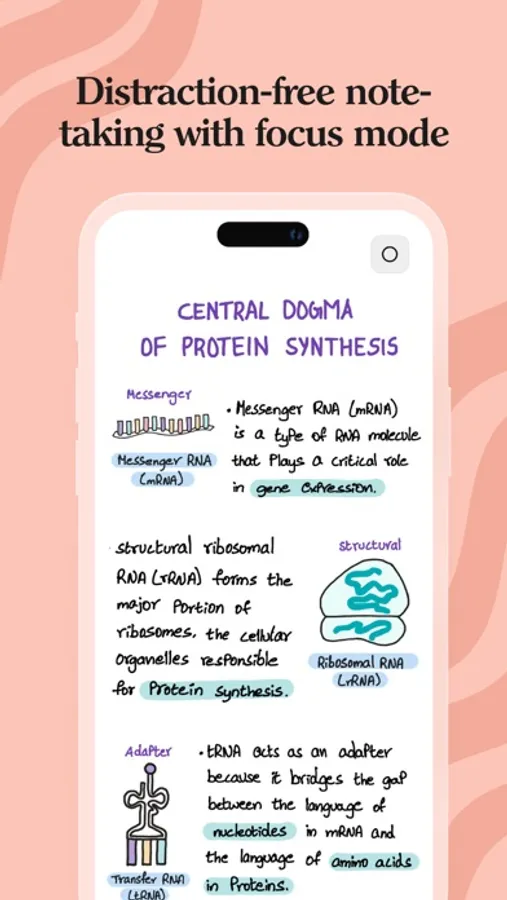
- Craft beautiful handwritten notes with a range of lifelike pens & highlighters. Try our fountain pen for an aesthetic touch to your handwriting.
- Take notes on lined, dotted, or grid papers in any color or line spacing.
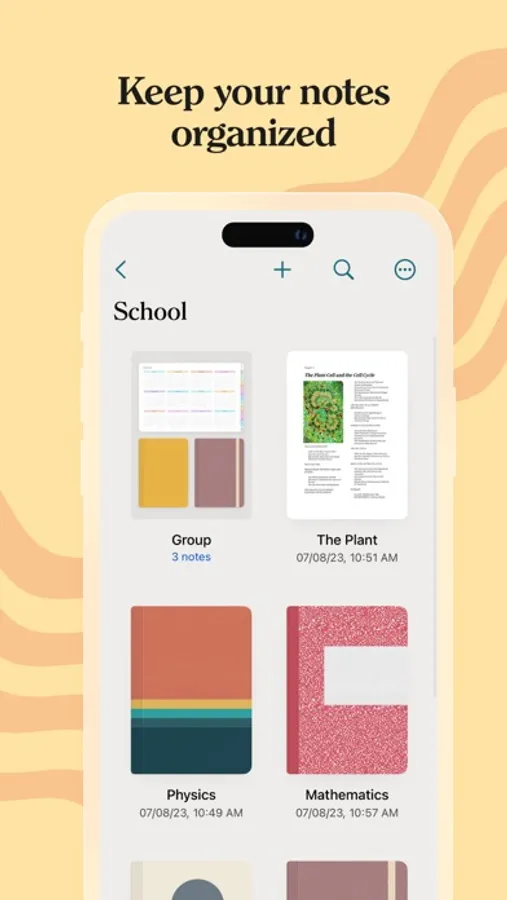
- Personalize your digital notebooks with multiple cover options - from classic designs to custom ones of your own images or artwork.
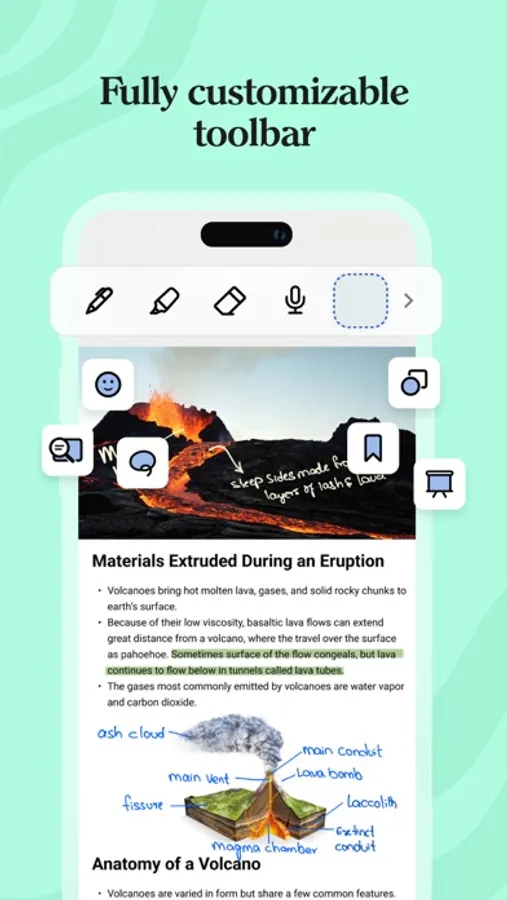
- Enjoy a fully customizable toolbar! Add, remove, or re-arrange tools according to your unique workflow.
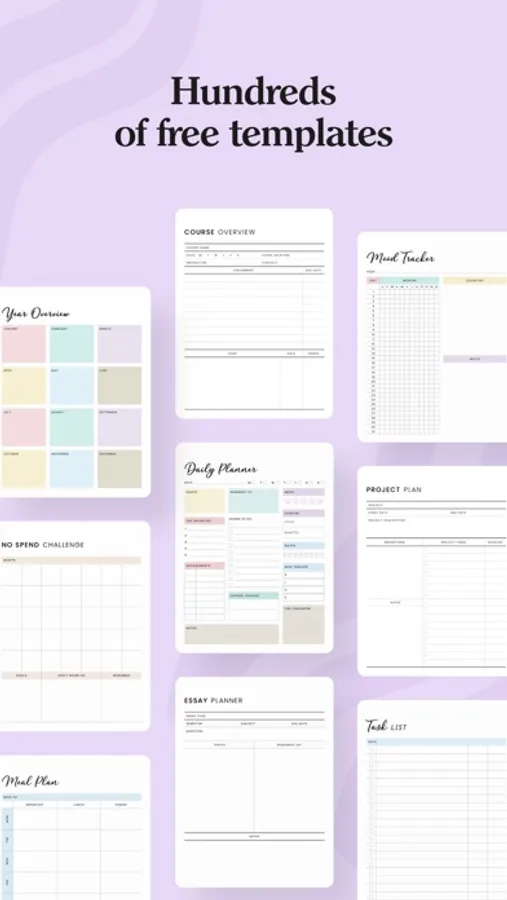
- Choose from a vast library of 200+ exclusive templates for study planners, class notes, wellness trackers, bullet journals, etc., created by the Noteshelf team.
- Plan and organize your daily tasks with configurable digital diaries & journals.
WRITE, TYPE, DRAW, OR RECORD - YOUR CHOICE!
- Transform your strokes into flawless shapes or choose geometric shapes to create flowcharts and diagrams.
- Type your notes in various styles and formatting options, bulleted/numbered lists & checklists.
- Record audio as you take notes and never miss anything important - great for lectures & meetings!
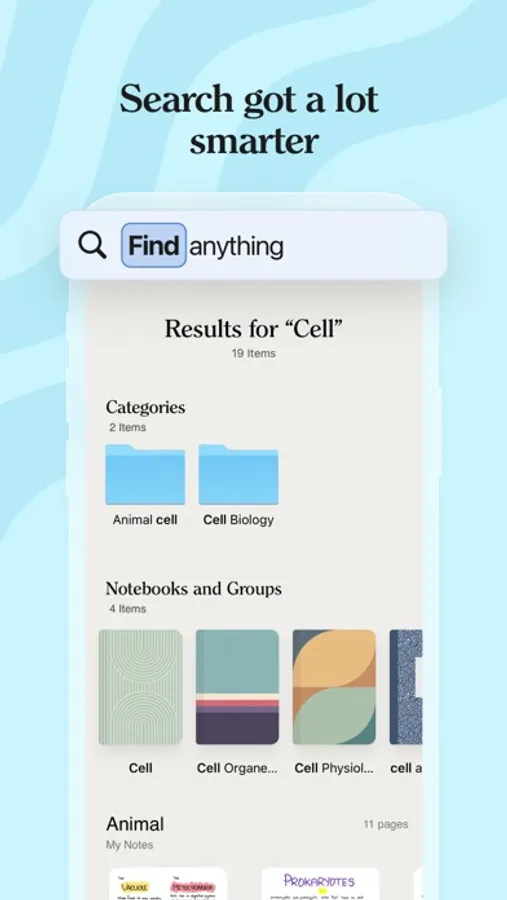
- Convert handwriting into text and search handwritten notes with handwriting recognition in 65 supported languages!
- Make every page uniquely yours with fun emojis & stickers.
- Find the perfect visuals to complement your notes from the UNSPLASH & PIXABAY libraries.
- Use advanced image editing features like background removal and freeform cropping.
DISCOVER THE BLISS OF PAPERLESS ORGANIZATION
- Organize your notebooks into folders and subfolders, and sort them in your preferred order.
- Bookmark important pages, name them, and add colors to create your personalized table of contents.
- Use tags as a fast & flexible way to categorize and organize your notes.
- Find your notes easily with smart folders that automatically collect photos, audio recordings, and bookmarks from all your notebooks.
- Create links between multiple notebooks or pages within a notebook, to connect ideas & concepts effectively.
- Multi-task and work on two notebooks simultaneously with multiple windows support.
ANNOTATE LIKE A PRO
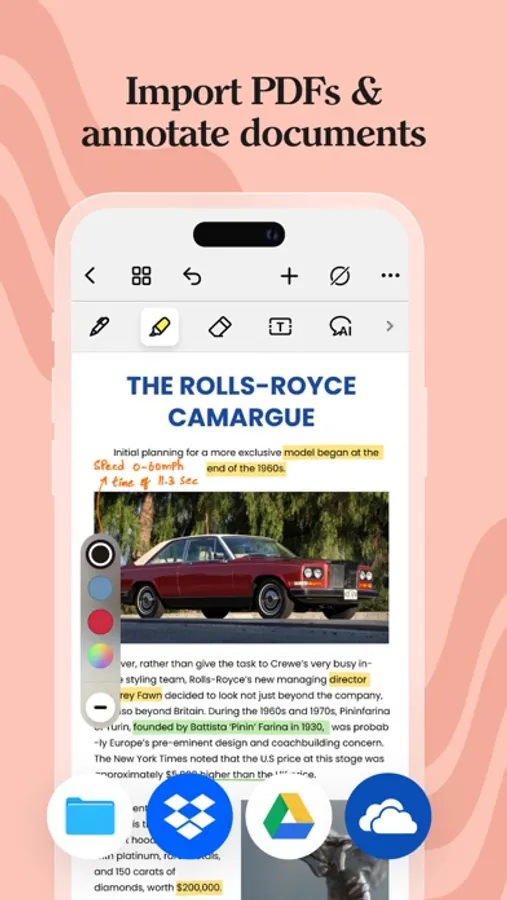
- Import and highlight, underline, or annotate PDFs, DOCs, PPTs & images with precision.
- Use the built-in document scanner to quickly digitize physical documents.
- Export and share your notes as images & PDFs.
LET NOTESHELF AI DO THE HEAVY LIFTING
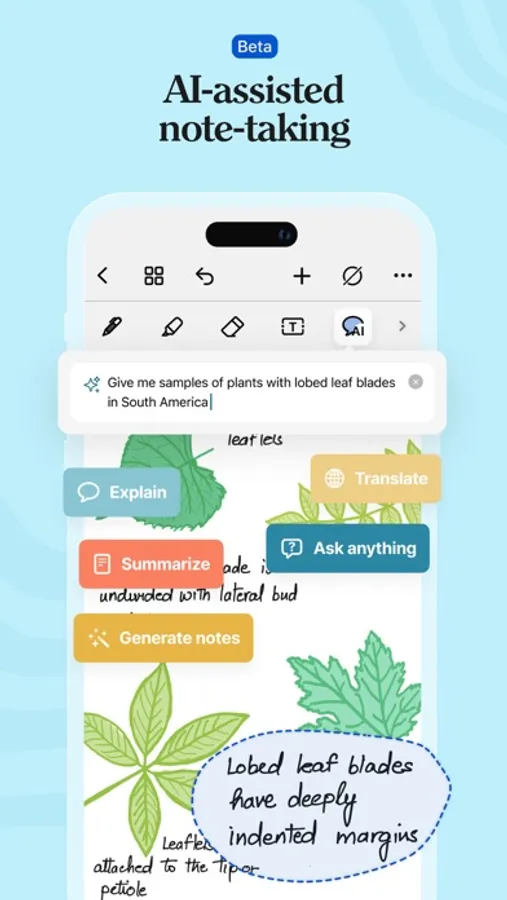
- Generate handwritten notes effortlessly on any topic with Noteshelf AI.
- Use Noteshelf AI to summarize whole pages, translate text into different languages, explain complex terms, and more.
KEEP YOUR NOTES SAFE & ACCESSIBLE
- Secure your notes with passwords, Face ID or Touch ID.
- Access your notes across your iPad, iPhone, and Mac devices with iCloud sync.
- Auto-backup your valuable notes to popular cloud storage devices like Google Drive, OneDrive, Dropbox, and WebDAV.
- Auto-publish notes to Evernote and access them from anywhere.
SHARE IDEAS WITH PRESENTATION MODE
- Project your notes & slides via external display.
- Use the Laser Pointer and a range of markers to highlight key points in real-time.
---
Noteshelf 3 is free to use with some limits. Go Premium and unlock the full experience:
- Unlimited Notebooks
- Handwriting recognition and search
- Auto-Backup to Google Drive, Dropbo, OneDrive, and WebDAV
- Templates, Digital Diaries and Sticker packs
- 100 monthly AI credits
By using this app, you agree to Apple’s Terms of Use: https://www.apple.com/legal/internet-services/itunes/dev/stdeula
---
Have a suggestion? Reach out to us at noteshelf[at]fluidtouch.biz. We’d love to hear from you!
Happy note-taking!
Noteshelf 3: AI Digital Notes Screenshots
Tap to Rate:
Reviews for Noteshelf 3: AI Digital Notes
Adp15089
Go To Notes App!
This is a great note taking app. It is beneficial for both simple and complex note taking. I’ve been a user of this app for a number of years now, and as the functionality of the iPad evolves, so does this app. It continues to offer new and easy to use features for note taking, and is flexible enough to be as easy or as complex as needed. Customer service is very attentive and helpful with any issues that arise. It’s only going to get better.
nevaehrose.18!
.
why is every template premium? i’m trying to use this app for school n stuff but that’s premium too! please make the diary template and the school template free.