
Jan-IT by The Facilities Group
The Facilities Group
3.3 ★
23 ratings
Free
AppRecs review analysis
AppRecs rating 3.5. Trustworthiness 58 out of 100. Review manipulation risk 27 out of 100. Based on a review sample analyzed.
★★★☆☆
3.5
AppRecs Rating
Ratings breakdown
5 star
57%
4 star
0%
3 star
0%
2 star
0%
1 star
43%
About Jan-IT by The Facilities Group
Built for the field, Jan-IT helps ensure work is documented, validated, and completed accurately, supporting teams in meeting client requirements and staying productive in the field.
Key Features
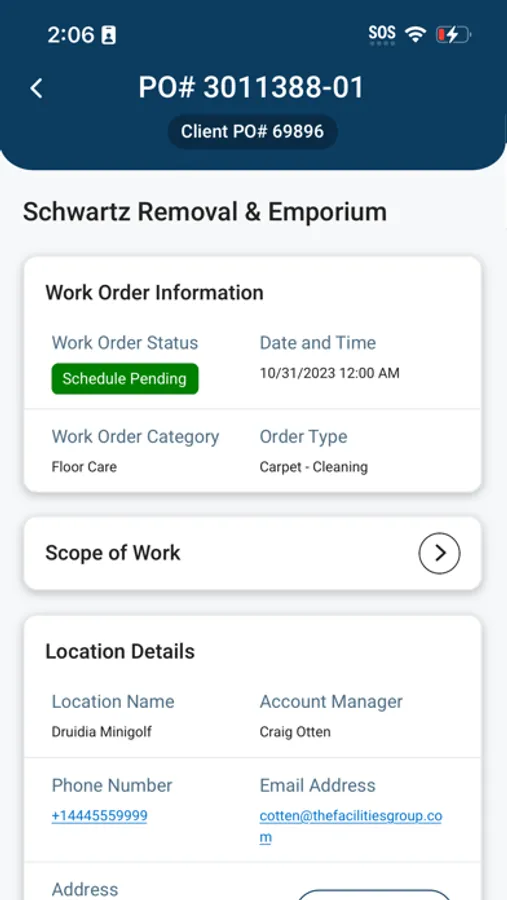
• View work order details
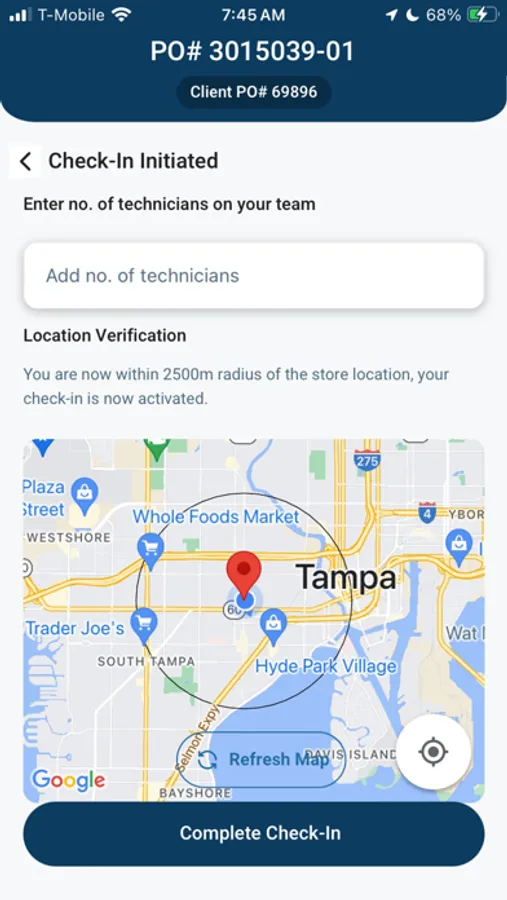
• Check in and check out of work orders directly in the app
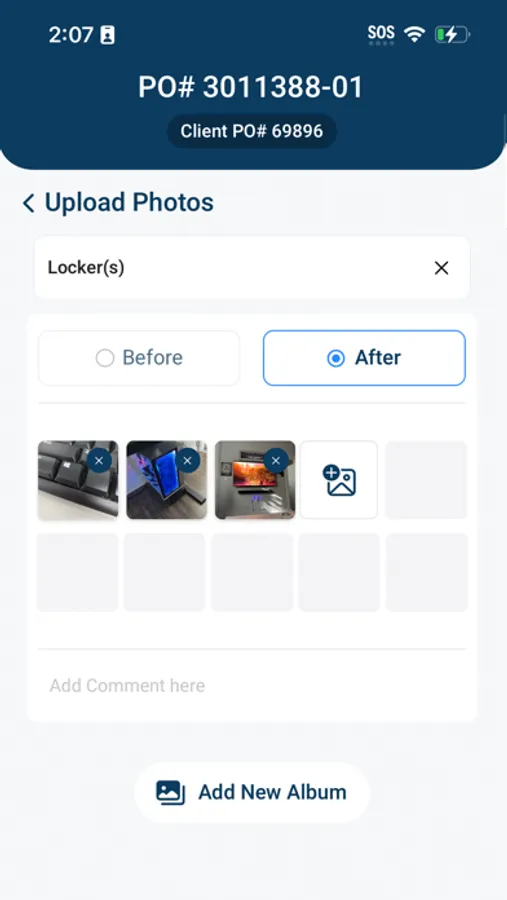
• Upload photos and add notes during work
• Complete required client checklists
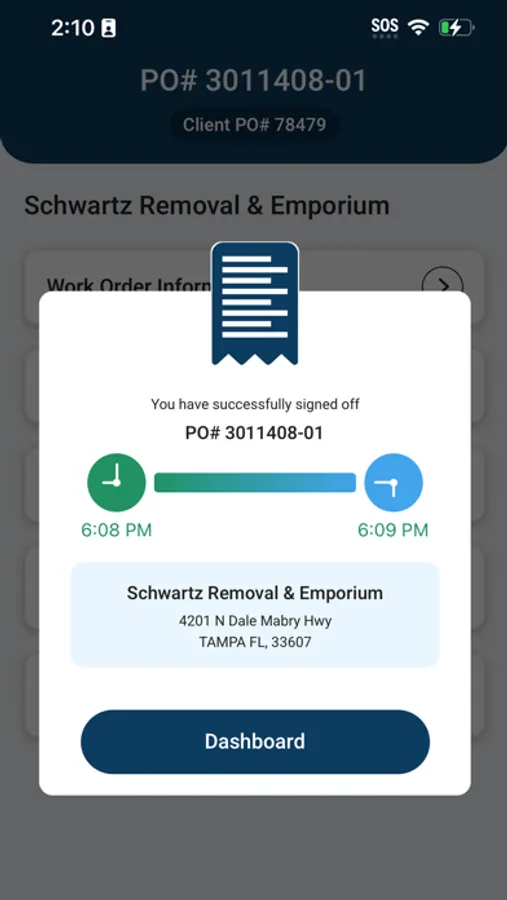
• Capture client signatures when required
Registered User Features (Registered users must be invited first; please reach out to your TFG rep if necessary)
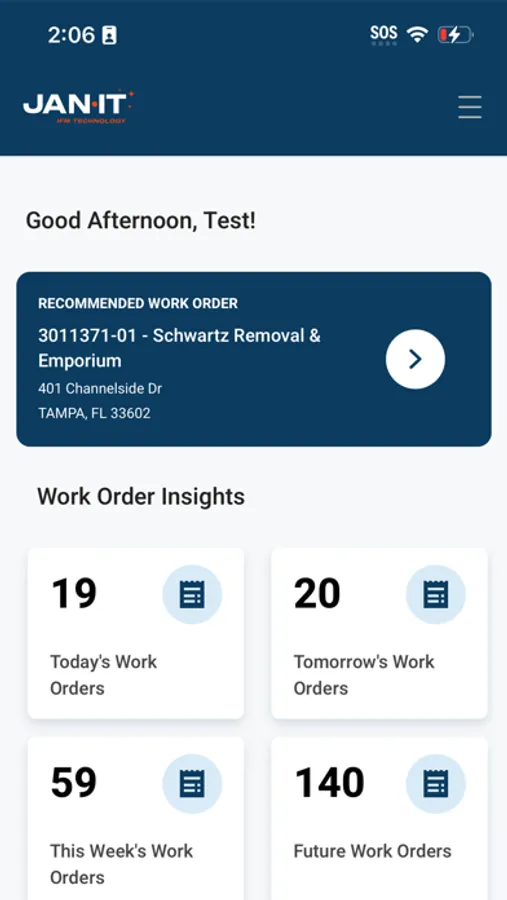
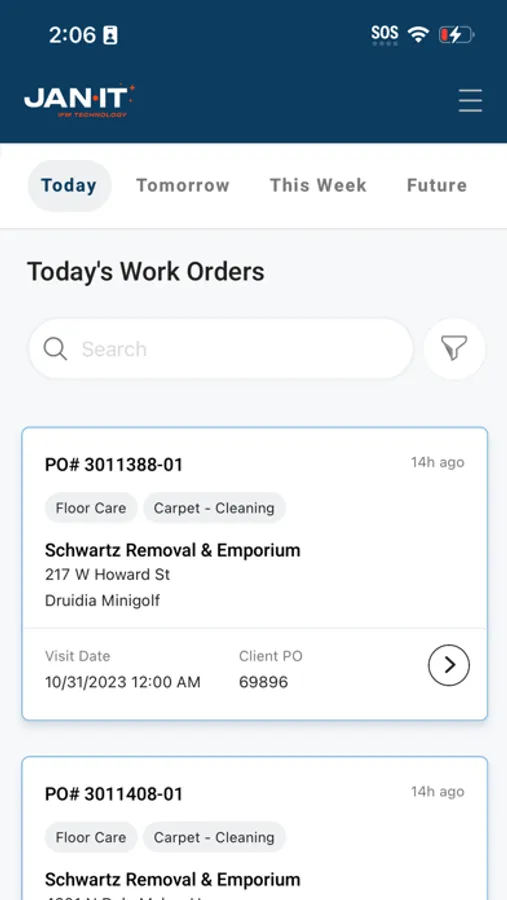
• View assigned work for today, tomorrow, this week, or future dates
• Can check into and validate work order via phone.
• Filter work orders by client name, category, or order type
• Access training materials
• Manage all assigned work in one centralized mobile experience
Guest User Access
Guest users can access work orders without a full account. A valid PO Number and Vendor ID are required to access assigned work. Guest users can view and complete the same work orders as registered users, providing flexibility for contractors and vendors.
Multi-Language Support
• English
• Spanish
• Portuguese
• Ukrainian
• Russian
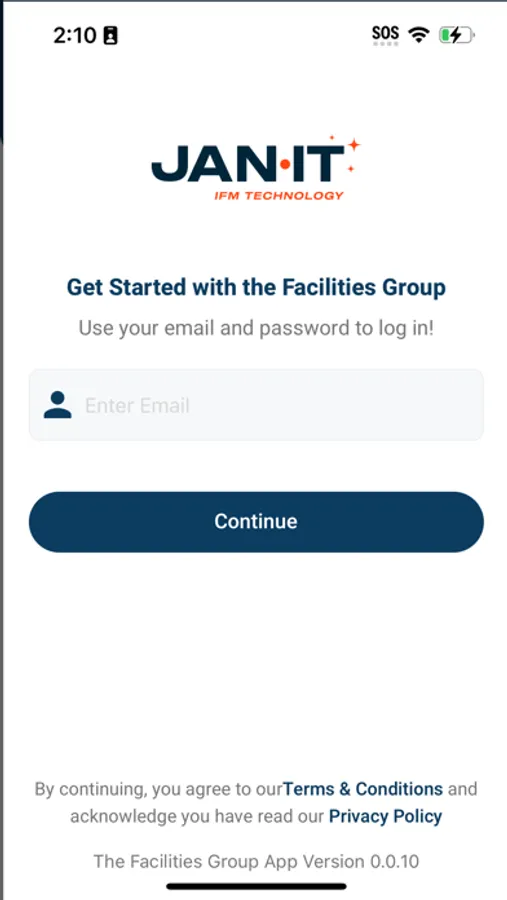
Jan-IT by The Facilities Group Screenshots
Tap to Rate:
Reviews for Jan-IT by The Facilities Group
$andw1ch
Orders never work
It’s really bad how you get stuck as guest OR you strait up don’t get the work orders you literally know are there and can’t submit your doing the work and can’t get paid. Fix the app
DaggysMom
Glitchy
Have to sign in as “guest” and enter p.o. and vendor numbers for EVERY service; it won’t accept my account login. Also, I get bumped out while I’m working, then have to sign back in just to log out. Then company emails, docking pay for not using the app correctly. YOUR APP DOESNT WORK!! Really sick of it