In this TV remote control app, you can connect to your Smart TV and navigate using the touchpad or control channels. Includes WiFi setup, device pairing, and channel launching features.
About Rooku TV - Remote Control
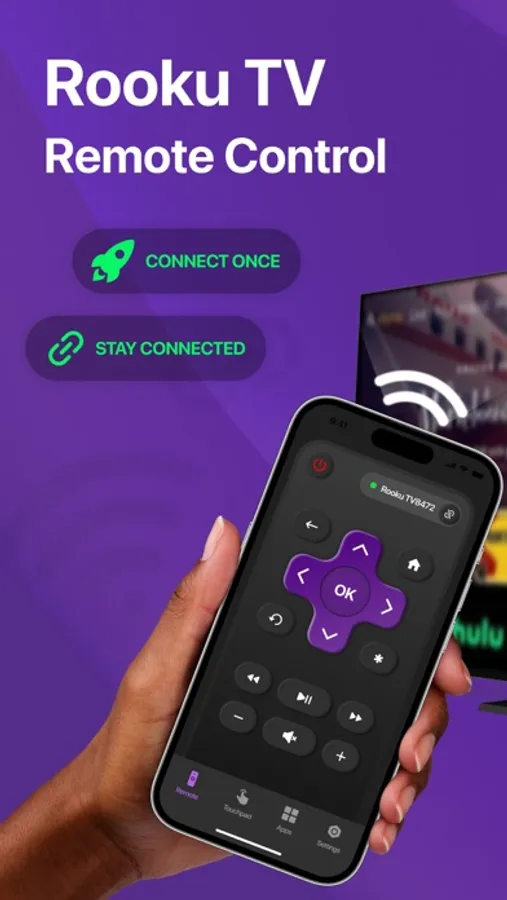
Rooku TV - Remote Control is a full-featured TV remote control app that allows you to easily control your Smart TV from your iPhone.
Use this mobile app to:
— Control your Smart TV with a convenient TV remote
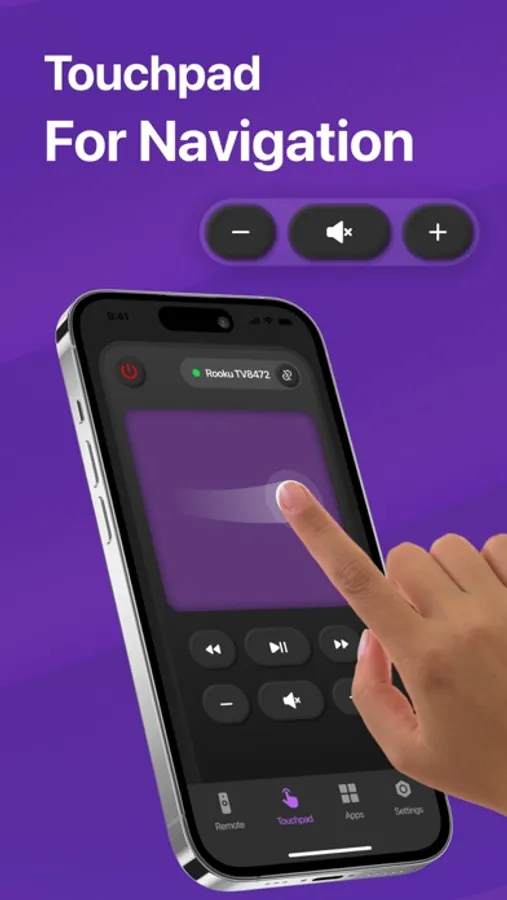
— Use touchpad for easy navigation
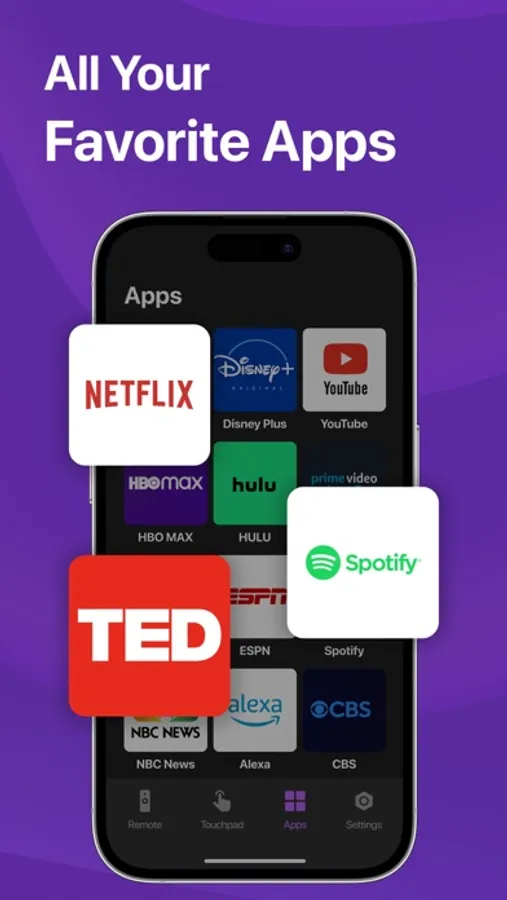
— Launch your favorite channels on your TV
How to connect to TV:
— Your TV must be connected to your home's WiFi network.
— Your phone's WiFi must be turned on and connected to the same network as the TV.
— Launch this Remote Control app and tap the Connection button. Once connected, you can control your TV devices as you wish.
* If the connection does not work, please try to restart your iOS device, Smart TV, and WiFi router.
Subscription information:
– Payment will be charged to iTunes Account at confirmation of purchase.
– Subscription automatically renews unless auto-renew is turned off at least 24-hours before the end of the current period.
– Account will be charged for renewal within 24-hours prior to the end of the current period, and identify the cost of the renewal.
– Subscriptions may be managed by the user and auto-renewal may be turned off by going to the user's Account Settings after purchase.
– Any unused portion of a free trial period, if offered, will be forfeited when the user purchases a subscription to that publication, where applicable.
Terms of Use: https://docs.google.com/document/d/1pr2RuXk9jstrx8ducmQNxbMkxLMB6IpkU03NJUhrgJw/edit?usp=sharing
Privacy Policy: https://docs.google.com/document/d/12qrLSxAmBHODgH3pzWu5cMMdY9CdnuGBFAogxDeS2r0/edit?usp=sharing
Contact Email: stasmalevor@gmail.com
Use this mobile app to:
— Control your Smart TV with a convenient TV remote
— Use touchpad for easy navigation
— Launch your favorite channels on your TV
How to connect to TV:
— Your TV must be connected to your home's WiFi network.
— Your phone's WiFi must be turned on and connected to the same network as the TV.
— Launch this Remote Control app and tap the Connection button. Once connected, you can control your TV devices as you wish.
* If the connection does not work, please try to restart your iOS device, Smart TV, and WiFi router.
Subscription information:
– Payment will be charged to iTunes Account at confirmation of purchase.
– Subscription automatically renews unless auto-renew is turned off at least 24-hours before the end of the current period.
– Account will be charged for renewal within 24-hours prior to the end of the current period, and identify the cost of the renewal.
– Subscriptions may be managed by the user and auto-renewal may be turned off by going to the user's Account Settings after purchase.
– Any unused portion of a free trial period, if offered, will be forfeited when the user purchases a subscription to that publication, where applicable.
Terms of Use: https://docs.google.com/document/d/1pr2RuXk9jstrx8ducmQNxbMkxLMB6IpkU03NJUhrgJw/edit?usp=sharing
Privacy Policy: https://docs.google.com/document/d/12qrLSxAmBHODgH3pzWu5cMMdY9CdnuGBFAogxDeS2r0/edit?usp=sharing
Contact Email: stasmalevor@gmail.com
Rooku TV - Remote Control Screenshots
Tap to Rate: