AppRecs review analysis
AppRecs rating 1.0. Trustworthiness 65 out of 100. Review manipulation risk 22 out of 100. Based on a review sample analyzed.
★☆☆☆☆
1.0
AppRecs Rating
Ratings breakdown
5 star
0%
4 star
50%
3 star
0%
2 star
0%
1 star
50%
What to know
✓
Low review manipulation risk
22% review manipulation risk
⚠
Mixed user feedback
Average 2.0★ rating suggests room for improvement
About Tkeeper
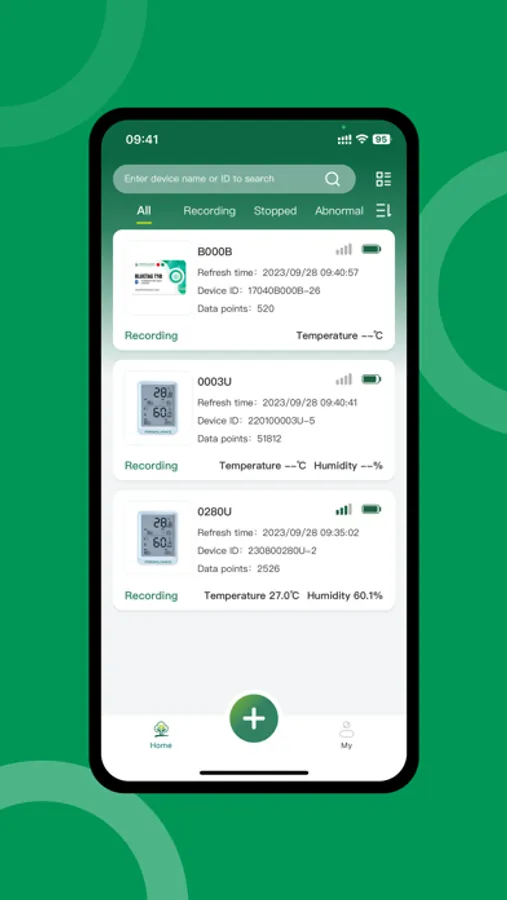
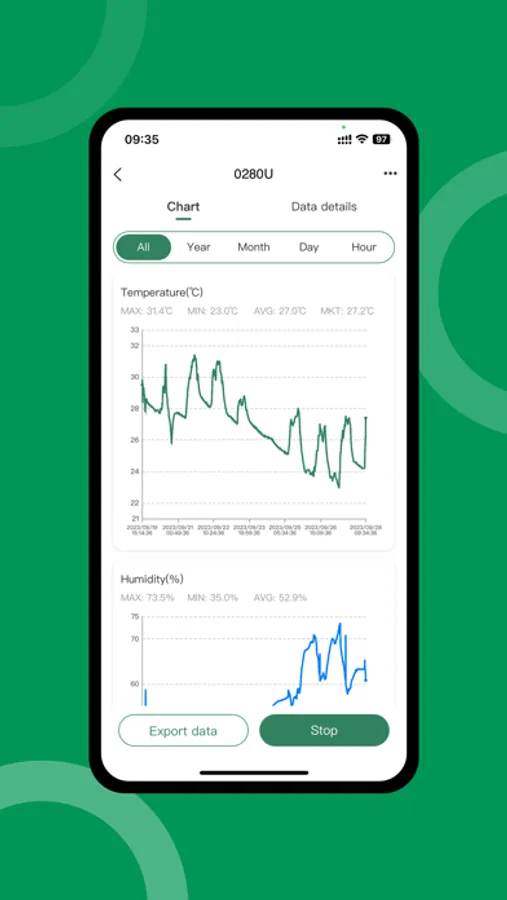
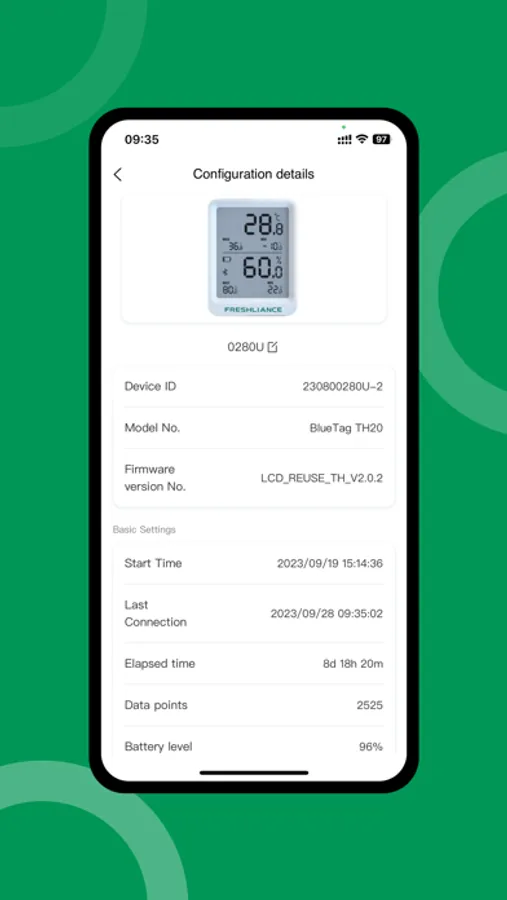
2.The mobile phone can configure the devices parameters to collect temperature/humidity data from Freshliance BlueTag series.
3.PDF and CSV reports can be exported at any time
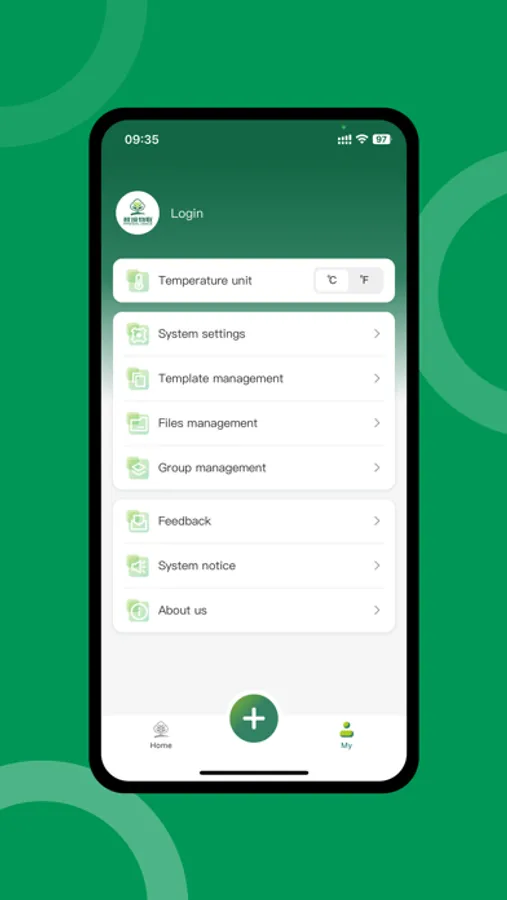
4.You can log in to your account to synchronize data and user information to cloud storage.
Tkeeper Screenshots
Tap to Rate:
Reviews for Tkeeper
Cheriep5421
Works ok
I put mine in the greenhouse and it works fine. I did have a re-setup issue when the battery died. When I put in a new one I couldn’t get the software to reset it as mentioned on the prior review. But I was able to create a new monitoring session - treated it as a new device - and use it, no bricking as the prior review suggested. I was not able to merge the data from the old tracking session and the new but that is ok for my use of the device. It is really helpful to see the highs and lows in the greenhouse. I have to get my phone pretty close to the device to upload data but that is ok.
phorne_tca
Can’t restart stopped devices.
In the app, if you stop a device, there’s no way to restart the device. Even pulling out the battery, waiting several days, then reinstalling the battery doesn’t allow the device to be started again, even with installing it as a new device. So if you accidentally hit “Stop” you’re bricking the device because it can’t be restarted in the app. That’s a terrible design.