AppRecs review analysis
AppRecs rating 4.5. Trustworthiness 45 out of 100. Review manipulation risk 20 out of 100. Based on a review sample analyzed.
★★★★☆
4.5
AppRecs Rating
Ratings breakdown
5 star
80%
4 star
0%
3 star
20%
2 star
0%
1 star
0%
What to know
⚠
Rating authenticity concerns
High rating concentration (80% 5-star) in sampled ratings
About App Lock-Lock Apps, App Locker
Regardless of whether you're willing or not, electronic devices have become indispensable tools for children amidst the pandemic. At-home parenting has become reliant on electronic products, as they serve as productivity enhancers, but that doesn't mean parents can completely let go.
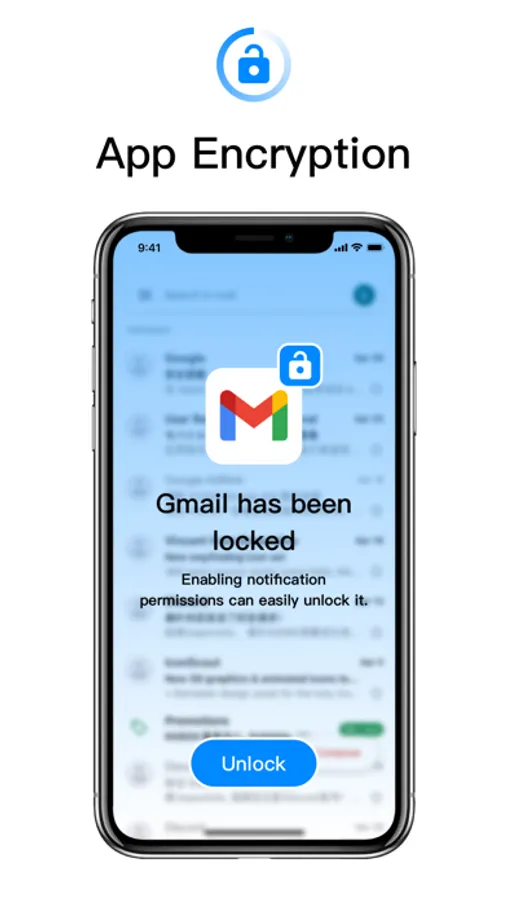
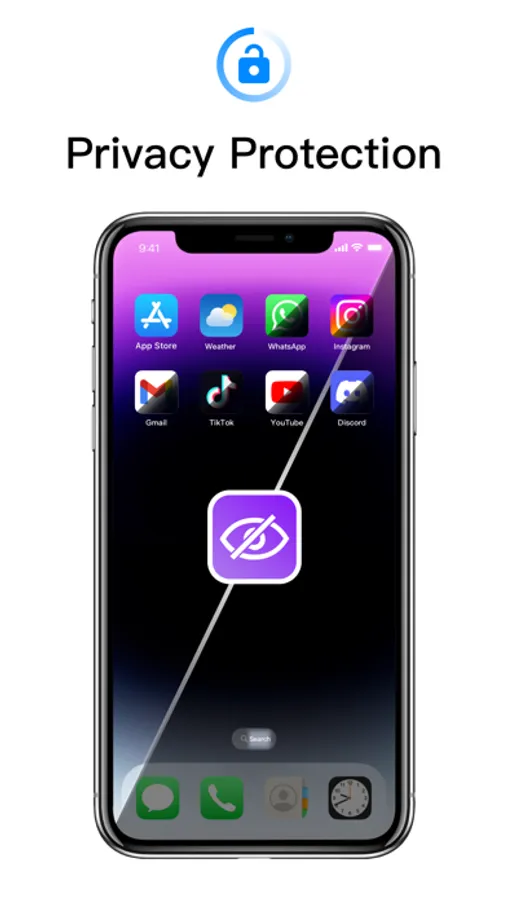
To address this, we've introduced a powerful application aimed at providing comprehensive app protection and privacy management features. This application includes the following features:
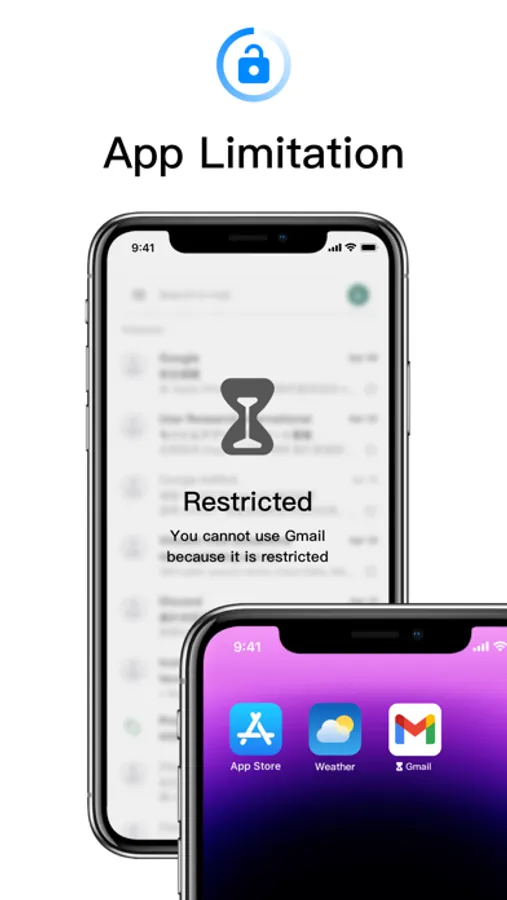
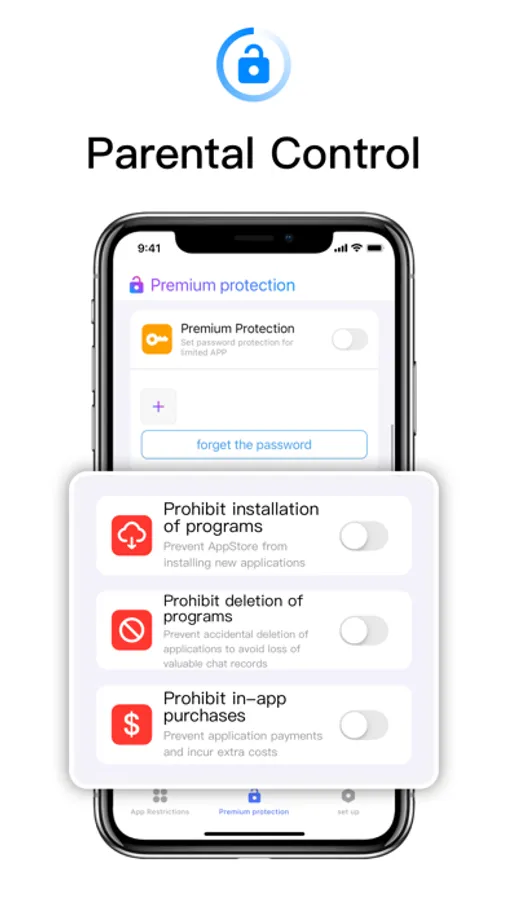
Password Protection: Users can set password protection for restricted applications, ensuring only authorized users can access them.
Prevent Installation: This feature prevents the installation of new applications from the app store, effectively controlling the number and type of applications on the device.
Prevent Deletion: Prevents accidental deletion of applications, particularly those containing important data like chat records, ensuring data security.
In-App Purchase Blocking: Blocks in-app payments to prevent users from incurring additional costs unintentionally.
Multiple Mode Switching and App Restriction Grouping: Users can customize app restriction modes for different scenarios such as learning, socializing, and gaming, and can also add custom groups to control screen time more flexibly.
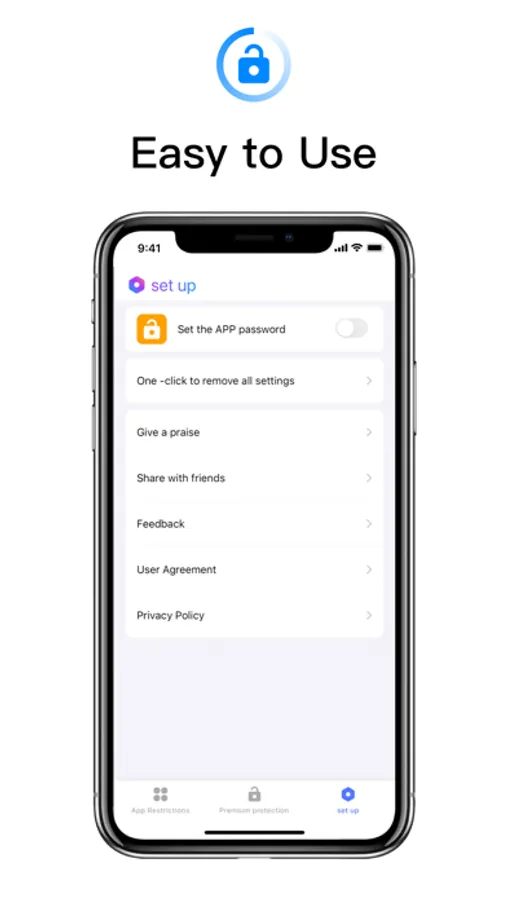
Set Application Password: Users can set a separate password for this application to protect its settings and features from unauthorized access.
Face Unlock: In addition to passwords, users can use face unlock to quickly unlock applications, enhancing convenience and security.
Subscription Services:
Payment: Payments are deducted through the user's iTunes account immediately upon purchase confirmation, offering various subscription modes for users to choose from.
Renewal: Apple iTunes accounts will be charged 24 hours before expiration, with the subscription period extending by 1 cycle upon successful payment.
Cancel Subscription Renewal: To cancel subscription renewal, manually disable auto-renewal in Settings/Apple ID at least 24 hours before the current subscription expires.
To address this, we've introduced a powerful application aimed at providing comprehensive app protection and privacy management features. This application includes the following features:
Password Protection: Users can set password protection for restricted applications, ensuring only authorized users can access them.
Prevent Installation: This feature prevents the installation of new applications from the app store, effectively controlling the number and type of applications on the device.
Prevent Deletion: Prevents accidental deletion of applications, particularly those containing important data like chat records, ensuring data security.
In-App Purchase Blocking: Blocks in-app payments to prevent users from incurring additional costs unintentionally.
Multiple Mode Switching and App Restriction Grouping: Users can customize app restriction modes for different scenarios such as learning, socializing, and gaming, and can also add custom groups to control screen time more flexibly.
Set Application Password: Users can set a separate password for this application to protect its settings and features from unauthorized access.
Face Unlock: In addition to passwords, users can use face unlock to quickly unlock applications, enhancing convenience and security.
Subscription Services:
Payment: Payments are deducted through the user's iTunes account immediately upon purchase confirmation, offering various subscription modes for users to choose from.
Renewal: Apple iTunes accounts will be charged 24 hours before expiration, with the subscription period extending by 1 cycle upon successful payment.
Cancel Subscription Renewal: To cancel subscription renewal, manually disable auto-renewal in Settings/Apple ID at least 24 hours before the current subscription expires.
App Lock-Lock Apps, App Locker Screenshots
Tap to Rate:
Reviews for App Lock-Lock Apps, App Locker
BBnn1212
هههههههههالو
عبد
호로로로로로로로로로 날아올라막
?
어떻게 쓰는지 모르겠어요