AppRecs review analysis
AppRecs rating 4.5. Trustworthiness 75 out of 100. Review manipulation risk 20 out of 100. Based on a review sample analyzed.
★★★★☆
4.5
AppRecs Rating
Ratings breakdown
5 star
95%
4 star
5%
3 star
0%
2 star
0%
1 star
0%
What to know
✓
Low review manipulation risk
20% review manipulation risk
✓
Credible reviews
75% trustworthiness score from analyzed reviews
✓
High user satisfaction
95% of sampled ratings are 5 stars
About Strflow: Notes & Journal
# Build Your Timeline
As you jot down notes, a personal timeline naturally forms.
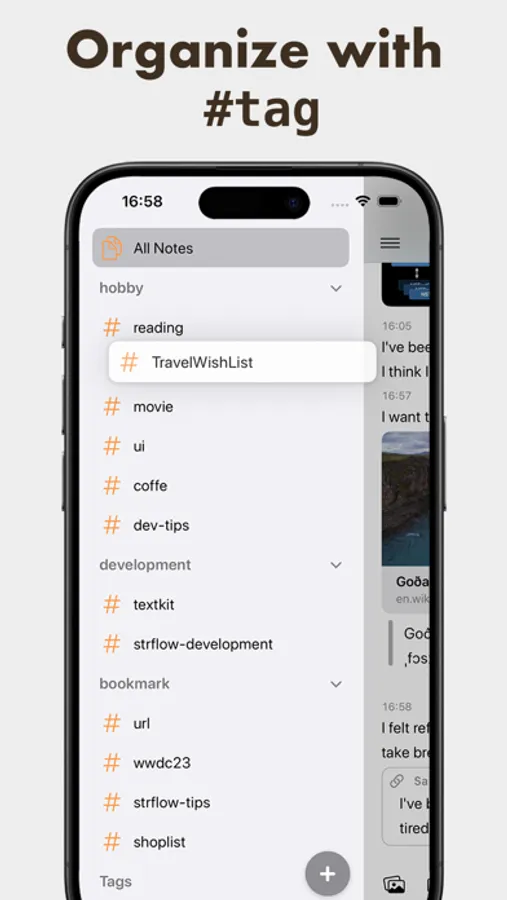
With tags, you can also create timelines focused on specific topics.
Tags can be attached or created from anywhere, and you can easily reorder them with drag & drop in the sidebar.
# Todo & Reminders, Naturally in Your Timeline
Strflow turns your checklists into a dedicated Todo timeline, so you can easily review tasks, check them off, and add new ones from a single view.
You can also set notes for future dates and use them as reminders.
Scheduled notes stay hidden until the right time, then gently surface with notifications—right when you need them.
# Quick Notes Anywhere
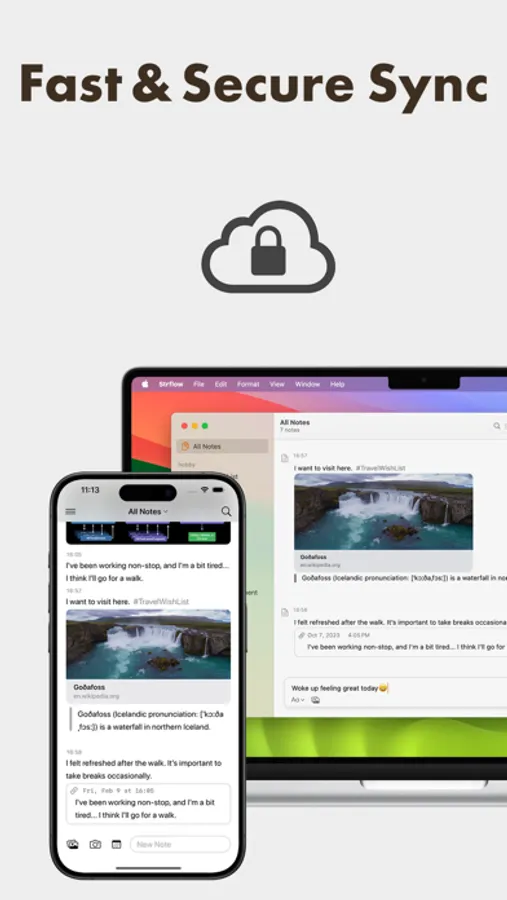
Sync quickly and capture notes from anywhere.
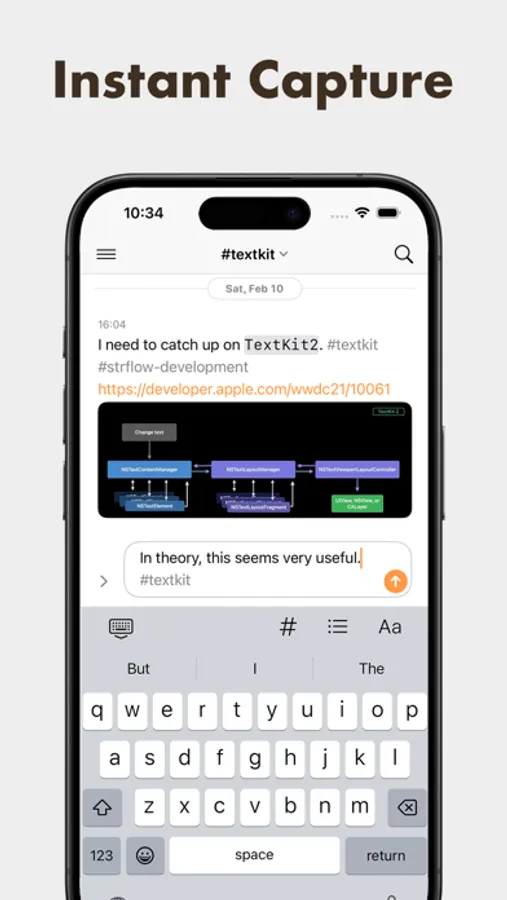
Open the app and start typing instantly, access Strflow from the share sheet — no need to switch apps.
# Native on iOS
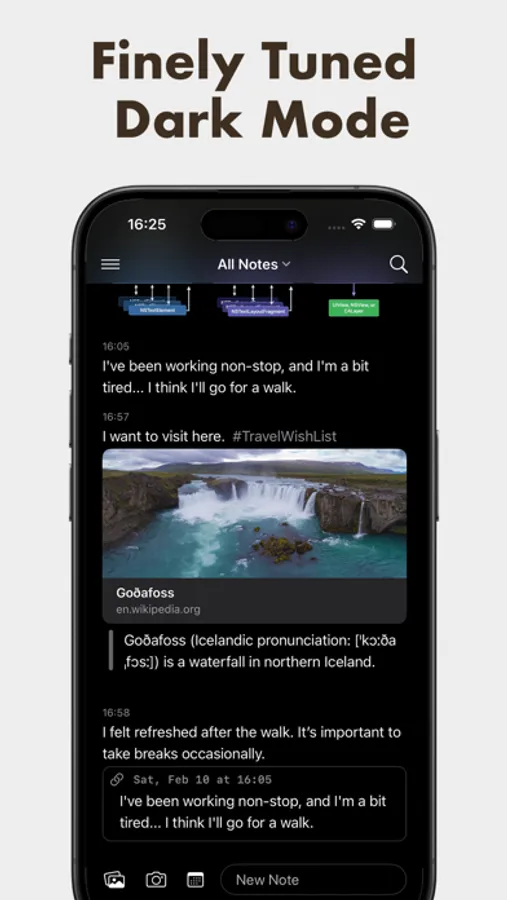
Strflow is designed natively for iOS, blending perfectly with its look and feel.
It also integrates with system features like Apple Shortcuts and the share sheet—making it easy to fit into your workflow.
# Your Data, 100% Yours
Your data is stored safely on your device and in iCloud.
When saved to iCloud, it’s encrypted with your iCloud Keychain. For those using iCloud’s Advanced Data Protection, enjoy the added security of end-to-end encryption.
All data can also be exported as Markdown, so you can take it anywhere with no lock-in.
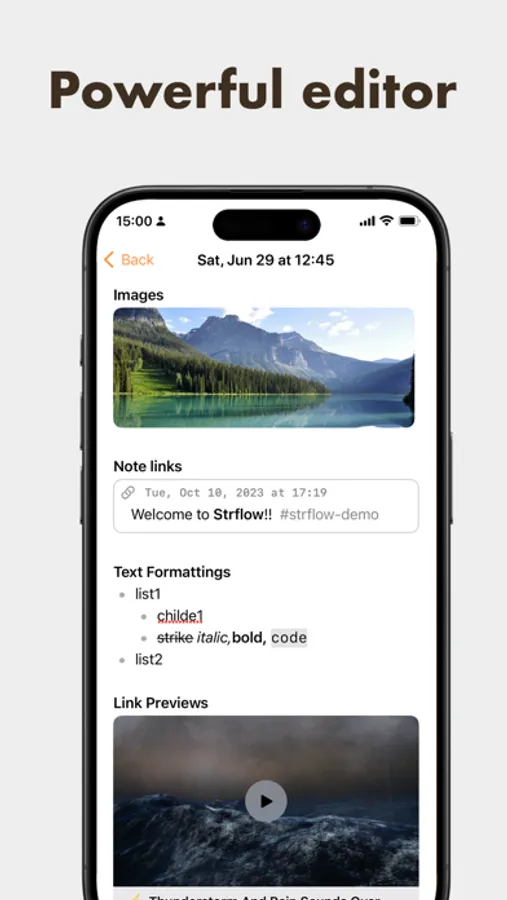
# A Powerful Editor
Strflow supports a wide range of rich-text editing features, including:
• Link previews
• Checklists
• Note links
• Inline formatting (bold, italic, etc.)
• Block-level formatting (lists, code blocks, quote blocks, etc.)
• Images
---
Strflow lets you take unlimited notes for free. By joining Strflow Plus, you’ll unlock encrypted sync and backup via iCloud.
Prices may vary by location. Subscriptions will be charged to your credit card via your App Store account. Your subscription will automatically renew unless canceled at least 24 hours before the end of the current period. Once activated, subscriptions cannot be canceled. Manage your subscriptions in your App Store Account Settings after purchase. Any unused portion of a free trial period, if offered, will be forfeited upon purchasing a subscription.
---
For any questions or feedback, please feel free to contact us at support@strflow.app. We are eager to assist and connect with you!
Privacy policy: https://strflow.app/privacy-policy
Terms of use: https://strflow.app/terms
Strflow: Notes & Journal Screenshots
Tap to Rate:
Reviews for Strflow: Notes & Journal
ohjames
This is a special app
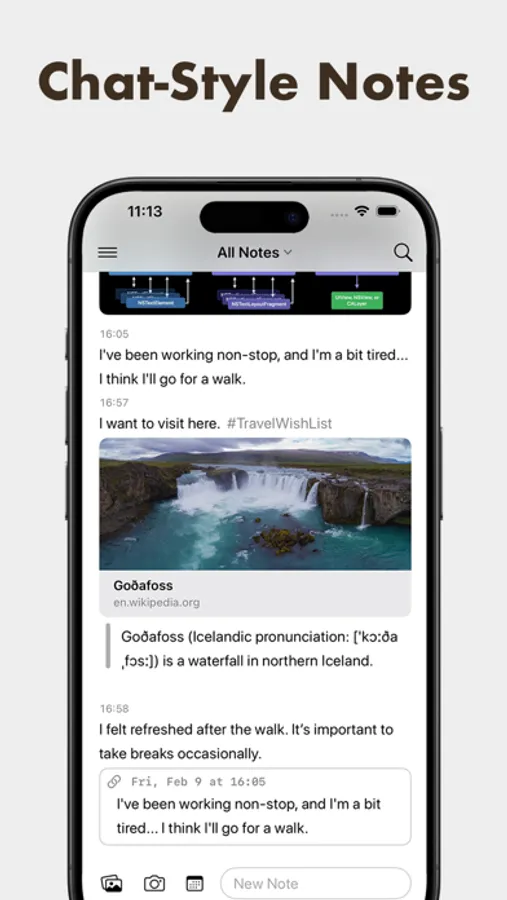
It’s chat, but notes. It’s simple yet elegant in its functionality. It feels like it has been thoughtfully optimized to remove friction from note taking experience. Everything from the way it defaults your text cursor to the entry box to how it efficiently offers you the option for a rich link with an already highlighted “Show Preview” button when you paste a link. It just feels wonderful to use the app. Really excited to see this one grow!
samuelrad
Great place for docu media
Fantastic for an on the go chronological notetaking