Photo Pages - Layout & Print
Aliaksei Khutarshchykau
5.0 ★
5 ratings
Free
AppRecs review analysis
AppRecs rating 4.5. Trustworthiness 65 out of 100. Review manipulation risk 30 out of 100. Based on a review sample analyzed.
★★★★☆
4.5
AppRecs Rating
Ratings breakdown
5 star
100%
4 star
0%
3 star
0%
2 star
0%
1 star
0%
What to know
✓
High user satisfaction
100% of sampled ratings are 5 stars
About Photo Pages - Layout & Print
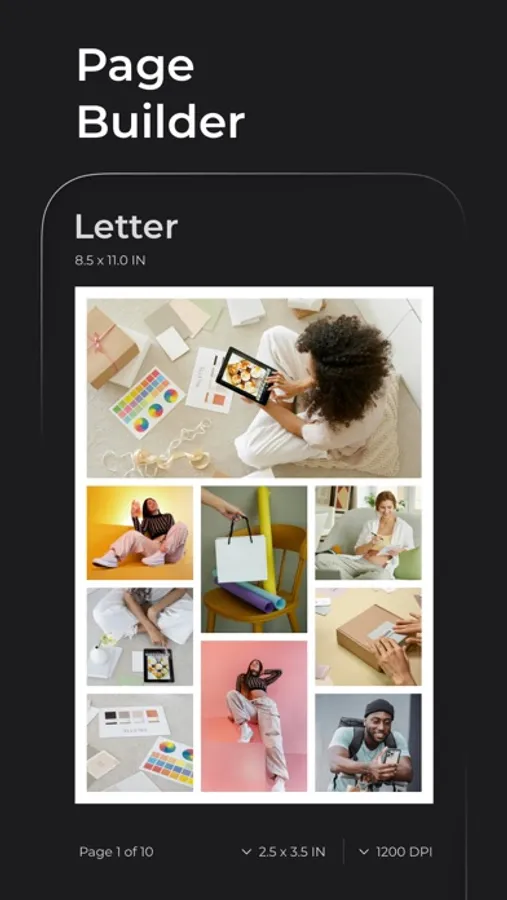
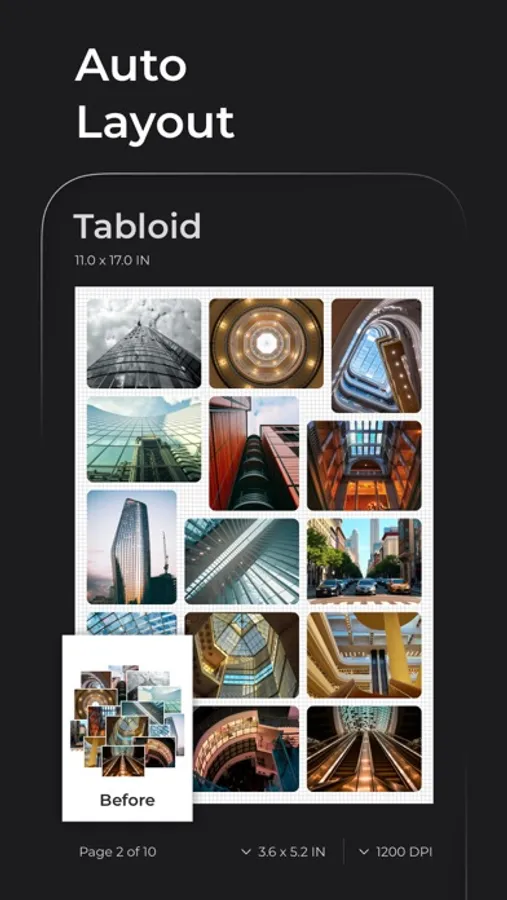
The app lets you manage an unlimited number of projects, create photo pages of Letter and other paper sizes, arrange photos manually or automatically, and print or share your work as PDF, TIFF, HEIC, and more.
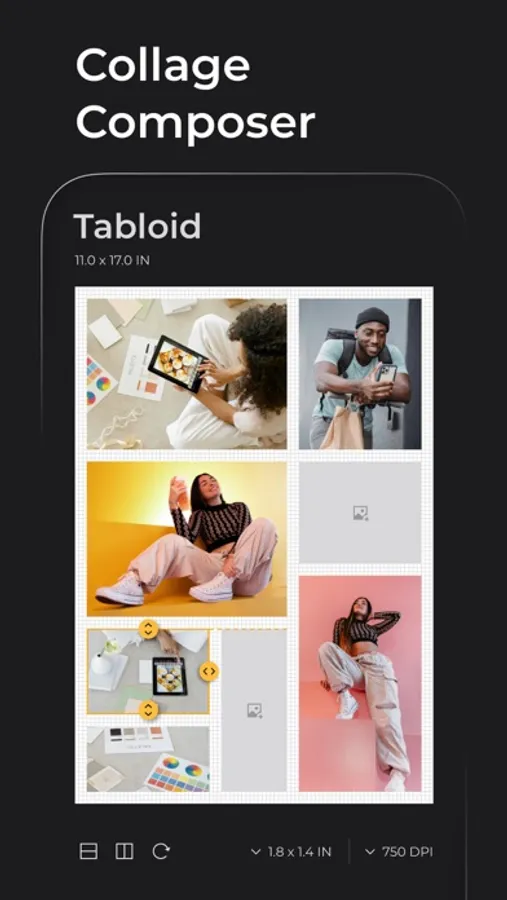
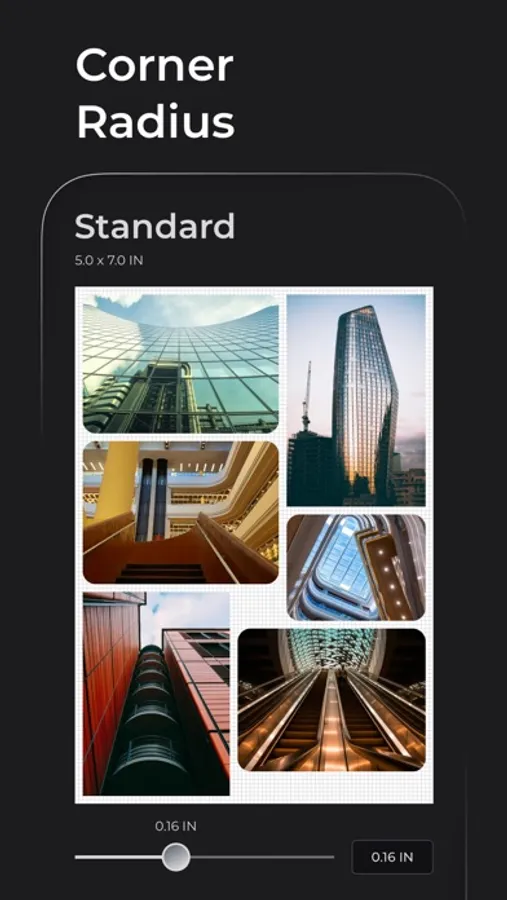
Whether you're mastering layouts such as Auto, Grid, and Collage, or fine-tuning photos by resizing, cropping, rounding corners, and adding borders in pixels, inches, or centimetres — the app equips you with essential tools to handle most real-world tasks.
Explore all features and capabilities in the app or on our website picoala.com. There you will find step-by-step guides on how to get started and a detailed overview of key features.
Key features:
PHOTO IMPORT
• Drag and drop photos from other apps
• Add photos from the Photo Library, Files, or Camera
• Drag and drop photos between pages
• Most photo formats are supported, including RAW photos
PHOTO EDITING
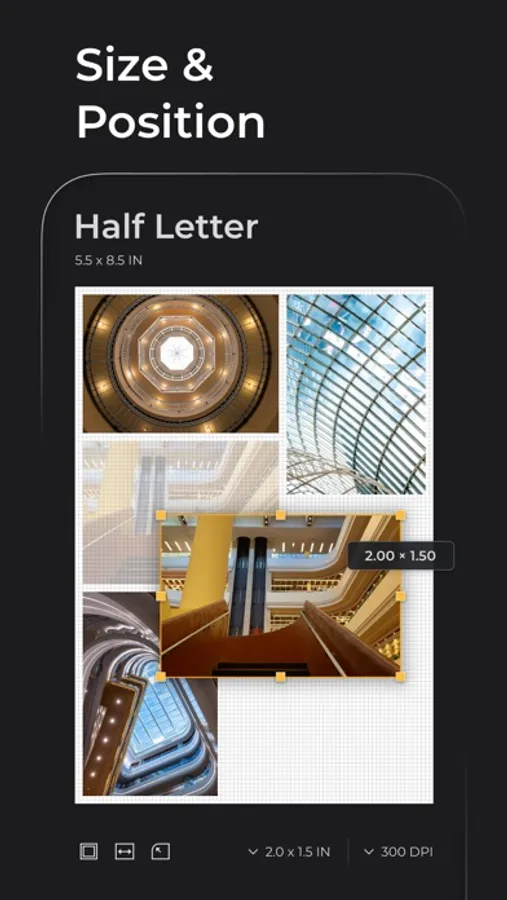
• Move and Resize photos on pages
• Multi-Select photos for batch editing
• Specify exact size for one or multiple photos
• Copy, Rotate, Flip, Delete photos, and Crop any single photo
• Bring photos above or below others
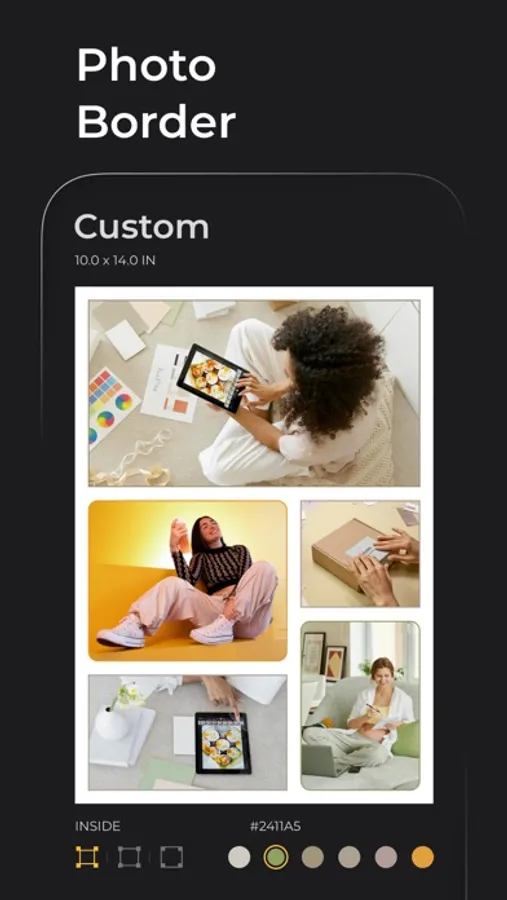
• Add colored border to photos: Inside, Center, or Outside
• Round corners of photos
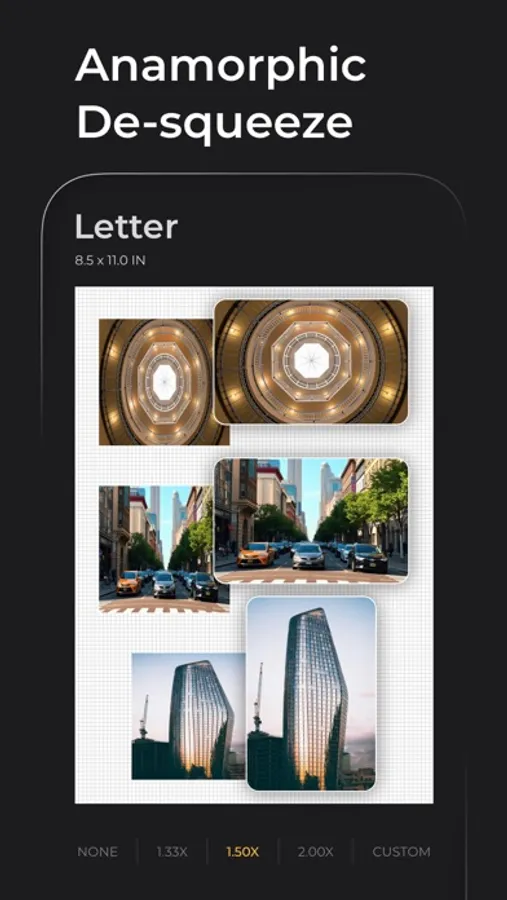
• Anamorphic de-squeeze photos with standard or custom factors
• Swap and Insert photos in Grid and Collage layout modes
PAGE SIZE & RESOLUTION
• Choose page size from a list of standard paper sizes: Letter, Envelope, A4, A3, A5, etc.
• Specify custom page size, and add or delete sizes from the list
• Choose resolution from presets or specify a custom value in DPI or DPCM
• Page size and resolution apply to all pages in the project
PAGE LAYOUT
• Choose layout mode for one or all pages: Normal, Auto, Grid, or Collage
• Specify number of columns in Grid mode
• Select template for Collage mode
• Specify number of rows and columns in Collage Matrix mode
• Split and merge cells in Collage mode
PAGE CUSTOMIZATION
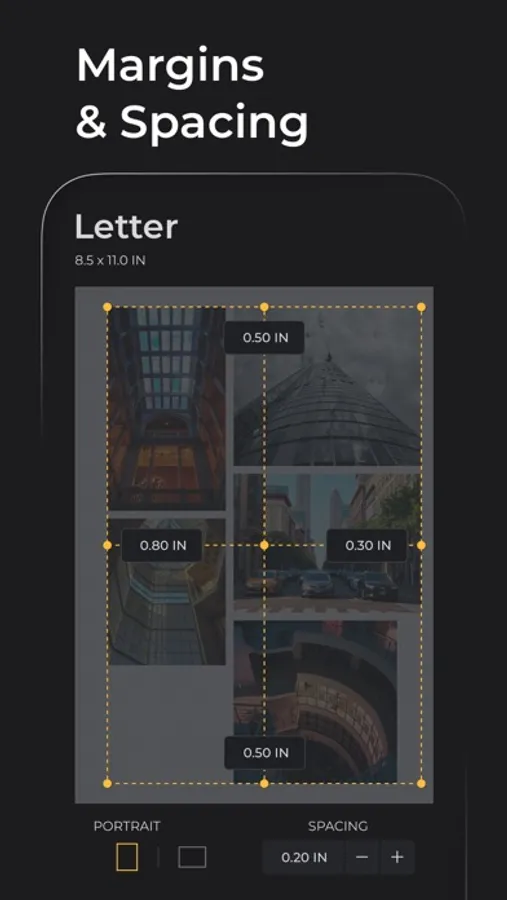
• Set margins and spacing for one or all pages
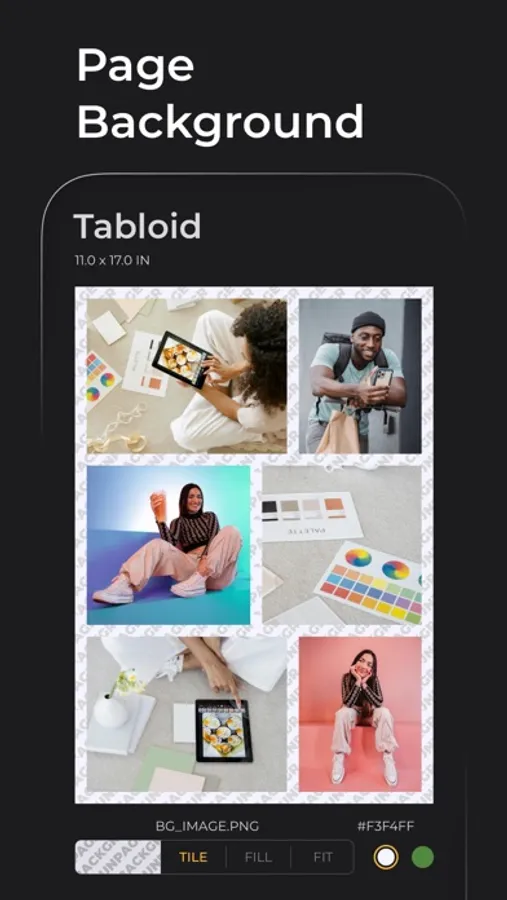
• Choose background color and add up to 3 background images for one or all pages
• Select page orientation: Landscape or Portrait
PROJECTS
• Add, Open, Duplicate, or Delete projects
• Configure project behavior in Project Settings
INCHES, PIXELS & CENTIMETRES
• Choose units of measurement: Inches, Pixels, or Centimetres
• Sizes, positions, and margins are automatically recalculated based on your chosen units and the project’s resolution setting
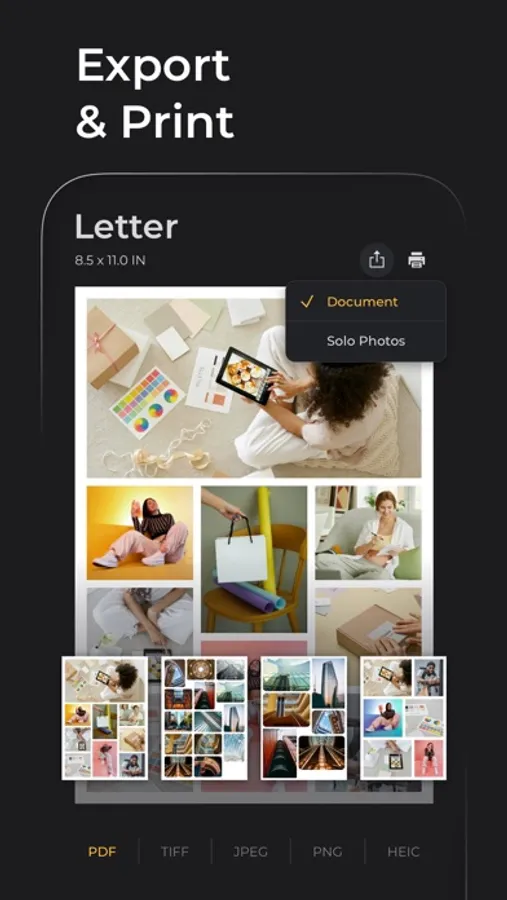
PRINT & EXPORT
• AirPrint your project directly from the app
• Share your project as Document in PDF, TIFF, PNG, JPEG, or HEIC formats
• Share your photos as Solo Photos in TIFF, PNG, JPEG, or HEIC formats
• Specify image quality for PDF, TIFF, HEIC, and JPEG formats
Access all features without restrictions using one of our subscription plans with a 7-day free trial. You can explore and try the full functionality of the app without any risk of being charged upfront.
Your family members can also benefit from your subscription and use the app completely free as long as Family Sharing is enabled and subscription is active.
Info & links:
• Terms of Use: https://www.apple.com/legal/internet-services/itunes/dev/stdeula/
• Privacy Policy: https://picoala.com/privacy/
• Contact Us: https://picoala.com/contact/ or via the app: Menu > App Info & Links > Email Support
Photo Pages - Layout & Print Screenshots
Tap to Rate:
Reviews for Photo Pages - Layout & Print
Login_VIP
✌️🥰
The app's design is beautiful, and its ease of use is creative and distinctive. Perhaps it will be developed in the future to make it all-in-one. 1. Add a transparent background. 2. Add text with the ability to add fonts from outside the app. 3. Finally, add a shape icon, such as arrows, circles, squares, and other frames. As for the arrows, it's preferable to have more than one shape, including a curved arrow and a straight arrow. I hope they consider developing it, as the app is simply amazing.