In this app, you can create, edit, and manage Google forms directly from your mobile device. Includes form synchronization, sharing options, real-time notifications, and data export features.
AppRecs review analysis
AppRecs rating 3.8. Trustworthiness 66 out of 100. Review manipulation risk 35 out of 100. Based on a review sample analyzed.
★★★☆☆
3.8
AppRecs Rating
Ratings breakdown
5 star
87%
4 star
4%
3 star
1%
2 star
3%
1 star
6%
What to know
✓
High user satisfaction
87% of sampled ratings are 5 stars
⚠
Ad complaints
Many low ratings mention excessive ads
⚠
Low-content positive reviews
Many 5-star reviews use very limited vocabulary
About Forms for Google Drive
Key features include:
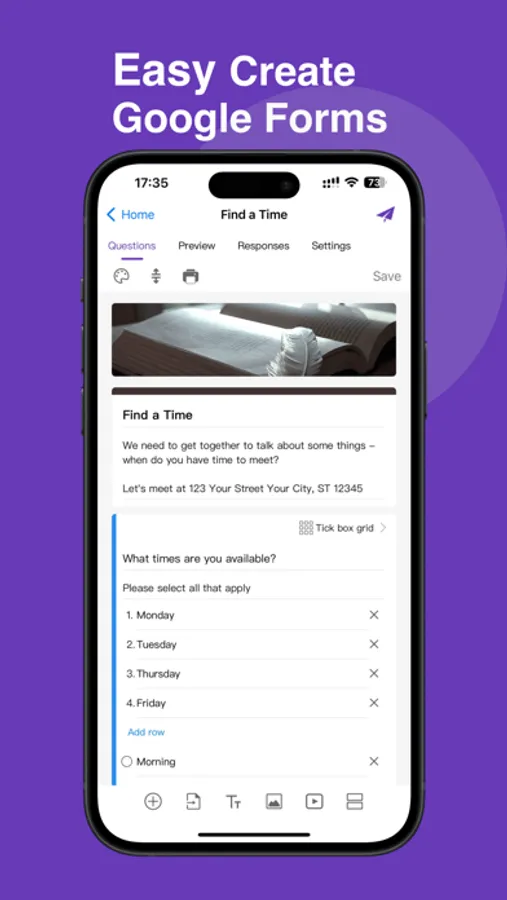
1. Instantly sync your content on Google forms
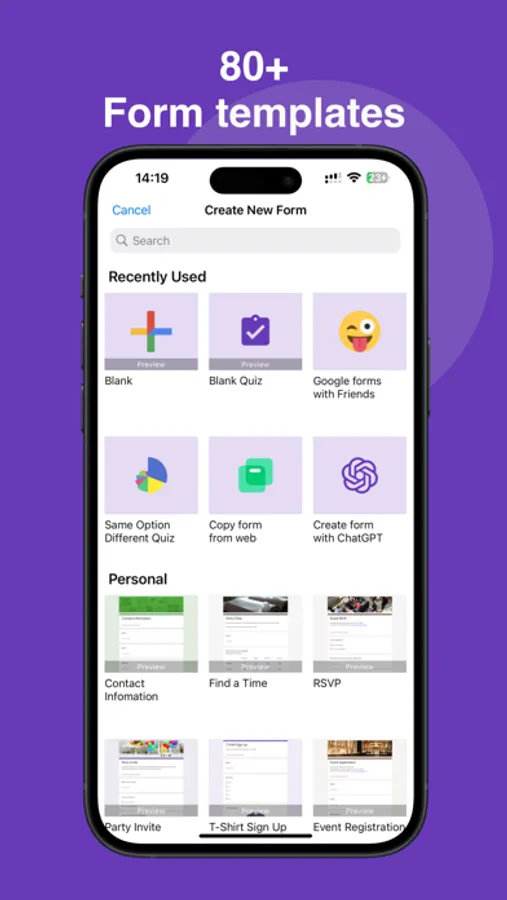
2. Creat Google forms, edit Google forms, delete Google forms, modify Google forms, check Google forms, import Google Sheets, copy and preview Google forms content
3. Supports various form types including single, multiple choice, and text boxes.
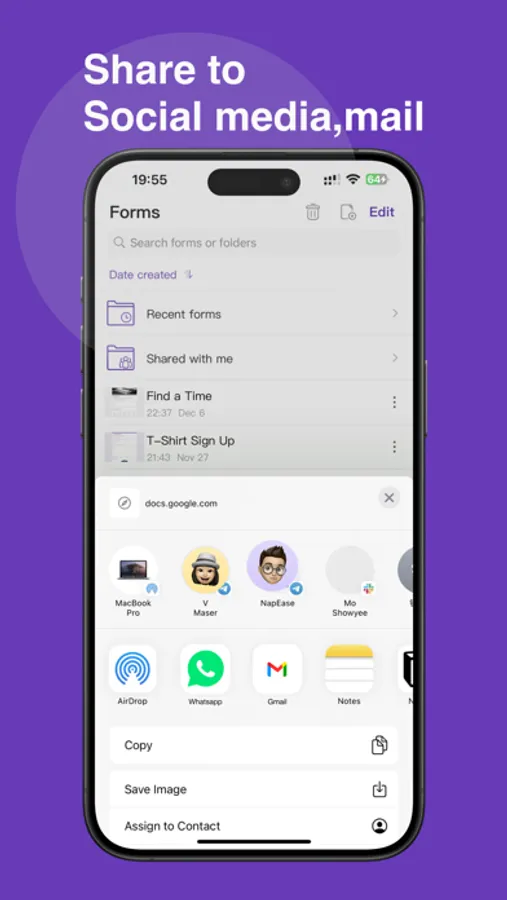
4. Generate questionnaire QR codes and links, and share forms directly from your mobile to social platforms (Facebook, Slack, LinkedIn, WhatsApp, iMessage, Twitter, etc.) and via email.
5. Assign forms to team members to collaborate or edit, and take actions based on team responses.
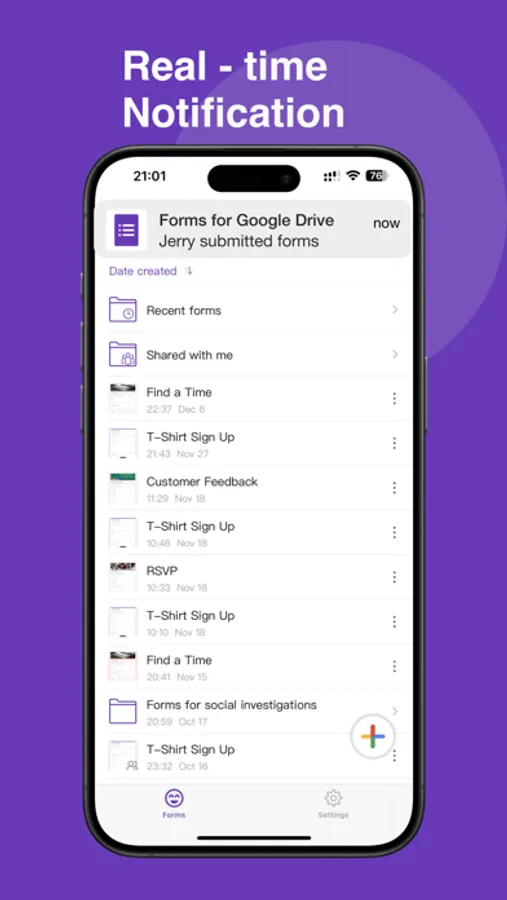
6. Receive real-time iOS notifications on your mobile when a form is submitted, with the ability to enable or disable notifications for specific forms.
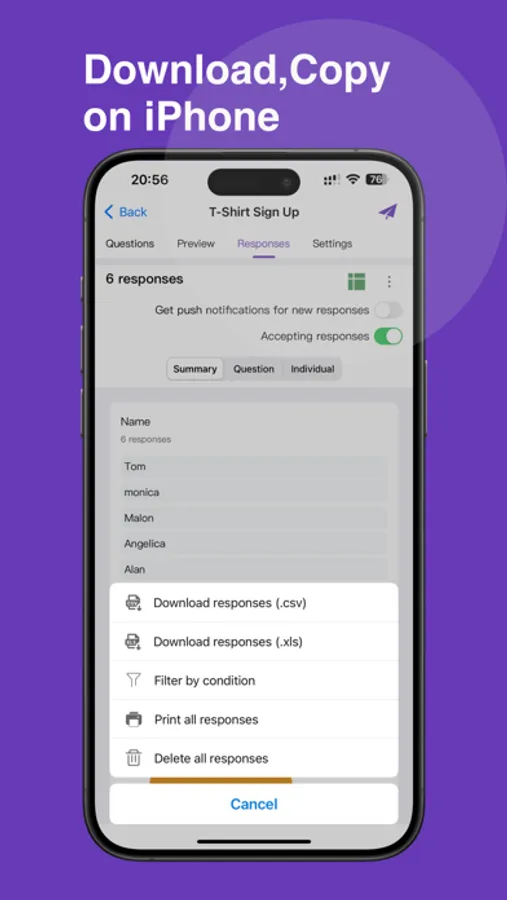
7. Collect and Manage date directly,and export in CSV or Excel format
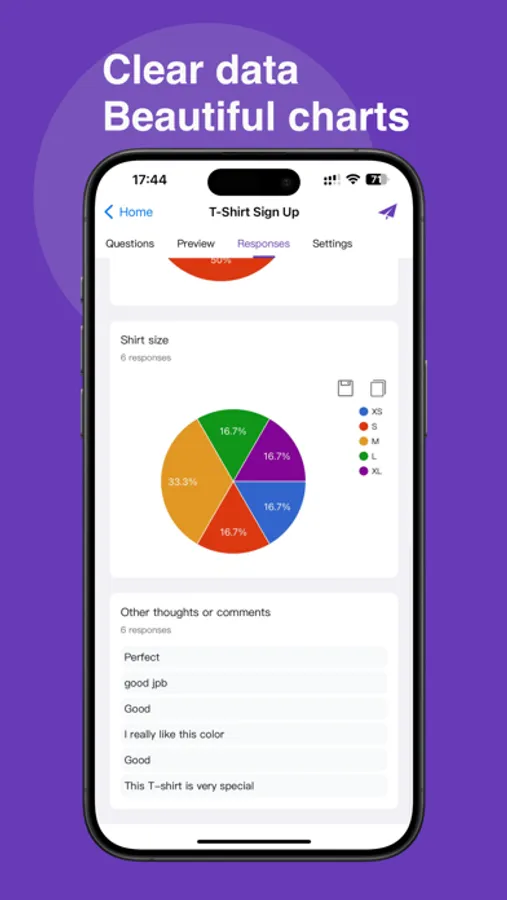
8. View user participation directly on your phone with clear, intuitive data and beautiful charts.
9. Save to your phone's photo album or copy to the clipboard with one click.
10.Seamless integration with Google forms,Google Drive,Google Docs, Google classroom,Google sheets
11. Email notification for google forms.
Disclaimer: This is a third-party application not affiliated with Google. All trademarks are the property of their respective owners..
Terms of Service - https://gformsfree.com/Terms.html
Privacy Policy - https://gformsfree.com/PrivacyPolicy.html
If you have any questions, please contact us: blueberryjamapps@gmail.com
Forms Pro Subscription
$5.99/week to unlock all Pro features;
$49.99/year to unlock all Pro features;
$69.99 to unlock lifetime Pro features.
[Payment]
After the user confirms the purchase and payment, the payment will be credited to the iTunes account
[Automatic Renewal]
The Apple iTunes account will be deducted within 24 hours before the expiration date.
After the deduction is successful, the subscription period will be extended.
[Cancel automatic renewal]
If you purchase a continuous weekly/yearly subscription, the subscription will be automatically renewed unless you cancel the subscription at least 24 hours before the end of the current billing cycle.
Your account will be charged the renewal fee within 24 hours before the end of the current billing cycle.
To turn off the continuous weekly/yearly subscription service of the Forms for Google Drive paid Pro opened by Apple ID,
you can go to "Settings"_"iTunes Store and App Store" on your iOS device
-select "Apple ID"-click "View Apple ID"
-click "Subscription" on the account settings page-cancel subscription
Forms for Google Drive Screenshots
Tap to Rate:
Reviews for Forms for Google Drive
kittykat🍫💝
I like it all though…
I really do like this app I think the pro stuff should be taken away because people don’t really have money for that and what if there’s kids trying to use this app trying get it for school. It’s really annoying when apps do stuff like that so the pro stuff should be taken away.
Unhappycamper1997
Charge you immediately RIP OFF
Don’t even try this app if you don’t want to waste 60$. Couldn’t cancel it. It immediately charged me. Deleted the app, flagged the charge and I cant get my money back. RIP OFF.