In this TV remote control app, you can manage your Smart TV using your iOS device by connecting via Wi-Fi, navigating menus, adjusting volume, and powering the TV on or off. Includes automatic device detection, touchpad navigation, and keyboard input options.
AppRecs review analysis
AppRecs rating 4.1. Trustworthiness 71 out of 100. Review manipulation risk 38 out of 100. Based on a review sample analyzed.
★★★★☆
4.1
AppRecs Rating
Ratings breakdown
5 star
76%
4 star
6%
3 star
4%
2 star
1%
1 star
12%
What to know
✓
Credible reviews
71% trustworthiness score from analyzed reviews
✓
High user satisfaction
82% of sampled ratings are 4+ stars (4.3★ average)
⚠
Pricing complaints
Many low ratings mention paywalls or pricing
About FireApp - TV Remote Control
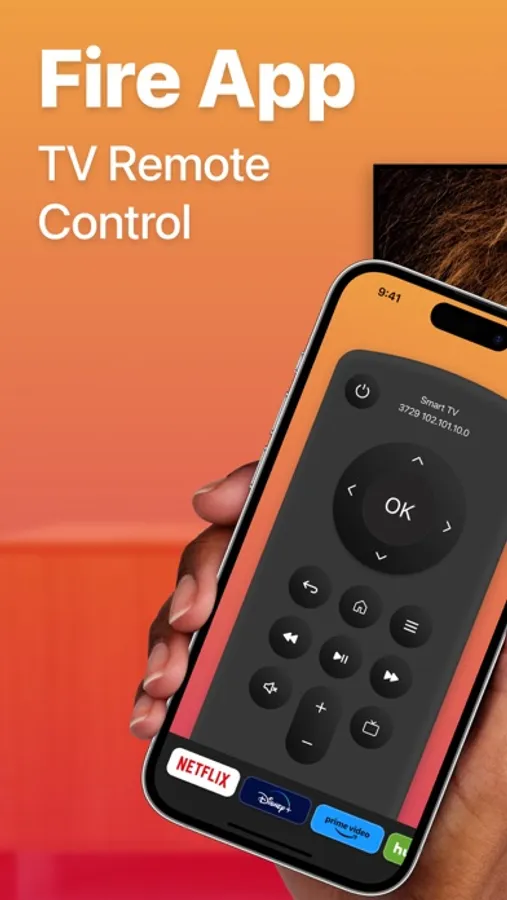
FireApp — TV Remote Control is your go-to virtual remote for seamlessly managing your Smart TV with your iOS Device.
Functionality:
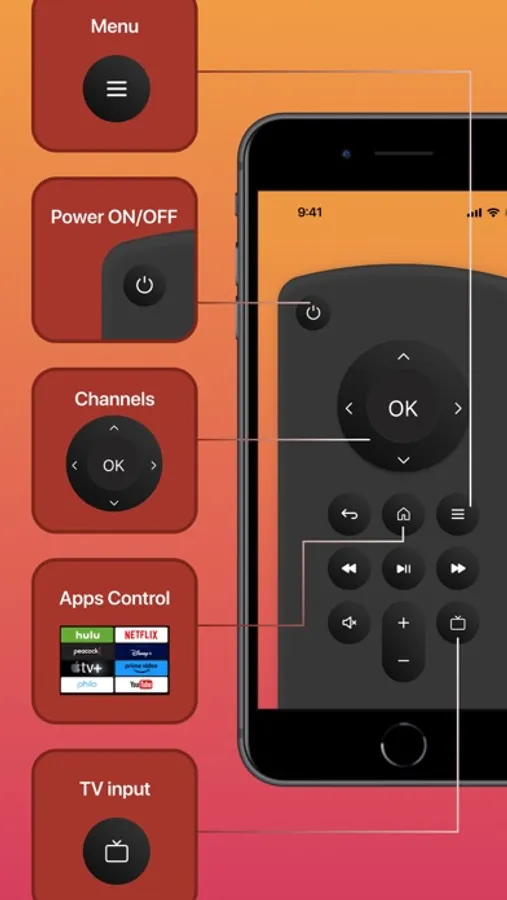
— Enjoy a fully functional remote control at your fingertips.
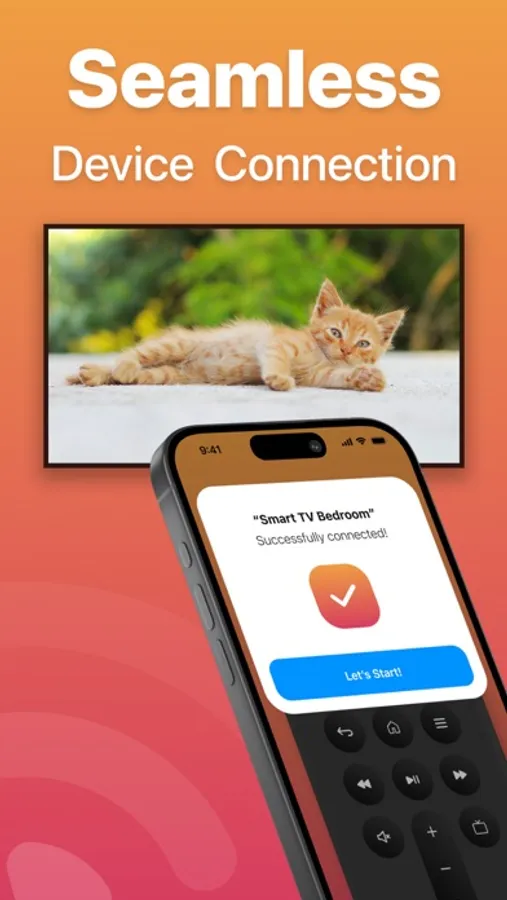
— Experience automatic device connection for hassle-free setup.
— Navigate with ease using the touchpad for menu exploration and quick typing on web apps.
— Adjust the volume up or down effortlessly.
— Simplify your searches with the built-in keyboard.
— Power off your TV with a single tap.
— Stay up-to-date with regular updates to support a wide range of new TV models.
To utilize this remote control, ensure that your iOS device and TV are connected to the same Wi-Fi network.
— If the connection encounters any issues, try restarting your iPhone, Smart TV, and Wi-Fi router for a smoother experience.
Subscription Details:
— Payment will be charged to your iTunes Account upon confirmation of purchase.
— Subscriptions will automatically renew unless you turn off auto-renew at least 24 hours before the current period ends.
— Your account will be charged for renewal within 24 hours before the current subscription period concludes, specifying the renewal cost.
— Manage your subscriptions and disable auto-renewal by accessing your Account Settings after purchase.
— Any remaining time from a free trial period, if offered, will be forfeited upon purchasing a subscription to the respective publication, where applicable.
Terms of Use: https://zipoapps.com/fireappcontrolios/terms/
Privacy Policy: https://zipoapps.com/fireappcontrolios/privacy/
Functionality:
— Enjoy a fully functional remote control at your fingertips.
— Experience automatic device connection for hassle-free setup.
— Navigate with ease using the touchpad for menu exploration and quick typing on web apps.
— Adjust the volume up or down effortlessly.
— Simplify your searches with the built-in keyboard.
— Power off your TV with a single tap.
— Stay up-to-date with regular updates to support a wide range of new TV models.
To utilize this remote control, ensure that your iOS device and TV are connected to the same Wi-Fi network.
— If the connection encounters any issues, try restarting your iPhone, Smart TV, and Wi-Fi router for a smoother experience.
Subscription Details:
— Payment will be charged to your iTunes Account upon confirmation of purchase.
— Subscriptions will automatically renew unless you turn off auto-renew at least 24 hours before the current period ends.
— Your account will be charged for renewal within 24 hours before the current subscription period concludes, specifying the renewal cost.
— Manage your subscriptions and disable auto-renewal by accessing your Account Settings after purchase.
— Any remaining time from a free trial period, if offered, will be forfeited upon purchasing a subscription to the respective publication, where applicable.
Terms of Use: https://zipoapps.com/fireappcontrolios/terms/
Privacy Policy: https://zipoapps.com/fireappcontrolios/privacy/
FireApp - TV Remote Control Screenshots
Tap to Rate:
Reviews for FireApp - TV Remote Control
Hello1289…..
It’s Okay
I mean it is fine but it’s like after every time it asks you to write a review at the beginning but the only thing I don’t like is that it has way to many ads
the venum
Fire it’s easy
Amazin free remote