AppRecs review analysis
AppRecs rating 2.1. Trustworthiness 79 out of 100. Review manipulation risk 26 out of 100. Based on a review sample analyzed.
★★☆☆☆
2.1
AppRecs Rating
Ratings breakdown
5 star
13%
4 star
21%
3 star
3%
2 star
0%
1 star
64%
What to know
✓
Low review manipulation risk
26% review manipulation risk
✓
Credible reviews
79% trustworthiness score from analyzed reviews
⚠
Mixed user feedback
Average 2.2★ rating suggests room for improvement
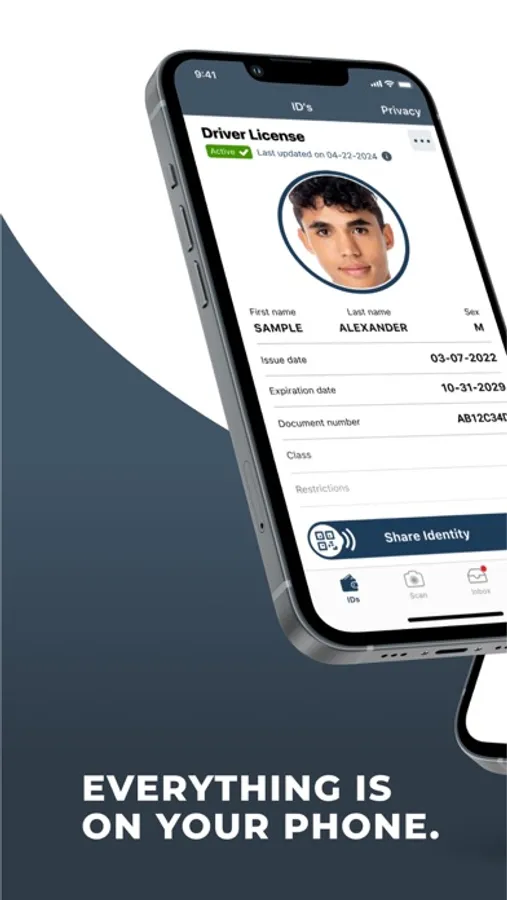
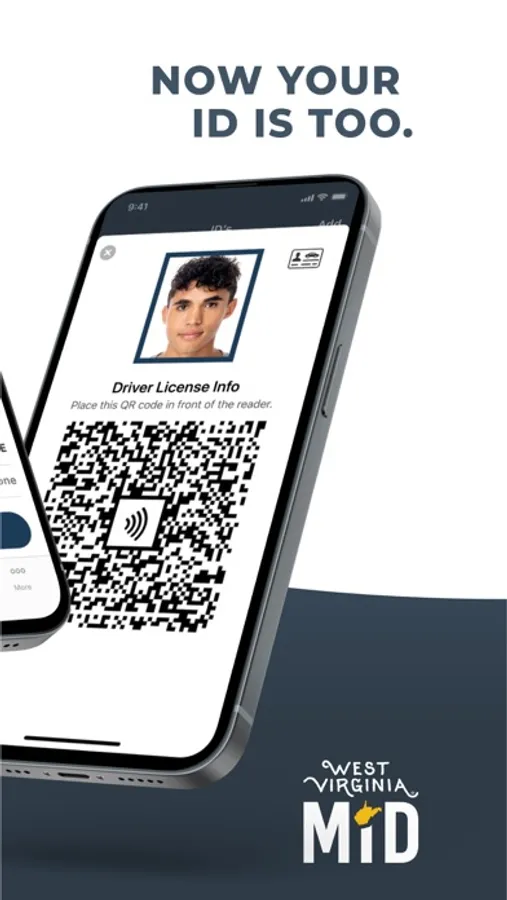
About West Virginia Mobile ID
Intuitive, easy-to-use and highly convenient, West Virginia Mobile ID can be used anywhere it’s accepted, in any context a physical ID would be used – with enhanced privacy features. Only your Face ID, TouchID or six-digit pin will unlock the app and access your Mobile ID.
In five simple steps, you can create your West Virginia MiD:
1. Download the app and set permissions
2. Verify access to your phone number
3. Use your device camera to scan the front and back of your driver license or ID card
4. Follow the steps to capture a selfie
5. Set up app security and you’re good to go!
Please note: West Virginia Mobile ID is an official state-issued ID, serving as a companion to your physical ID. As not all entities are able to verify a Mobile ID, you should continue to carry your physical ID.
For more information, please visit: https://transportation.wv.gov/DMV/MiD/Pages/default.aspx
West Virginia Mobile ID Screenshots
Tap to Rate:
Reviews for West Virginia Mobile ID
Alawson
Waste of time
Great idea but no matter how many times I move my face and line up the dots it tells me to move my face and line up the dots which were all lined up and connected multiple times already
vaportrails14
Worthless
Take the front of id good when get to the back of the id where the issue is either blurt detected detected or to close or to far then get error and its a new license I’m doing tried with WiFi and without wv do better than this way its still on the App Store beyond me