
AppRecs review analysis
AppRecs rating 4.3. Trustworthiness 67 out of 100. Review manipulation risk 40 out of 100. Based on a review sample analyzed.
★★★★☆
4.3
AppRecs Rating
Ratings breakdown
5 star
83%
4 star
8%
3 star
0%
2 star
4%
1 star
4%
What to know
⚠
Questionable review patterns
40% review manipulation risk - some review patterns appear unusual
⚠
Rating authenticity concerns
High rating concentration (83% 5-star) in sampled ratings
About Bv Assistant - BT Panel Linux
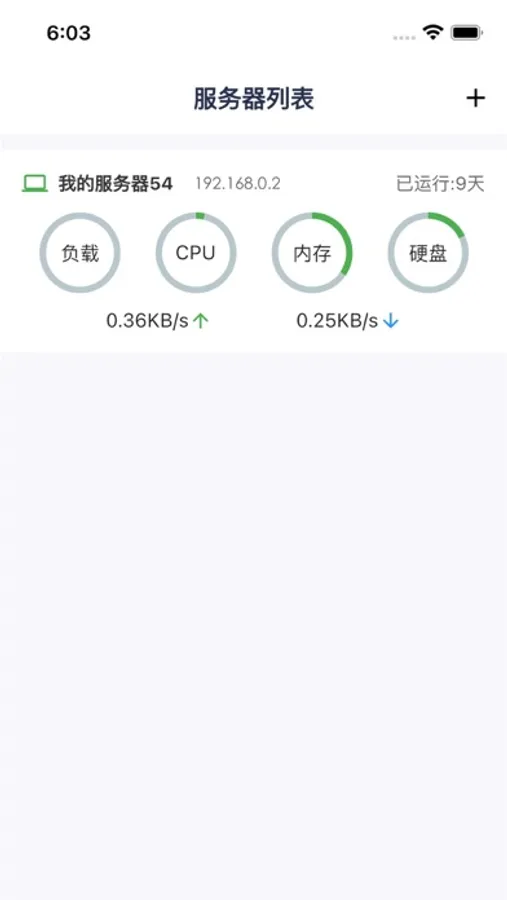
Bv Assistant is an app developed using the API provided by the Baota Linux Panel, allowing users to manage servers anytime and anywhere. With this app, you can view the operation status of one or more servers, manage websites, FTP, databases, and files. It includes a built-in file editor for modifying website files.
· Terminal
Execute terminal commands.
· Website Management
Create and manage websites through the app, easily complete various configurations.
· FTP Management
Create, edit, and manage FTP through the app.
· Database Management
Create databases with one click, set up backups and restores with one click.
· Application Management
View installed applications on the server, such as Apache, Nginx, MySQL, FTP, etc., and perform start, stop, and restart operations.
· File Management
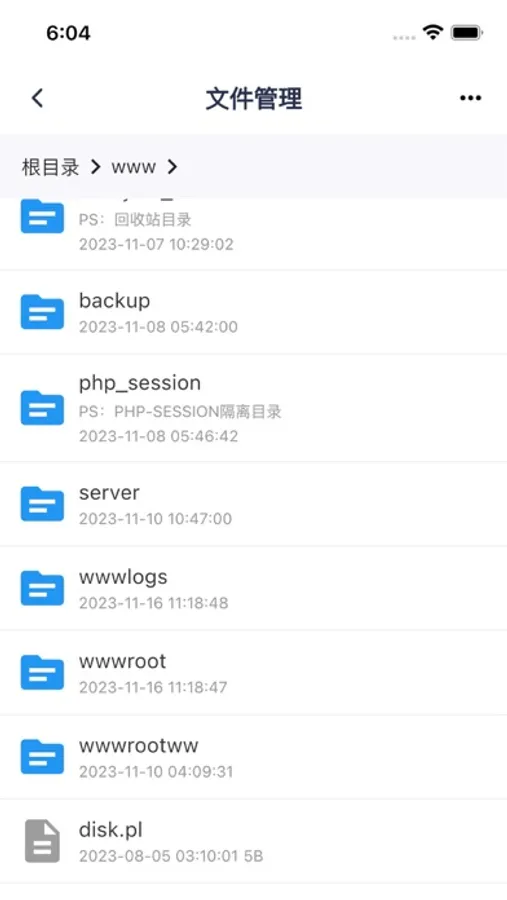
A convenient and efficient file manager that supports packing, unpacking, and file editing/viewing.
· Monitoring
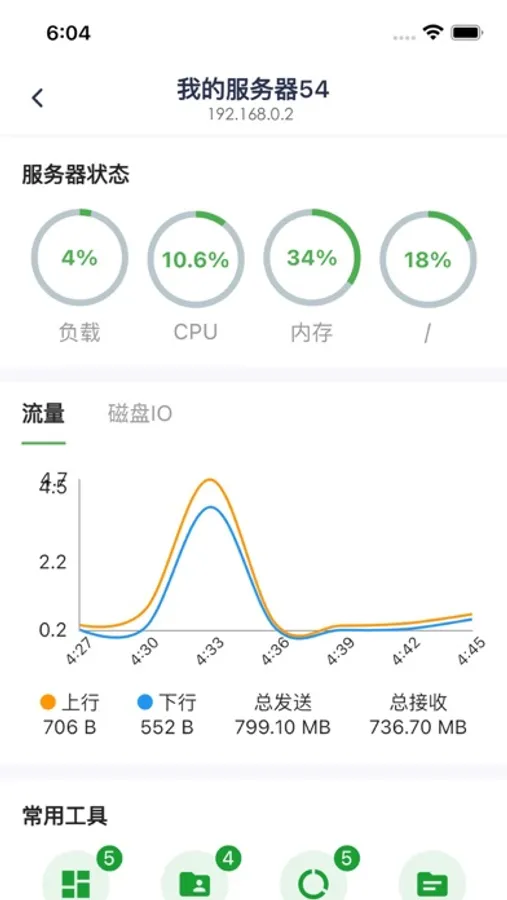
Select date and time ranges to view server resource usage, load details, CPU, memory, disk I/O, and network conditions.
· Logs
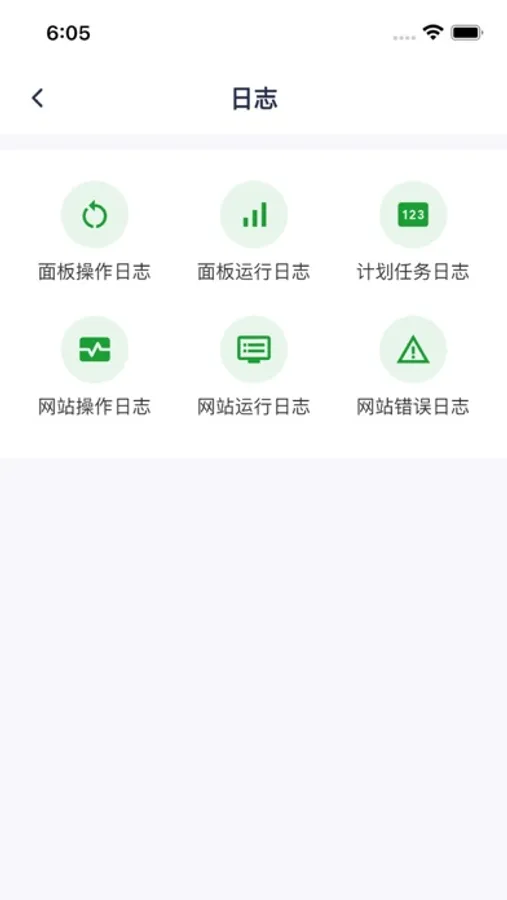
View panel operation logs, running logs, scheduled task logs, website operation logs, website running logs, and website error logs.
· Scheduled Tasks
View scheduled task statuses, execute/disable scheduled tasks, and add new tasks.
· Terminal
Execute terminal commands.
· Website Management
Create and manage websites through the app, easily complete various configurations.
· FTP Management
Create, edit, and manage FTP through the app.
· Database Management
Create databases with one click, set up backups and restores with one click.
· Application Management
View installed applications on the server, such as Apache, Nginx, MySQL, FTP, etc., and perform start, stop, and restart operations.
· File Management
A convenient and efficient file manager that supports packing, unpacking, and file editing/viewing.
· Monitoring
Select date and time ranges to view server resource usage, load details, CPU, memory, disk I/O, and network conditions.
· Logs
View panel operation logs, running logs, scheduled task logs, website operation logs, website running logs, and website error logs.
· Scheduled Tasks
View scheduled task statuses, execute/disable scheduled tasks, and add new tasks.
Bv Assistant - BT Panel Linux Screenshots

Tap to Rate:
Reviews for Bv Assistant - BT Panel Linux
hgdtjji
好
好好好
UID:254922
好评
不错👍