AppRecs review analysis
AppRecs rating 3.6. Trustworthiness 69 out of 100. Review manipulation risk 25 out of 100. Based on a review sample analyzed.
★★★☆☆
3.6
AppRecs Rating
Ratings breakdown
5 star
50%
4 star
10%
3 star
10%
2 star
10%
1 star
20%
What to know
✓
Low review manipulation risk
25% review manipulation risk
✓
Good user ratings
60% positive sampled reviews
About Blurtext - Censor & Redact
FEATURES:
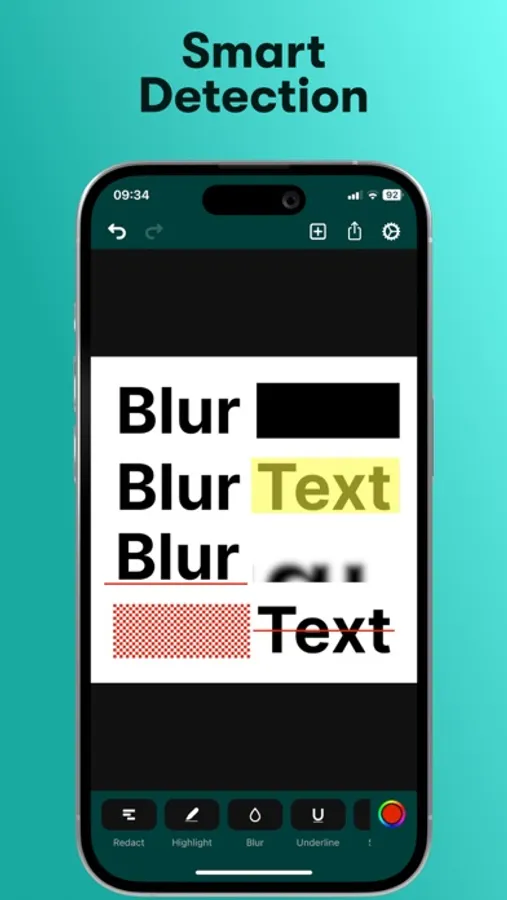
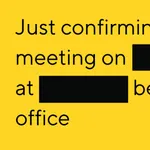
- Multiple Markup Tools: Choose from a variety of editing options, including blurring, redaction, mosaic, highlighting, underlining, strikethrough, blending, and pixelation.
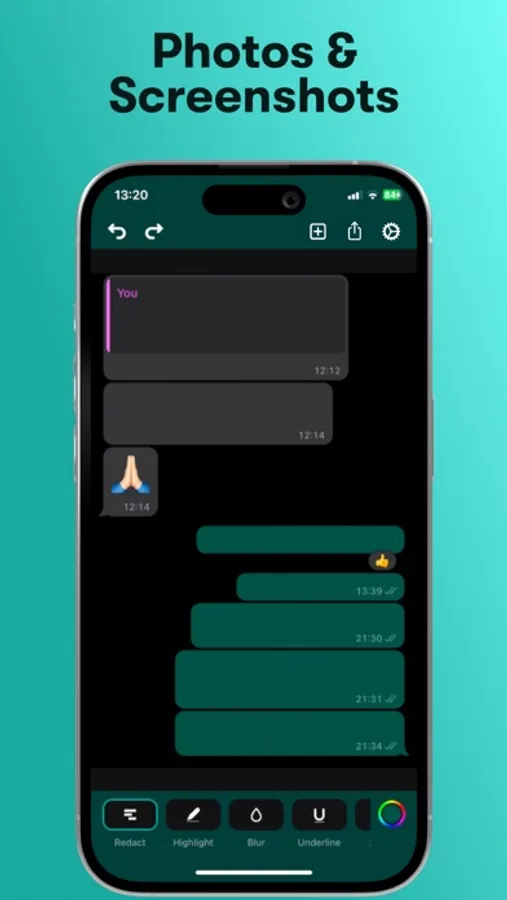
- Perfect for images, photos, screenshots, PDFs and documents.
- Directly open and edit documents from your photo library or files, or easily add new ones by scanning them within the app.
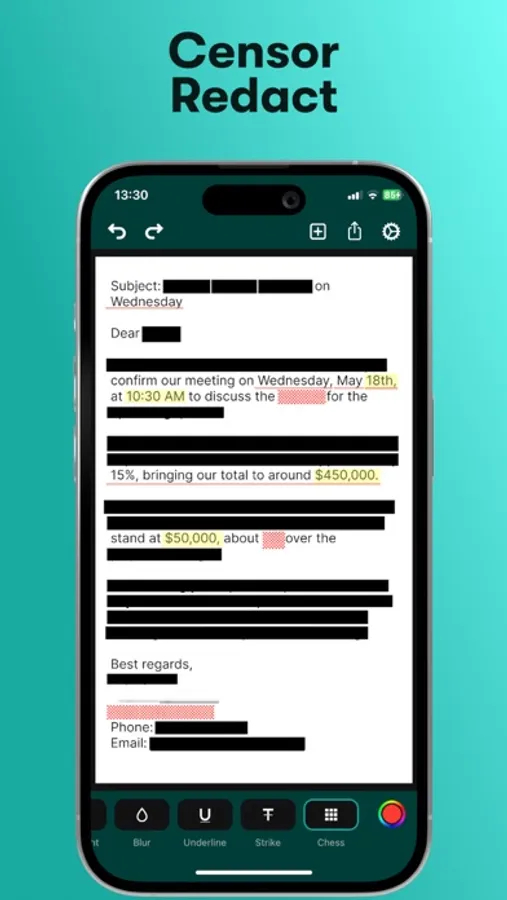
- Obscure, censor, hide, or mask sensitive information in your files.
- Automatically detects background colors for seamless text erasing.
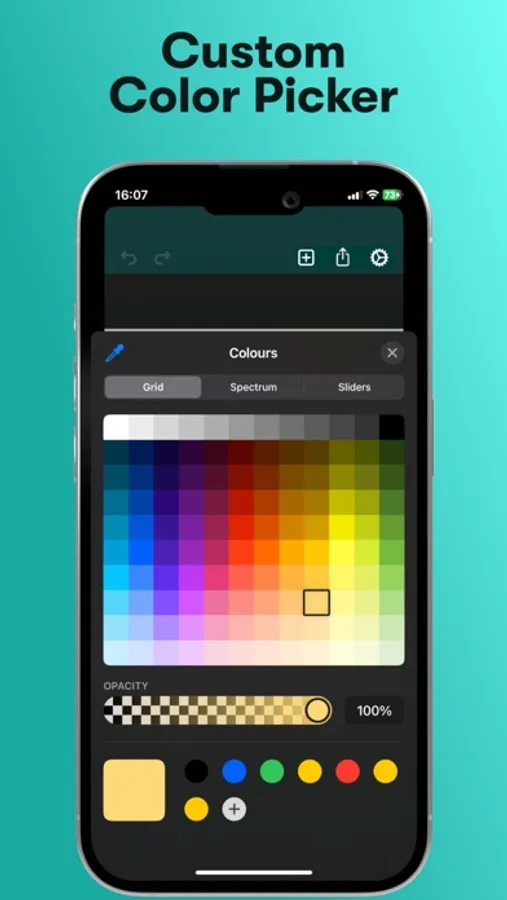
- Easily change the color of your markups to match your style.
- Export and share images in HD quality.
- User-friendly and straightforward, making text editing simple and efficient.
- Fast and effective tools for all your text markup needs.
- Zoom in for precise annotation and editing.
Blurtext is a privacy-focused tool for securing personal and sensitive information or adding a creative touch to your screenshots and documents!
CONTACT:
contact@blurtext.com
Links for more info:
- Terms of Use: https://www.blurtext.com/#terms-of-use
- Privacy policy: https://www.blurtext.com/#privacy-policy
- Link for more info: https://support.apple.com/en-gb/HT202039
- Multiple Markup Tools: Choose from a variety of editing options, including blurring, redaction, mosaic, highlighting, underlining, strikethrough, blending, and pixelation.
- Perfect for images, photos, screenshots, PDFs and documents.
- Directly open and edit documents from your photo library or files, or easily add new ones by scanning them within the app.
- Obscure, censor, hide, or mask sensitive information in your files.
- Automatically detects background colors for seamless text erasing.
- Easily change the color of your markups to match your style.
- Export and share images in HD quality.
- User-friendly and straightforward, making text editing simple and efficient.
- Fast and effective tools for all your text markup needs.
- Zoom in for precise annotation and editing.
Blurtext is a privacy-focused tool for securing personal and sensitive information or adding a creative touch to your screenshots and documents!
CONTACT:
contact@blurtext.com
Links for more info:
- Terms of Use: https://www.blurtext.com/#terms-of-use
- Privacy policy: https://www.blurtext.com/#privacy-policy
- Link for more info: https://support.apple.com/en-gb/HT202039