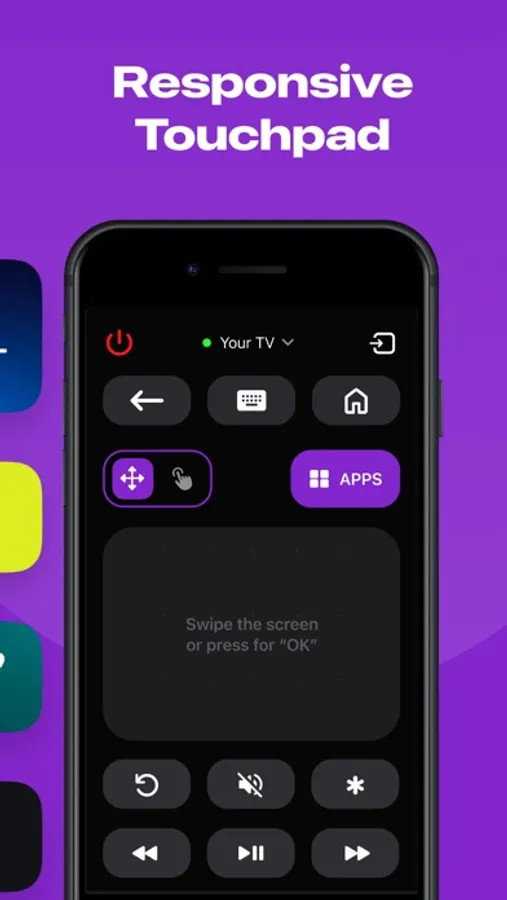
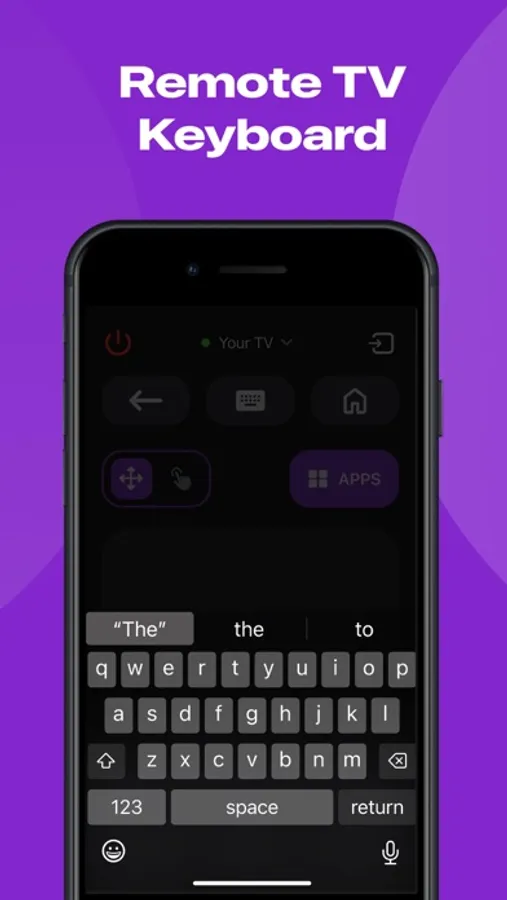
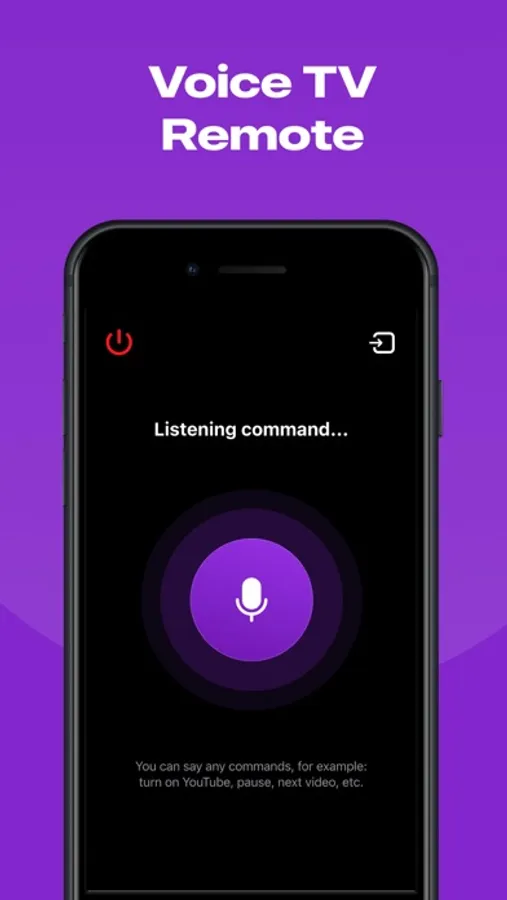
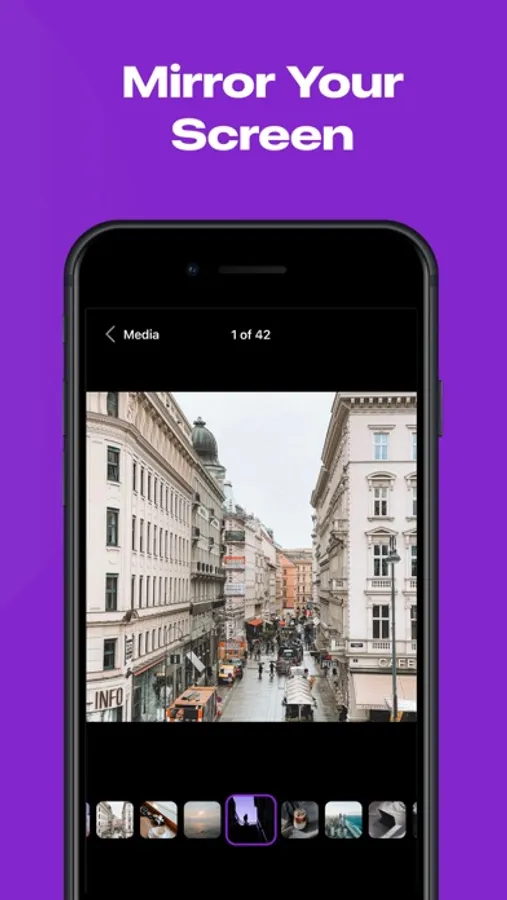
In this screen mirroring app, you can wirelessly display your device's screen onto a TV or larger display and control content remotely. Includes real-time mirroring, multiple subscription options, and adjustable display settings.
AppRecs review analysis
AppRecs rating 4.4. Trustworthiness 45 out of 100. Review manipulation risk 46 out of 100. Based on a review sample analyzed.
★★★★☆
4.4
AppRecs Rating
Ratings breakdown
5 star
86%
4 star
6%
3 star
3%
2 star
1%
1 star
4%
What to know
✓
Authentic reviews
No red flags detected
⚠
Questionable review patterns
46% review manipulation risk - some review patterns appear unusual
⚠
Rating authenticity concerns
High rating concentration (86% 5-star) in sampled ratings
About Roku TV Remote Control & Cast
Introducing ShareRemote iOS screen mirroring app. Whether you're showing off your latest photos, streaming videos with friends, or presenting that killer presentation, our app is your go-to for making it all happen effortlessly.
**Why You'll Love It:**
1. **No More Wires:** Tangled cables? No, thank you! Our app lets you mirror your device wirelessly. Just a quick tap, and voila – your screen is on the big stage!
2. **Crystal Clear Picture:** Your memories and content deserve the best. Our app keeps the quality top-notch, making sure your pictures and videos look as fabulous on the big screen as they do on your device.
3. **Keep it Real-Time:** Show off your skills live! Whether you're playing games, giving a presentation, or just goofing around, our app mirrors every move in real-time. It's like having your own mini movie premiere.
4. **Easy Peasy Interface:** No tech degree needed here! Our app is designed to be super easy to use. Just open, tap, and watch the magic unfold. It's so simple even your grandma could do it.
Whether you're a pro or just looking to spice up your digital life, our screen mirroring app is the sidekick you've been waiting for. Turn any screen into a portal to your device. Download now and let the mirroring adventures begin!
ShareRemote subscription plans are:
- Yearly subscription
- 6 months subscription
- Monthly subscription
- Weekly subscription
- Payment will be charged to iTunes Account at confirmation of purchase.
- Subscription automatically renews unless auto-renew is turned off at least 24-hours prior to the end of the current period.
- The account is charged for renewal within 24-hours before the end of the current period.
- Subscriptions may be managed by the user and auto-renewal may be turned off by going to the user’s Account Settings after purchase.
- The cost of renewal is equal to the value that “Apple’s App Store Matrix” determines as the equivalent of the subscription price in $USD.
- Any unused portion of a free trial period, if offered, will be forfeited when the user purchases a subscription to that publication.
*Prices are equal to the value that "Apple's App Store Matrix" determines is the equivalent of the subscription price in $USD.
Privacy Policy - https://docs.google.com/document/d/1ahEeO01U4RiZyrZyXq2MkmMjxl8cBKmxlYxlrHaGwUg/edit?usp=sharing
Terms of Use - https://docs.google.com/document/d/1xD4dteABb8nb7IY_UNEBLtTUo7Z4KFDfuvoq2gmuVk8/edit?usp=sharing
**Why You'll Love It:**
1. **No More Wires:** Tangled cables? No, thank you! Our app lets you mirror your device wirelessly. Just a quick tap, and voila – your screen is on the big stage!
2. **Crystal Clear Picture:** Your memories and content deserve the best. Our app keeps the quality top-notch, making sure your pictures and videos look as fabulous on the big screen as they do on your device.
3. **Keep it Real-Time:** Show off your skills live! Whether you're playing games, giving a presentation, or just goofing around, our app mirrors every move in real-time. It's like having your own mini movie premiere.
4. **Easy Peasy Interface:** No tech degree needed here! Our app is designed to be super easy to use. Just open, tap, and watch the magic unfold. It's so simple even your grandma could do it.
Whether you're a pro or just looking to spice up your digital life, our screen mirroring app is the sidekick you've been waiting for. Turn any screen into a portal to your device. Download now and let the mirroring adventures begin!
ShareRemote subscription plans are:
- Yearly subscription
- 6 months subscription
- Monthly subscription
- Weekly subscription
- Payment will be charged to iTunes Account at confirmation of purchase.
- Subscription automatically renews unless auto-renew is turned off at least 24-hours prior to the end of the current period.
- The account is charged for renewal within 24-hours before the end of the current period.
- Subscriptions may be managed by the user and auto-renewal may be turned off by going to the user’s Account Settings after purchase.
- The cost of renewal is equal to the value that “Apple’s App Store Matrix” determines as the equivalent of the subscription price in $USD.
- Any unused portion of a free trial period, if offered, will be forfeited when the user purchases a subscription to that publication.
*Prices are equal to the value that "Apple's App Store Matrix" determines is the equivalent of the subscription price in $USD.
Privacy Policy - https://docs.google.com/document/d/1ahEeO01U4RiZyrZyXq2MkmMjxl8cBKmxlYxlrHaGwUg/edit?usp=sharing
Terms of Use - https://docs.google.com/document/d/1xD4dteABb8nb7IY_UNEBLtTUo7Z4KFDfuvoq2gmuVk8/edit?usp=sharing
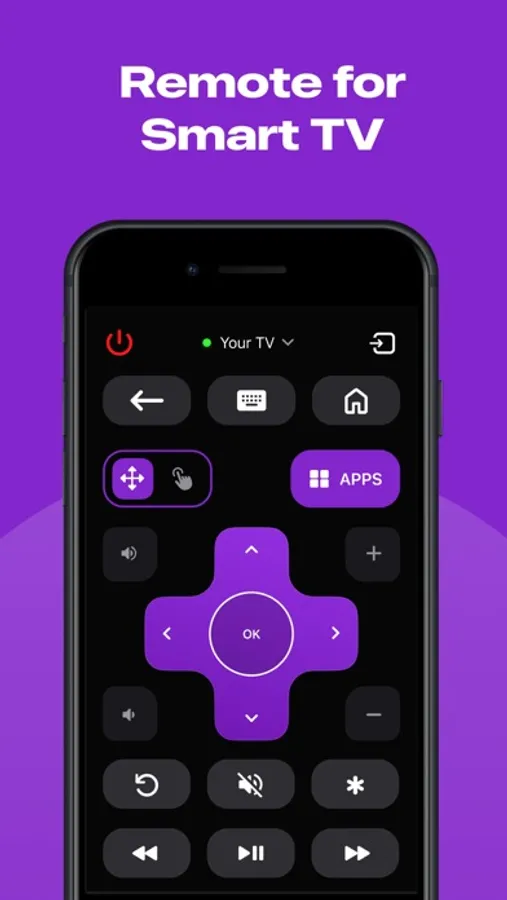
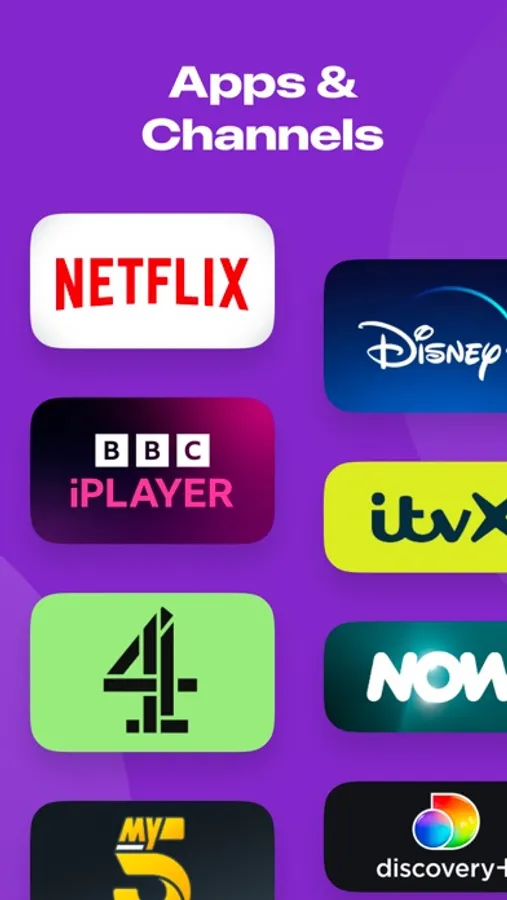
Roku TV Remote Control & Cast Screenshots
Tap to Rate:
Reviews for Roku TV Remote Control & Cast
Latina_baddie123
this app is just so useful to have and I can just bring out my phone whenever I love my remote🙂🙂🙂
100
bbqworld
nice app
Functionality is even better than original app