Brain Dump: Voice to Markdown
Saravanan Pitchaimani
4.3 ★
34 ratings
Free
AppRecs review analysis
AppRecs rating 4.4. Trustworthiness 72 out of 100. Review manipulation risk 40 out of 100. Based on a review sample analyzed.
★★★★☆
4.4
AppRecs Rating
Ratings breakdown
5 star
74%
4 star
12%
3 star
0%
2 star
3%
1 star
12%
What to know
⚠
Questionable review patterns
40% review manipulation risk - some review patterns appear unusual
⚠
Limited rating diversity
85% high ratings in sampled reviews
About Brain Dump: Voice to Markdown
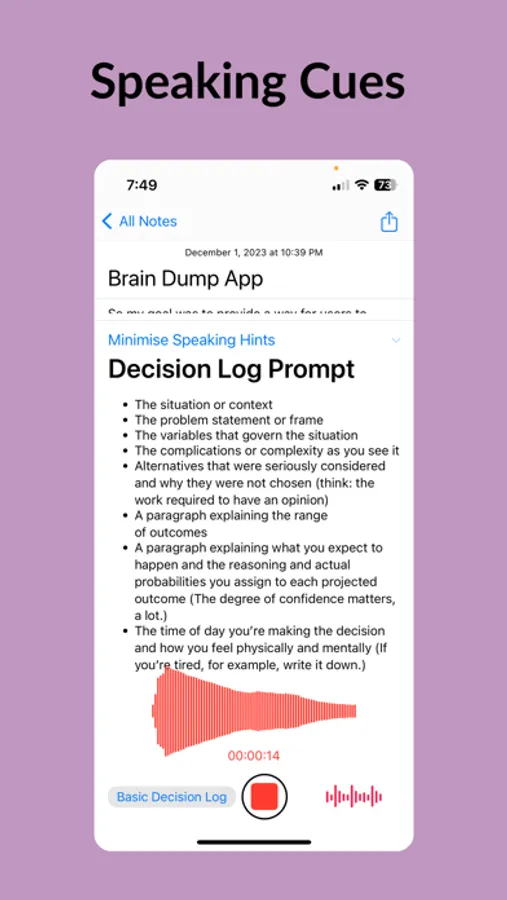
BrainDump can also transcribe apple voice memos or other audio and video files locally on your device.
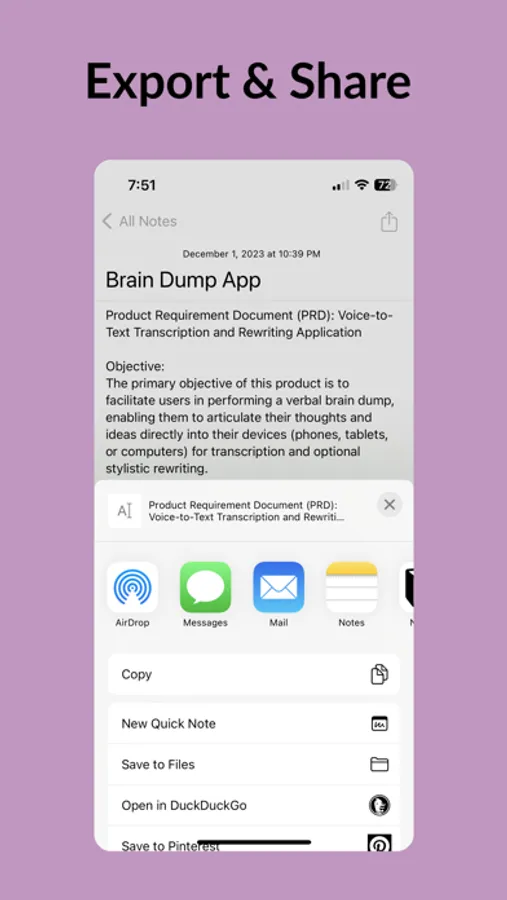
Apart from syncing through iCloud, Brain Dump can also write directly to markdown files to be used in Obsidian or other markdown apps.
User Applications
1. Journaling Enthusiasts: From daily reflections to travel diaries, and from tracking diet goals to documenting precious moments with pets and babies, Brain Dump is the journaling companion that adapts to your life.
2. Business Professionals: Whether it's articulating product requirements, strategizing business ideas, or compiling team updates, Brain Dump streamlines the process of organizing and refining professional documents.
3. Students & Academics: Record and summarise lectures into study notes, distill assignment research, or outline chapters for academic writing with Brain Dump's transcription and editing prowess.
4. Writers & Creatives: Capture character quirks, plot points, or social media content, including tweets and articles.
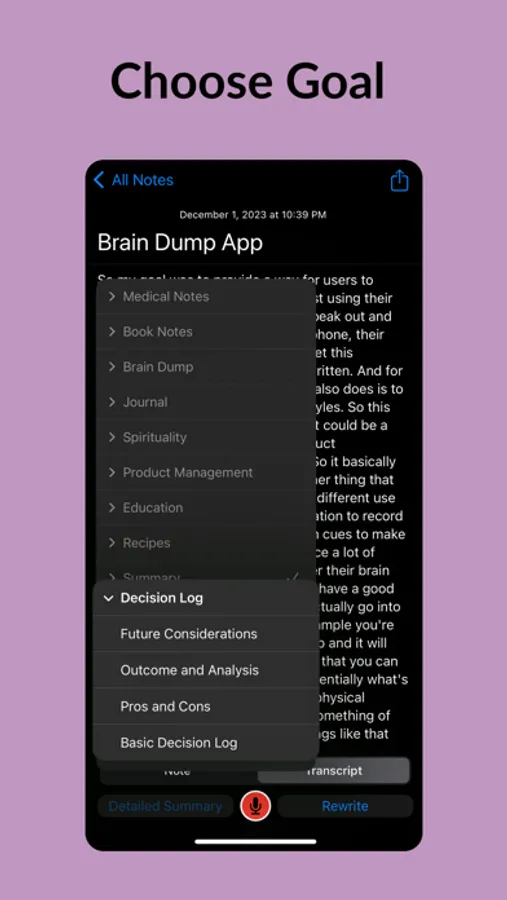
5. Personal Development Advocates: Utilize decision journals for strategic thinking, or capture actionable insights for continuous growth. Brain Dump is the tool for those committed to personal and professional excellence.
6. Healthcare Practitioners: Quickly dictate and organize medical SOAP notes, patient observations, and treatment plans with confidentiality and care.
Key Features
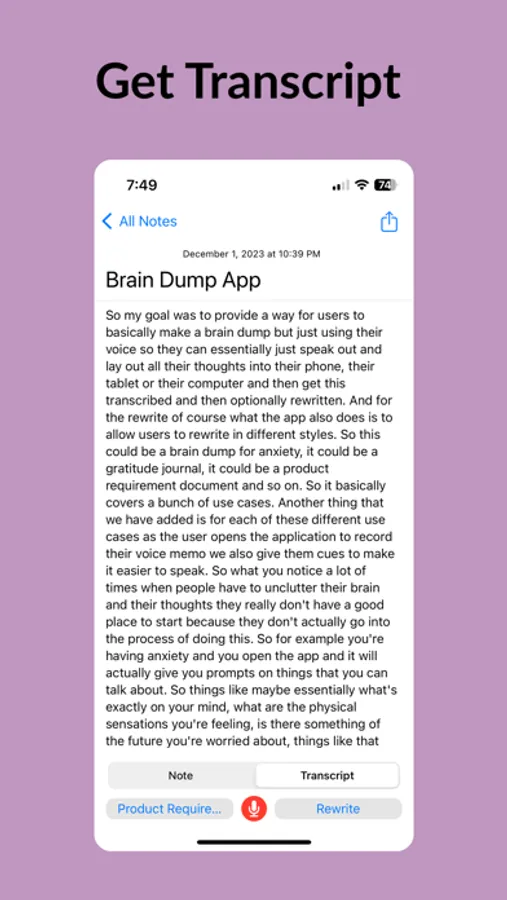
1. Accurate Transcription: Convert your spoken words into text with high accuracy, perfect for note-taking and capturing quick thoughts.
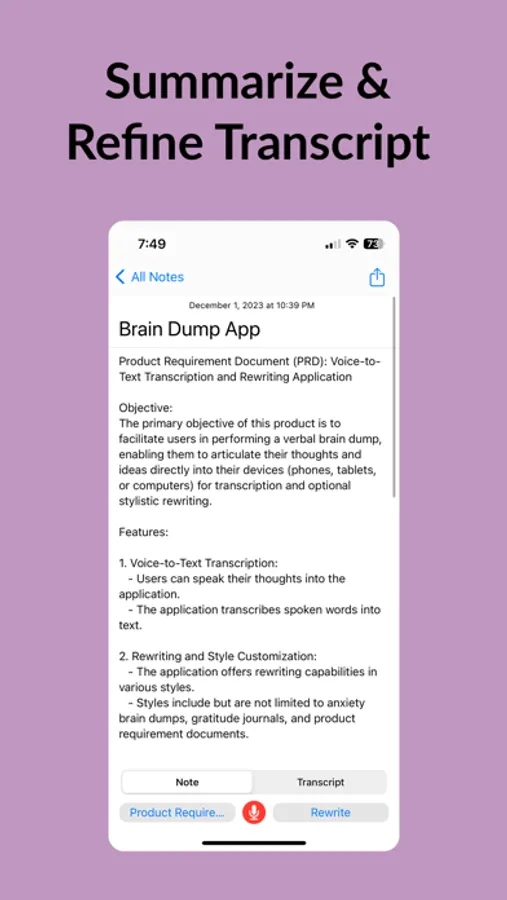
2. Contextual Rewriting: Brain Dump doesn't just transcribe; it rewrites your raw input into coherent, concise prose, tailored to your style and intent.
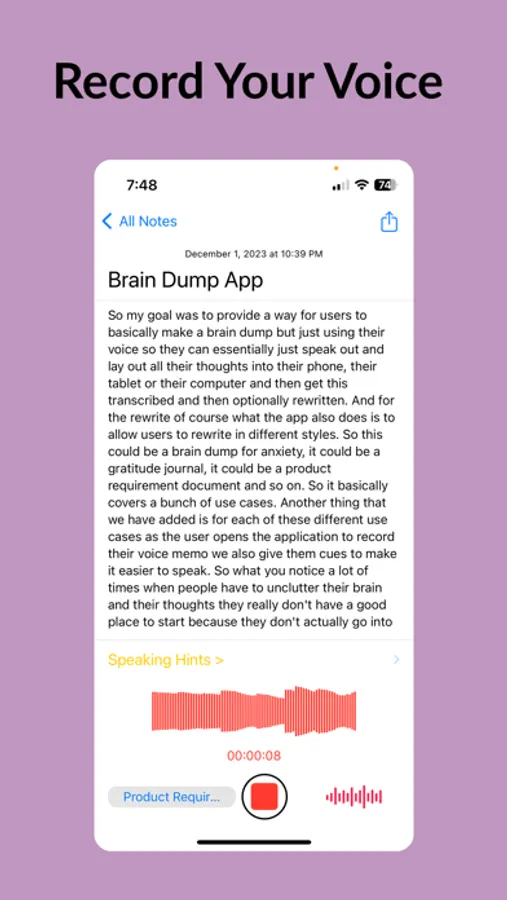
3. Voice Memo to Text: Record your voice memos and watch as they transform into structured, editable notes.
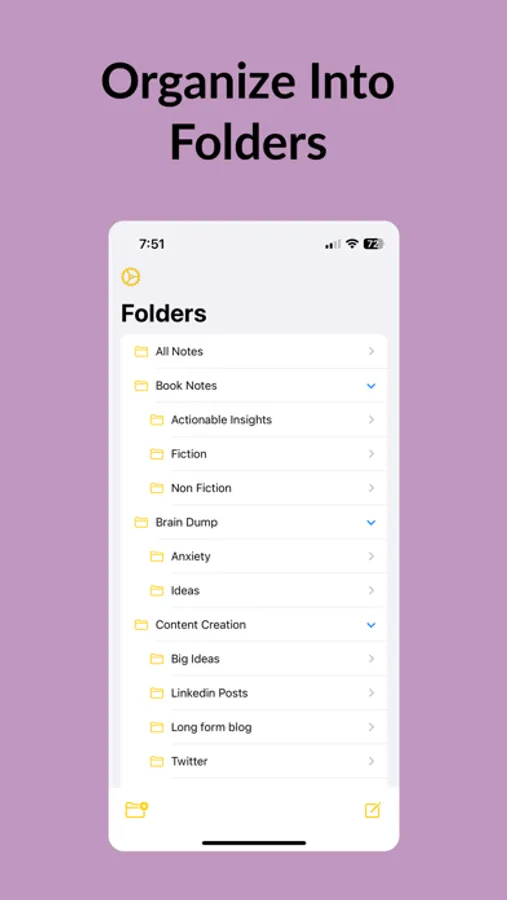
4. Effortless Organization: Sort your thoughts into categories, making it easy to manage and retrieve your voice notes and audio journals.
5. Privacy First: Your data is securely stored in iCloud, ensuring your thoughts remain private and accessible only to you.
What is Braindump?
It is transcription app that converts voice to text by using A.I.-powered technology similar to Happy Scribe, Transcribeme, Voicepop, voicenotes, audiopen, notta, audionotes and otter ai.
Can I transcribe free?
You can try without paying for 7 days. After that we charge a modest subscription fee.
Subscription Details:
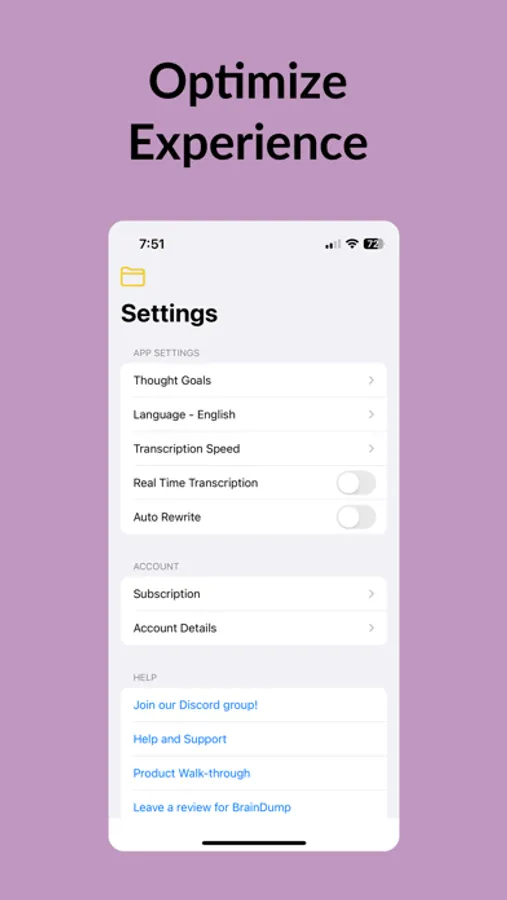
To access rewriting capabilities, a subscription is required. Details are available within the app. We offer weekly, monthly and yearly subscriptions.
Record, transcribe, and refine your thoughts with ease.
Alternative to audiopen, audionotes and supports Huberman journaling protocols
Terms of use: https://voicebraindump.com/tos
Brain Dump: Voice to Markdown Screenshots
Tap to Rate:
Reviews for Brain Dump: Voice to Markdown
seanjames_writes
Started liking it
I was initially skeptical. But decided to try it for a few days.Trying to build a habit of journaling and this seems to make it so easy! 2026 is the year for me to get journaling! 10/10 recommend!
geckotoes
not free
I’m absolutely fine with a paid service, but don’t advertise it as free. there was a free trial where you could cancel within the week. However, I was unable to find any way to click cancel In my free week. I do not want to pay close to $50 for this service. I can use my Notes app for that this might be good for people who want privacy I don’t need that. I really would like to learn how my free trial