AppRecs review analysis
AppRecs rating 4.2. Trustworthiness 65 out of 100. Review manipulation risk 31 out of 100. Based on a review sample analyzed.
★★★★☆
4.2
AppRecs Rating
Ratings breakdown
5 star
63%
4 star
20%
3 star
2%
2 star
4%
1 star
11%
What to know
✓
High user satisfaction
83% of sampled ratings are 4+ stars (4.2★ average)
About SecurePix Clock Vault
Clock Vault Features:
Hide with Elegance: Clock Vault seamlessly disguises itself as a clock app, ensuring a discreet yet powerful solution to safeguard your photos, videos, and documents.
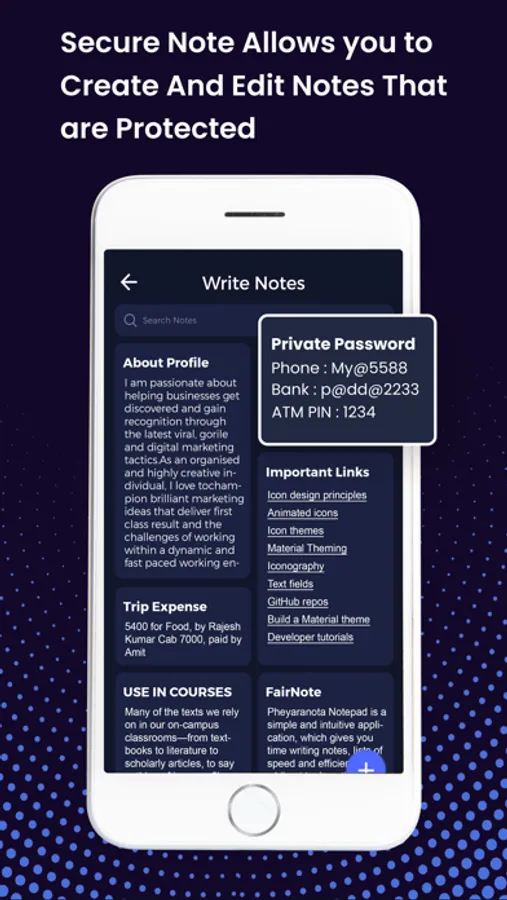
Secure Folder Encryption: Your data is shielded by a bank-level secure clock lock, accessible only through a robust password known exclusively to you.
Privacy at its Peak: This secret clock vault adds an extra layer of security, making it a foolproof solution to keep your private photos, videos, and apps away from prying eyes.
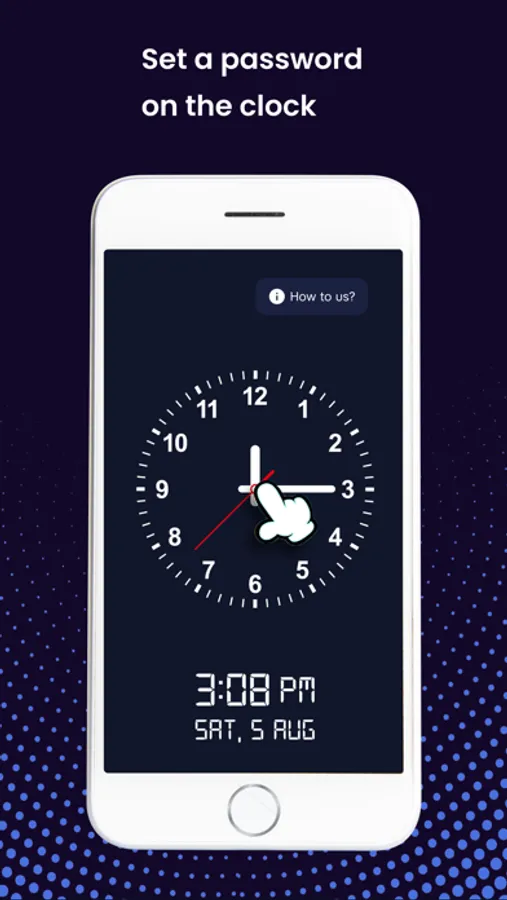
Simple Setup: Set up your clock vault effortlessly – install the app, use the clock's time as your secret password, and enjoy multi-layered protection for your files.
Recovery Option: Forgot your password? No worries! Set up a recovery email during the password setup, ensuring easy retrieval in case you need it.
Top Features:
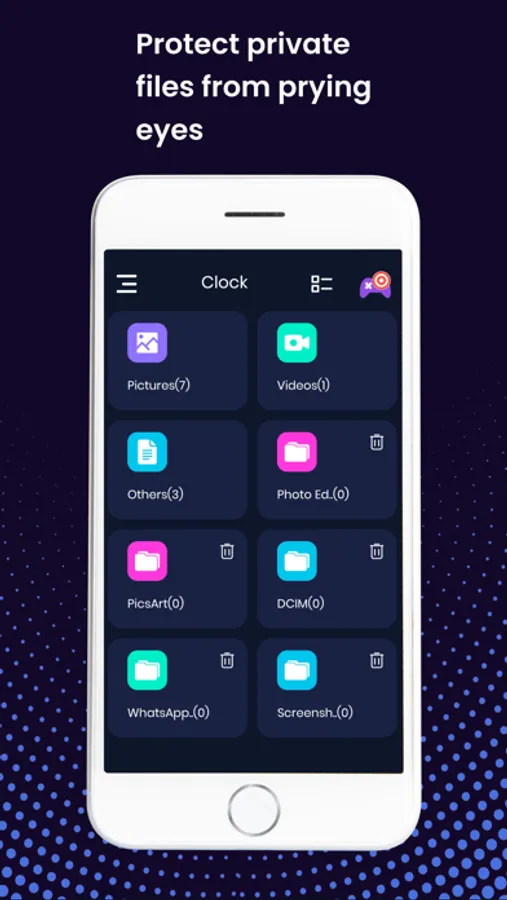
Gallery Vault Lock: Clock Vault automatically discovers and hides photos, videos, and apps on your device, offering a comprehensive solution for your privacy needs.
Privacy Lock: Enjoy the peace of mind as the gallery lock and vault automatically conceal your photos and videos on your phone.
Disguised Clock App: Operating as a clock app on the surface, Clock Vault remains discreet while providing powerful security features underneath.
Organize with Ease: Effortlessly manage your private photos, videos, and apps within the app, thanks to its easy sorting and arranging mechanism.
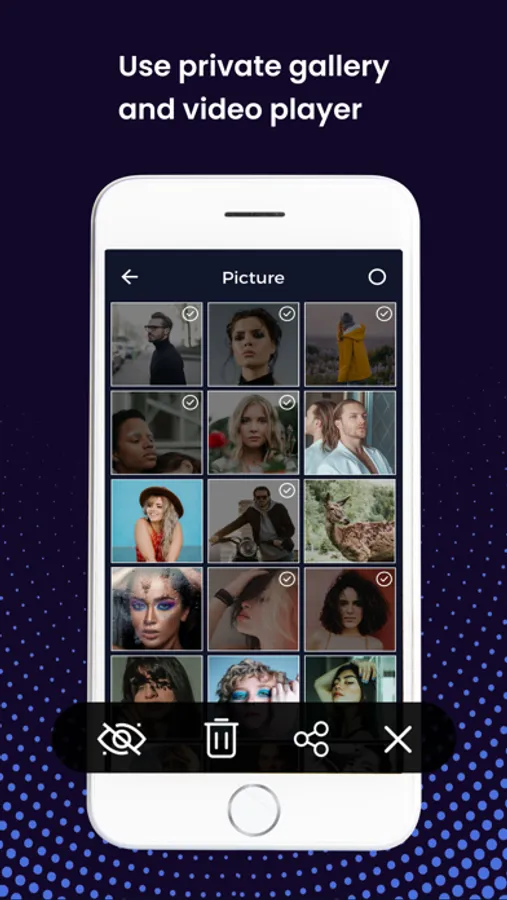
Built-in Private Viewer and Player: Access your hidden content with the in-built private image viewer and video player, ensuring a seamless and secure experience.
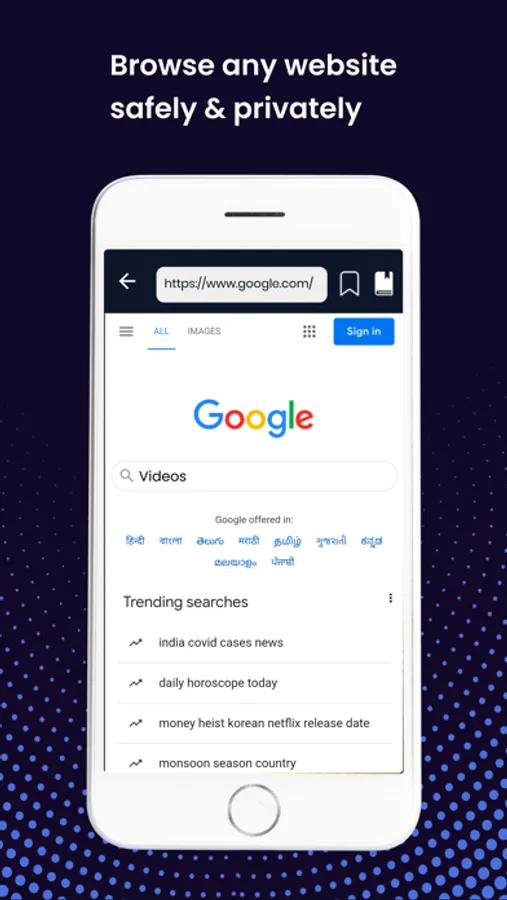
Private Browsing: Explore websites safely with Clock Vault's private browser, adding an extra layer of privacy to your online activities.
Secure Folder Encryption: Using cutting-edge mobile security protocols, Clock Vault encrypts your data, fortifying your files with an additional layer of security.
Worried about the privacy of your photos and videos? SecurePix Clock Vault is your answer. Download now, hide your important data behind a disguised clock, and enjoy the peace of mind that comes with knowing your personal files are secure. Try SecurePix Clock Vault – your safest sanctuary for digital privacy!
SecurePix Clock Vault Screenshots
Tap to Rate:
Reviews for SecurePix Clock Vault
Will19_19
Time format issue
Hello, I’m using the SecurityPix clock Vault app on my iPhone and I am currently unable to reset my password. I had previously set my recovery time to 12:30 (to represent 00:30), but when I enter this time and tap the center button, nothing happens. - I don’t receive a prompt to enter my recovery email or reset the password. I have confirmed I’m using the correct time format and have tried reinstalling the app but the issue persists. Could you please assist me in recovering access to my vault? My device iPhone 12, alIOS version 26.1, app version SecurePix version 1.3 Thank you for your help.
Abbey809
Don’t download it
The app will lock your file and you be able to access it and they did not have support to recover my account