About JDW Light Stick
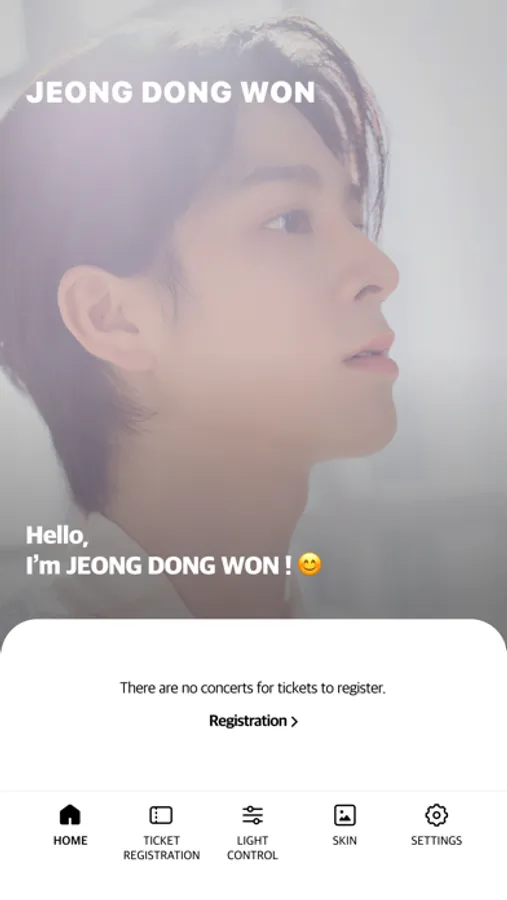
This is the mobile app of JDW official light stick.
[Guide to key features]
1. Bluetooth connection on smartphone
- If you press and hold the button on the light stick, it will turns blue and you will be ready to connect.
- Please put the light stick close to your smartphone And try to connect.
- When the light stick and the screen of the smartphone operate in the same color, they are connected.
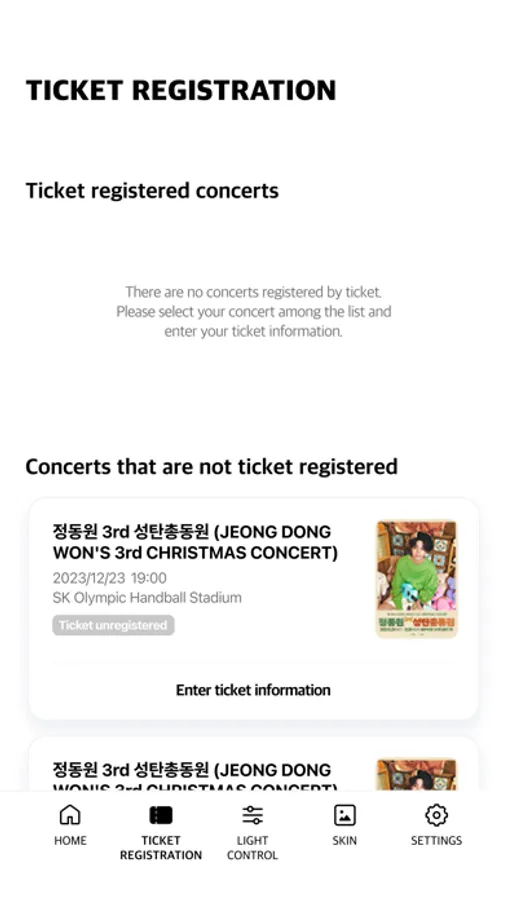
2. TICKET REGISTRATION
- If you register your ticket information during the JDW concert, it will be automatically operated by the concert central control unit during the concert.
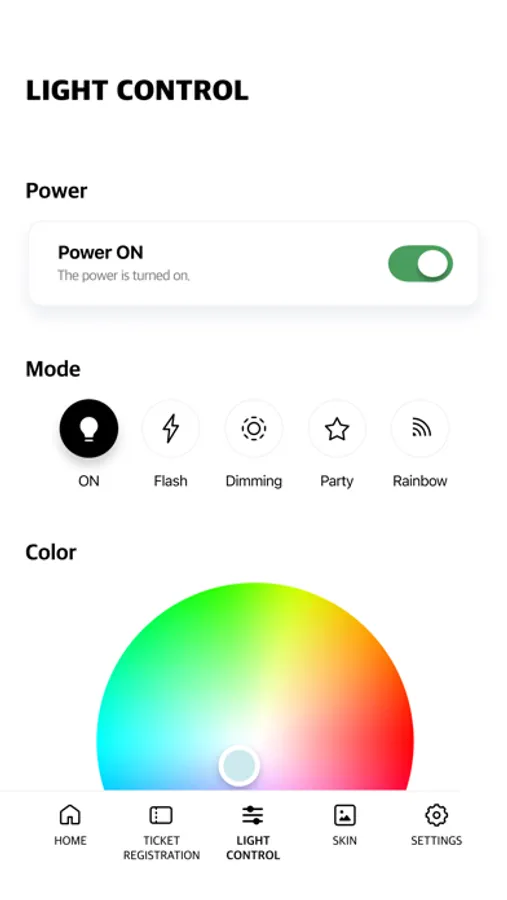
3. LIGHT CONTROL
- You can directly control the light color, brightness, speed, and mode of the connected light stick.
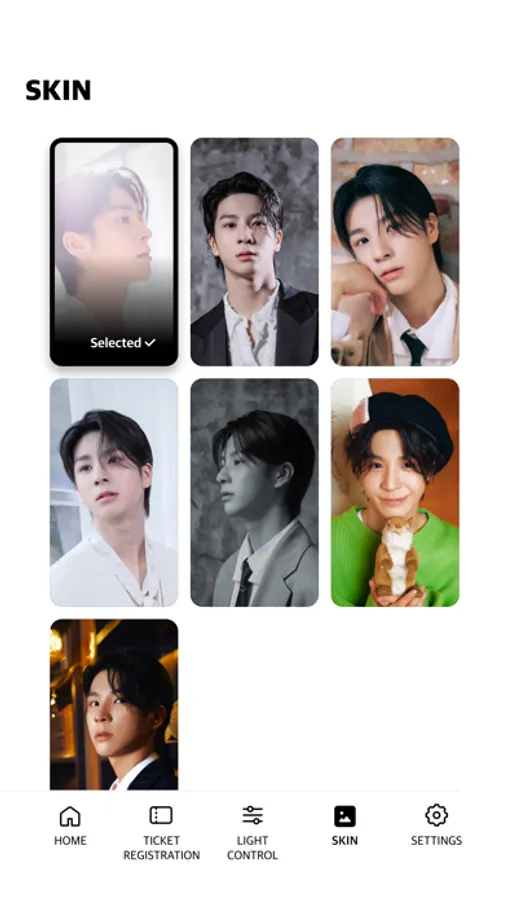
4. SKIN
- You can set the JDW image as the background of the app.
5. Light stick battery remaining
- You can check the remaining battery of the connected light stick.
[Caution]
- Before watching the concert, please check your seat information from the ticket and complete ticket registration.
- Please check if the light stick has enough battery.
- Depending on your surroundings, downloading may take some time.
[Instructions for essential permissions to use the app]
- Bluetooth: Used to connect light sticks
[Guide to key features]
1. Bluetooth connection on smartphone
- If you press and hold the button on the light stick, it will turns blue and you will be ready to connect.
- Please put the light stick close to your smartphone And try to connect.
- When the light stick and the screen of the smartphone operate in the same color, they are connected.
2. TICKET REGISTRATION
- If you register your ticket information during the JDW concert, it will be automatically operated by the concert central control unit during the concert.
3. LIGHT CONTROL
- You can directly control the light color, brightness, speed, and mode of the connected light stick.
4. SKIN
- You can set the JDW image as the background of the app.
5. Light stick battery remaining
- You can check the remaining battery of the connected light stick.
[Caution]
- Before watching the concert, please check your seat information from the ticket and complete ticket registration.
- Please check if the light stick has enough battery.
- Depending on your surroundings, downloading may take some time.
[Instructions for essential permissions to use the app]
- Bluetooth: Used to connect light sticks
JDW Light Stick Screenshots
Tap to Rate: