About Memo Widget Flow
Memo Text Flow, a free and straightforward widget app, enables you to display personalized text entries such as reminders, quotes, or notes on your iOS Home Screen. It is designed for enhancing productivity, personal organization, and development, as well as for providing easy access to information.
Features:
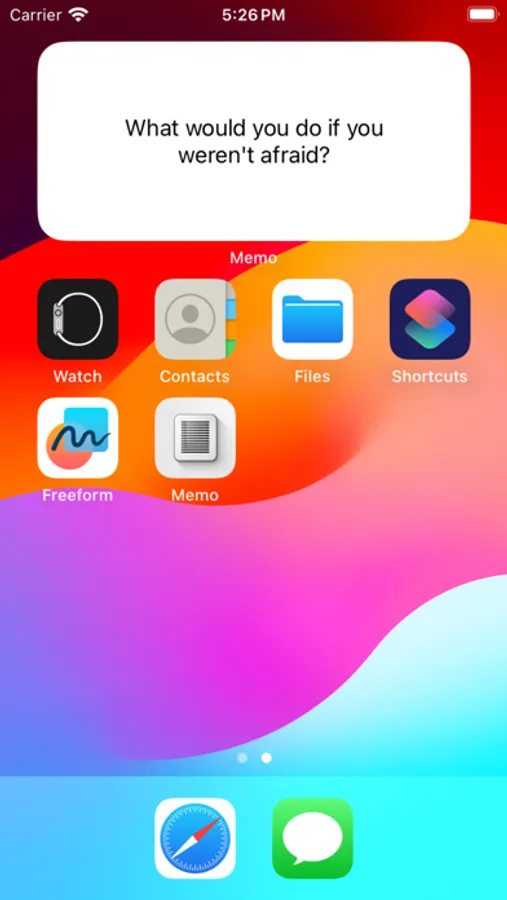
Custom Widgets: Add a widget of the appropriate size to your Home Screen.
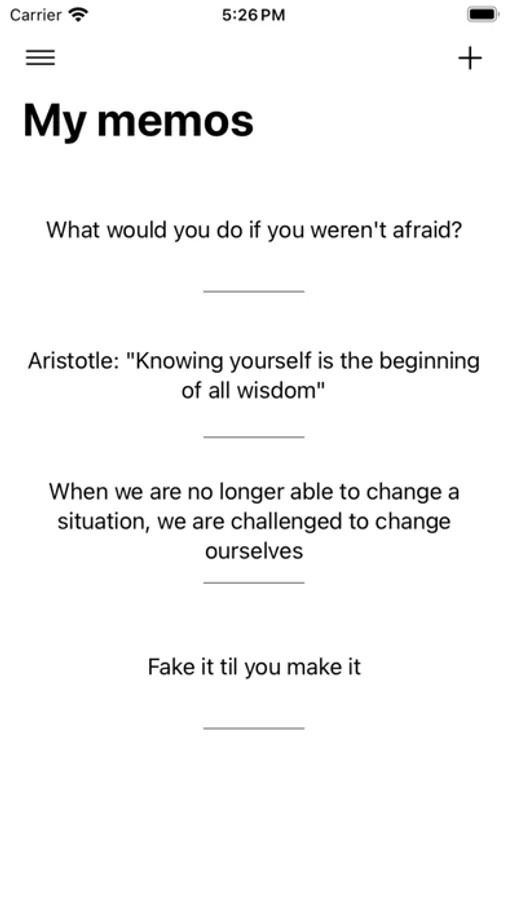
Text Management: Add and organize your text entries within the app.
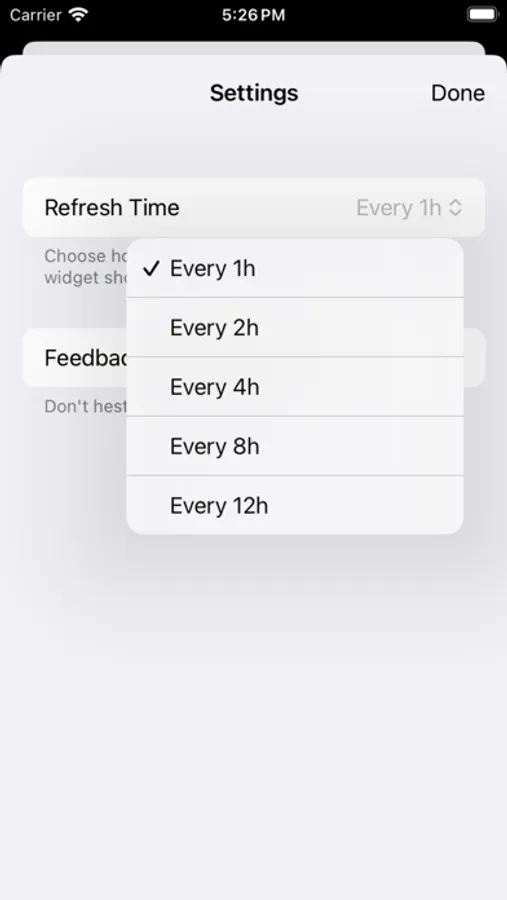
Refresh Rate Control: Choose how frequently your widget updates.
Completely free. No data collection. No hidden Bitcoin miners.
Possible Applications:
Learning aid (display new vocabulary, historical dates, or coding snippets to assist in daily learning)
Affirmations
Inspirational quotes
Mindfulness reminders
Versatile Use: Ideal for managing tasks, achieving goals, learning, or staying motivated.
How It Works:
1) Add text entries in TextFlow.
2) Create and customize a widget.
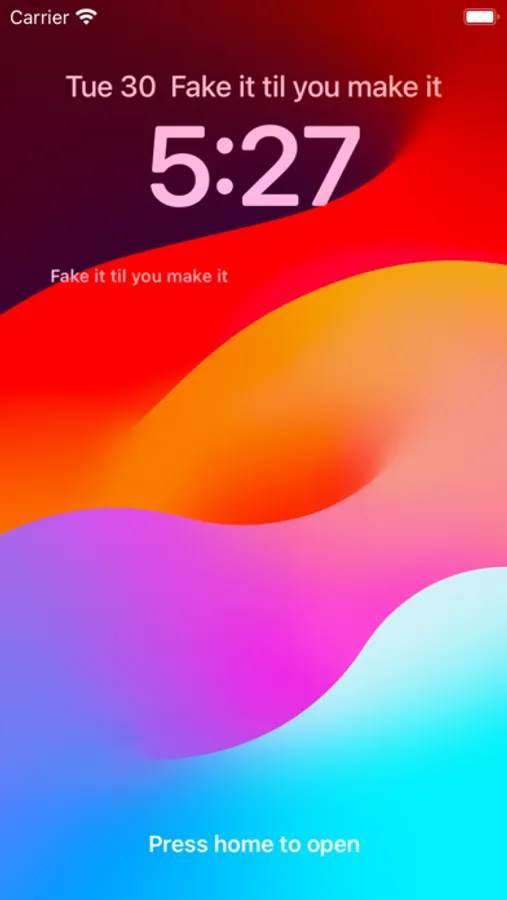
3) Display texts on your Home Screen.
Compatibility: iOS 17+
If you have a suggestion on what to improve, a feature request, or just want to say "Hi," feel free to write to us at memoappfeedback@gmail.com
Features:
Custom Widgets: Add a widget of the appropriate size to your Home Screen.
Text Management: Add and organize your text entries within the app.
Refresh Rate Control: Choose how frequently your widget updates.
Completely free. No data collection. No hidden Bitcoin miners.
Possible Applications:
Learning aid (display new vocabulary, historical dates, or coding snippets to assist in daily learning)
Affirmations
Inspirational quotes
Mindfulness reminders
Versatile Use: Ideal for managing tasks, achieving goals, learning, or staying motivated.
How It Works:
1) Add text entries in TextFlow.
2) Create and customize a widget.
3) Display texts on your Home Screen.
Compatibility: iOS 17+
If you have a suggestion on what to improve, a feature request, or just want to say "Hi," feel free to write to us at memoappfeedback@gmail.com
Memo Widget Flow Screenshots
Tap to Rate: