AppRecs review analysis
AppRecs rating 4.6. Trustworthiness 55 out of 100. Review manipulation risk 19 out of 100. Based on a review sample analyzed.
★★★★☆
4.6
AppRecs Rating
Ratings breakdown
5 star
89%
4 star
8%
3 star
3%
2 star
0%
1 star
0%
What to know
✓
High user satisfaction
89% of sampled ratings are 5 stars
About Fullscreen Clock
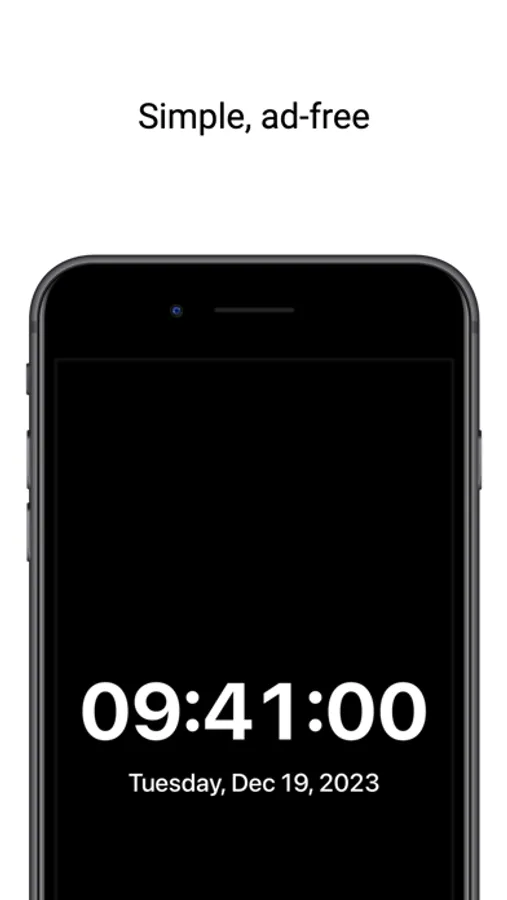
A must-have app, Fullscreen Clock is ad-free, lightweight and simple in its function, built from the ground up as a useful and free utililty.
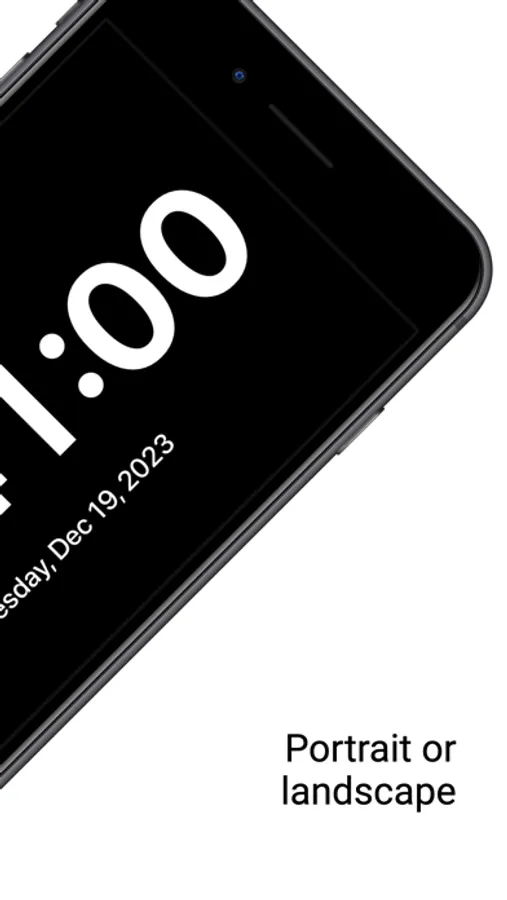
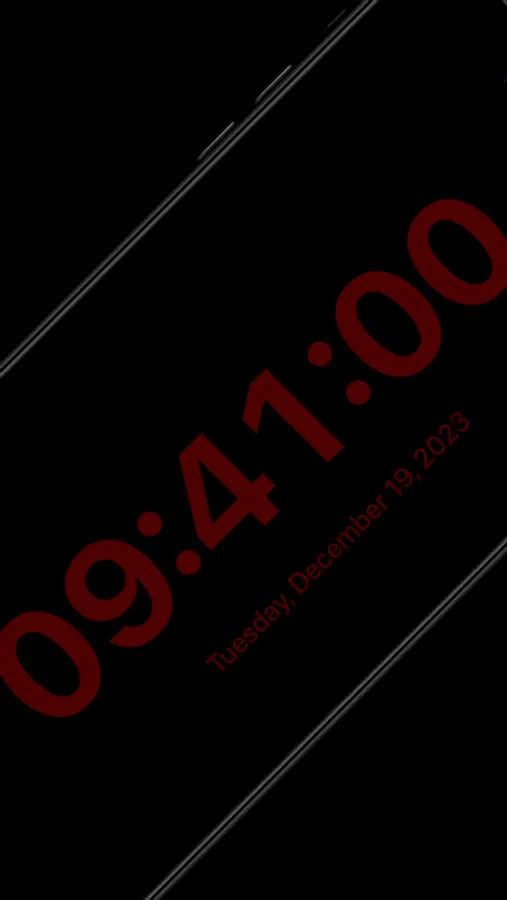
• Displays the time and date in large, easy to read text
• Swipe up to view settings
• Ad-free, distraction-free, simple
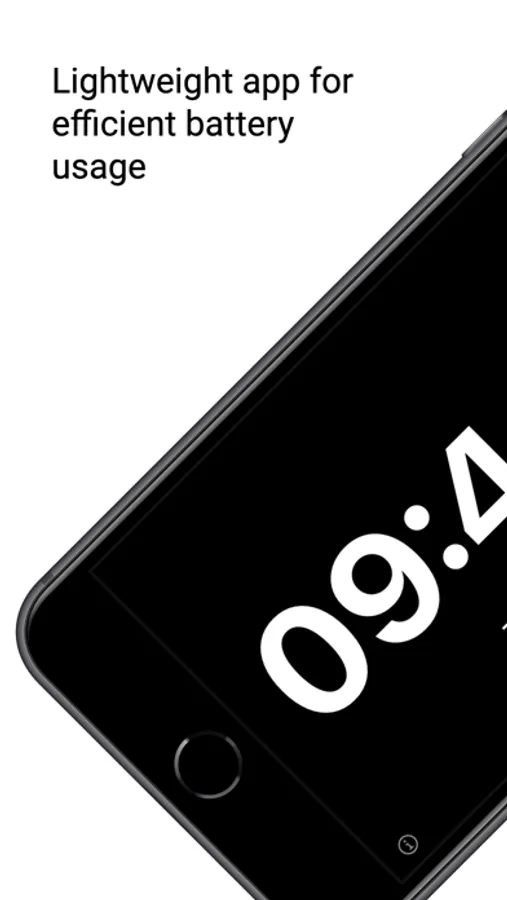
• Lightweight application for efficient battery usage
• Display in portrait or landscape device orientation
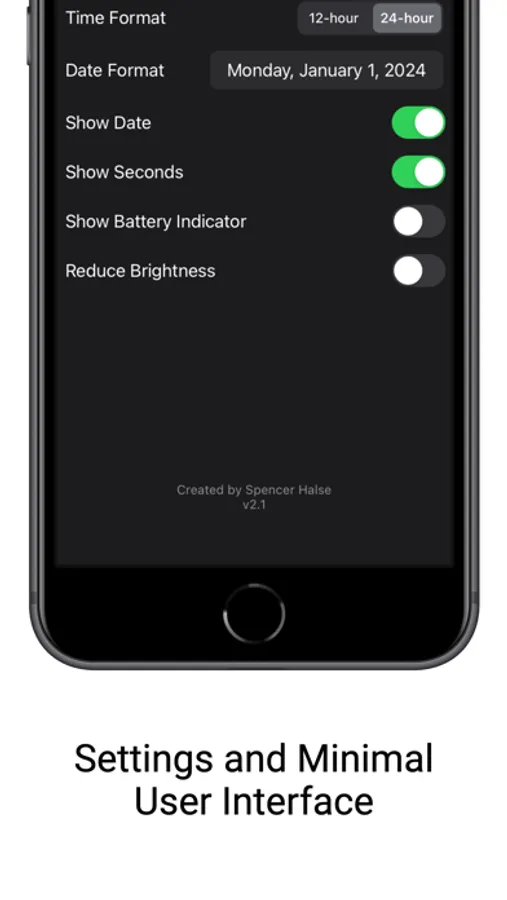
User settings include:
• Choose between 12 and 24-hour time
• Select your desired date format
• Show/hide date
• Show/hide seconds
• Show/hide battery status indicator
• Toggle reduced brightness mode for dimly lit environments
Fullscreen Clock will always be ad-free and free to use. The simplest, most accessible digital time application available on the App Store, truly a must-have app.
• Displays the time and date in large, easy to read text
• Swipe up to view settings
• Ad-free, distraction-free, simple
• Lightweight application for efficient battery usage
• Display in portrait or landscape device orientation
User settings include:
• Choose between 12 and 24-hour time
• Select your desired date format
• Show/hide date
• Show/hide seconds
• Show/hide battery status indicator
• Toggle reduced brightness mode for dimly lit environments
Fullscreen Clock will always be ad-free and free to use. The simplest, most accessible digital time application available on the App Store, truly a must-have app.
Fullscreen Clock Screenshots
Tap to Rate:
Reviews for Fullscreen Clock
x340kid
Easy to read
The large numbers are perfect for the nightstand at night. I can see it in the dark
Vector Oz
Awesome app!
A small feature request: it would be nice if in portrait mode the hours stay above the minutes, occupying more screen space and becoming as big as possible. See the Giant Stopwatch app on Google Play Market as an example. Didn’t find anything like this in App Store.