
About SITE (Signal Inspection)
App Overview:
Signal Inspection and Testing Efficiency System (SITE) is designed to help railroad personnel, supervisors, signal maintainers and inspection teams to plan, schedule and manage Fixed Assets inspections/tests. Perform testing of all signal assets as per the frequencies prescribed by the railroad and regulatory authorities like FRA/TC requirements.
Key Features:
The mobile app is powered with numerous features that help achieve end to end solution. These include:
• Basic server setup to access cloud data
• Data synchronization between mobile app and cloud-based server
• Online and Offline asset test performance
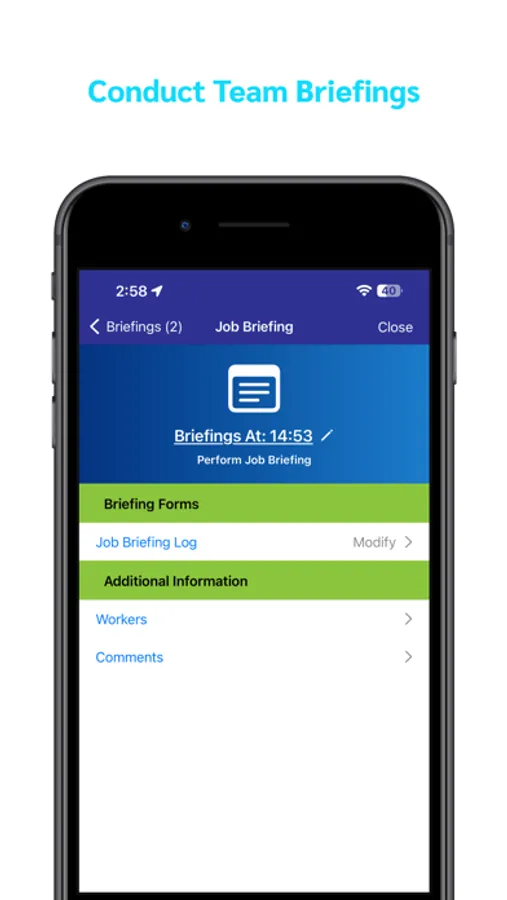
• Filling up Job briefings, where required, prior to performing tests
• Data validations at various points
• Cloud-based configurations to enforce railroad rules
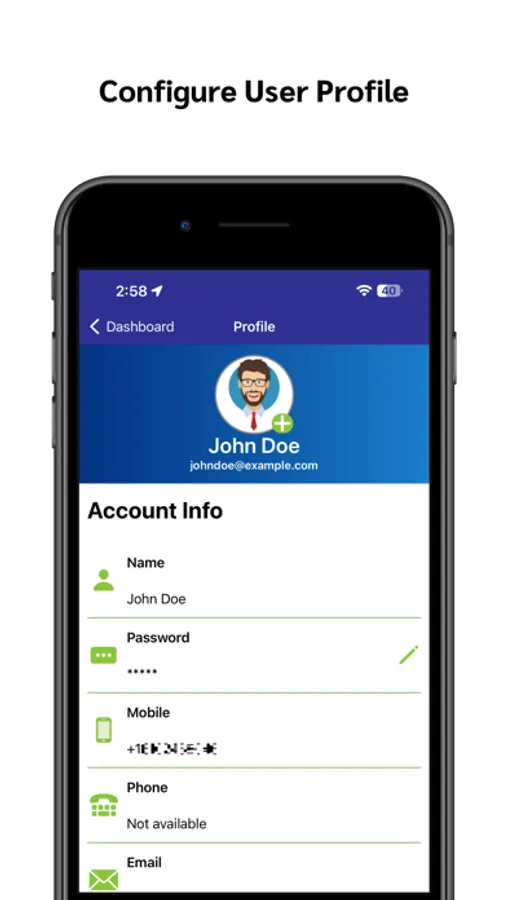
• User profile updates including password change, signature setting, and profile picture
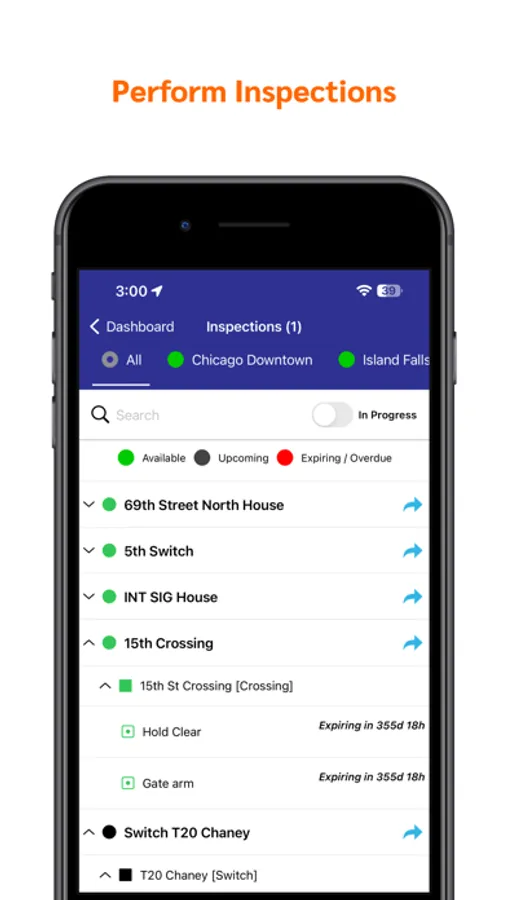
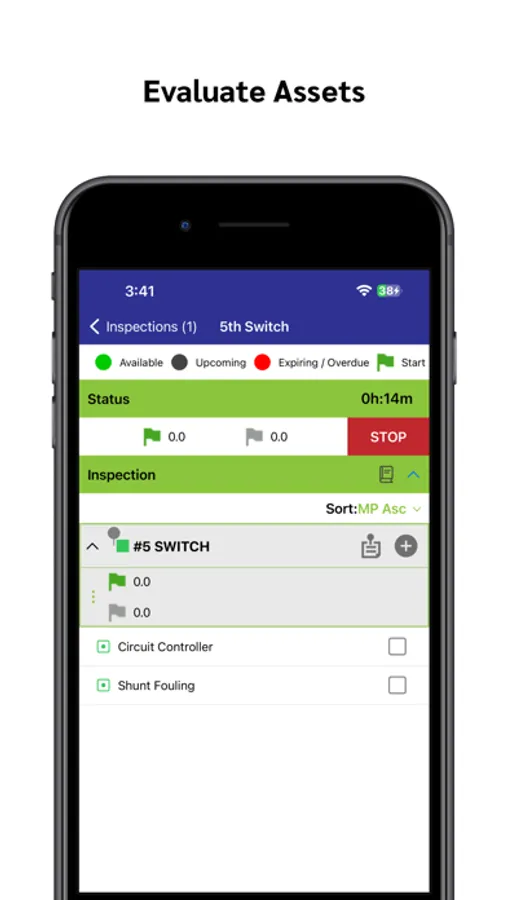
• Existing inspections color-coded views to show available, upcoming, expiring and overdue asset tests along with number of days remaining
• Tour Inspection functionality allows inspectors to perform inspections on multiple locations that are part of the same tour.
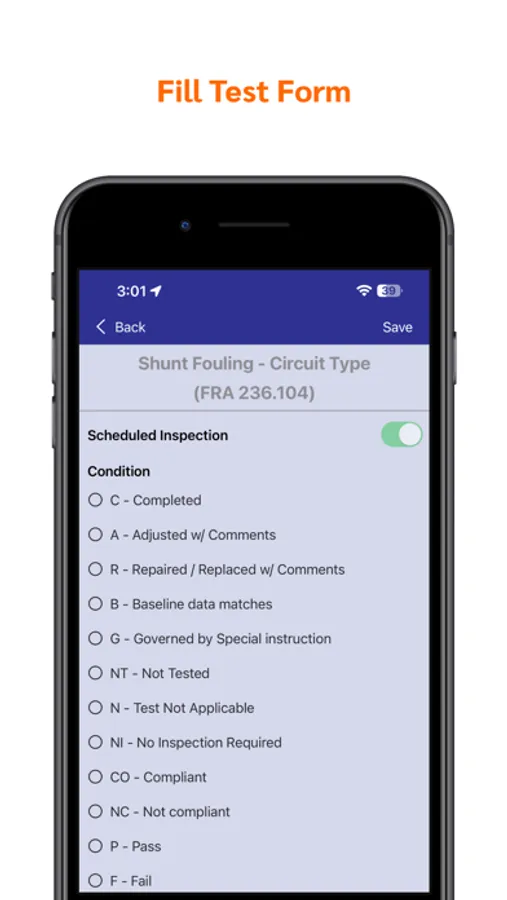
• Performance of tests along with asset condition and test results in the shape of forms and reports
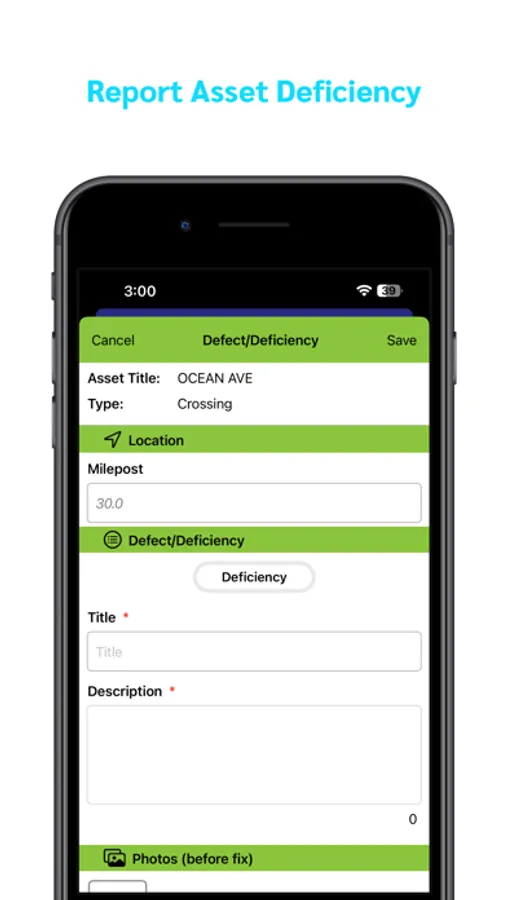
• Enable users to report asset deficiency along with images, voice and textual notes. The user can also specify applicable remedial actions
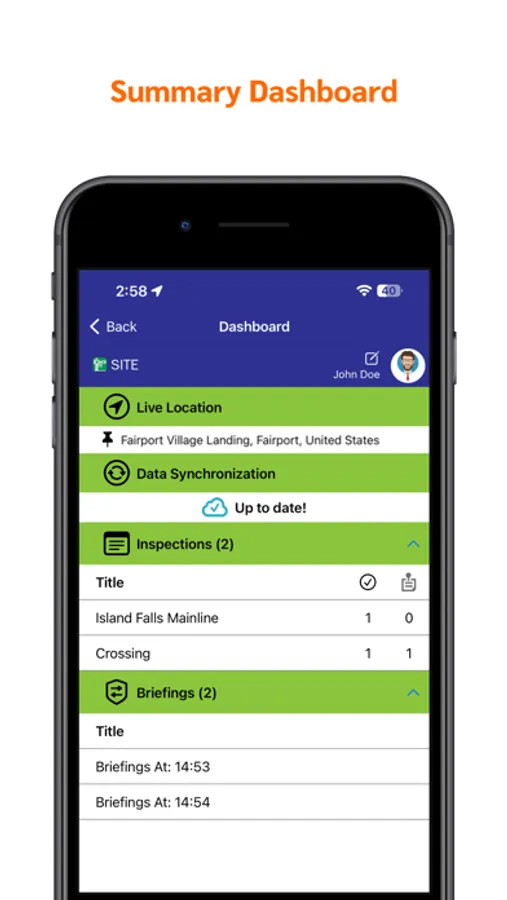
• Dashboard view to show active inspections and job briefings along with number of deficiencies reported
• Additional support of House/Case, CMA Assets, equipment and relays data and tests
• Support for testing relay equipment across multiple inspections within the Crossing Asset
• Back-dating Inspection
• Asset Tests Grouping to enforce all tests within selected test groups
• Discard Inspection
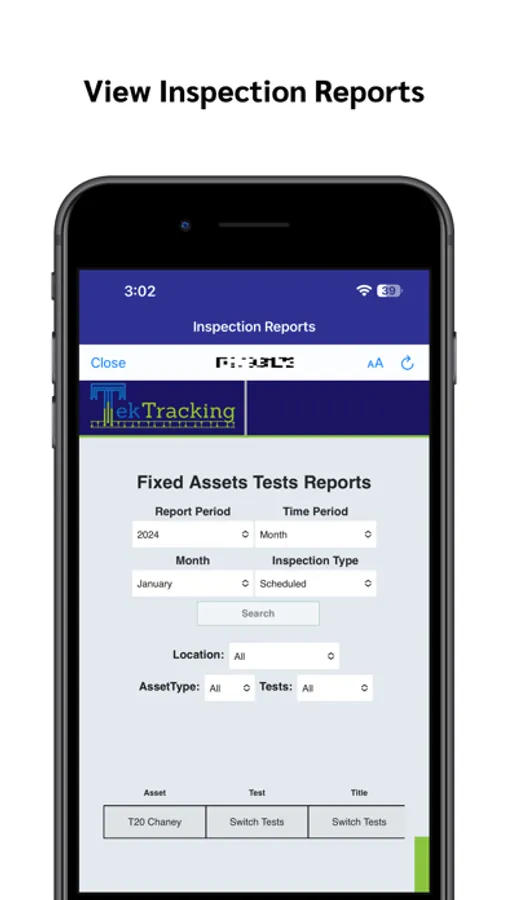
• Inspection Reports Review functionality
• Providing reason for test when starting an inspection
• Enforcing custom forms when closing inspection
• Various data filters and search functions for enhanced user experience
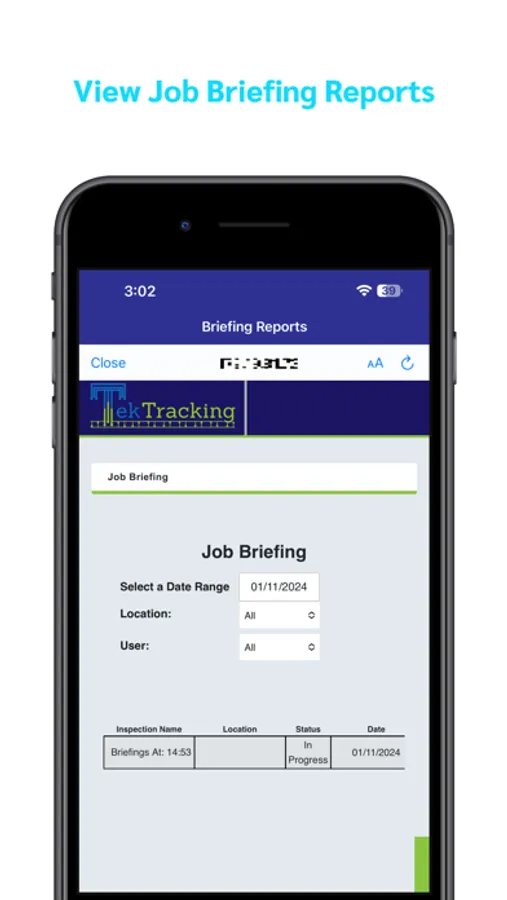
• Interface to access different reports directly from cloud including grade crossing warning report, switch reports, activation failure, incident reporting and job briefings
• Active inspection reports: i) ‘Time & GPS Report’, ii) ‘Time & GPS Map Report’
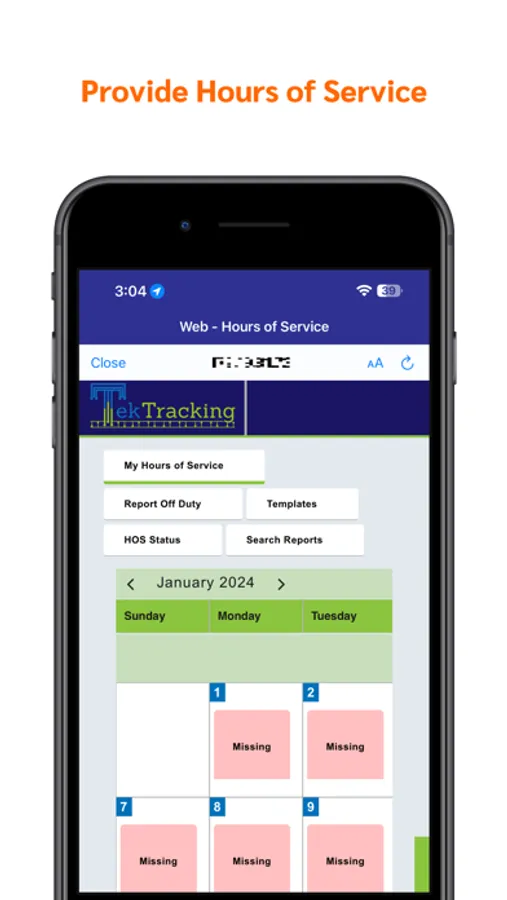
• Cloud integration to help users input Hours of Service (HOS) data making use of exciting features like My HOS, Reporting Off-Duty, Creating and managing HOS Templates, Viewing HOS status, and access to HOS Reports.
• User friendly color-coded Calendar View to see HOS status
• Fully compatible with iPad devices of all generations
Signal Inspection and Testing Efficiency System (SITE) is designed to help railroad personnel, supervisors, signal maintainers and inspection teams to plan, schedule and manage Fixed Assets inspections/tests. Perform testing of all signal assets as per the frequencies prescribed by the railroad and regulatory authorities like FRA/TC requirements.
Key Features:
The mobile app is powered with numerous features that help achieve end to end solution. These include:
• Basic server setup to access cloud data
• Data synchronization between mobile app and cloud-based server
• Online and Offline asset test performance
• Filling up Job briefings, where required, prior to performing tests
• Data validations at various points
• Cloud-based configurations to enforce railroad rules
• User profile updates including password change, signature setting, and profile picture
• Existing inspections color-coded views to show available, upcoming, expiring and overdue asset tests along with number of days remaining
• Tour Inspection functionality allows inspectors to perform inspections on multiple locations that are part of the same tour.
• Performance of tests along with asset condition and test results in the shape of forms and reports
• Enable users to report asset deficiency along with images, voice and textual notes. The user can also specify applicable remedial actions
• Dashboard view to show active inspections and job briefings along with number of deficiencies reported
• Additional support of House/Case, CMA Assets, equipment and relays data and tests
• Support for testing relay equipment across multiple inspections within the Crossing Asset
• Back-dating Inspection
• Asset Tests Grouping to enforce all tests within selected test groups
• Discard Inspection
• Inspection Reports Review functionality
• Providing reason for test when starting an inspection
• Enforcing custom forms when closing inspection
• Various data filters and search functions for enhanced user experience
• Interface to access different reports directly from cloud including grade crossing warning report, switch reports, activation failure, incident reporting and job briefings
• Active inspection reports: i) ‘Time & GPS Report’, ii) ‘Time & GPS Map Report’
• Cloud integration to help users input Hours of Service (HOS) data making use of exciting features like My HOS, Reporting Off-Duty, Creating and managing HOS Templates, Viewing HOS status, and access to HOS Reports.
• User friendly color-coded Calendar View to see HOS status
• Fully compatible with iPad devices of all generations
SITE (Signal Inspection) Screenshots
Tap to Rate: