
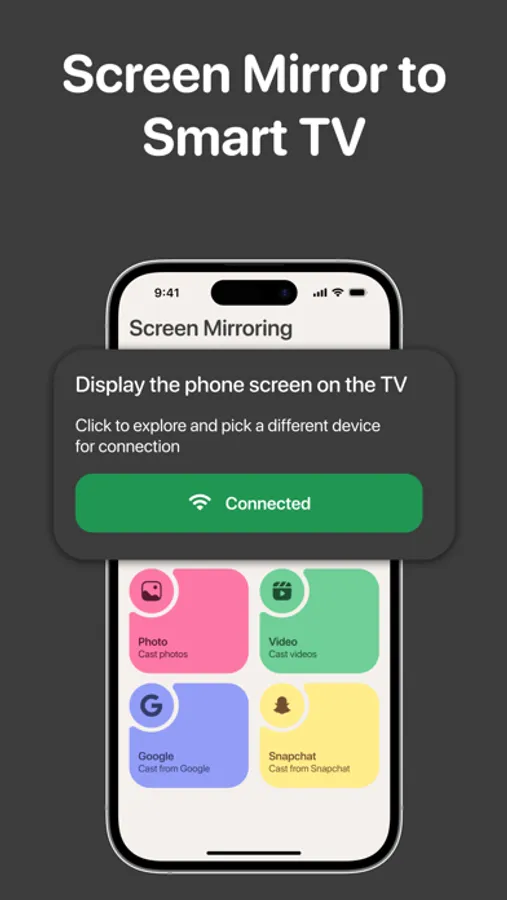
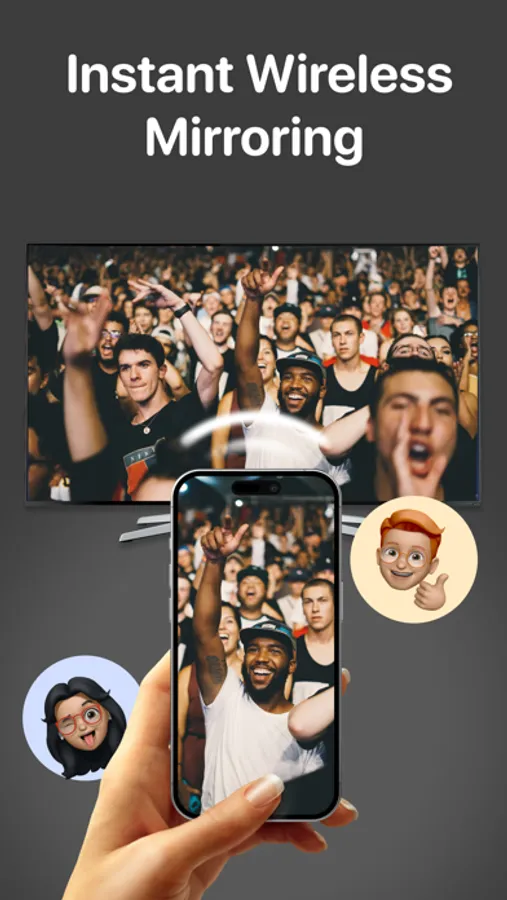
With this app, you can mirror your phone's screen wirelessly to a compatible smart TV and cast photos, videos, or camera feed. Includes screen sharing, photo and video casting, and device connection management features.
AppRecs review analysis
AppRecs rating 4.4. Trustworthiness 45 out of 100. Review manipulation risk 29 out of 100. Based on a review sample analyzed.
★★★★☆
4.4
AppRecs Rating
Ratings breakdown
5 star
86%
4 star
5%
3 star
3%
2 star
0%
1 star
5%
What to know
✓
Authentic reviews
No red flags detected
⚠
Rating authenticity concerns
High rating concentration (86% 5-star) in sampled ratings
About Screen TV Mirror: Air Cast App
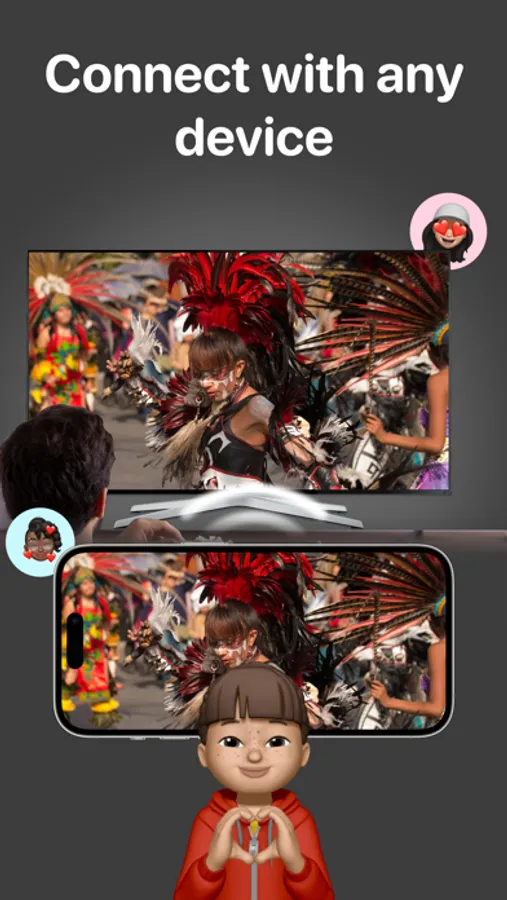
Screen TV Mirror: Air Cast App enables users to seamlessly mirror their phone's screen on any compatible smart TV wirelessly and without any delays. This versatile application caters to various needs, from delivering presentations to enjoying movies and immersive gaming experiences on your television.
It's important to highlight that Screen TV Mirror: Air Cast App functions independently and is not affiliated with any specific TV brands. The application boasts a wide array of features, allowing users to mirror their phone's screen, cast photos and videos directly from their photo library to the TV, and even replicate the phone's camera feed on the TV screen.
How to utilize it:
To initiate screen mirroring between your phone and TV, follow these essential steps: connect both devices to the same Wi-Fi network. Once connected, launch the app and establish a connection with your TV. Then, tap the "Screen Mirroring" button and follow the provided instructions to commence seamless mirroring.
Screen TV Mirror: Air Cast App offers a premium version that provides access to the complete set of features. Users can opt for a weekly or yearly subscription, with a complimentary 3-day trial available. Unlock premium features, such as full-screen mirroring, unrestricted photo casting, and video casting to your TV.
Enjoy a 3-day trial with each subscription option: Weekly Subscription, Monthly Subscription, Yearly Subscription.
Payments are processed through your iTunes account upon purchase confirmation, and subscriptions automatically renew unless you disable auto-renewal at least 24 hours before the current subscription period ends. Conveniently manage your subscriptions, and any unused portion of a free trial will be forfeited upon subscribing to the publication, as applicable.
Privacy: http://myapplications.tilda.ws/screentvmirroraircastappprivacy
Terms: http://myapplications.tilda.ws/screentvmirroraircastappterms
It's important to highlight that Screen TV Mirror: Air Cast App functions independently and is not affiliated with any specific TV brands. The application boasts a wide array of features, allowing users to mirror their phone's screen, cast photos and videos directly from their photo library to the TV, and even replicate the phone's camera feed on the TV screen.
How to utilize it:
To initiate screen mirroring between your phone and TV, follow these essential steps: connect both devices to the same Wi-Fi network. Once connected, launch the app and establish a connection with your TV. Then, tap the "Screen Mirroring" button and follow the provided instructions to commence seamless mirroring.
Screen TV Mirror: Air Cast App offers a premium version that provides access to the complete set of features. Users can opt for a weekly or yearly subscription, with a complimentary 3-day trial available. Unlock premium features, such as full-screen mirroring, unrestricted photo casting, and video casting to your TV.
Enjoy a 3-day trial with each subscription option: Weekly Subscription, Monthly Subscription, Yearly Subscription.
Payments are processed through your iTunes account upon purchase confirmation, and subscriptions automatically renew unless you disable auto-renewal at least 24 hours before the current subscription period ends. Conveniently manage your subscriptions, and any unused portion of a free trial will be forfeited upon subscribing to the publication, as applicable.
Privacy: http://myapplications.tilda.ws/screentvmirroraircastappprivacy
Terms: http://myapplications.tilda.ws/screentvmirroraircastappterms
Screen TV Mirror: Air Cast App Screenshots
Tap to Rate:
Reviews for Screen TV Mirror: Air Cast App
Montoya760
Does not work with lg oled
Paid 5.99 and for what?!? Just to see if it would work? NOPE it does not work