AppRecs review analysis
AppRecs rating 3.5. Trustworthiness 65 out of 100. Review manipulation risk 30 out of 100. Based on a review sample analyzed.
★★★☆☆
3.5
AppRecs Rating
Ratings breakdown
5 star
0%
4 star
0%
3 star
0%
2 star
100%
1 star
0%
What to know
✓
Low review manipulation risk
30% review manipulation risk
About SketchifyTracer
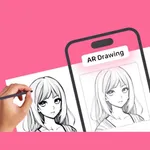
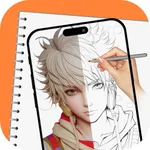
Tracing is used to transfer an image into line work from a photo or artwork. You place your tracing paper over it and draw the lines that you see. So, Trace it & Sketch it. Using this app you can learn drawing or tracing.
Select an image from the gallery or capture an image with a camera then just apply the filter. After that, you will see that image on the camera screen with transparency & you have to put drawing paper or book anything on which you want to trace and draw. Your image will not appear on paper but a transparent image with camera so that you can trace it on paper.
Key Feature:
Edge level:
Edge Level filter, you can control the sharpness and definition of edges in your drawings, giving them a different and professional look. Adjusting the Edge Level can help you achieve different artistic styles and emphasise specific details.
Noise:
To tackle any unwanted noise in your drawings or images, we have included a Noise filter. This feature helps reduce graininess or pixelation, resulting in cleaner and smoother lines and surfaces.
Contrast:
The Contrast filter lets you enhance the tonal range in your drawings, making the colors appear more vibrant and the shadows and highlights more pronounced. It adds depth and richness to your artwork.
Sharpness:
The Sharpness filter enables you to enhance the overall clarity and crispness of your drawings. By adjusting the sharpness level, you can achieve a more defined and polished look, making your artwork stand out.
Using this you may learn and practice drawing. Also make tracing an image easy. Just select an image from the app or gallery apply filter to create image traceable. The image will appear on screen with camera open. Place phone about 1feet above and look into the phone and draw on paper.
Select an image from the gallery or capture an image with a camera then just apply the filter. After that, you will see that image on the camera screen with transparency & you have to put drawing paper or book anything on which you want to trace and draw. Your image will not appear on paper but a transparent image with camera so that you can trace it on paper.
Key Feature:
Edge level:
Edge Level filter, you can control the sharpness and definition of edges in your drawings, giving them a different and professional look. Adjusting the Edge Level can help you achieve different artistic styles and emphasise specific details.
Noise:
To tackle any unwanted noise in your drawings or images, we have included a Noise filter. This feature helps reduce graininess or pixelation, resulting in cleaner and smoother lines and surfaces.
Contrast:
The Contrast filter lets you enhance the tonal range in your drawings, making the colors appear more vibrant and the shadows and highlights more pronounced. It adds depth and richness to your artwork.
Sharpness:
The Sharpness filter enables you to enhance the overall clarity and crispness of your drawings. By adjusting the sharpness level, you can achieve a more defined and polished look, making your artwork stand out.
Using this you may learn and practice drawing. Also make tracing an image easy. Just select an image from the app or gallery apply filter to create image traceable. The image will appear on screen with camera open. Place phone about 1feet above and look into the phone and draw on paper.
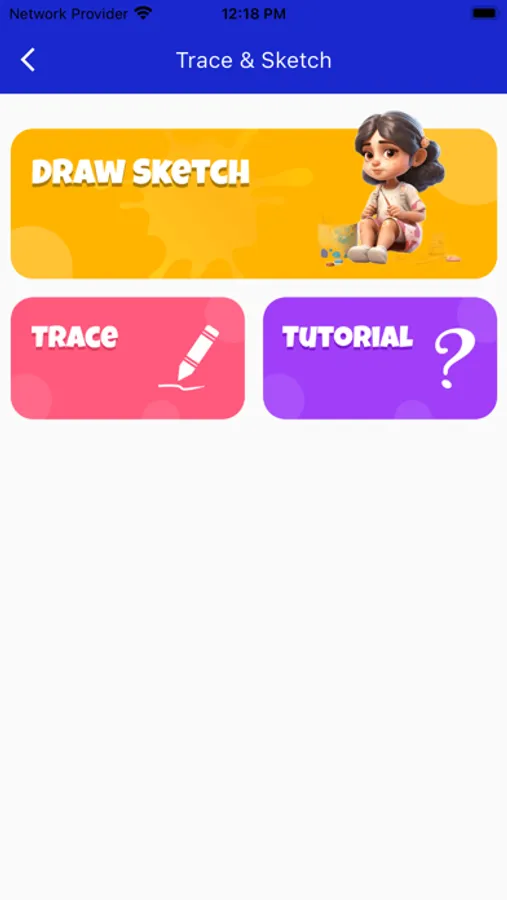
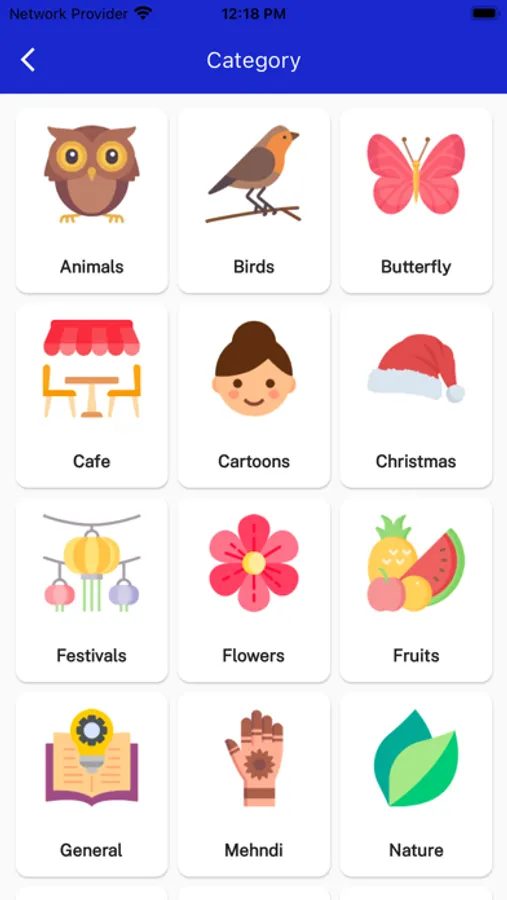
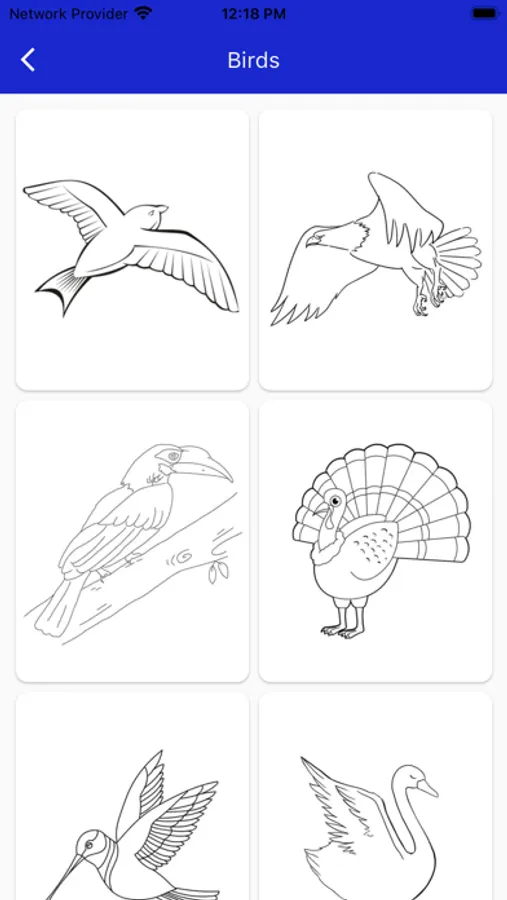
SketchifyTracer Screenshots
Tap to Rate:
Reviews for SketchifyTracer
beffy4
Confusing
I wanted to love this app but it’s too confusing! The tutorial should be in a video format so maybe people could understand it better. Do I have to put a paper directly down on my phone? If so my phone isn’t big enough for that. Oh well I guess I’ll just buy a light pad and trace an image that way, I’m sure it will be much MUCH easier that way! Btw this is my first review on an app, only because of how disappointing it was.