
AppRecs review analysis
AppRecs rating 4.8. Trustworthiness 65 out of 100. Review manipulation risk 30 out of 100. Based on a review sample analyzed.
★★★★☆
4.8
AppRecs Rating
Ratings breakdown
5 star
0%
4 star
100%
3 star
0%
2 star
0%
1 star
0%
What to know
✓
High user satisfaction
100% of sampled ratings are 4+ stars (4.8★ average)
About TapList: Easy Powerful Lists
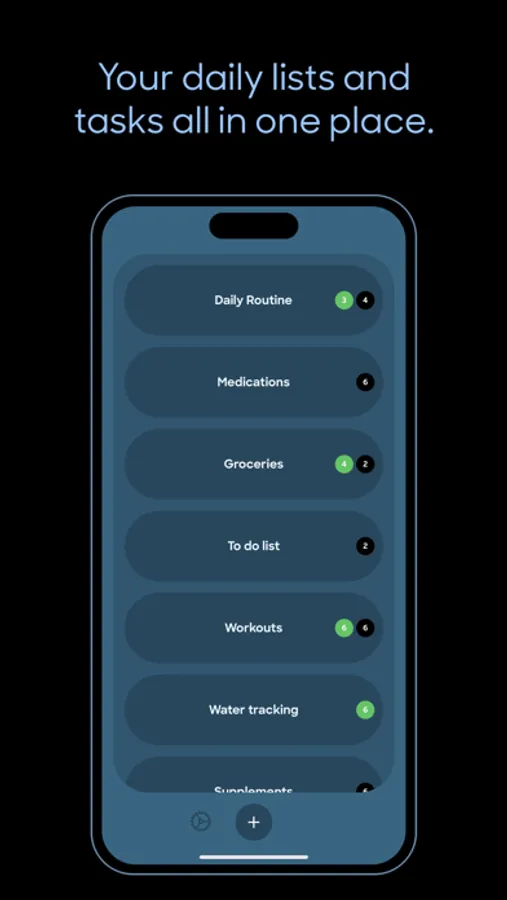
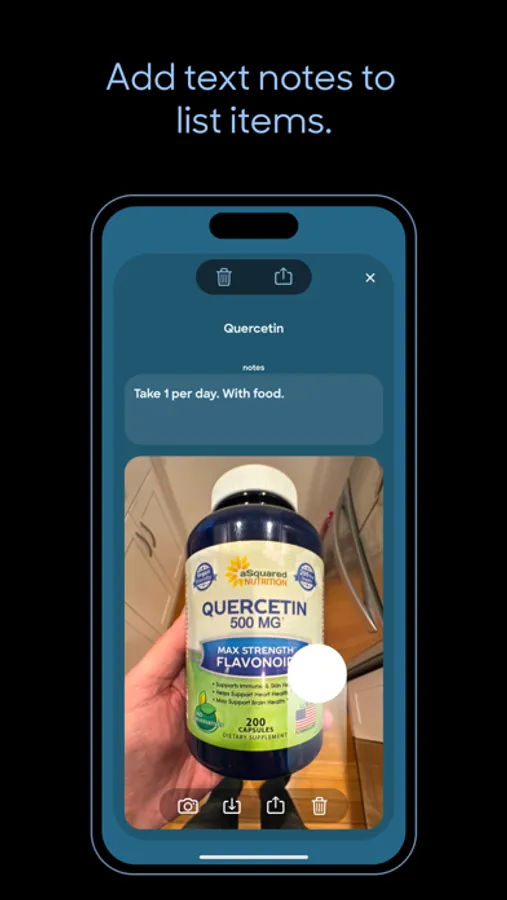
TapList is the photo-powered, easy list app. You can use it as a nice, simple, visual to-do list with the ability to check things as done. But you can also use it to quickly take photos of things you want to quickly access later — groceries, supplements and medications, packing lists, anything where a photo helps you get the right thing. And sharing a complete list, a list item with notes, or just an individual photo is quick and easy. You’ll end up using TapList every day.
TapList is great for:
Groceries
To-Do’s
Water Tracking
Medications
Workouts
Supplements
Packing Lists
Photos of Documents
Recipes
Home Remodeling Projects
Anything!
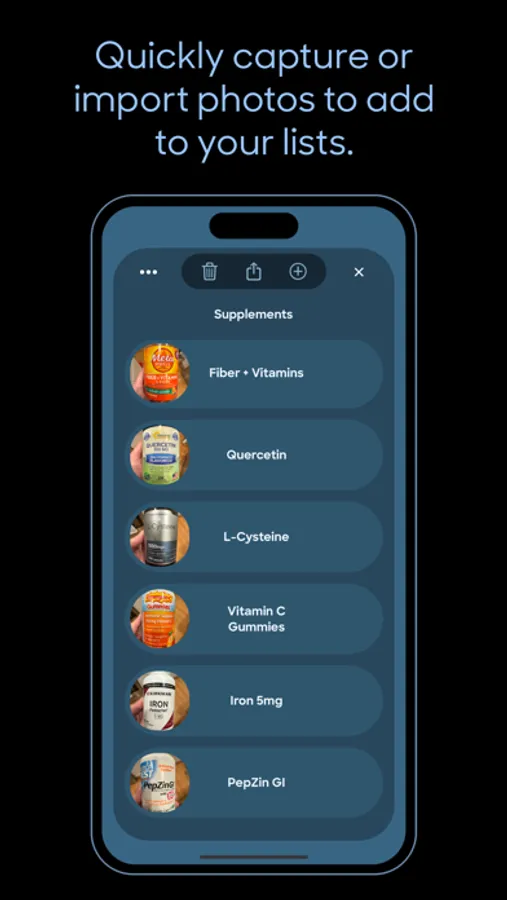
ADD PHOTOS
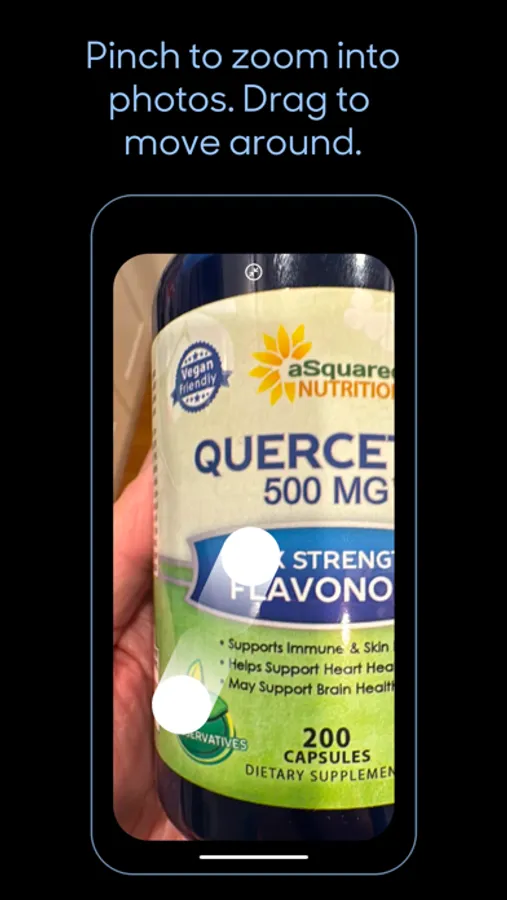
Capture photos right in TapList or import from your Photo library. TapList photos are backed up in iCloud and not in your iPhone’s Camera Roll. Usually you don’t want photos of products you need to buy or medications mixed in with your family photos. You can however export a photo captured with TapList to your Photos library. To minimize storage used photos are saved at a medium resolution in the High Efficiency Image File format.
SYNCED WITH iCLOUD
Your lists are automatically synced with iCloud. And if you use the TapList app on another device such as an iPad logged into the same iCloud account, your lists will be synchronized.
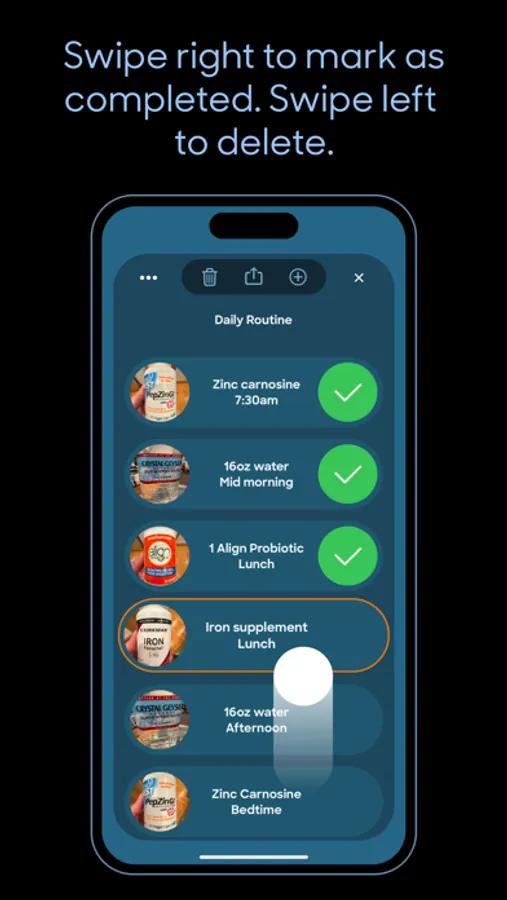
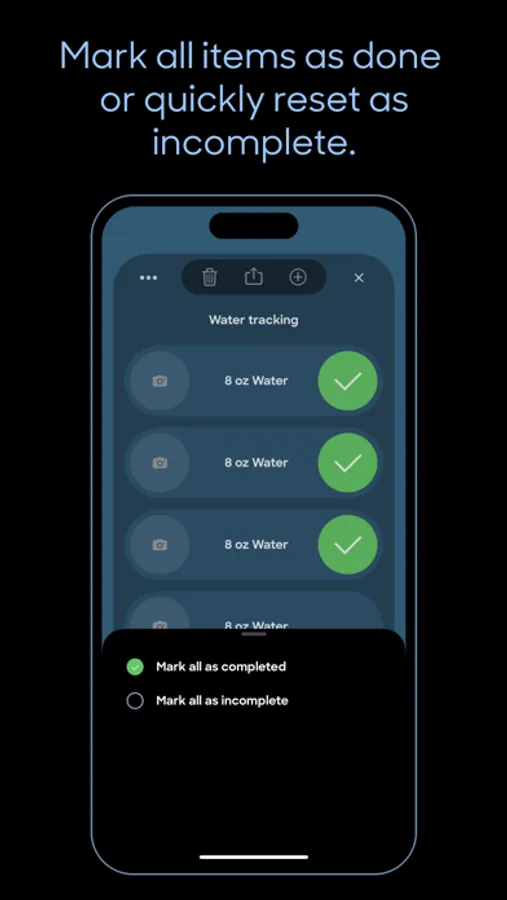
MARK ITEMS AS COMPLETED
Swipe right to check list items complete. Swipe left to delete list items or entire lists.
REARRANGE LISTS OR LIST ITEMS
Long press for half a second to begin dragging list cells or list item cells to reorder.
SHARE WITH FAMILY OR CAREGIVERS
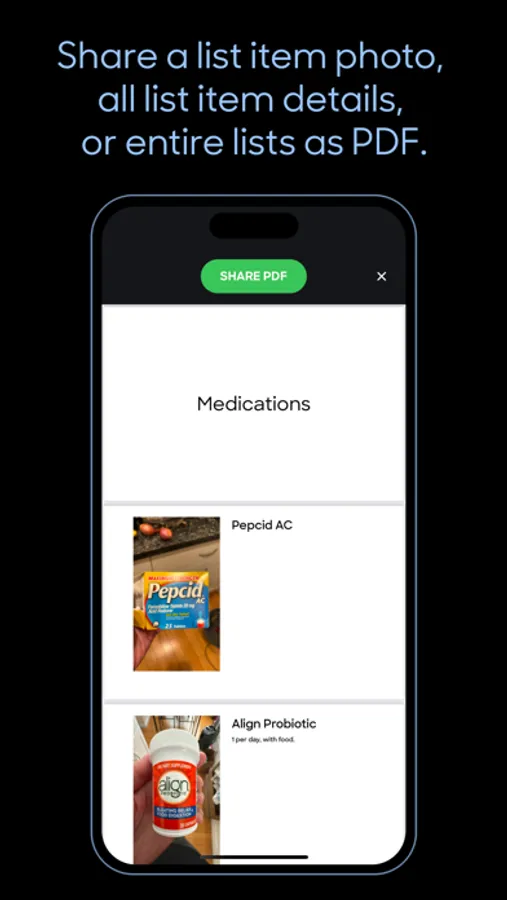
Press the Share button to share a complete list, a list item with notes attached, or simply the list item photo. Using the Share button you can also save a photo to your camera roll.
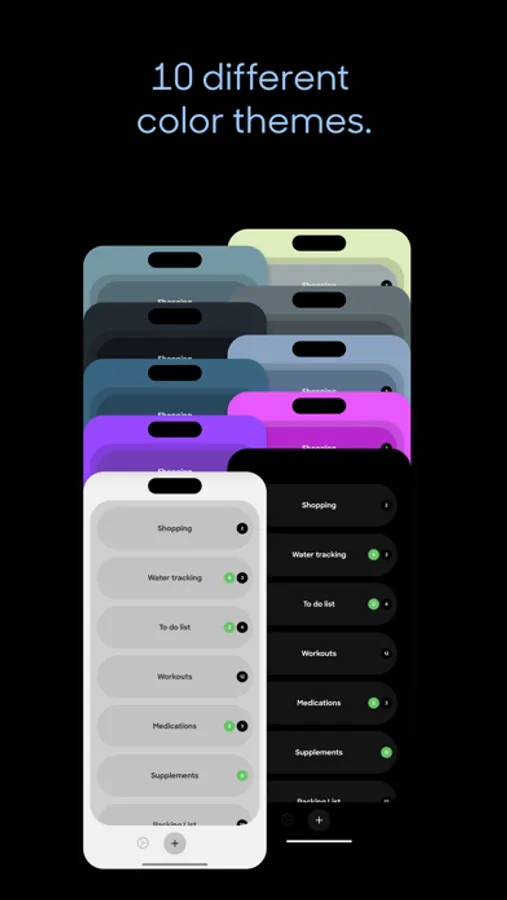
BEAUTIFUL COLOR THEMES
Ten different themes to choose from!
COMPLETE PRIVACY
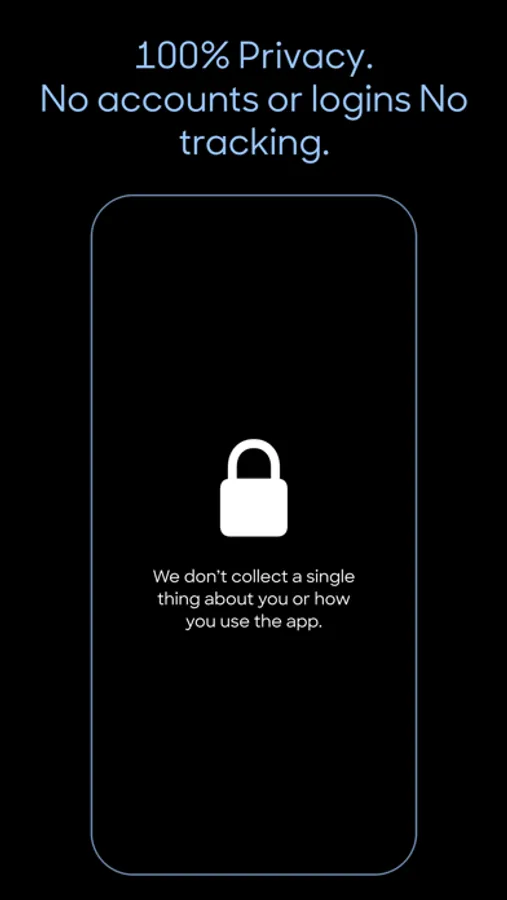
No usernames, passwords or logins. We don’t collect a single thing about you or how you use the app. Nothing whatsoever is transmitted from your device to us.
Terms of Use: https://www.apple.com/legal/internet-services/itunes/dev/stdeula/
Privacy Policy: https://taplist.today/privacy
TapList is great for:
Groceries
To-Do’s
Water Tracking
Medications
Workouts
Supplements
Packing Lists
Photos of Documents
Recipes
Home Remodeling Projects
Anything!
ADD PHOTOS
Capture photos right in TapList or import from your Photo library. TapList photos are backed up in iCloud and not in your iPhone’s Camera Roll. Usually you don’t want photos of products you need to buy or medications mixed in with your family photos. You can however export a photo captured with TapList to your Photos library. To minimize storage used photos are saved at a medium resolution in the High Efficiency Image File format.
SYNCED WITH iCLOUD
Your lists are automatically synced with iCloud. And if you use the TapList app on another device such as an iPad logged into the same iCloud account, your lists will be synchronized.
MARK ITEMS AS COMPLETED
Swipe right to check list items complete. Swipe left to delete list items or entire lists.
REARRANGE LISTS OR LIST ITEMS
Long press for half a second to begin dragging list cells or list item cells to reorder.
SHARE WITH FAMILY OR CAREGIVERS
Press the Share button to share a complete list, a list item with notes attached, or simply the list item photo. Using the Share button you can also save a photo to your camera roll.
BEAUTIFUL COLOR THEMES
Ten different themes to choose from!
COMPLETE PRIVACY
No usernames, passwords or logins. We don’t collect a single thing about you or how you use the app. Nothing whatsoever is transmitted from your device to us.
Terms of Use: https://www.apple.com/legal/internet-services/itunes/dev/stdeula/
Privacy Policy: https://taplist.today/privacy
TapList: Easy Powerful Lists Screenshots
Tap to Rate:
Reviews for TapList: Easy Powerful Lists
Llamarada18676
Needs a better help section.
I needed to find out how to add a photo and it appeared that the only option was to add a note. The Help item in settings does nothing. Website has no info other than to say that photos can be added. It turns out that you have to add a text note (or at the very least hit Save) and *then* the ability to take a photo is revealed. It would definitely have been useful to have found that info somewhere.