
AppRecs review analysis
AppRecs rating 3.8. Trustworthiness 55 out of 100. Review manipulation risk 22 out of 100. Based on a review sample analyzed.
★★★☆☆
3.8
AppRecs Rating
Ratings breakdown
5 star
40%
4 star
40%
3 star
0%
2 star
0%
1 star
20%
What to know
✓
Good user ratings
80% positive sampled reviews
About FencingPool
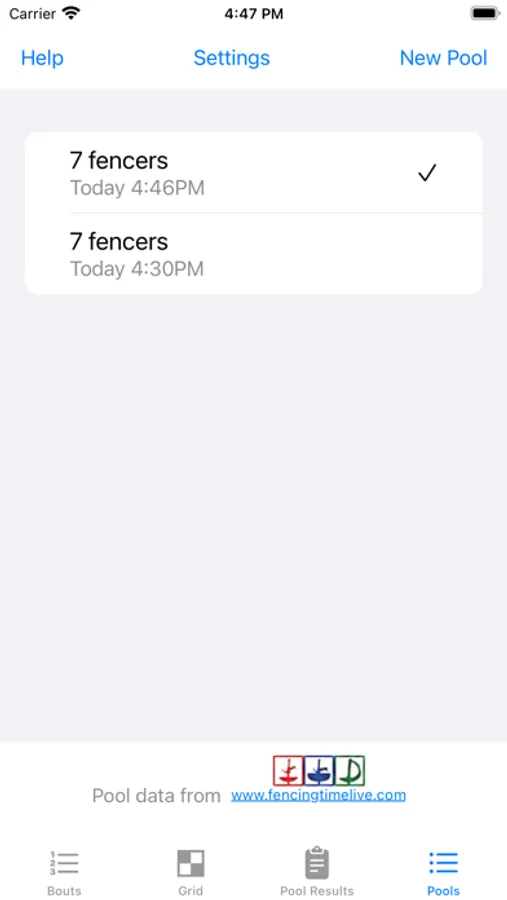
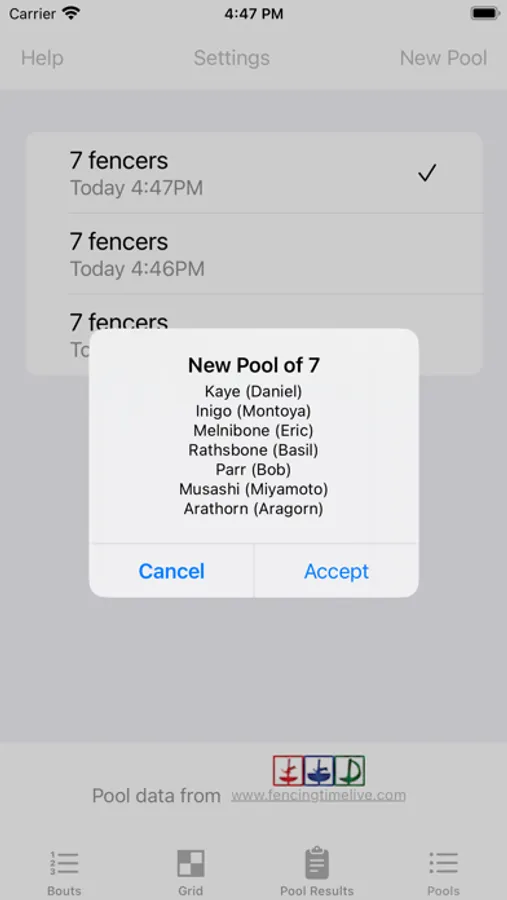
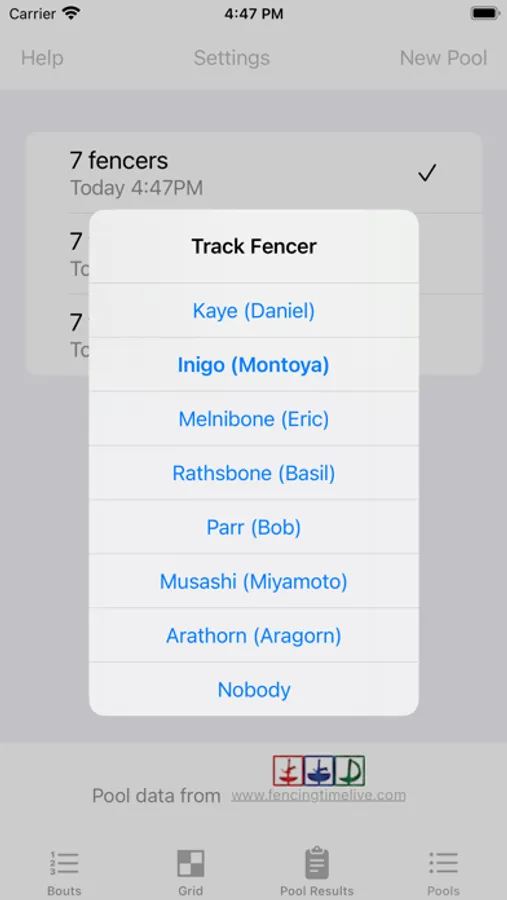
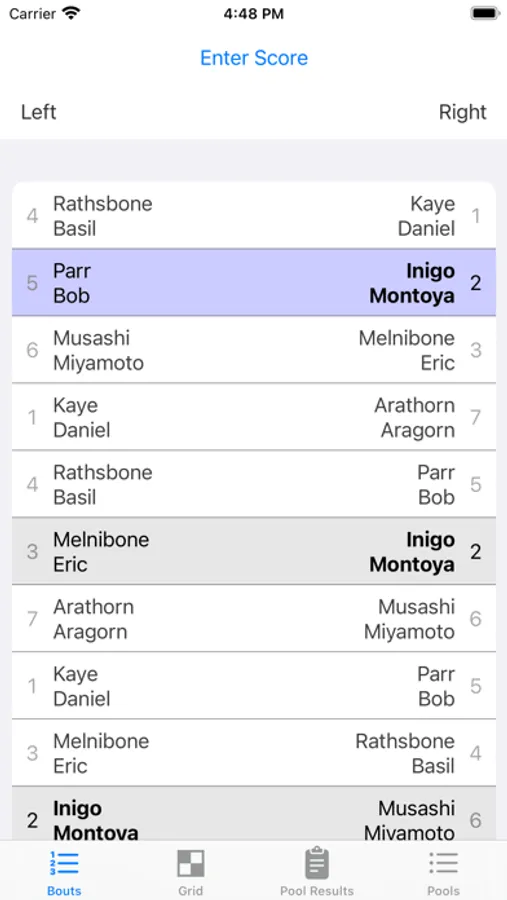
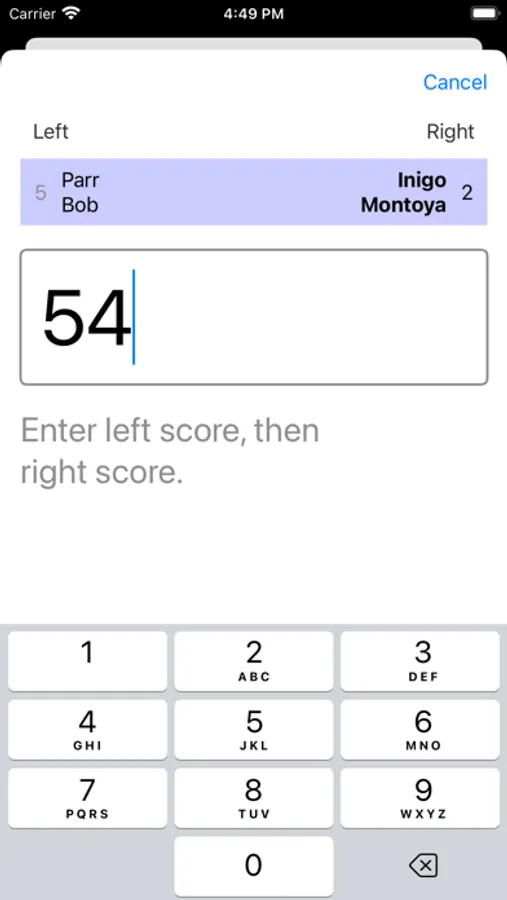
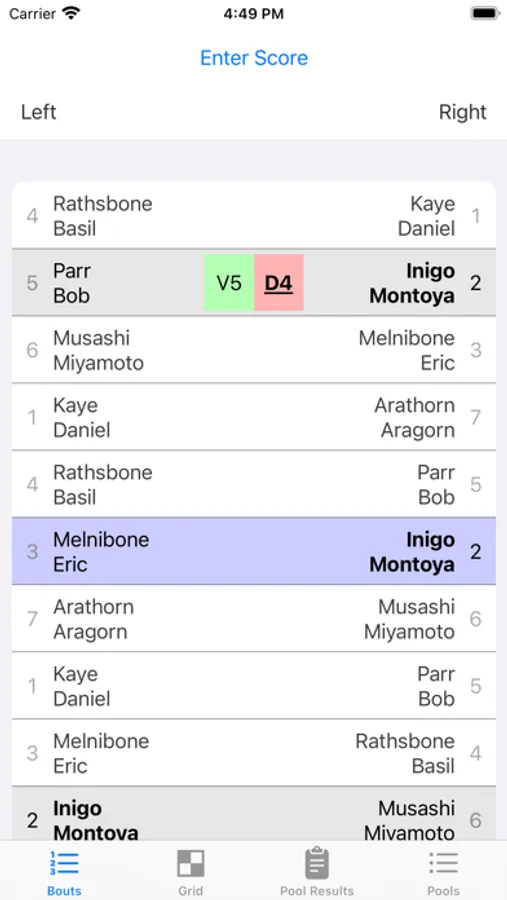
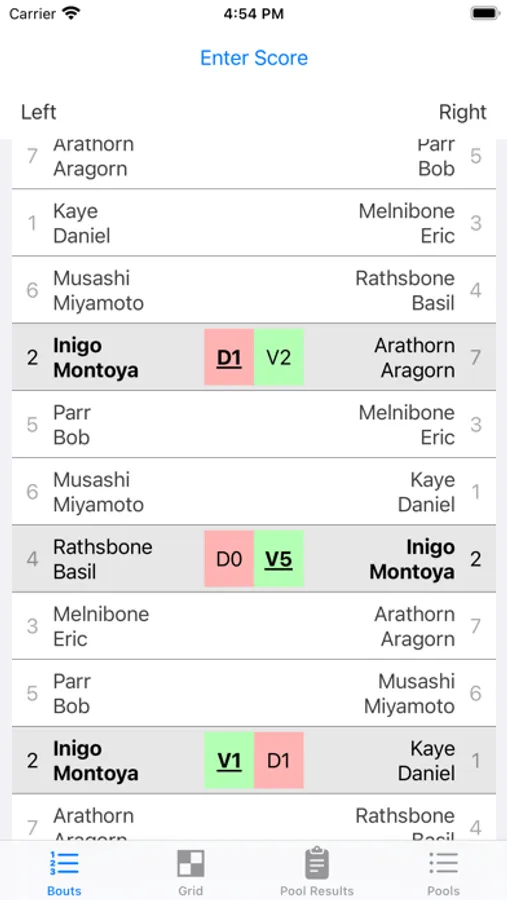
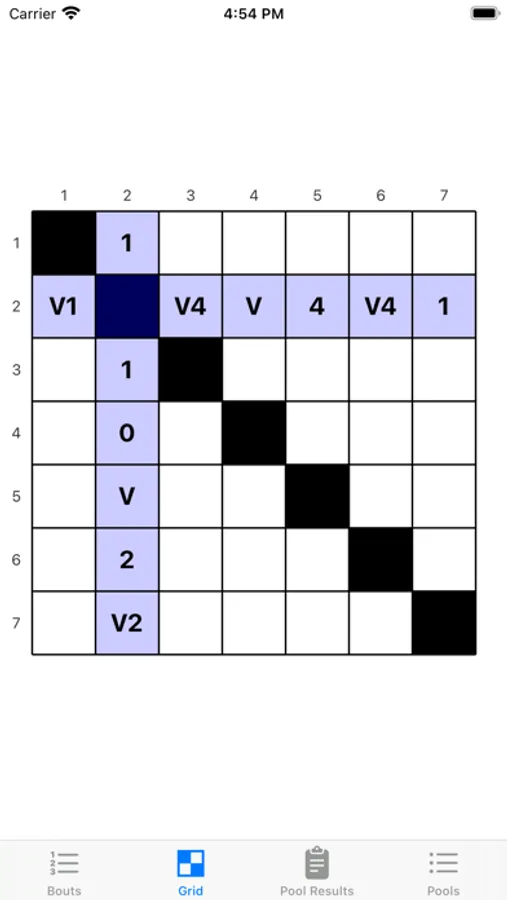
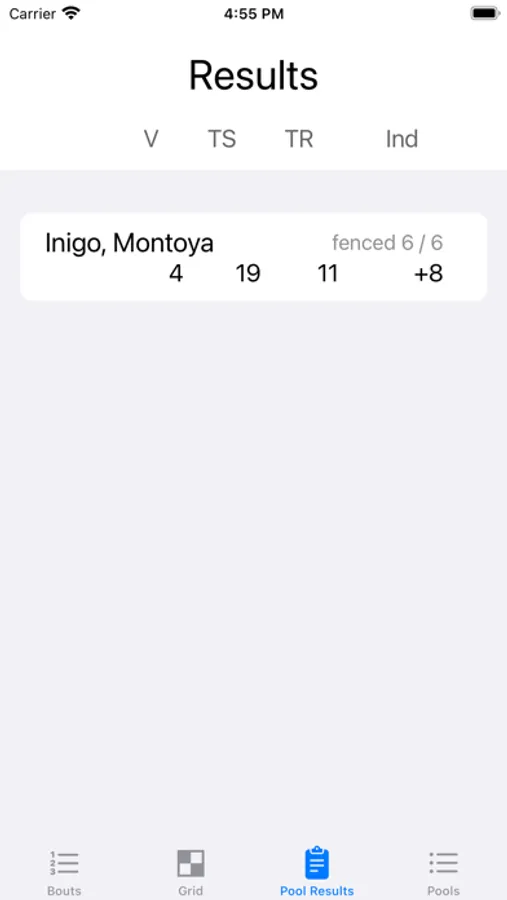
FencingPool lets you track who you're fencing next, when you are up in a pool, and whether you're left or right. Rather than finding your pool on www.fencingtimelive.com, taking a screenshot of the details list (and possibly marking it up with scores), FencingPool directly imports the pool data, highlights your bouts, and lets you record scores directly. Every time you enter a score after a bout, your next bout is highlighted. At the end of the pool, a handy grid display shows your scores for easy comparison with the referee's pool sheet.
The best way to add a new pool is to go to fencingtimelive.com, find your pool, click on the "Details" tab and scroll to the very bottom. Click on "Open in FencingPool" to have the details of your pool loaded into the app. Alternately, you can use your phone's camera to scan the QR code at the bottom of the referee's score sheet once you arrive at the strip.
The best way to add a new pool is to go to fencingtimelive.com, find your pool, click on the "Details" tab and scroll to the very bottom. Click on "Open in FencingPool" to have the details of your pool loaded into the app. Alternately, you can use your phone's camera to scan the QR code at the bottom of the referee's score sheet once you arrive at the strip.
FencingPool Screenshots
Tap to Rate:
Reviews for FencingPool
Pleasant ABS
Nice app,easy to use
Just starting using this weekend. I like the integration with fencing time live. Just wished it brought over the competition name and event, or allow a custom name for the pool. Also would be nice if could track DEs
Copper bird
Much better than scrolling FTL
I like tracking the bouts and bout order. Wish I could add a personal note about the bout