
With this NAS management app, you can browse, manage, and stream videos, music, and files from your device. It supports a wide range of media formats and provides playback controls, playlist management, and subtitle options. Includes format conversion, subtitle support, and file organization features.
AppRecs review analysis
AppRecs rating 4.7. Trustworthiness 69 out of 100. Review manipulation risk 15 out of 100. Based on a review sample analyzed.
★★★★☆
4.7
AppRecs Rating
Ratings breakdown
5 star
79%
4 star
15%
3 star
3%
2 star
1%
1 star
1%
What to know
✓
Low review manipulation risk
15% review manipulation risk
✓
High user satisfaction
79% of sampled ratings are 5 stars
✓
Authentic reviews
Natural distribution, no red flags
About DS Cloud-Video Library&Player
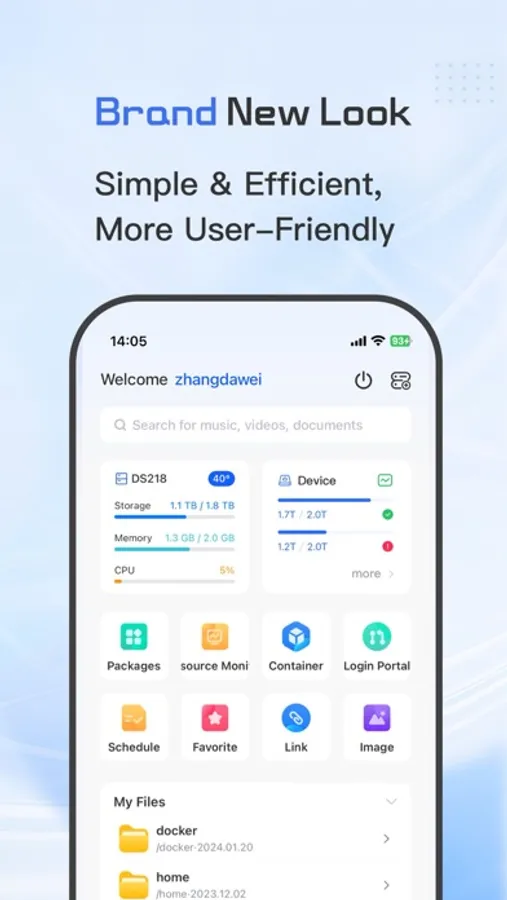
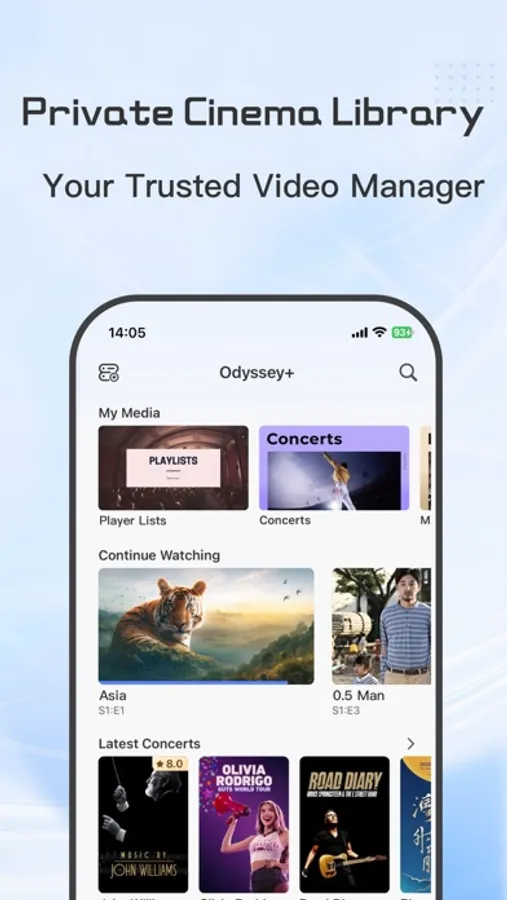
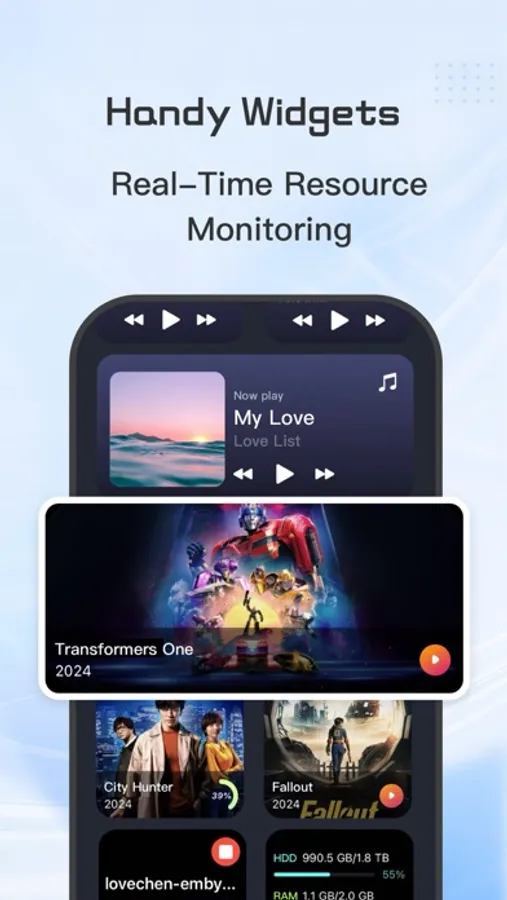
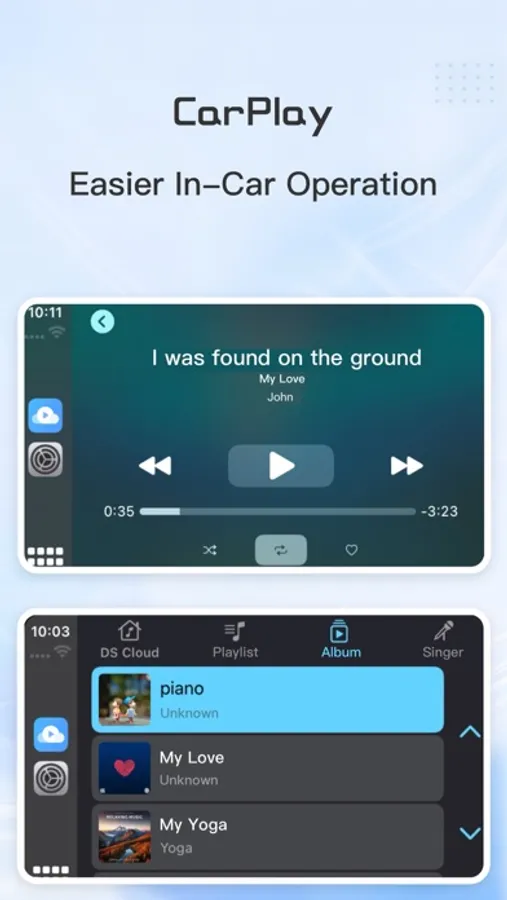
DS Cloud is an all-in-one NAS management tool that integrates video, music, and file management.
Now supporting Synology and Emby.
Features of DS Cloud include:
1. Video Functionality:
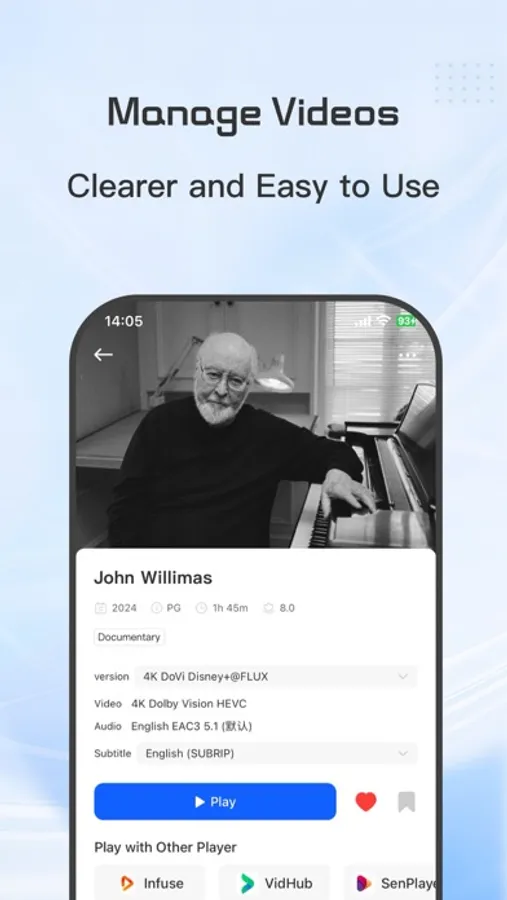
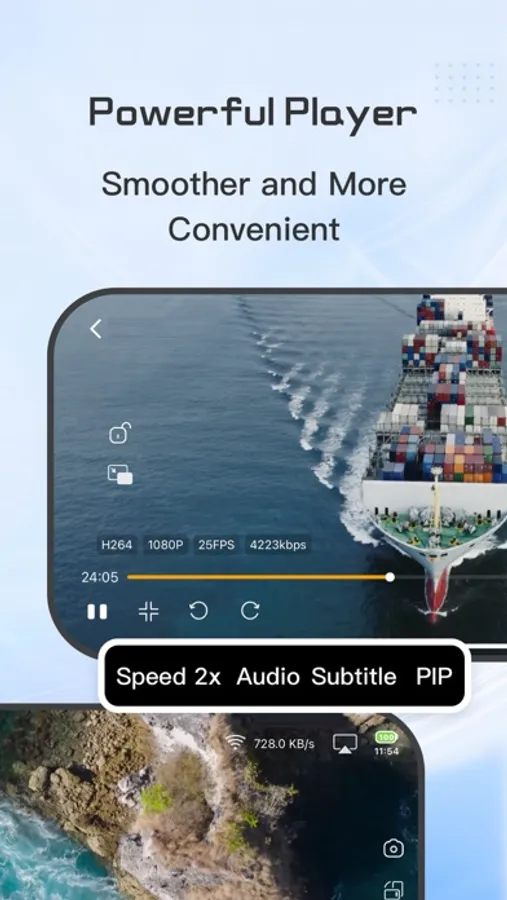
- Wide-ranging video format support: DS Cloud can play various video formats, including .mkv, .avi, .mp4, .mov, .rmvb, .wmv, and more, providing a diverse viewing experience within one player.
- High-quality video playback: Supports HD, 4K, HDR, and other video formats for optimal viewing.
- Subtitle support: DS Cloud supports embedded and multiple external subtitle formats such as SRT, SSA, SUB, with subtitle adjustment options for the best viewing experience.
- Picture-in-picture support: Allows users to browse other apps while watching videos with DS Cloud.
2. Audio Functionality:
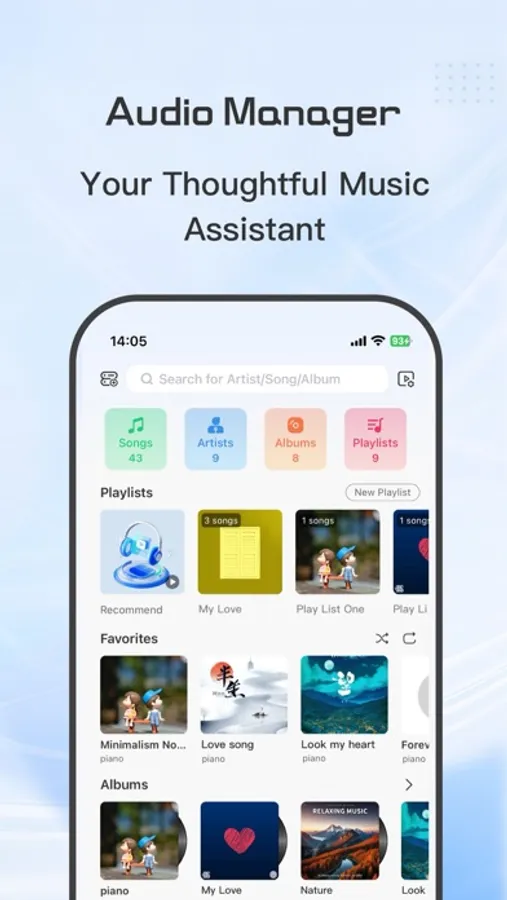
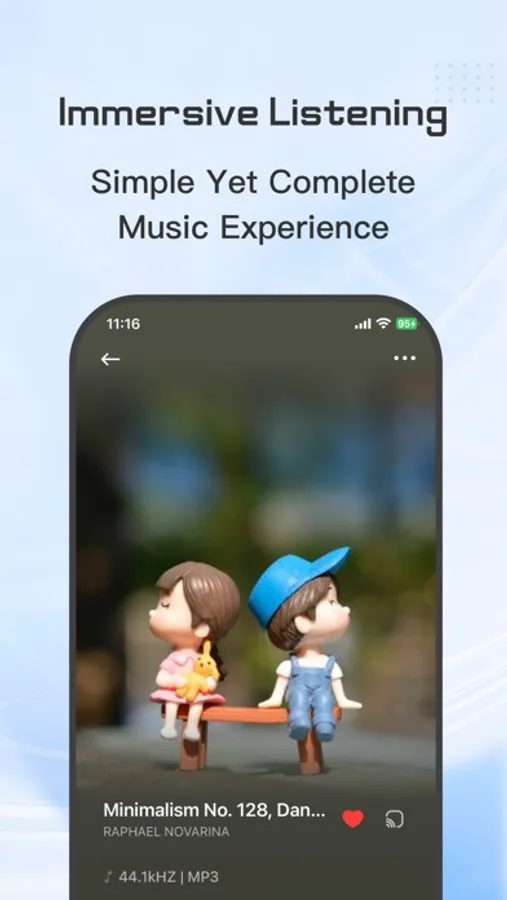
- Supports mainstream and lossless audio formats, including FLAC, MP3, WMA, APE, OGG, AAC, DTS, PCM, WAV, etc.
- Displays music lyrics and cover art for a visually pleasing music library.
- Manages playlists and individual songs.
- Supports transcoding playback and playback of original audio formats.
3. File Management Functionality:
- Quickly browse and view file contents.
- Easily manage files with clear identification of various file formats, serving as a bridge between NAS and mobile devices.
Thank you for using DS Cloud. Your feedback is valuable to us. Please contact us at 564095922@qq.com if you encounter any issues.
For more information, please refer to:
"Terms of Service": https://miaomiaolock.com/terms-of-use
"Privacy Policy": https://miaomiaolock.com/dscloudprivate
Now supporting Synology and Emby.
Features of DS Cloud include:
1. Video Functionality:
- Wide-ranging video format support: DS Cloud can play various video formats, including .mkv, .avi, .mp4, .mov, .rmvb, .wmv, and more, providing a diverse viewing experience within one player.
- High-quality video playback: Supports HD, 4K, HDR, and other video formats for optimal viewing.
- Subtitle support: DS Cloud supports embedded and multiple external subtitle formats such as SRT, SSA, SUB, with subtitle adjustment options for the best viewing experience.
- Picture-in-picture support: Allows users to browse other apps while watching videos with DS Cloud.
2. Audio Functionality:
- Supports mainstream and lossless audio formats, including FLAC, MP3, WMA, APE, OGG, AAC, DTS, PCM, WAV, etc.
- Displays music lyrics and cover art for a visually pleasing music library.
- Manages playlists and individual songs.
- Supports transcoding playback and playback of original audio formats.
3. File Management Functionality:
- Quickly browse and view file contents.
- Easily manage files with clear identification of various file formats, serving as a bridge between NAS and mobile devices.
Thank you for using DS Cloud. Your feedback is valuable to us. Please contact us at 564095922@qq.com if you encounter any issues.
For more information, please refer to:
"Terms of Service": https://miaomiaolock.com/terms-of-use
"Privacy Policy": https://miaomiaolock.com/dscloudprivate
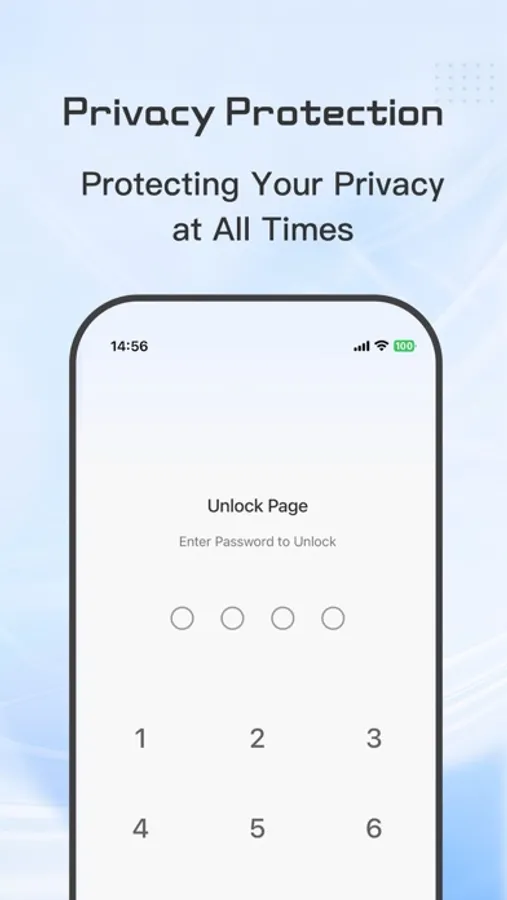
DS Cloud-Video Library&Player Screenshots
Tap to Rate:
Reviews for DS Cloud-Video Library&Player
墨尔本肯德基
navdirome问题
1不能设置只显示自己定义的歌单 2部支持下载功能 最好是可以一键下载自己的歌单里面所有音乐 3不好设置歌曲排列顺序 4音乐里面的歌单图标左右滑动很不顺手 建议改成列表 上下滑动 或者dock上直接添加歌单选项 其实还有很多 一时想不起来了
别买loon!
更新了弹幕我咋没有?
如题