AppRecs review analysis
AppRecs rating 4.6. Trustworthiness 84 out of 100. Review manipulation risk 16 out of 100. Based on a review sample analyzed.
★★★★☆
4.6
AppRecs Rating
Ratings breakdown
5 star
81%
4 star
13%
3 star
0%
2 star
6%
1 star
0%
What to know
✓
Low review manipulation risk
16% review manipulation risk
✓
Credible reviews
84% trustworthiness score from analyzed reviews
✓
High user satisfaction
81% of sampled ratings are 5 stars
About Music Editor: Mp3 Converter
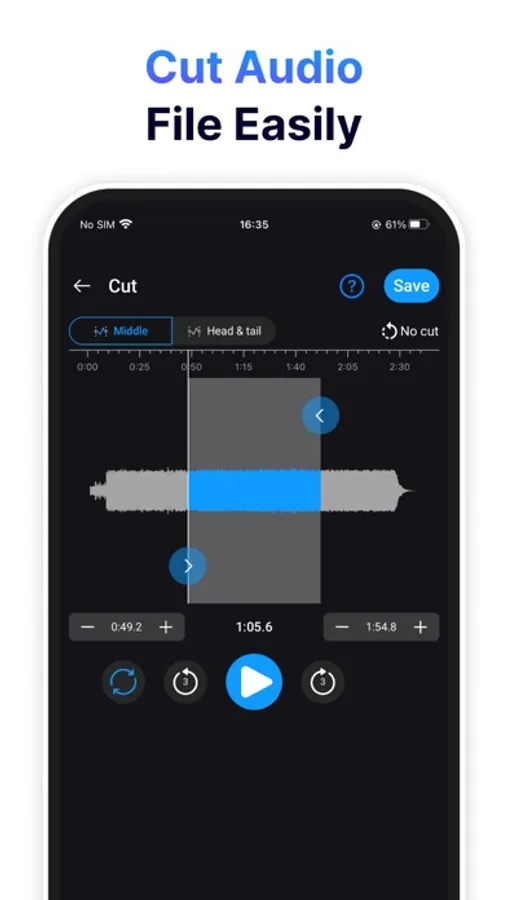
1. Audio editing:
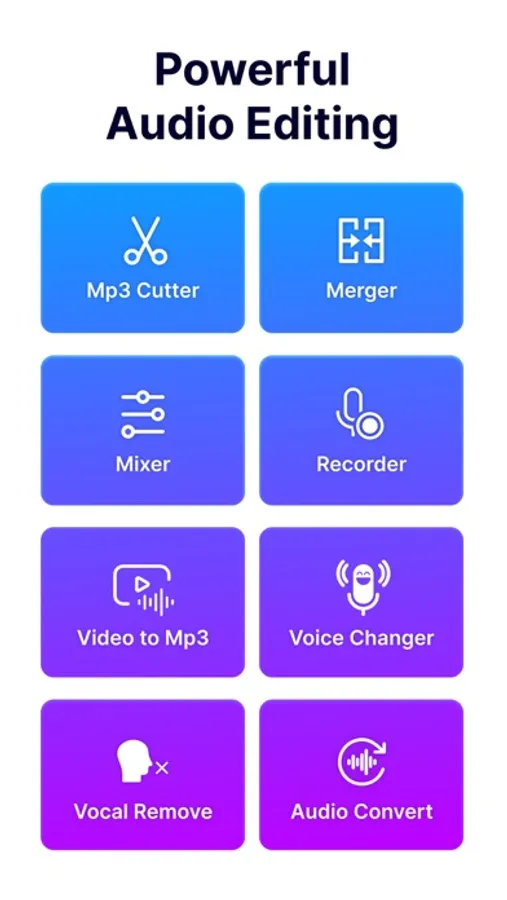
- Audio Cutter helps you easily trim audio files with options for trim side or trim middle.
- Adjust volume and speed of audio files effortlessly.
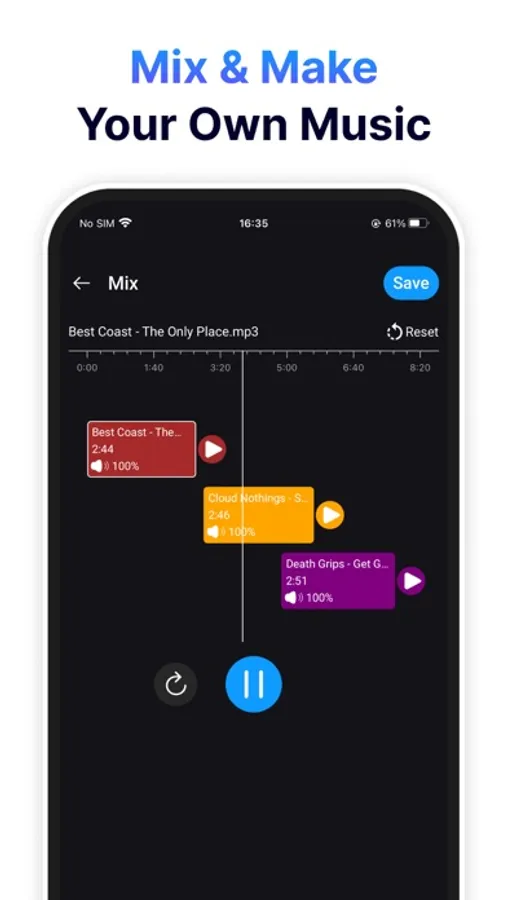
2. Merge and mix audio files:
- Merge multiple audio files into one.
- Mix different audio tracks to create unique compositions.
3. High-Quality voice recorder:
- Provides high-quality voice recording capabilities.
- Options to record from camera, microphone, or default settings.
4. Audio processing:
- Convert audio file formats.
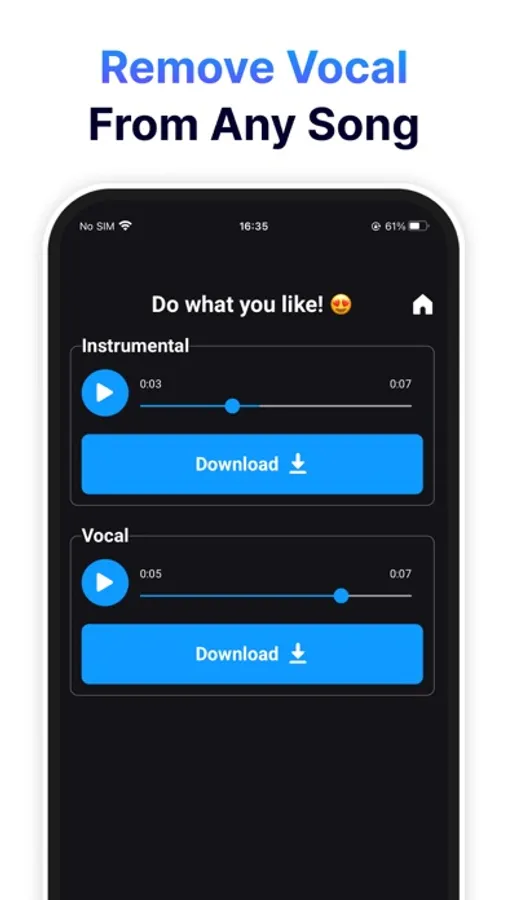
- Extract vocals from music tracks.
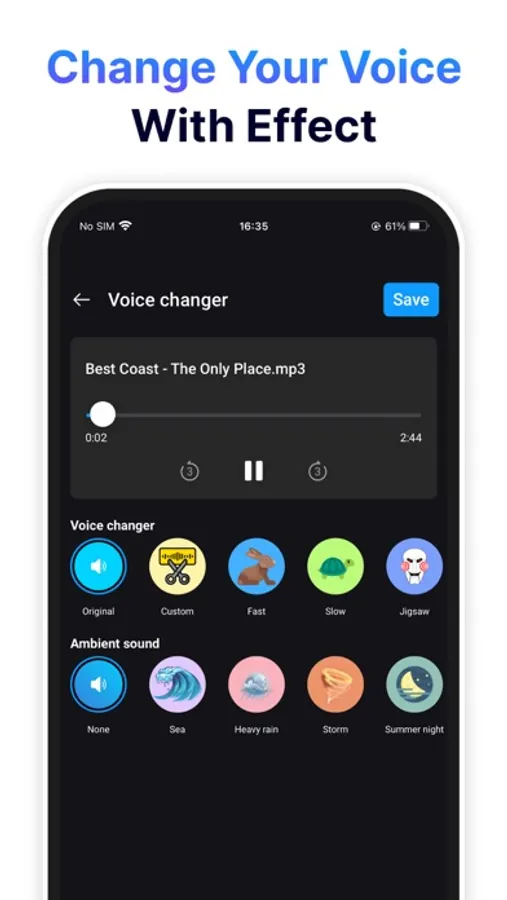
- Modify voices with effects like baby voice, elderly voice, robot, animal, etc.
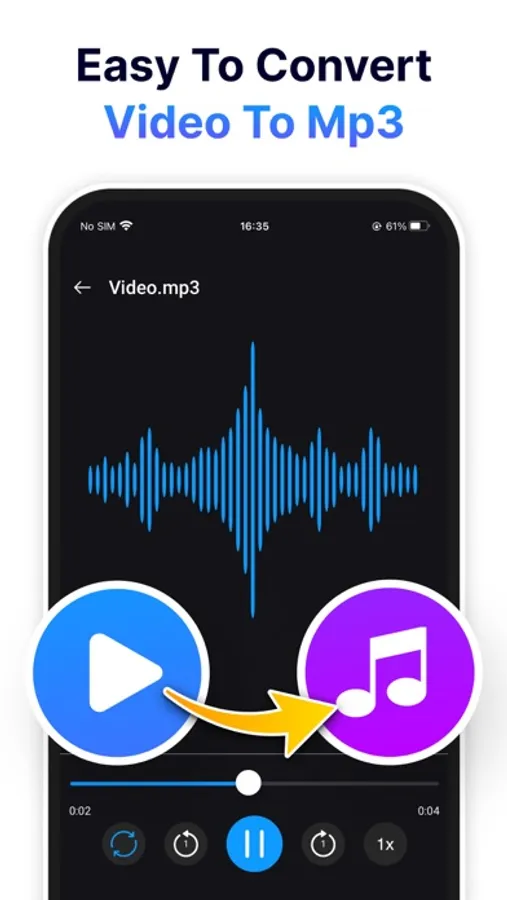
5. Convert Video to MP3:
- Easily convert video files to MP3 format.
- Supports processing multiple video files simultaneously.
6. Video processing:
- Cut videos as needed.
- Compress and reduce video file sizes.
- Adjust video speed.
7. High-Quality Export:
- Export files in high quality, ensuring accuracy and clarity of both audio and video after editing.
Music Editor: Mp3 Converter is the perfect tool for both professionals and beginners, enabling you to create high-quality audio and video content with ease.
Music Editor: Mp3 Converter Screenshots
Tap to Rate:
Reviews for Music Editor: Mp3 Converter
Me! Girl
It’s ok
First It wouldn’t let me import my music from library and I couldn’t find how to get back to your music you’ve saved. But it was good for the most part.
Glodam53s
Me encanta
Hasta ahora la utilizo para recortar y aprenderme por parte las canciones y me ha ido excelente pues no me molestan los anuncios espero que pasen y ya otras aplicaciones duran solo unos pocos días y las tienes que compitan y nos son tan versátiles y prácticas como esta