AppRecs review analysis
AppRecs rating 4.5. Trustworthiness 65 out of 100. Review manipulation risk 32 out of 100. Based on a review sample analyzed.
★★★★☆
4.5
AppRecs Rating
Ratings breakdown
5 star
100%
4 star
0%
3 star
0%
2 star
0%
1 star
0%
What to know
✓
High user satisfaction
100% of sampled ratings are 5 stars
About MorseCode Mentor
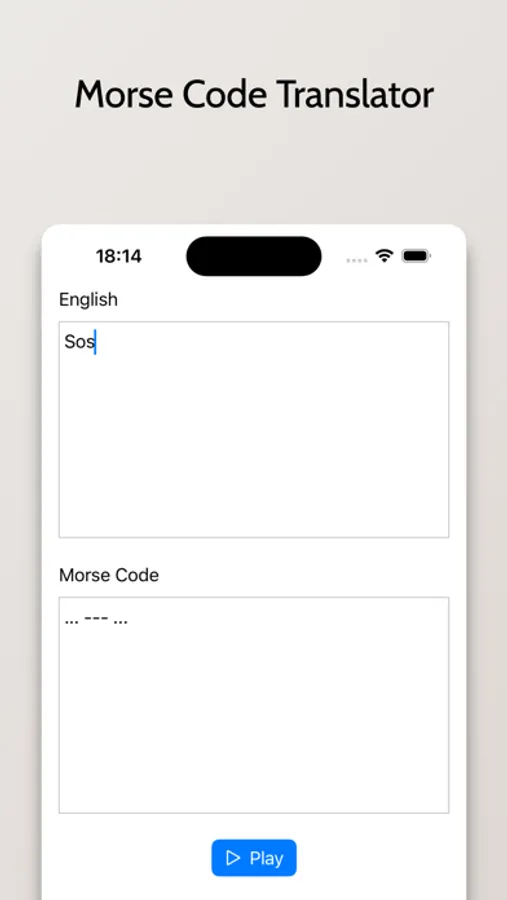
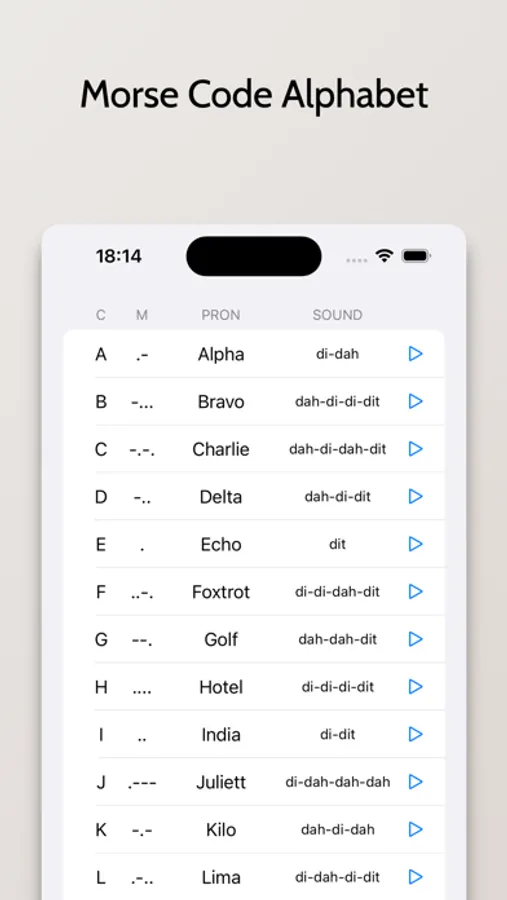
The 'Morse Code Alphabet' feature comes handy as a comprehensive reference guide where you can check out the Morse code symbols for each alphabet and number. It's like having a Morse code cheat-sheet right in your pocket!
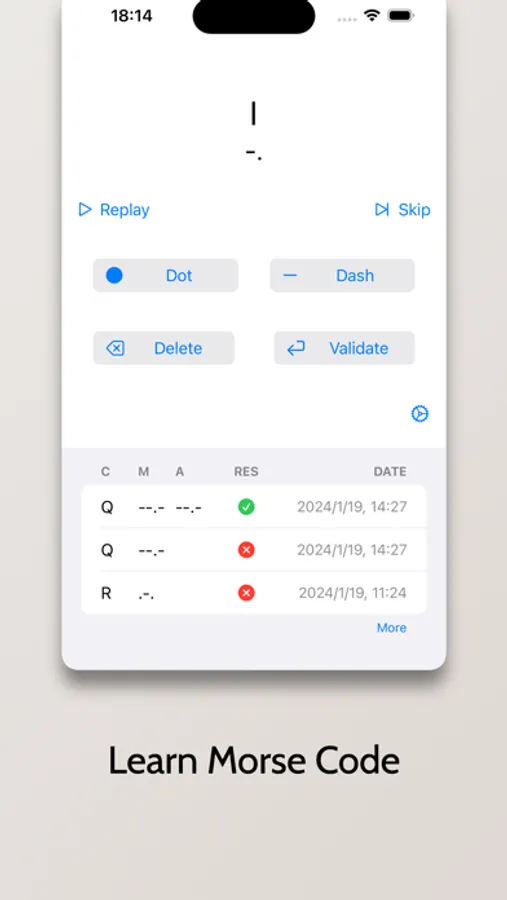
With 'Learn Morse Code', let the app be your interactive tutor! This carefully designed avenue allows you to learn Morse code in an enjoyable and progressive manner. Educational games and quizzes are included to make your learning process fun and engaging.
MorseCode Mentor Screenshots
Tap to Rate:
Reviews for MorseCode Mentor
Angela_KM4FCF
FULLY ACCESSIBLE WITH VOICEOVER!
I'm a Voiceover user and a huge fan of Morse code! When I first downloaded this app awhile back, I ended up deleting it after a couple minutes' usage because I didn't think it was intuitive enough to use with Voiceover. I've just redownloaded it, and boy, was I ever wrong! The WHOLE THING is FULLY accessible to Voiceover users! Even the dot and dash buttons in the Learn tab are clearly spoken by Voiceover! Even so, I try to practice typing the required character in Morse code with Voiceover off so I can get the rhythm of it. I do have a couple suggestions. First, when I type the Morse code in the Learn mode, there's a bit of latency between when I tap the dot or dash and when I hear the sound of it. The developer needs to improve that so I can practice typing each character at a faster speed. Second, there ought to be a Settings button (represented by the ⚙️ icon) with options for the user to select the characters THEY want to focus on in the Learn mode, as well as setting the playback speed (WPM) of the code. Also, there ought to be two exercises in the Learn mode: the typing exercise that's in there now, and a listening exercise for practicing reception of random characters or words. For the listening exercise, there could not only be options for which characters to focus on and the WPM of the code, but also, for words, the maximum number of letters for any word to have. Other than those suggestions, I see NOTHING wrong with the app! I'm impressed with it!