AppRecs review analysis
AppRecs rating 4.0. Trustworthiness 65 out of 100. Review manipulation risk 22 out of 100. Based on a review sample analyzed.
★★★★☆
4.0
AppRecs Rating
Ratings breakdown
5 star
0%
4 star
100%
3 star
0%
2 star
0%
1 star
0%
What to know
✓
Low review manipulation risk
22% review manipulation risk
✓
High user satisfaction
100% of sampled ratings are 4+ stars (4.0★ average)
About Hyperfocus Timer
Increase your overall productivity with Hyperfocus Timer's core features:
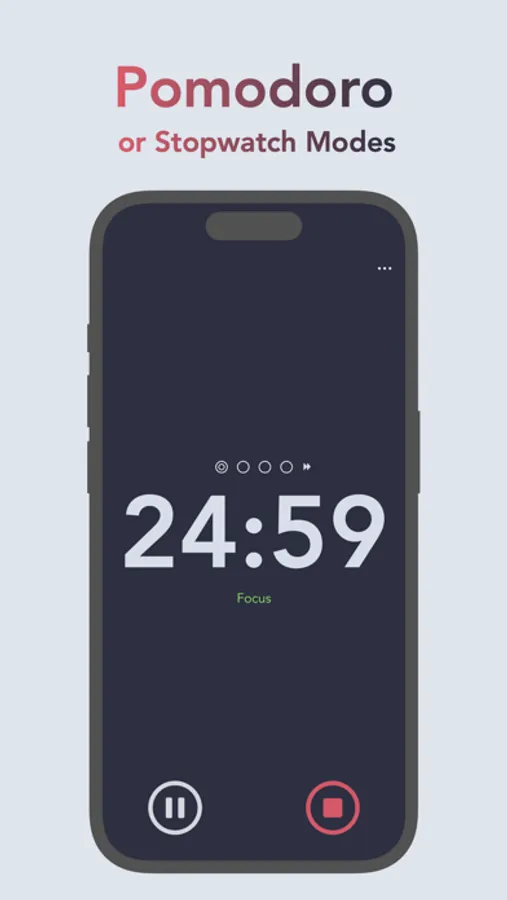
• Pomodoro timer to focus with time-block intervals and breaks.
• Stopwatch timer to focus with more flexibility and unbounded time.
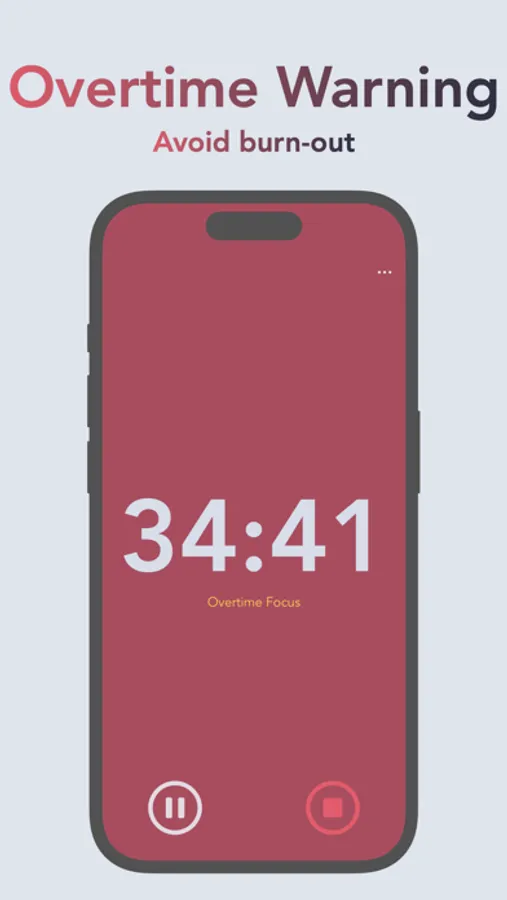
• Notifications to warn you to take breaks and avoid burn-out.
• Beautifully-designed floating window to display the focus time.
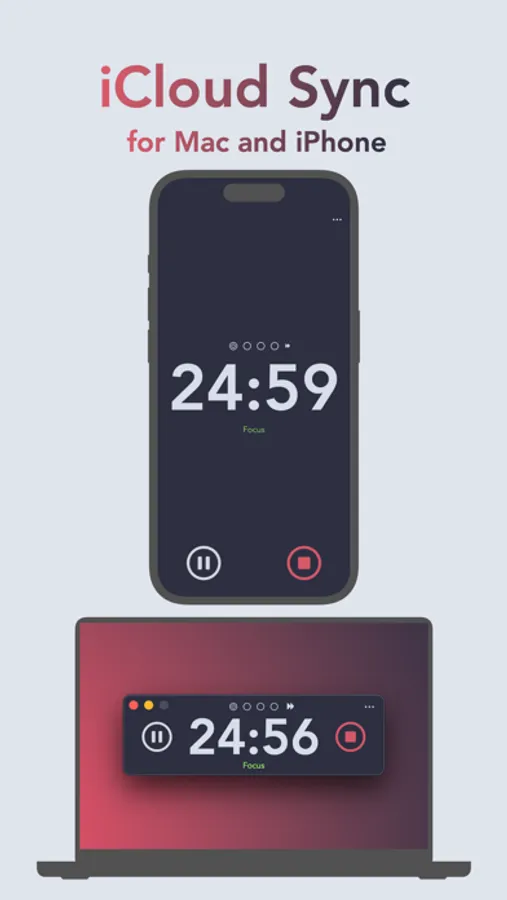
• iCloud Sync (for macOS and iPhone)
• Apple Shortcut to toggle the timer.
Additional full-access features include:
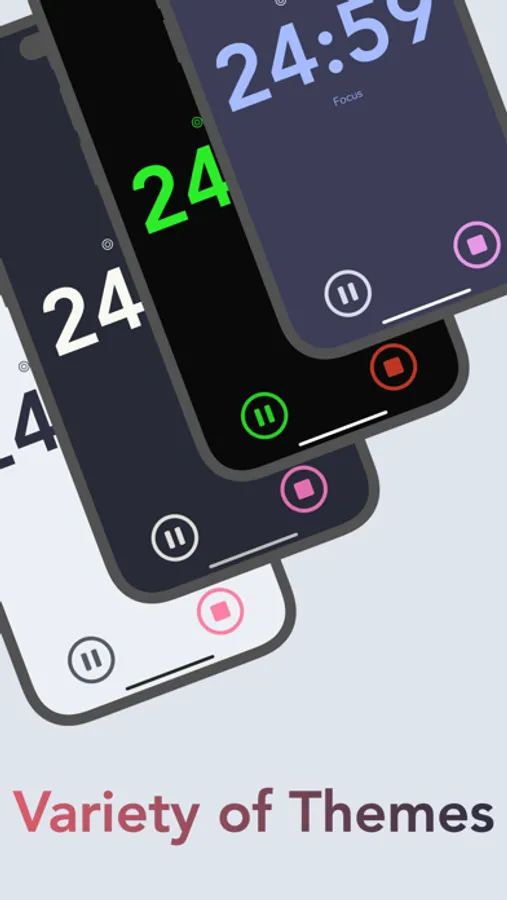
• Multiple appearance themes to match your aesthetic.
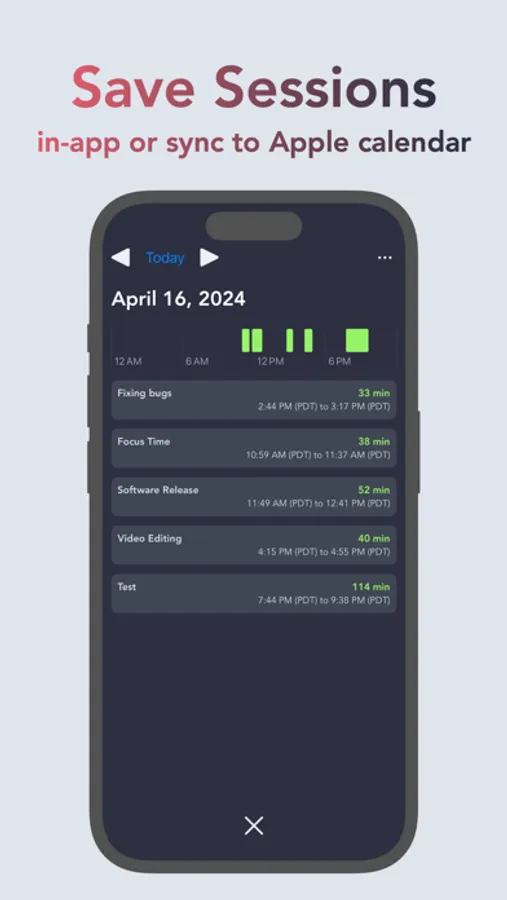
• Save focus sessions to your default Apple calendar (can be configured to iCloud, Google, or other platforms supported by the Apple calendar app)
• A history page for an in-app display of your focus sessions.
• Configurable pomodoro and stopwatch timer durations.
Hyperfocus Timer Screenshots
Tap to Rate:
Reviews for Hyperfocus Timer
xithebeast
Cool app but one thing holding it back
So first of all this app is super cool! I like the simplistic style and the settings it offers, and I really appreciate the differentiation between the pomodoro mode and the stopwatch mode. There’s something that’s really holding it back, though, which is that there doesn’t seem to be any sort of notification or alert from the app when a focus or break timer ends? This confused me, especially because the app asks for notification permissions. It kinda defeats the purpose a little because if I go over the time without checking the app on my phone I’ll never know unless I check, and if I’m on a break on my phone it still doesn’t let me know when that break ends. I’d also appreciate it if the timer itself showed up in live activities, if that’s possible, instead of it just saying “Focus”. Other than that though like I said the app’s super cool!
Chadia Mathurin
Great but Can be Exceptional With A Couple of Tweaks
I use the Mac version of your app. I enjoy using it and think it's a great addition to improving my productivity. However, two tweaks can make this application exceptional: 1. The History section of the app currently doesn't group like sessions. To illustrate this, consider that I do 3 study sessions in a day. When I'm done with the first session, I input Finance. For the second session, I input Coding. The final session is another Finance session. The history will show me each session but doesn't allow me to group sessions and automatically calculate time accrued. I think having a feature that would facilitate the above suggestion would do wonders for users like me who are data driven. 😊 2. The app has the feature to pause either a break or a focused session. However, the time accrued during the Pause is added to the time tabulated for Focus when a the timer is stopped. It would make better sense if the time from the session is paused is left out of the final tabulation of focused time.