
With this app, you can scan documents and save PDFs directly to Google Drive, with automatic cropping and skew correction. Includes multi-page scanning, automatic naming, and folder switching features.
AppRecs review analysis
AppRecs rating 4.5. Trustworthiness 0 out of 100. Review manipulation risk 0 out of 100. Based on a review sample analyzed.
★★★★☆
4.5
AppRecs Rating
Ratings breakdown
5 star
75%
4 star
0%
3 star
8%
2 star
0%
1 star
17%
What to know
✓
High user satisfaction
75% of sampled ratings are 4+ stars (4.2★ average)
About Scan Boss for Google Drive
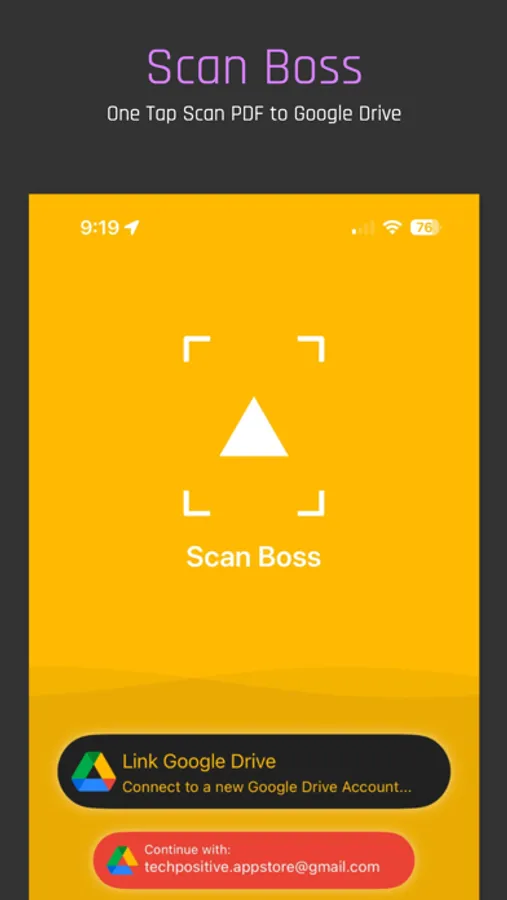
Scan any document and save PDF in your chosen Google Drive folder automatically.
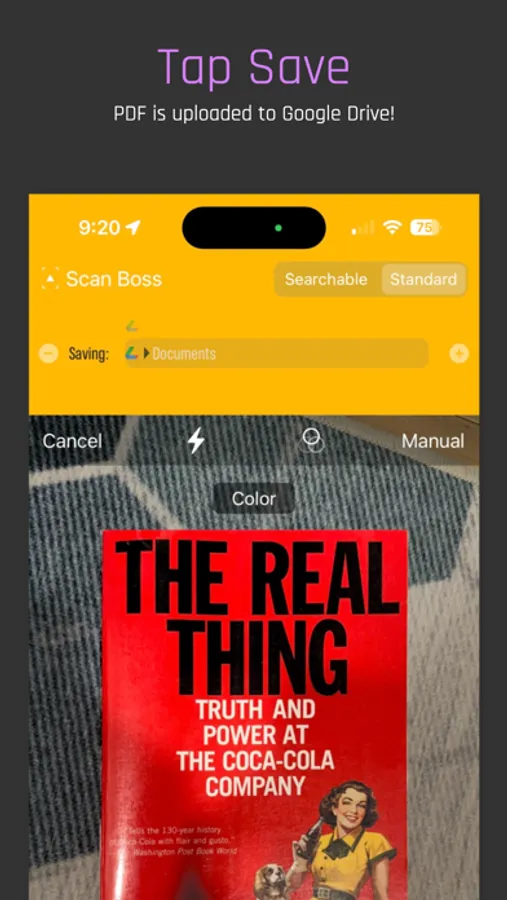
• Single tap operation
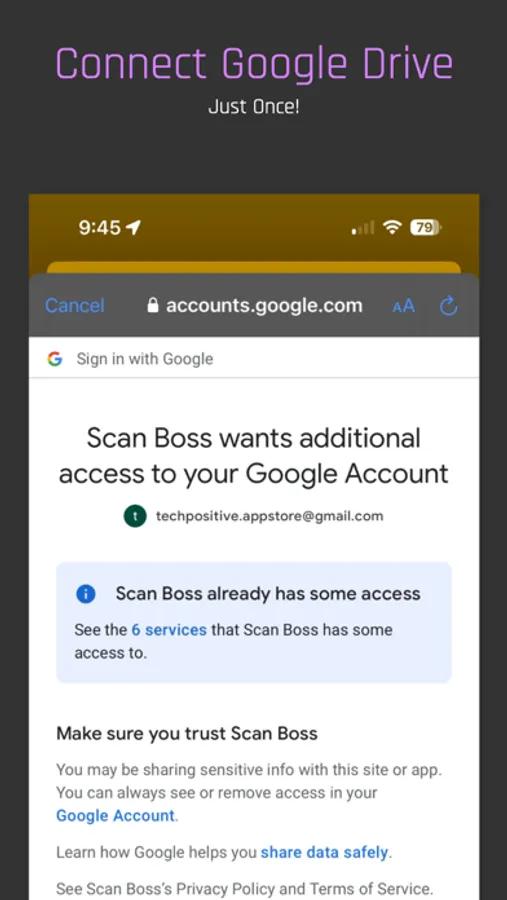
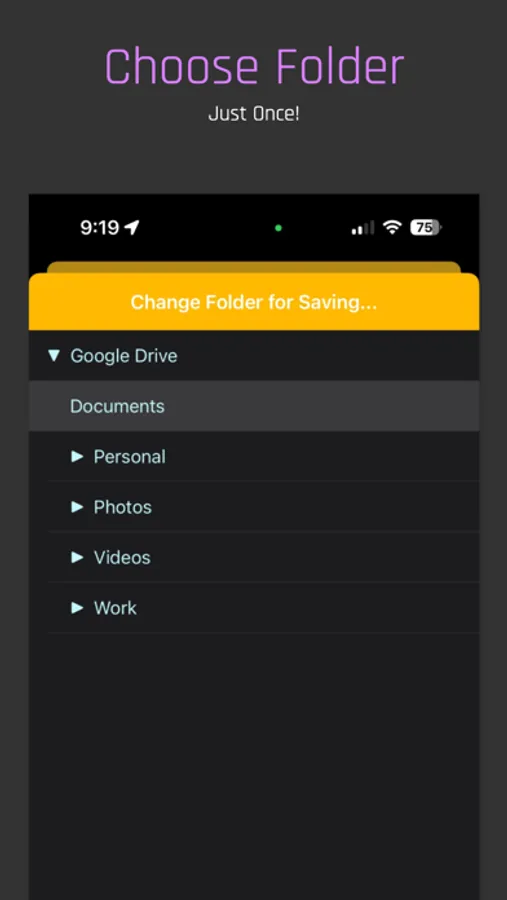
• Link to Google Drive and specify folder just once
• Ultrafast PDF conversion and upload
• Multi-page scanning.
• Automatically names the PDF with time-stamp
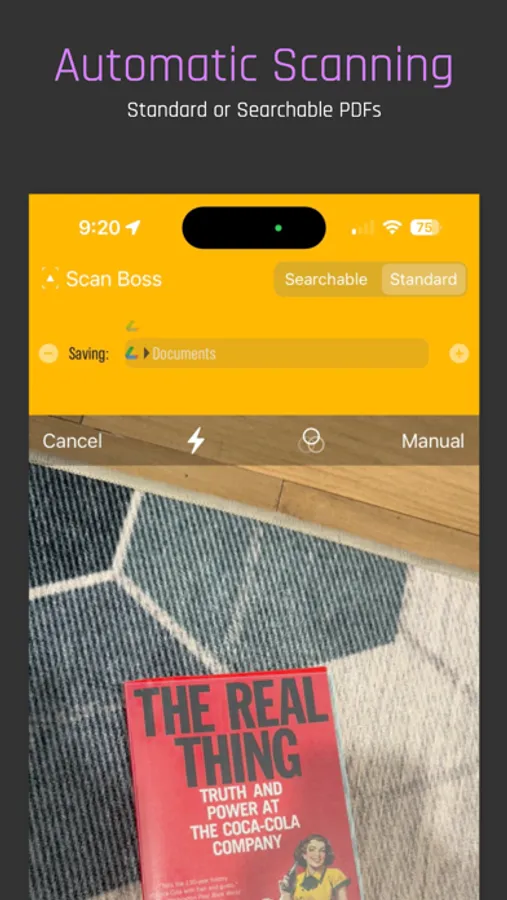
• Automatically detects document and keeps tracking it as the camera moves.
• Automatically crops the document to edges.
• Automatically fixes skewed documents in the scan.
• Choice to turn off automatic mode.
• Choose multiple Google Drive folders and switch between them on the fly as you scan.
• Option to save standard or searchable PDF.
Scan Boss is the only app of its kind and saves tonnes of time for your business or personal use.
See our terms of use at http://techpositive.co/terms
• Single tap operation
• Link to Google Drive and specify folder just once
• Ultrafast PDF conversion and upload
• Multi-page scanning.
• Automatically names the PDF with time-stamp
• Automatically detects document and keeps tracking it as the camera moves.
• Automatically crops the document to edges.
• Automatically fixes skewed documents in the scan.
• Choice to turn off automatic mode.
• Choose multiple Google Drive folders and switch between them on the fly as you scan.
• Option to save standard or searchable PDF.
Scan Boss is the only app of its kind and saves tonnes of time for your business or personal use.
See our terms of use at http://techpositive.co/terms
Scan Boss for Google Drive Screenshots
Tap to Rate: