
About Framify Device - Mockup Bezel
Effortless Add Device Frames to your screenshots and movies - Generate mockups with bezels within seconds
Framify Device is a powerful macOS, iOS and iPad app designed to streamline the process of showcasing screenshots and videos with professional device frames. With just a few clicks, you can frame your screenshots and videos, saving valuable time and energy. Here’s what Framify Device can do for you:
- Instant Framing: Add device frames to your screenshots and videos instantly, without the need for complex design software.
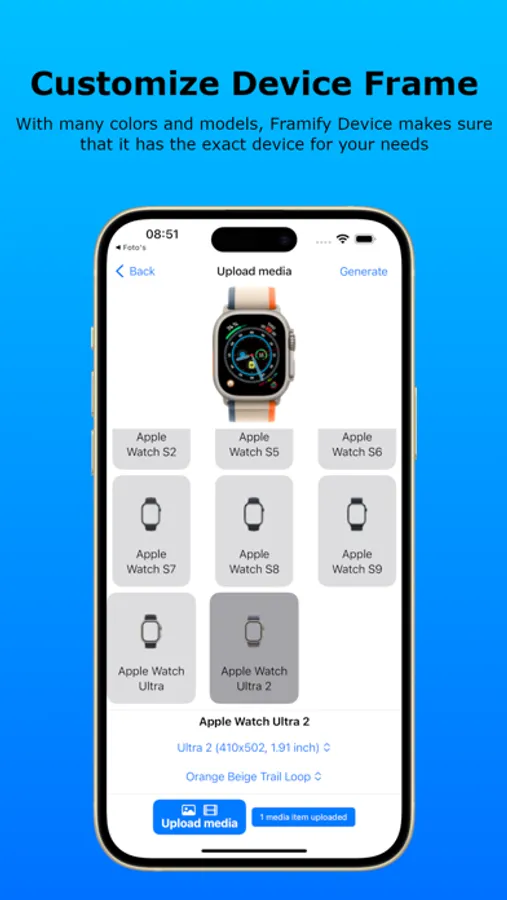
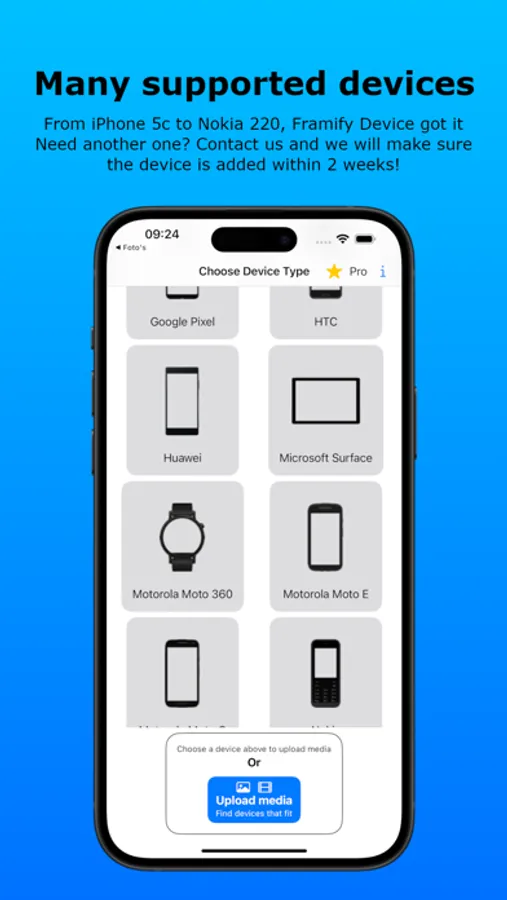
- Wide Device Selection: Choose from a variety of device frames, including iPhones, iPads, MacBooks, Samsung Galaxys and more, to suit every project (400+ devices). Requesting Device Frames is also possible.
- Customization Options: Customize frame colors to match your app’s branding and style for a bezel.
- Seamless Integration: Works seamlessly with macOS, iOS and iPad, allowing you to frame screenshots and videos directly on your desktop, mobile or tablet.
- Time-Saving: Automate the process of cropping and resizing, so you can focus on perfecting your app. Framify Device will match your screenshots and videos pixel-perfect and intelligent inside the frame.
- Export Options: Easily export framed screenshots and videos ready to impress clients, showcase on websites, or share on social media.
- Free Trial: Add a few Device Frames without be charged every day for an unlimited time.
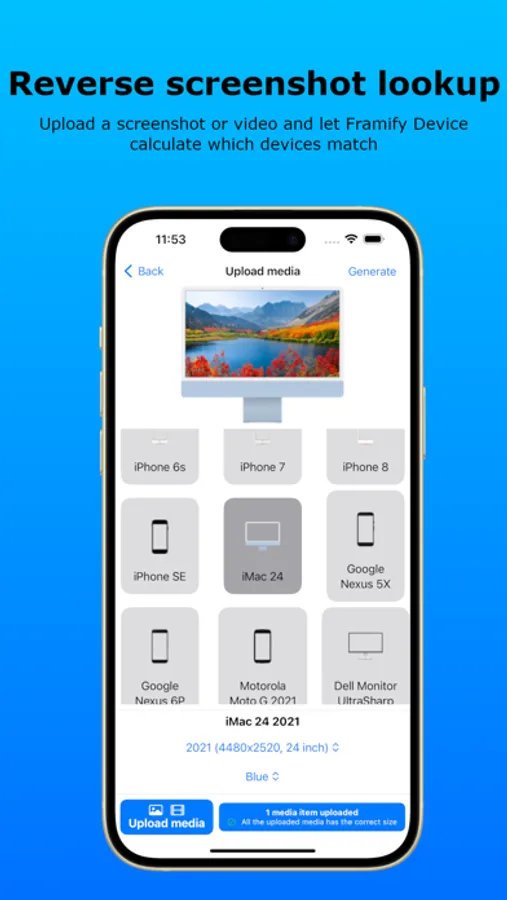
- Dynamic Device Finder: Based on the dimensions of a screenshot and video, Framify Device is able to see matching device frames, giving you just the options of devices which exactly matches the dimensions. Generate a bezel from your media was never been so easy.
- Up to date software: The latest tech is used to make device framing as quick as possible, using Swift, Rust and SwiftUI.
- Many supported files types, allowing you to upload a wide variety of file types, like .png, .mov and many more to generate bezels.
Transform your screenshots and videos into stunning visuals with Framify Device and make a lasting impression on your audience. Create mockups of devices without any hassle.
Terms and conditions: https://framifydevice.com/terms-and-conditions/
Framify Device is a powerful macOS, iOS and iPad app designed to streamline the process of showcasing screenshots and videos with professional device frames. With just a few clicks, you can frame your screenshots and videos, saving valuable time and energy. Here’s what Framify Device can do for you:
- Instant Framing: Add device frames to your screenshots and videos instantly, without the need for complex design software.
- Wide Device Selection: Choose from a variety of device frames, including iPhones, iPads, MacBooks, Samsung Galaxys and more, to suit every project (400+ devices). Requesting Device Frames is also possible.
- Customization Options: Customize frame colors to match your app’s branding and style for a bezel.
- Seamless Integration: Works seamlessly with macOS, iOS and iPad, allowing you to frame screenshots and videos directly on your desktop, mobile or tablet.
- Time-Saving: Automate the process of cropping and resizing, so you can focus on perfecting your app. Framify Device will match your screenshots and videos pixel-perfect and intelligent inside the frame.
- Export Options: Easily export framed screenshots and videos ready to impress clients, showcase on websites, or share on social media.
- Free Trial: Add a few Device Frames without be charged every day for an unlimited time.
- Dynamic Device Finder: Based on the dimensions of a screenshot and video, Framify Device is able to see matching device frames, giving you just the options of devices which exactly matches the dimensions. Generate a bezel from your media was never been so easy.
- Up to date software: The latest tech is used to make device framing as quick as possible, using Swift, Rust and SwiftUI.
- Many supported files types, allowing you to upload a wide variety of file types, like .png, .mov and many more to generate bezels.
Transform your screenshots and videos into stunning visuals with Framify Device and make a lasting impression on your audience. Create mockups of devices without any hassle.
Terms and conditions: https://framifydevice.com/terms-and-conditions/
Framify Device - Mockup Bezel Screenshots
Tap to Rate: