In this router management app, you can access and configure your router settings quickly using your device. Includes features for network status checks, device management, QR code scanning, and password customization.
AppRecs review analysis
AppRecs rating 4.2. Trustworthiness 0 out of 100. Review manipulation risk 0 out of 100. Based on a review sample analyzed.
★★★★☆
4.2
AppRecs Rating
Ratings breakdown
5 star
79%
4 star
4%
3 star
4%
2 star
4%
1 star
11%
What to know
✓
High user satisfaction
82% of sampled ratings are 4+ stars (4.4★ average)
About Router Admin Control
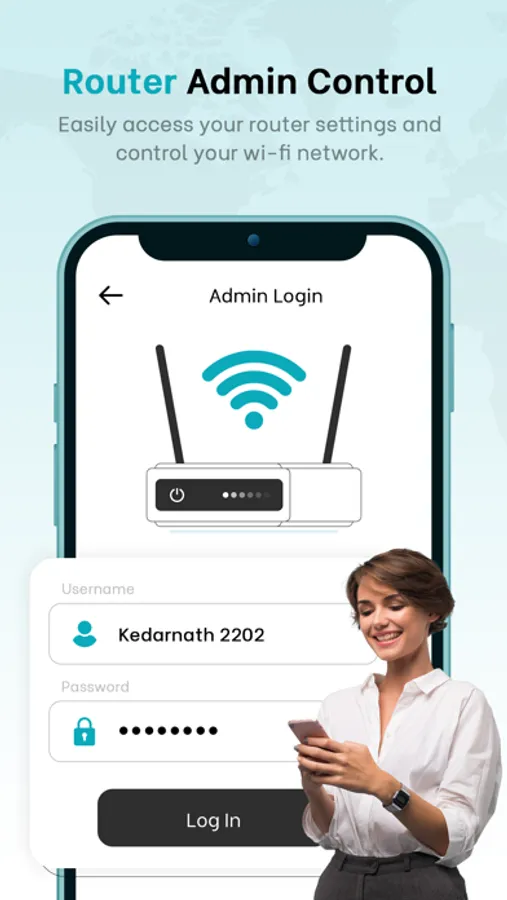
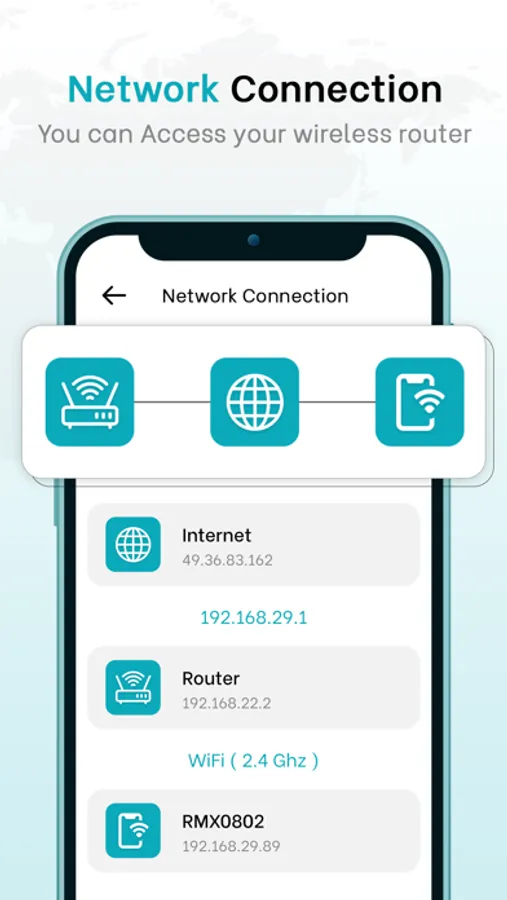
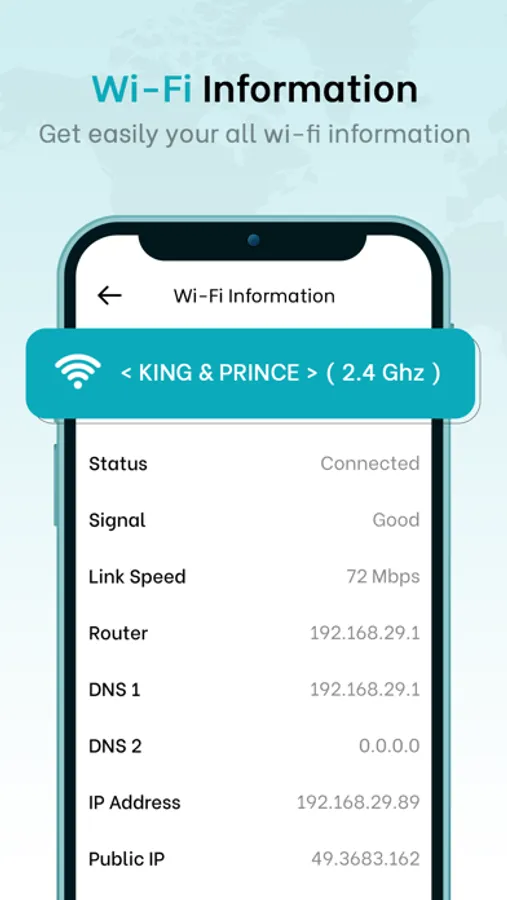
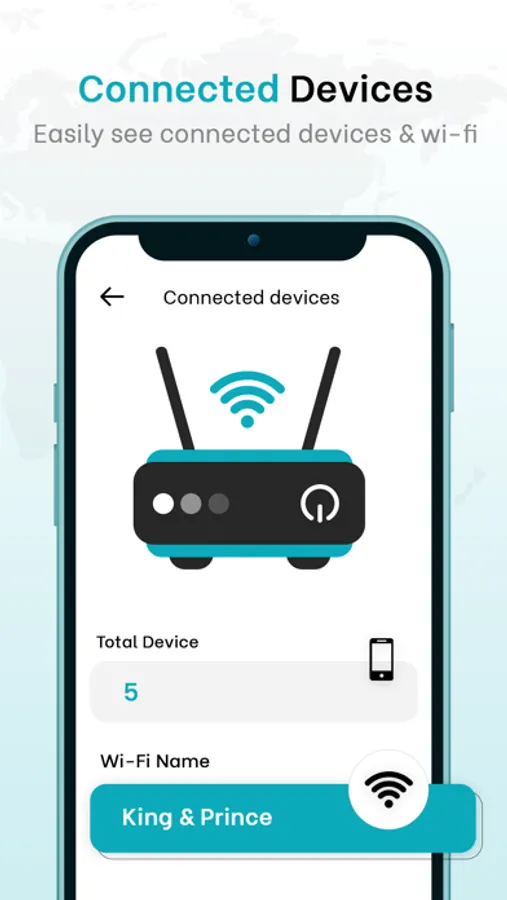
Router Admin Control with you can quickly and simply take complete control of your router's settings. You can access the router settings using only your device. Your router's setup and configuration can be changed quickly and easily without having a lengthy process. Easily check the network connection and see how many devices are connected to your network.
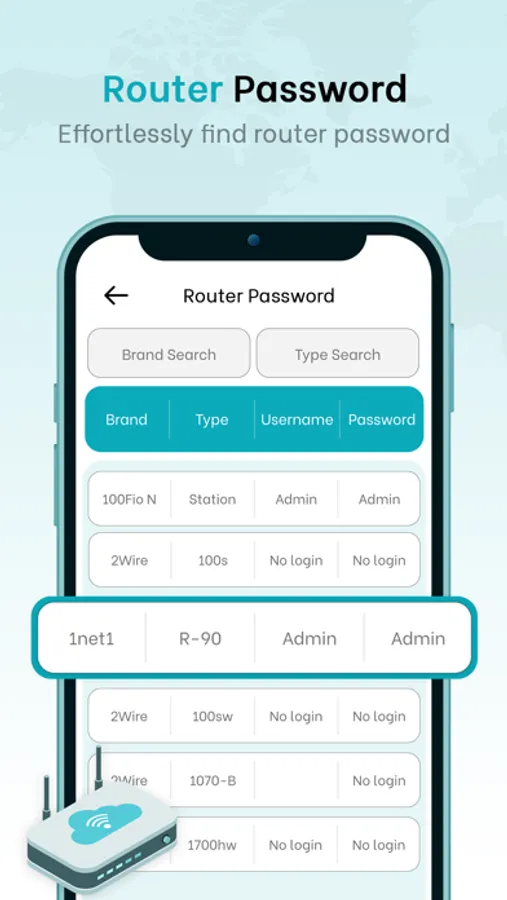
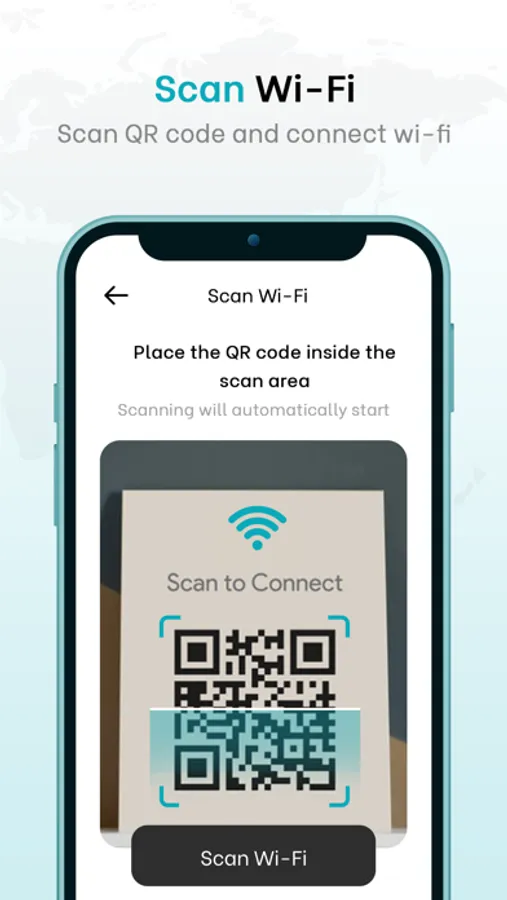
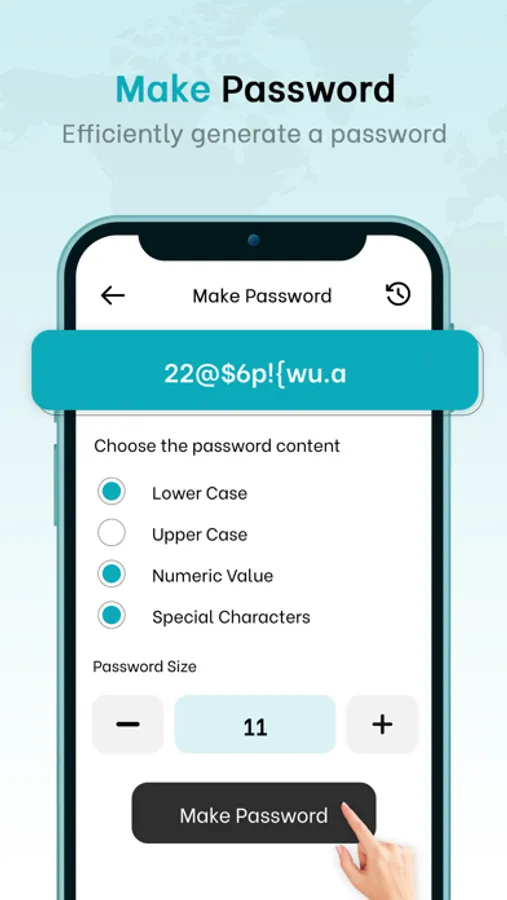
Utilize the QR Code scanning tool to scan QR codes to find the exact speed details of your current network and to connect to the network intelligently. To protect your network from unauthorized access, you can use Router Admin Control to check for the router password and create a strong password using the characters and numbers of your choice. To take total control of your router settings and keep strangers away, use the Router Admin Control App.
FEATURES:
Quick to get access to router settings
Easily check how many devices are connected
Check your network connection with ease
Simply scan for nearby router details
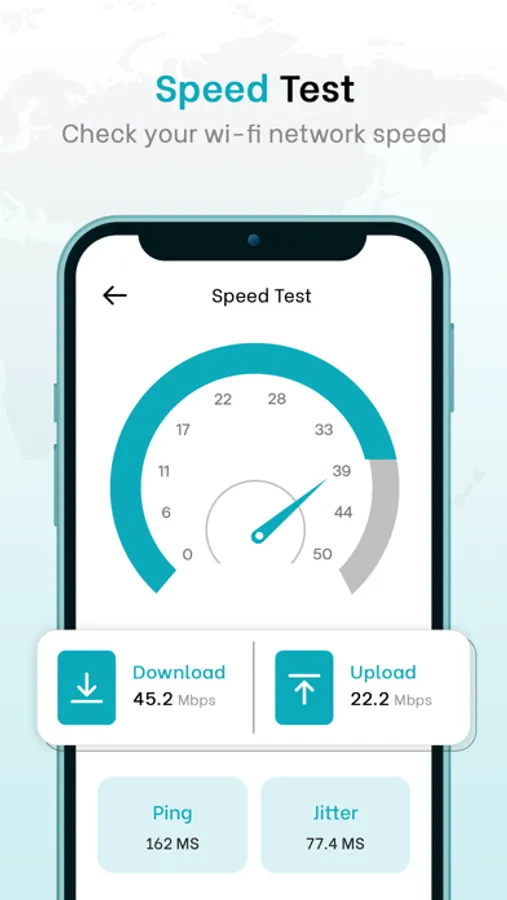
Check the accurate speed details of your network
Catch the network easily by just using QR Code scanning
Personalize your choice of strong password to protect your network from strangers
Best way to configure your router settings with your device
For more information :
Privacy Policy : http://phawkinfotech.com/privacy_policy.html
Terms of Use : http://phawkinfotech.com/terms_of_use.html
Utilize the QR Code scanning tool to scan QR codes to find the exact speed details of your current network and to connect to the network intelligently. To protect your network from unauthorized access, you can use Router Admin Control to check for the router password and create a strong password using the characters and numbers of your choice. To take total control of your router settings and keep strangers away, use the Router Admin Control App.
FEATURES:
Quick to get access to router settings
Easily check how many devices are connected
Check your network connection with ease
Simply scan for nearby router details
Check the accurate speed details of your network
Catch the network easily by just using QR Code scanning
Personalize your choice of strong password to protect your network from strangers
Best way to configure your router settings with your device
For more information :
Privacy Policy : http://phawkinfotech.com/privacy_policy.html
Terms of Use : http://phawkinfotech.com/terms_of_use.html
Router Admin Control Screenshots
Tap to Rate: